Build Configurator
Design your build and generate your sourcing lists.
Multi-Material Unit (MMU)
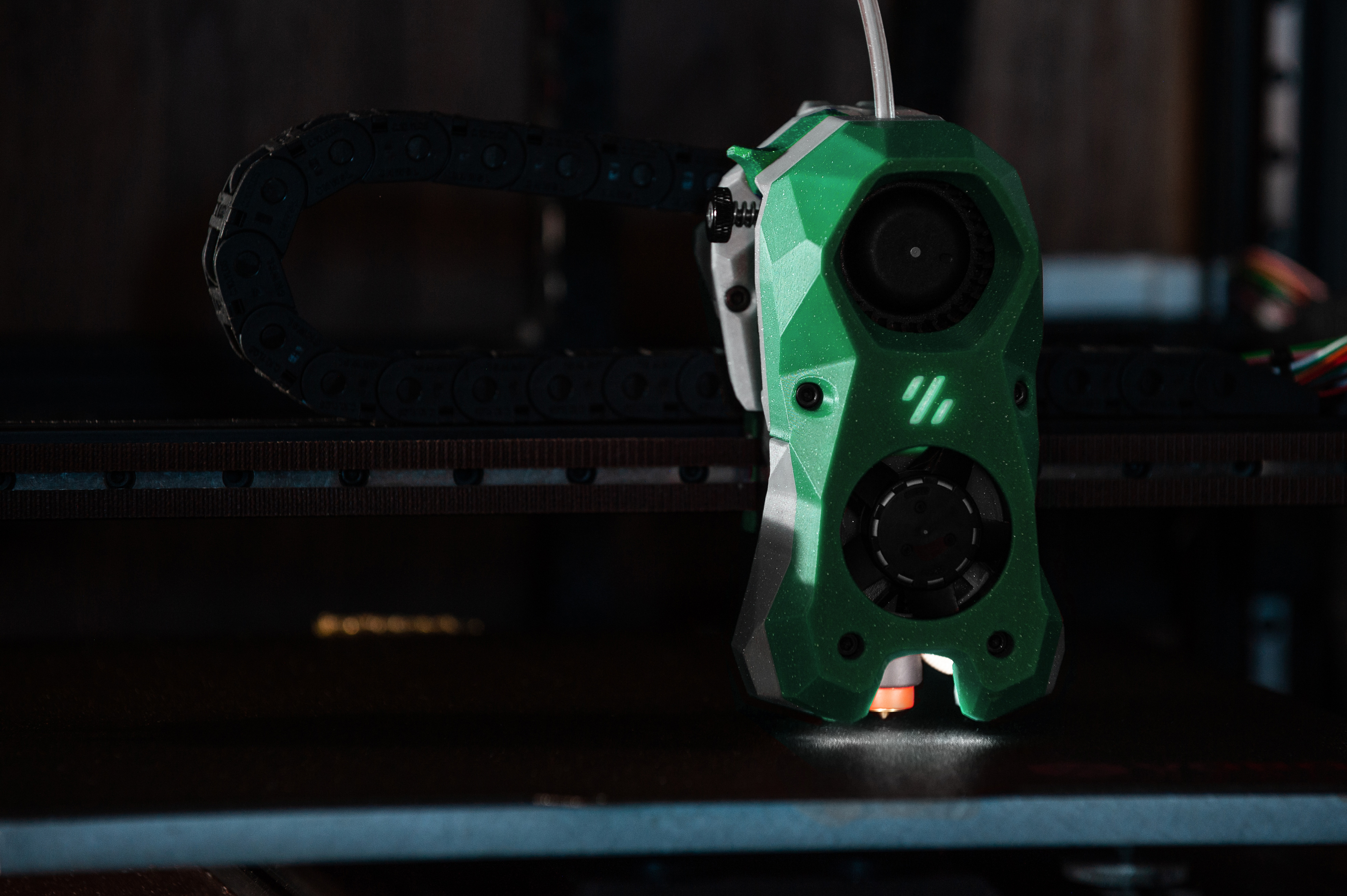
Voron 2.4
The gold standard CoreXY enclosed printer
250³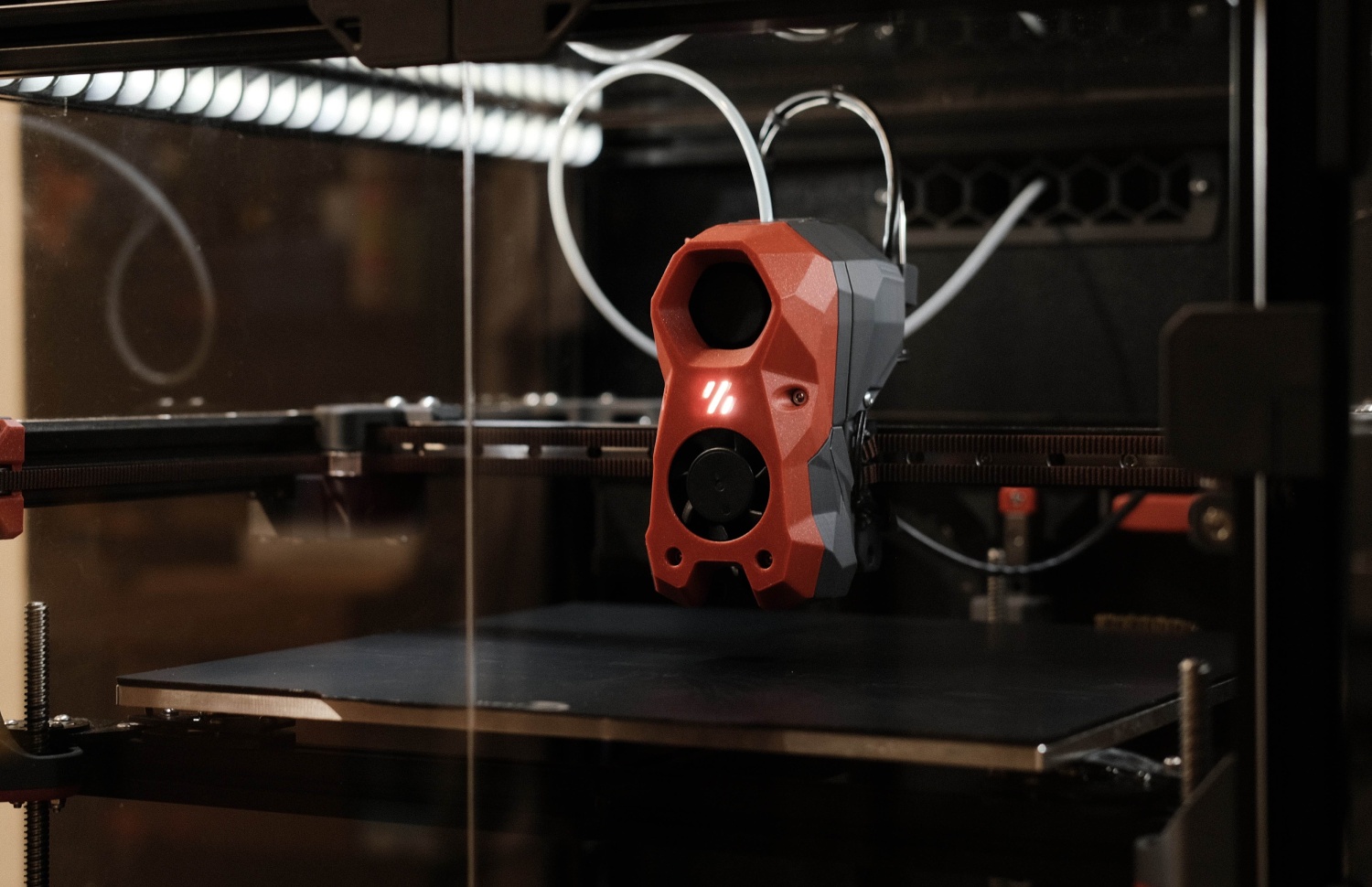
Voron Trident
The reliable workhorse — Trident does it all
250³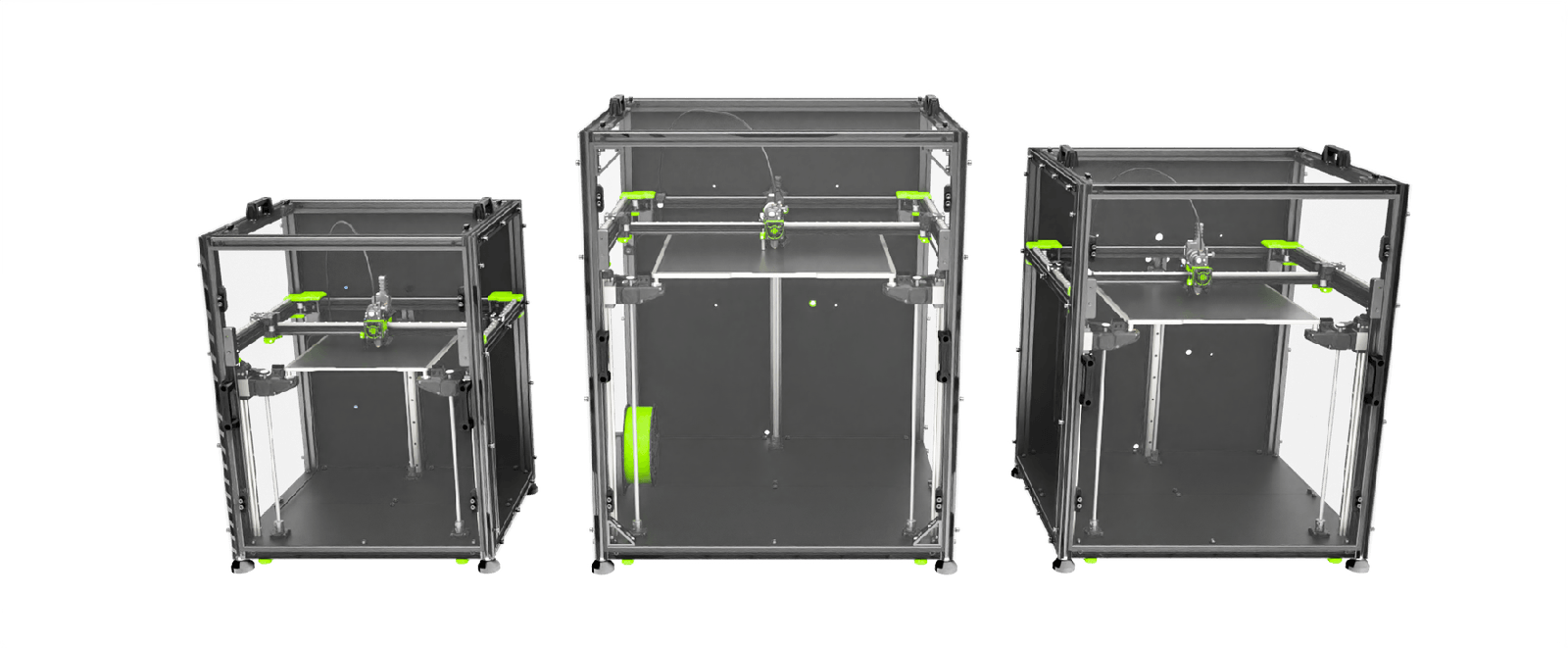
RatRig V-Core 4
Next-gen enclosed CoreXY with premium engineering
300²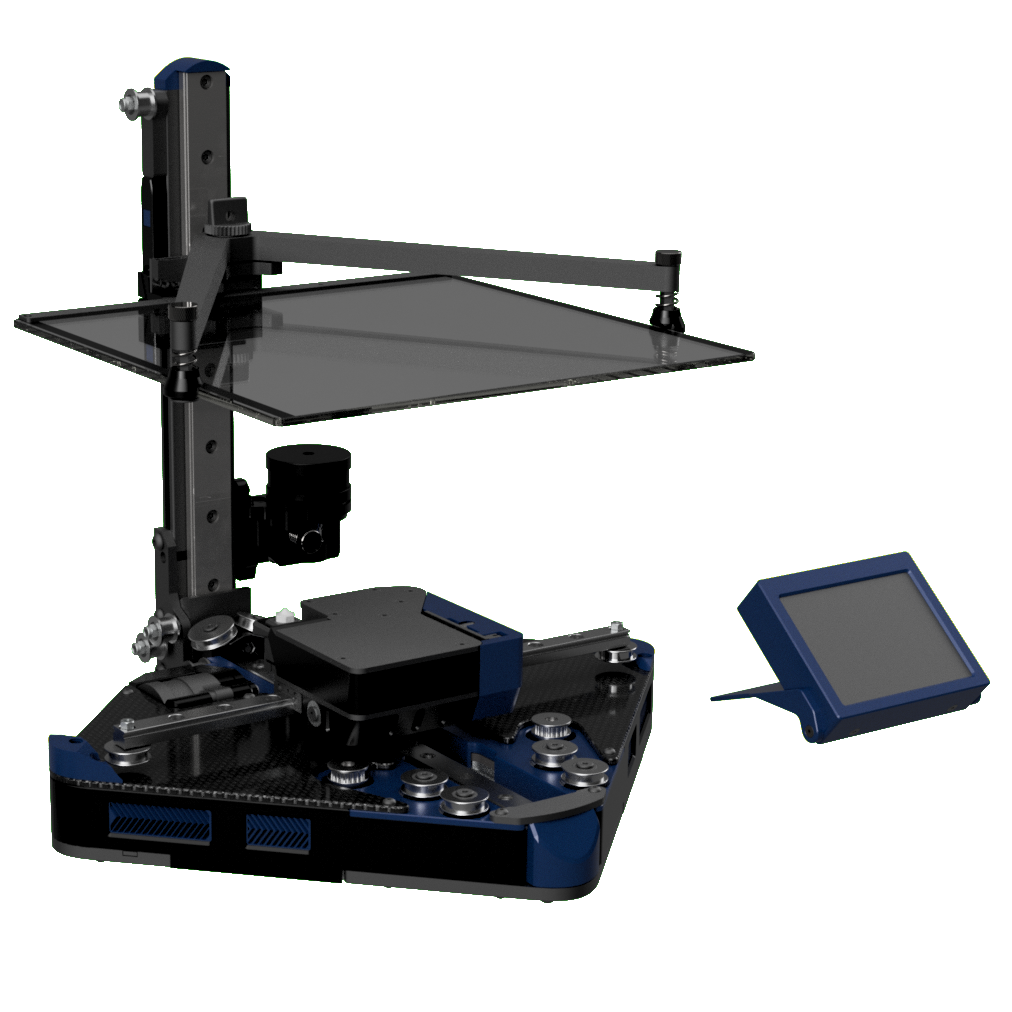
Positron V3.2
Upside-down CoreXY that folds into a filament spool box
180 × 180 × 165 mm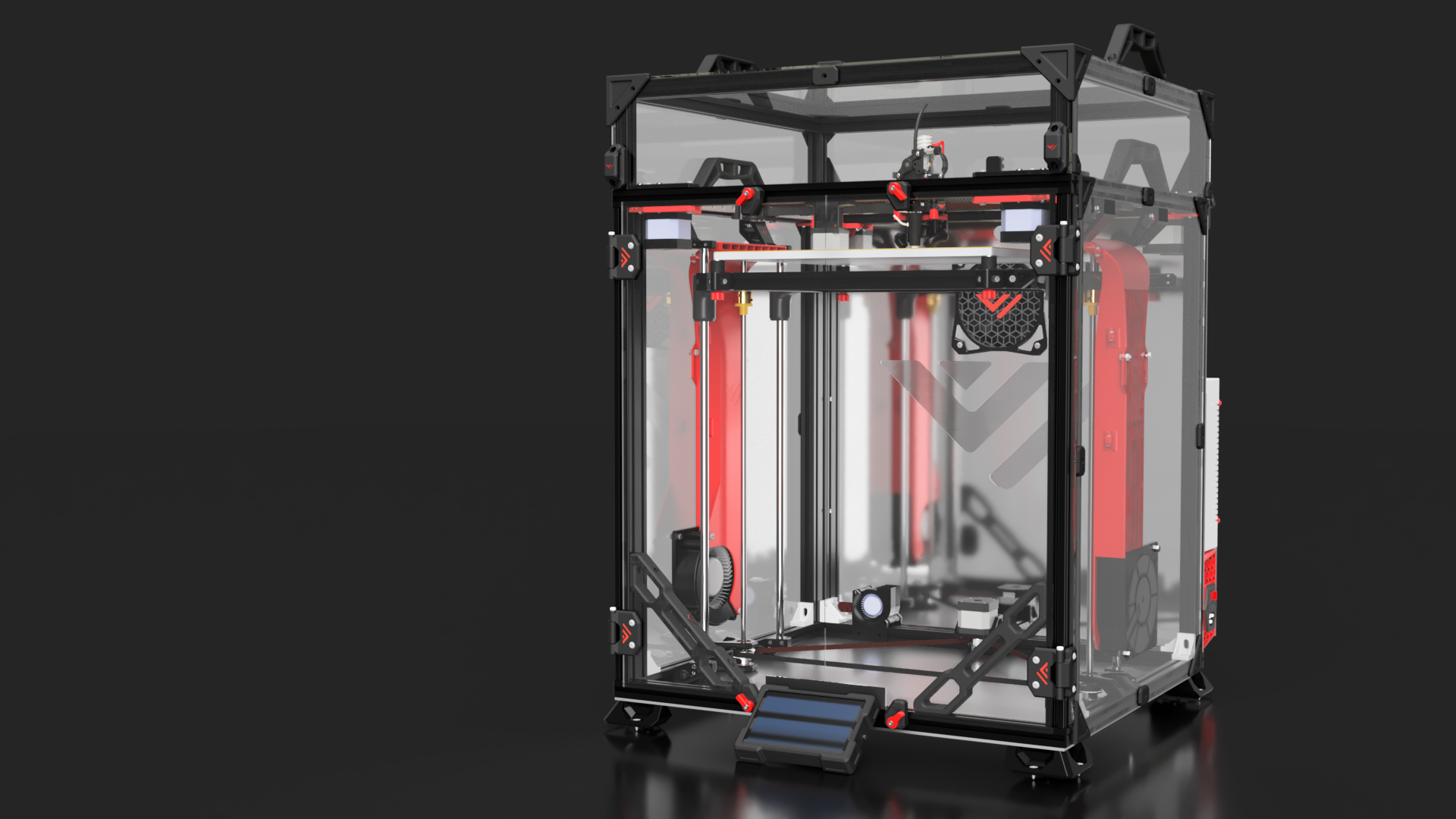
VzBot Vz330
High-speed AWD CoreXY built for velocity
330 × 330 × 400 mm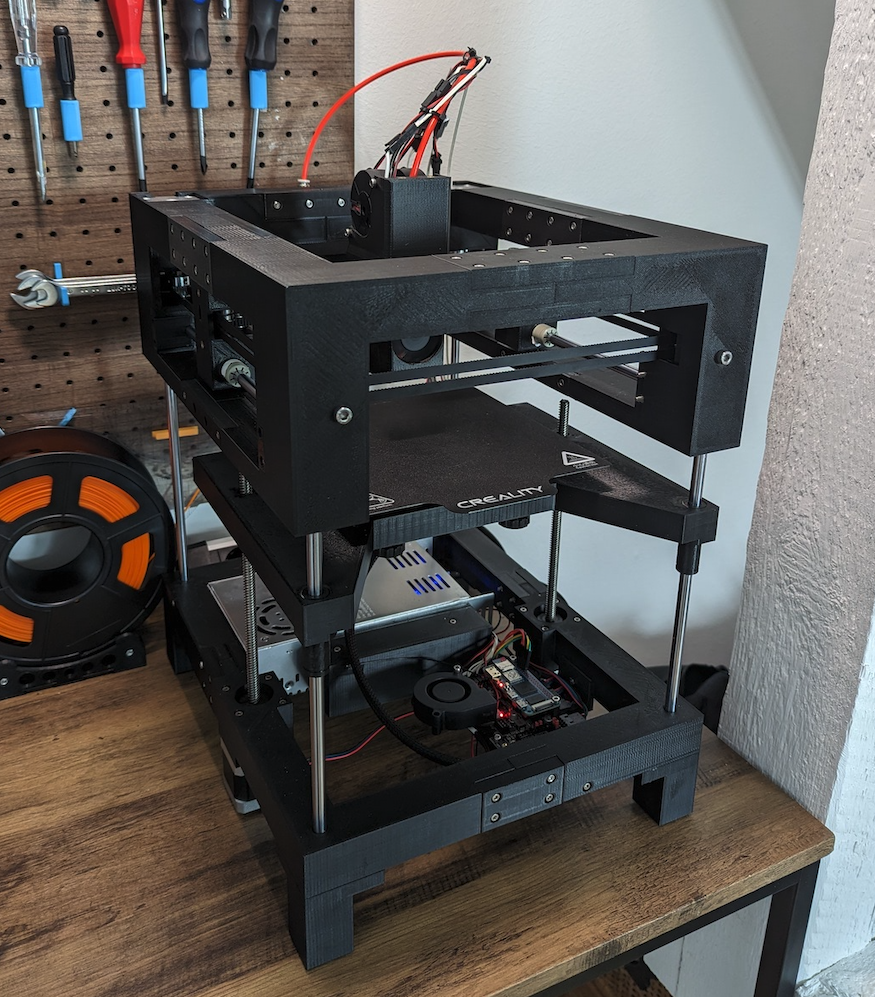
THE 100
Fastest printed-frame CoreXY — budget speed machine
165 × 165 × 150 mmChoose Your Build
Click any machine to learn more, or select one above to start configuring.
Voron 2.4
The gold standard CoreXY enclosed printer
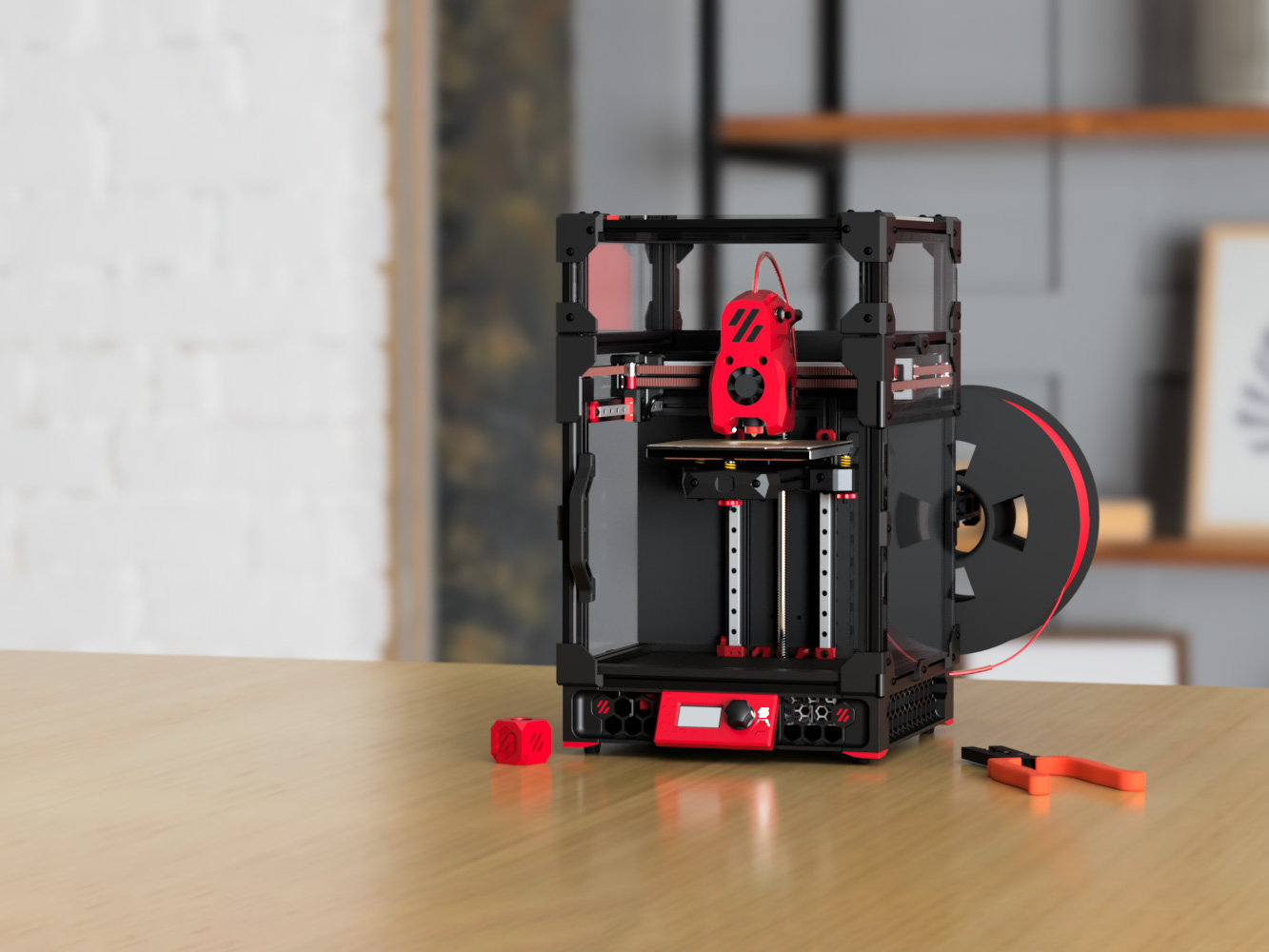 CoreXY
Voron 0.2
Tiny desktop CoreXY that punches above its weight
CoreXY
Voron Trident
The reliable workhorse — Trident does it all
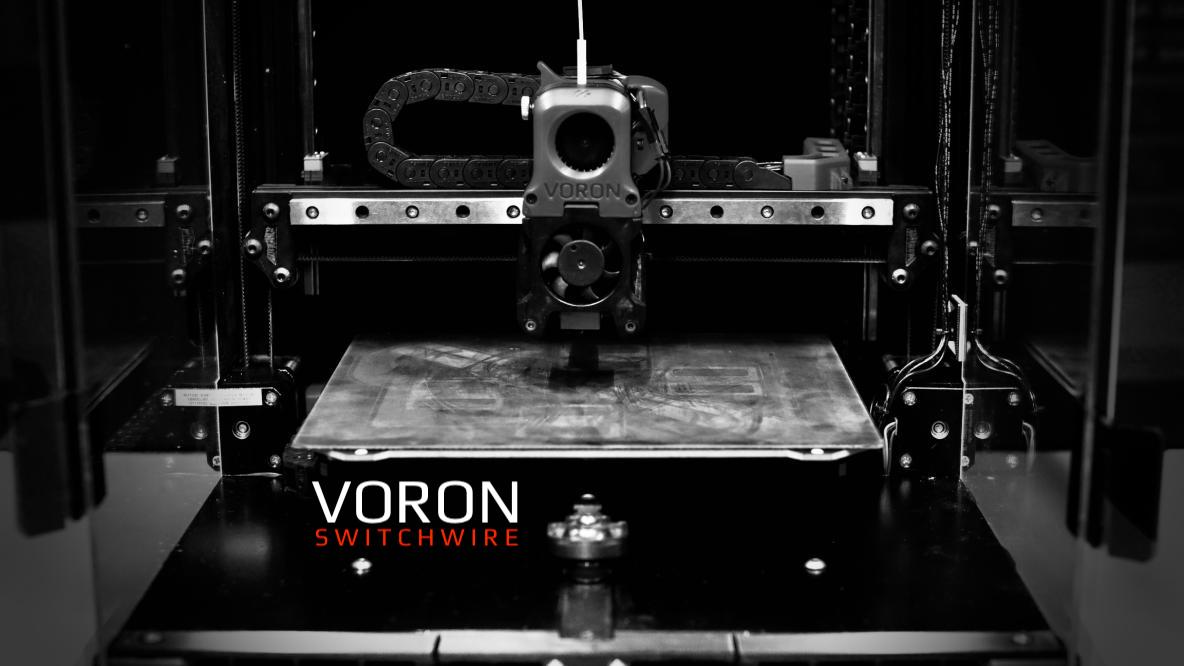 CoreXZ
Voron Switchwire
CoreXZ bedslinger — the gateway Voron
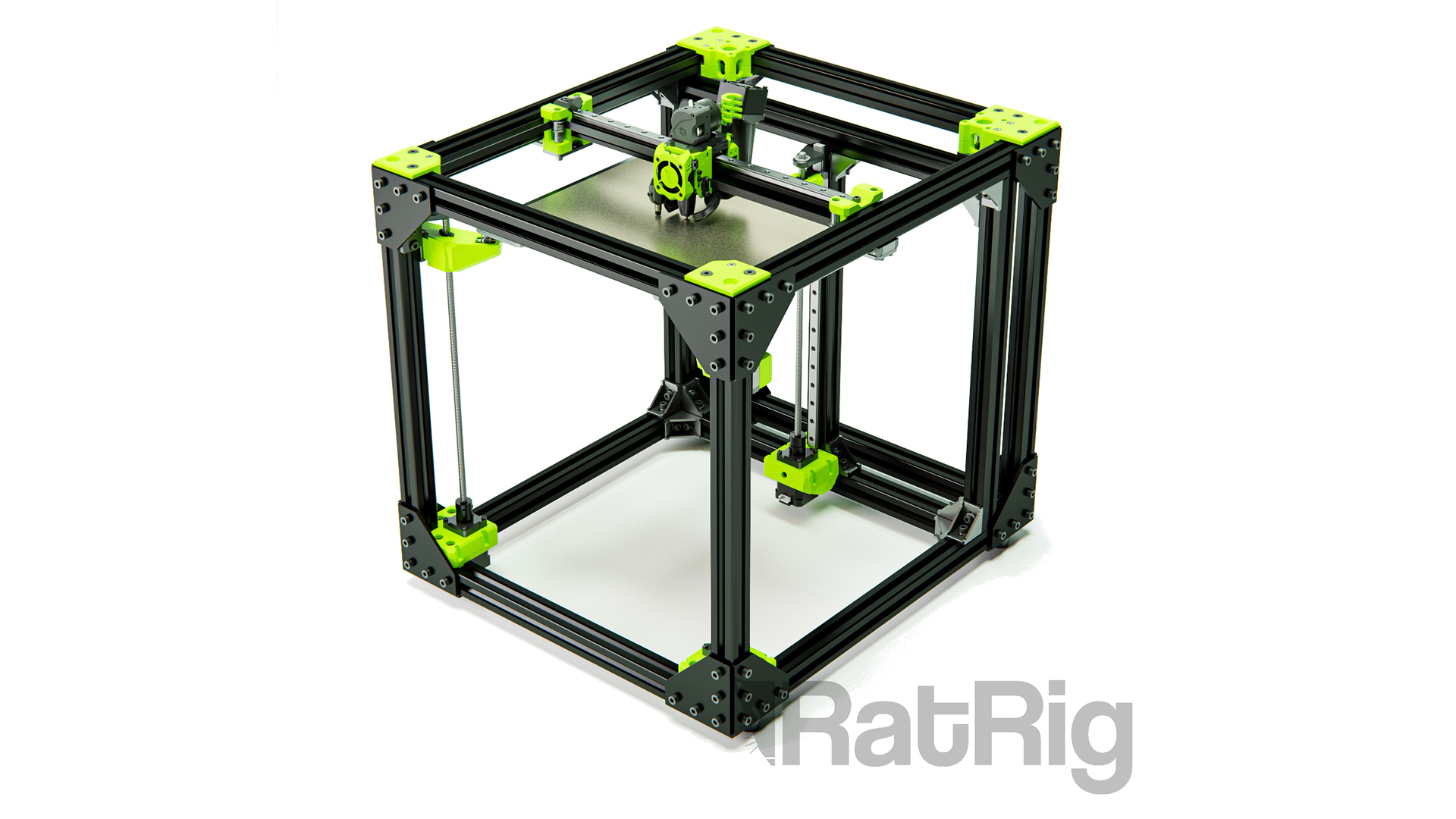 CoreXY
RatRig V-Core 3.1
The proven 3-point CoreXY workhorse
CoreXY
RatRig V-Core 4
Next-gen enclosed CoreXY with premium engineering
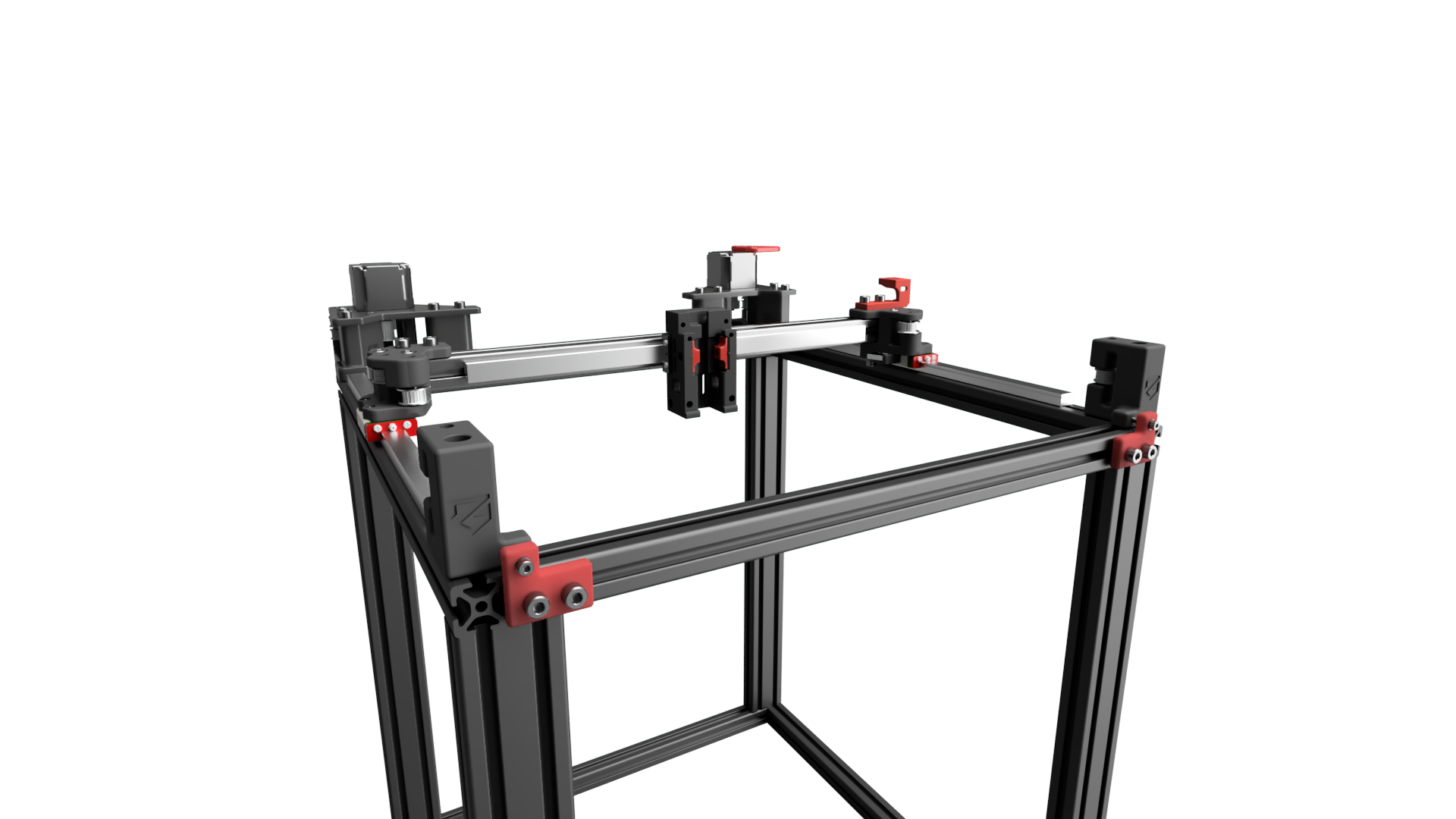 CoreXY Conversion
ZeroG Mercury One
Convert your Ender into a speed demon
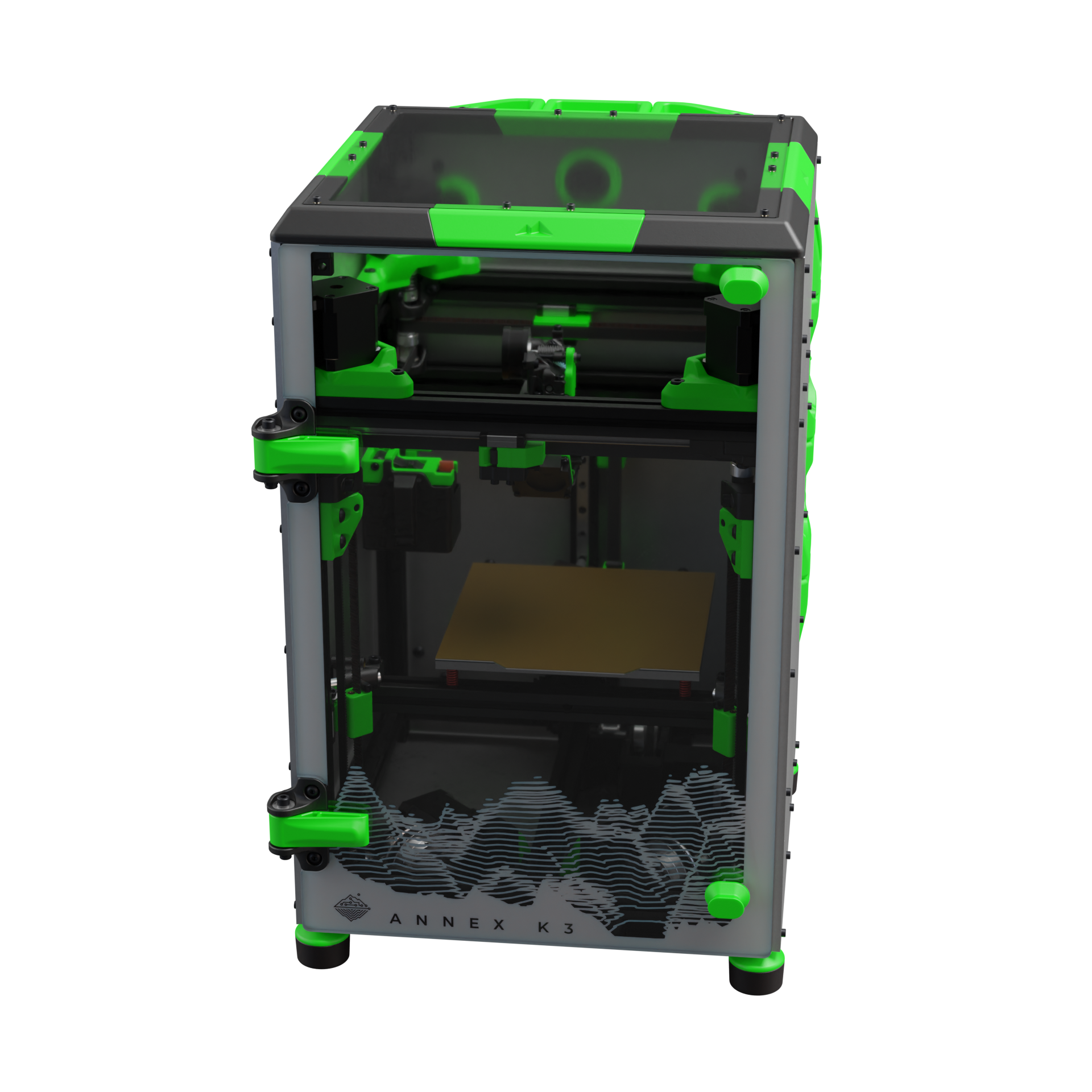 CartesianXY
Annex K3
Compact speed machine with dual-motor XY
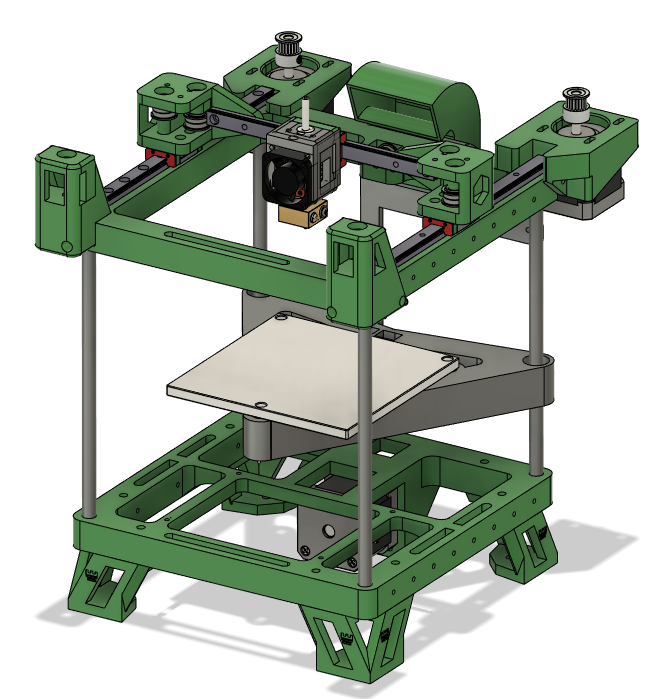 CoreXY
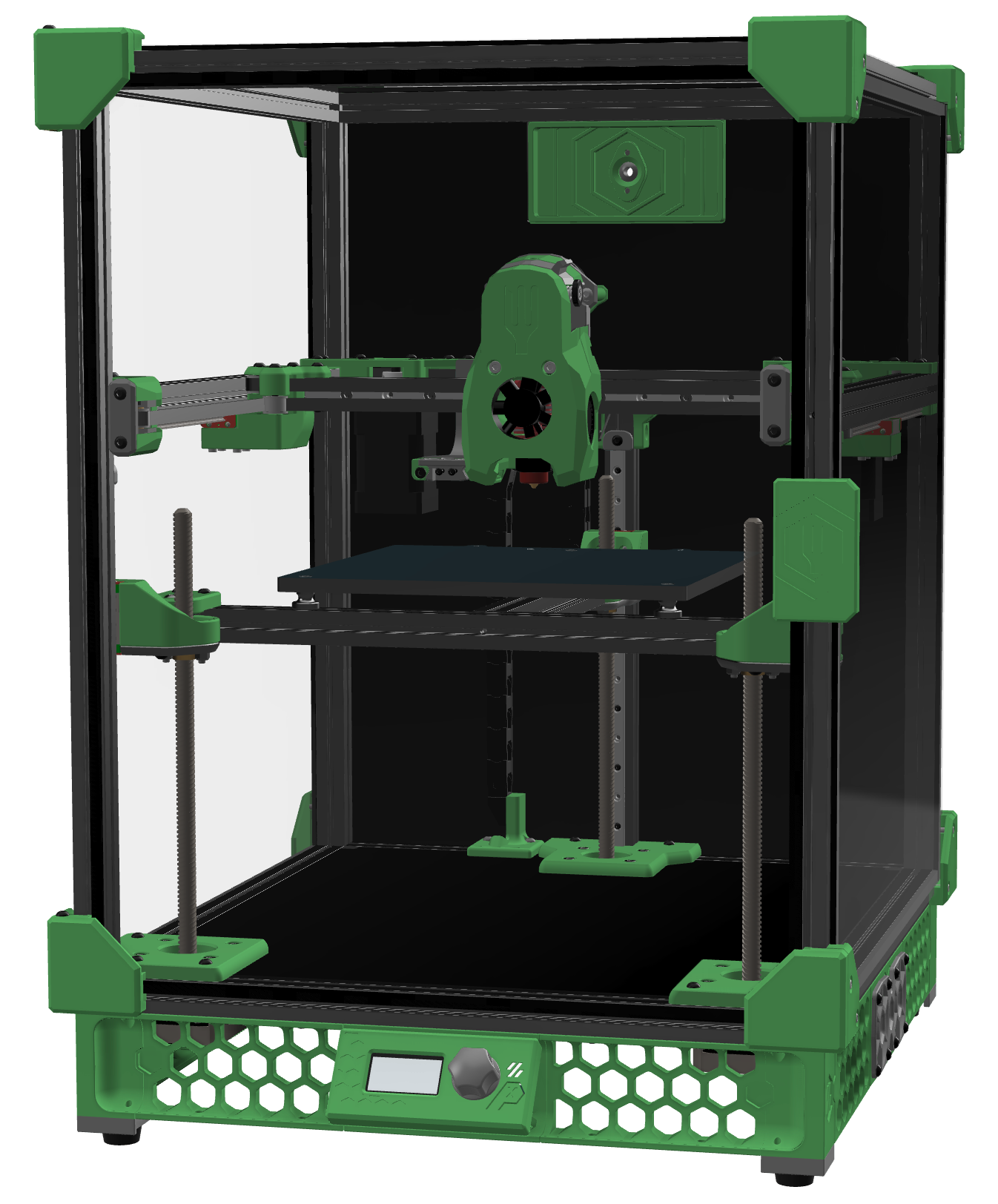
Rook MK1
Affordable mostly-printed CoreXY for beginners
 CoreXY
Salad Fork
A Trident scaled down to 1515 — the overengineered mini
CoreXY
Positron V3.2
Upside-down CoreXY that folds into a filament spool box
CoreXY
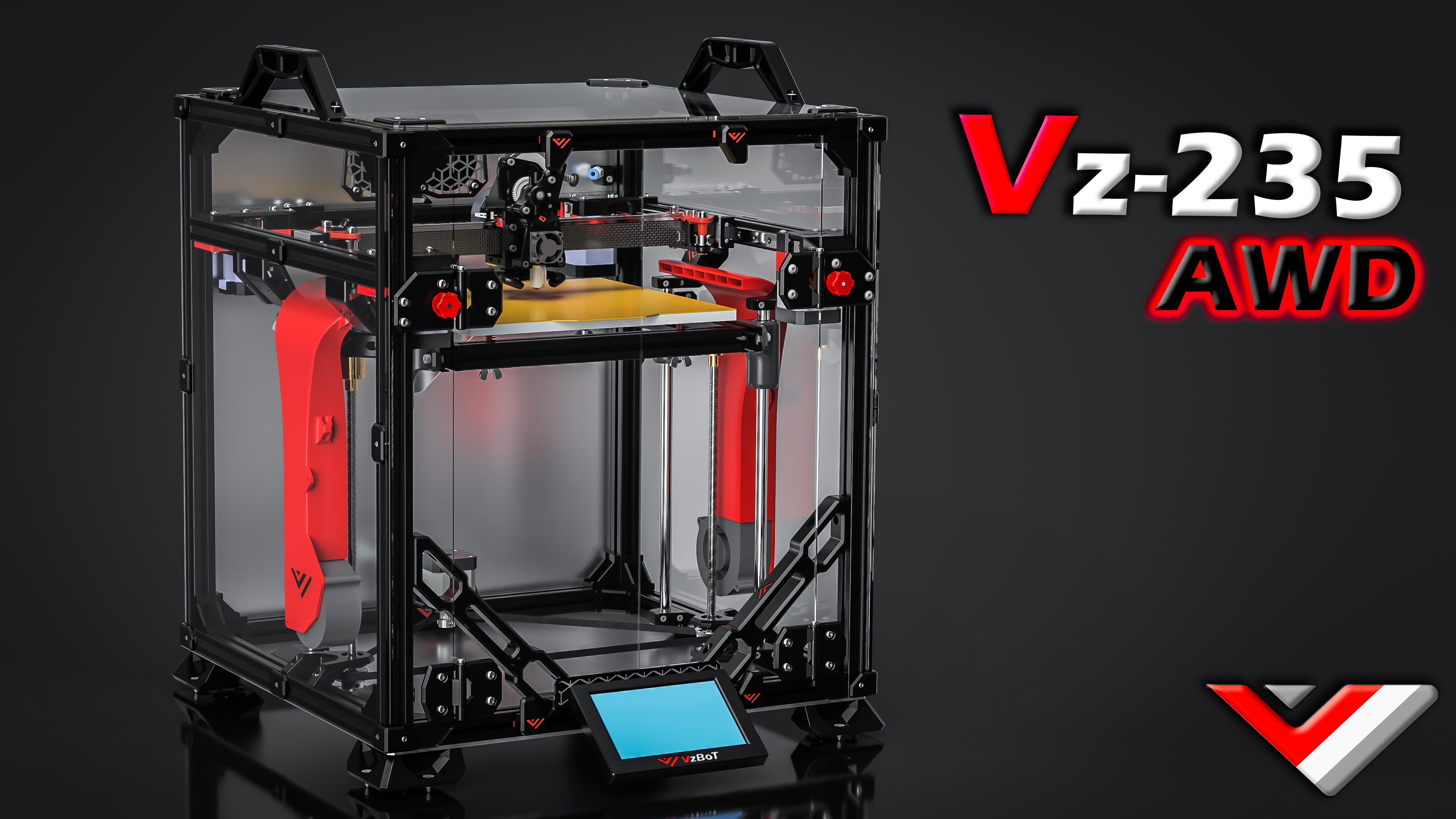
VzBot Vz330
High-speed AWD CoreXY built for velocity
 CoreXY
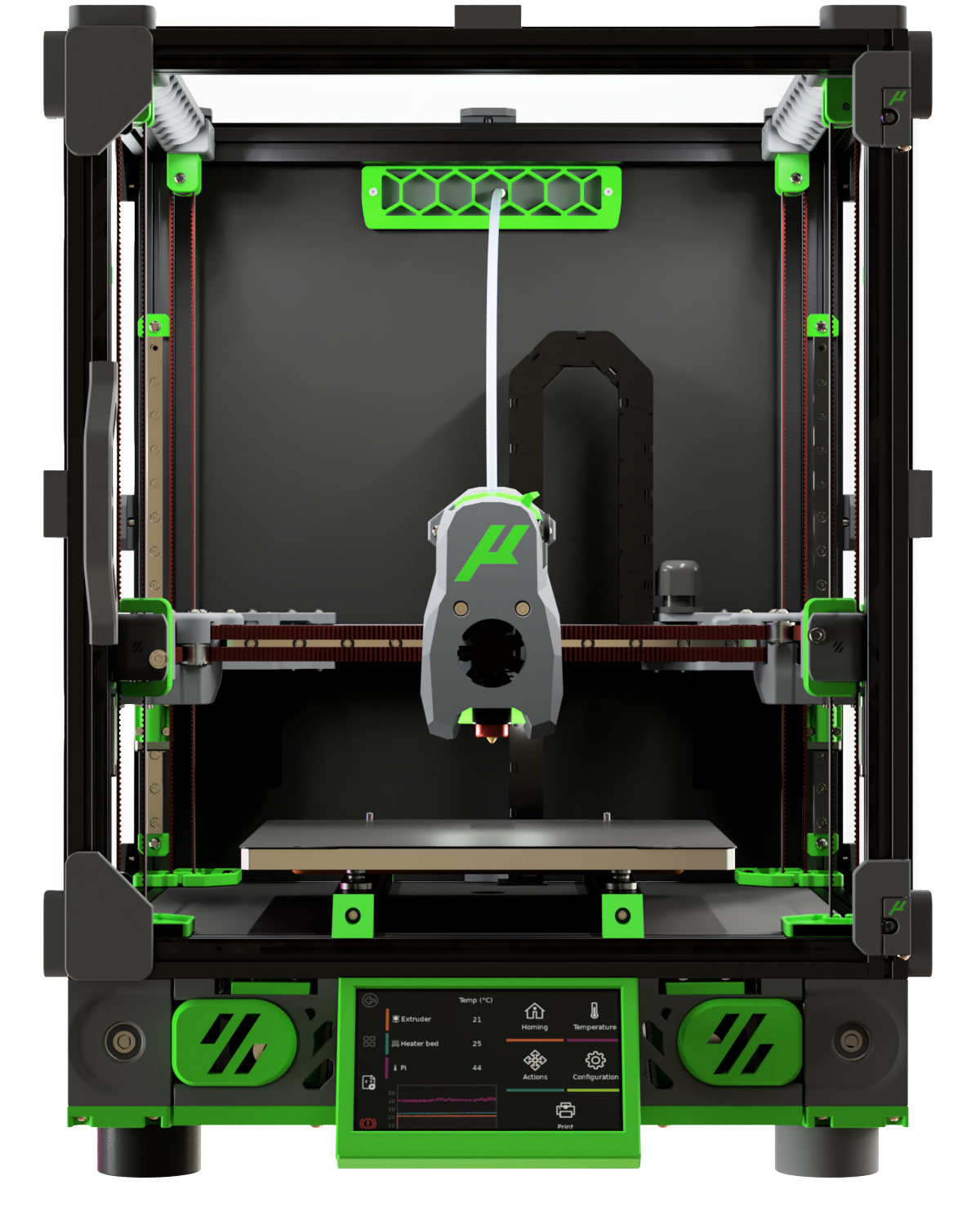
VzBot Vz235
Compact AWD speed demon in Ender-3 footprint
 CoreXY
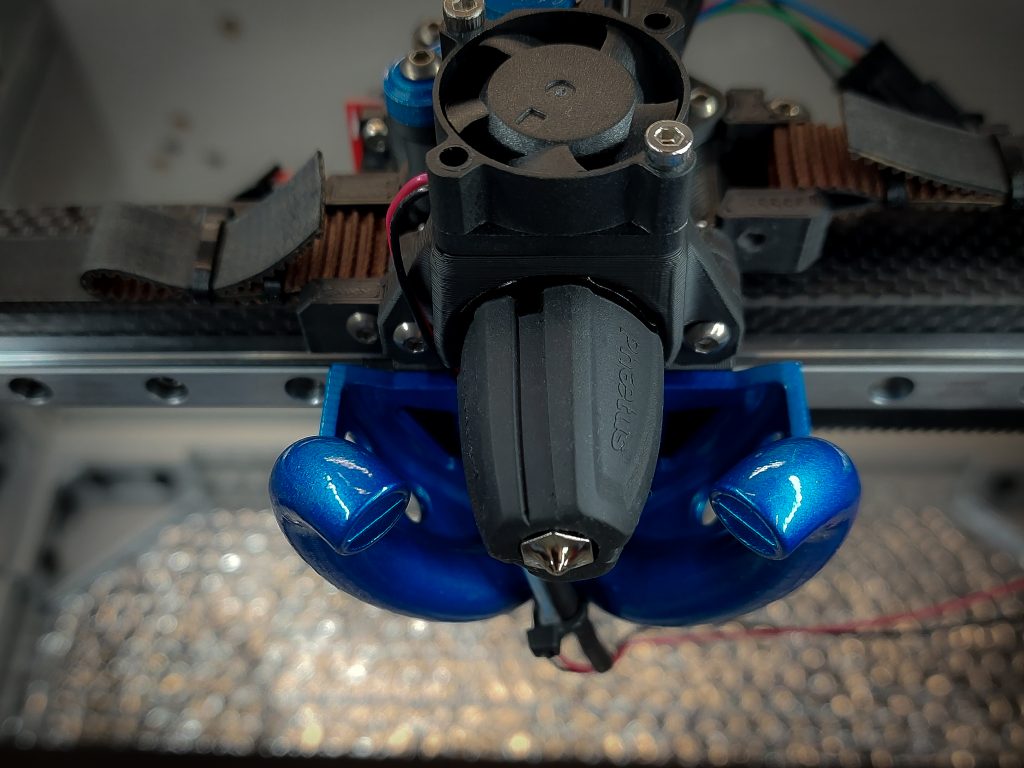
Micron / Micron+
Voron V2.4 shrunk to 1515 extrusions
 CoreXY
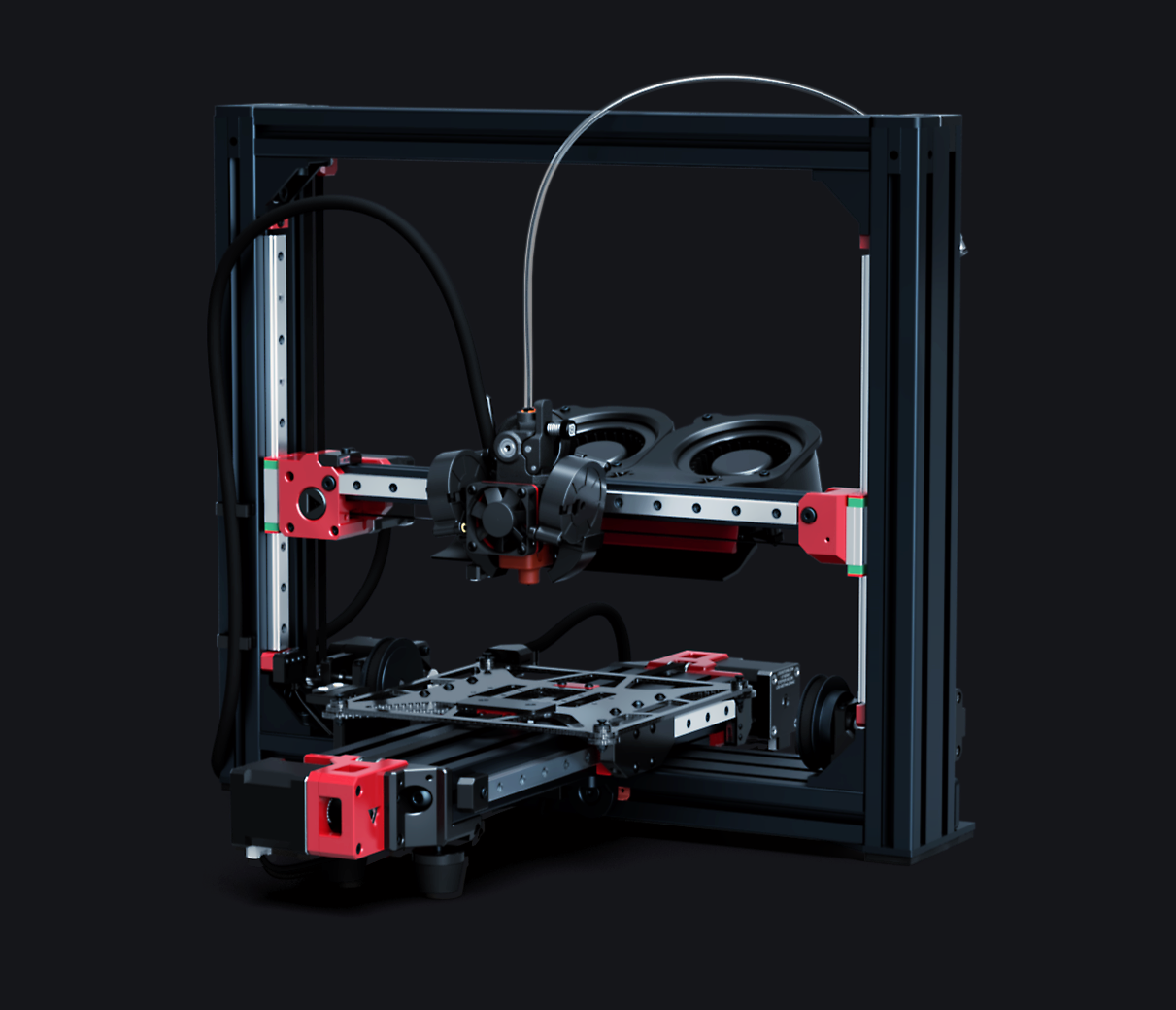
HevORT
Scalable high-performance CoreXY with self-leveling Z
 Cartesian
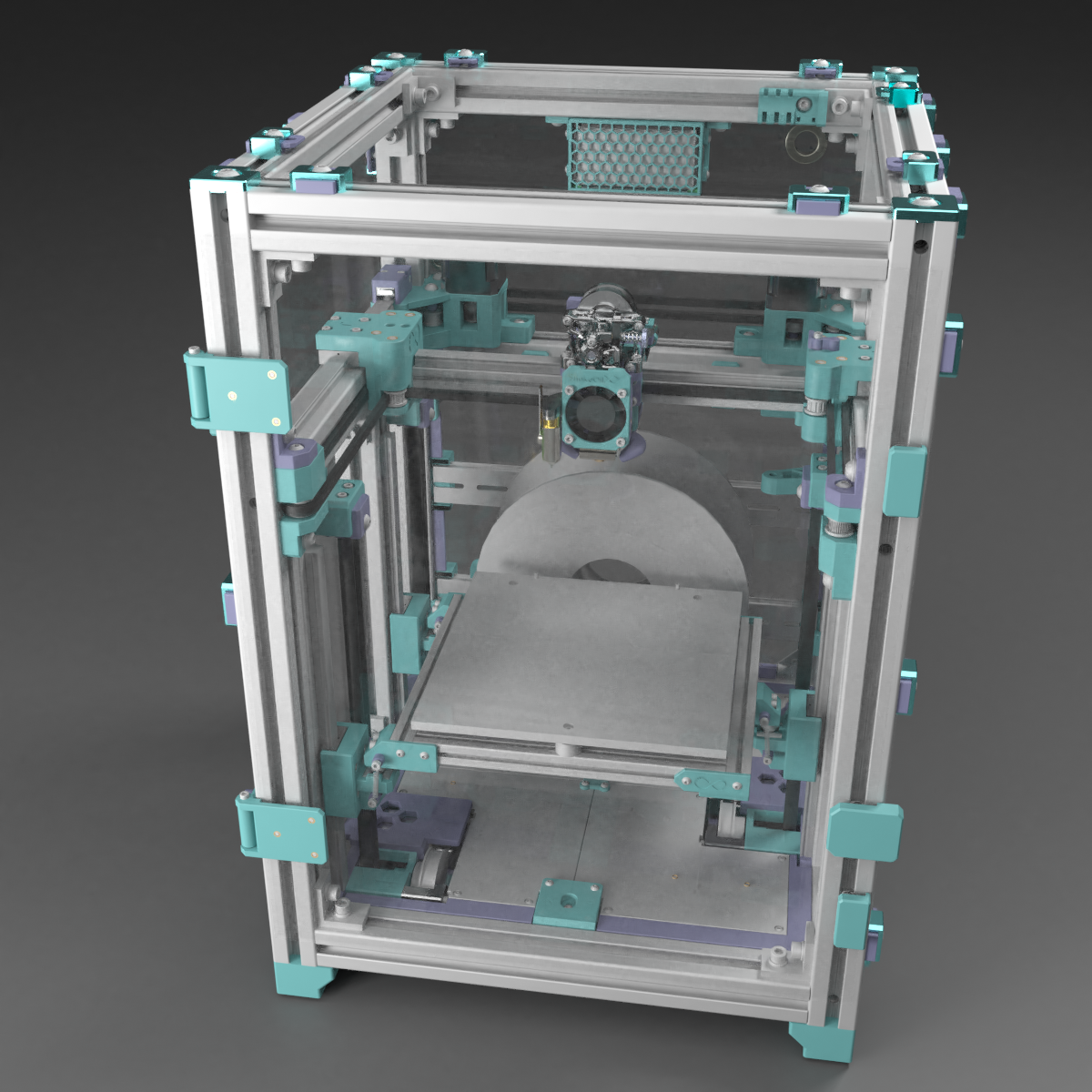
LH Stinger
AWD Cartesian speed printer with 1000mm/s capability
 CoreXY
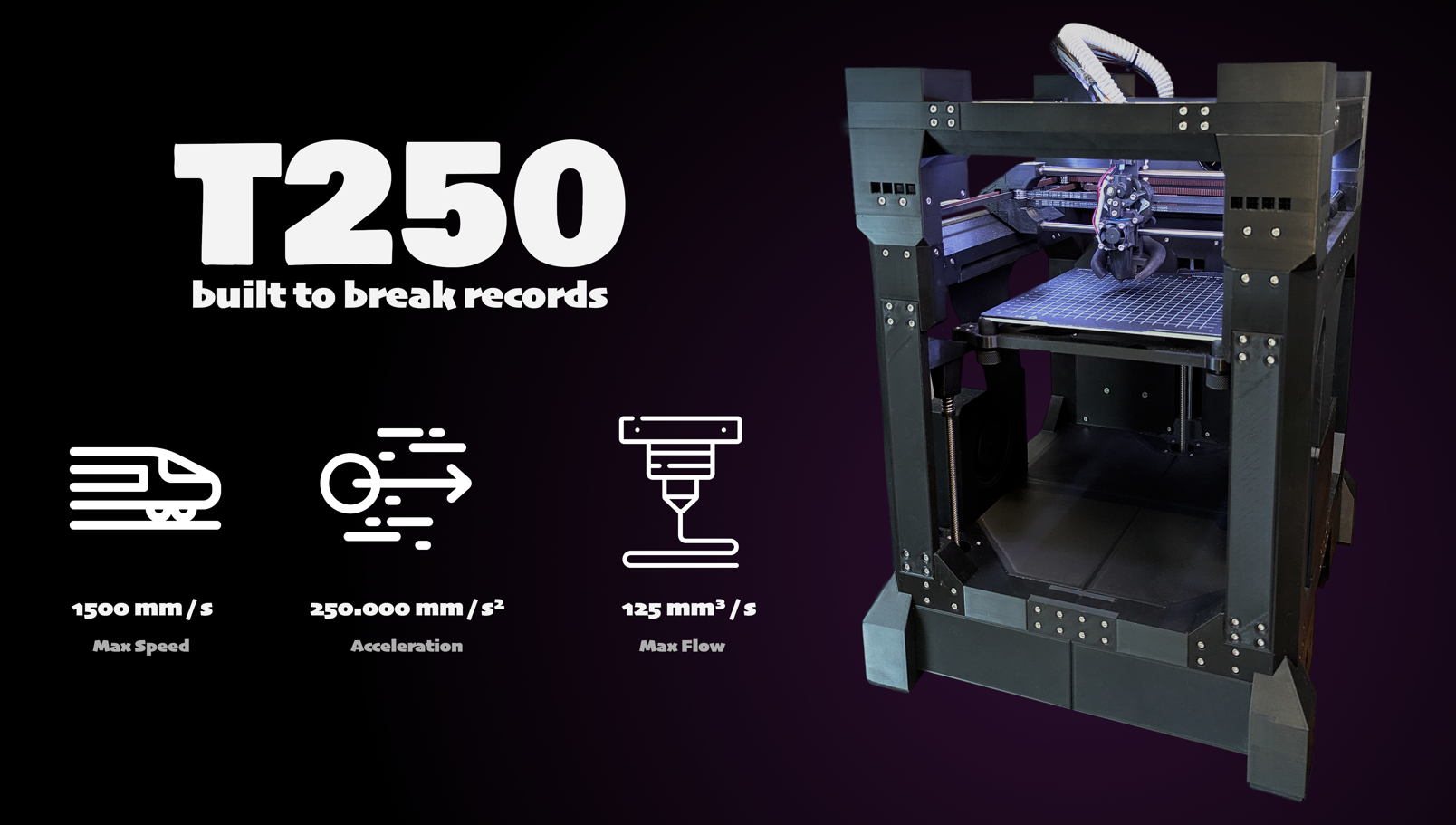
SnakeOil-XY
Versatile CoreXY with Extended kinematics and IDEX option
 CoreXY
T250
World record speed printer — sub-2-minute Benchy
CoreXY
THE 100
Fastest printed-frame CoreXY — budget speed machine
 CoreXZ
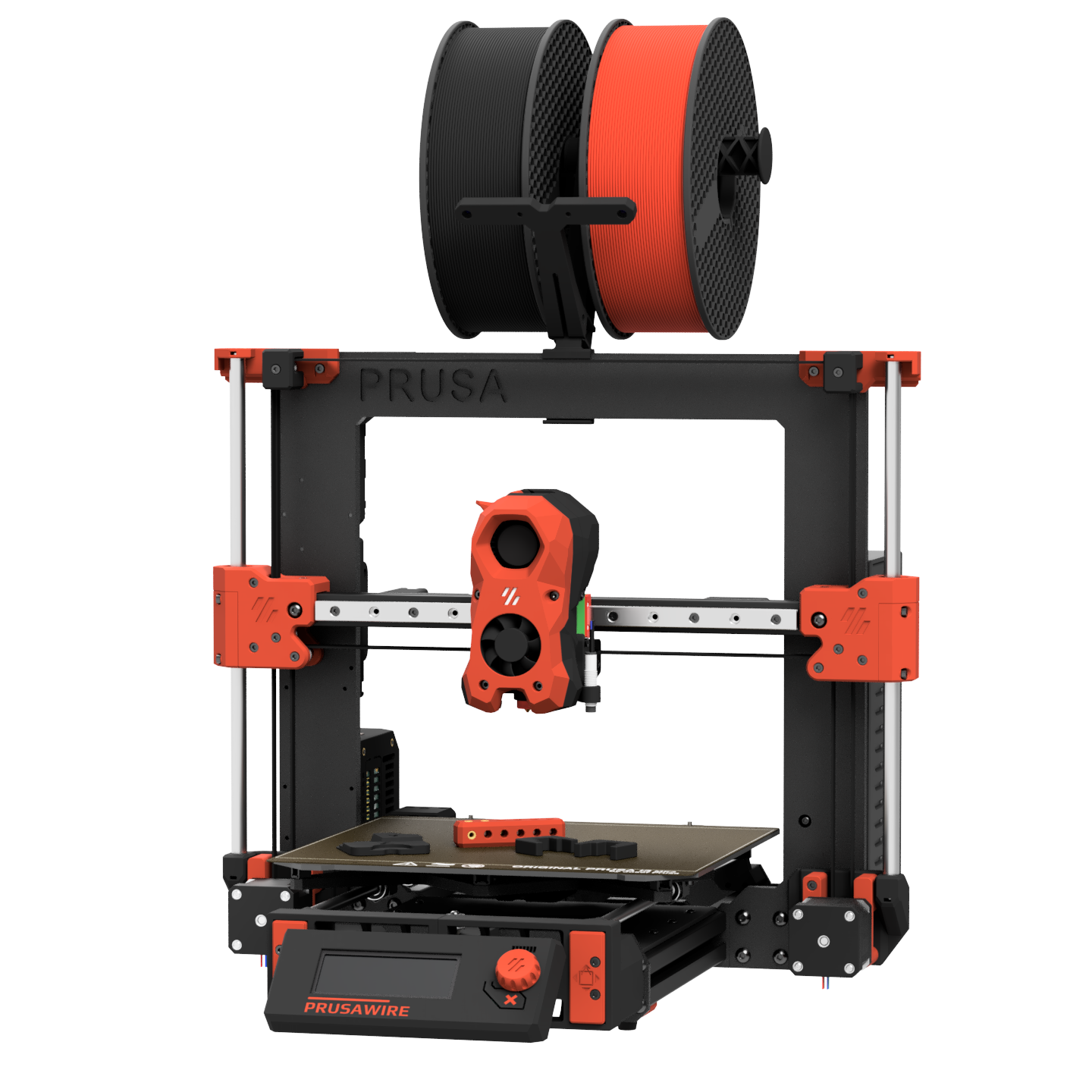
PrusaWire
Community CoreXZ conversion of Prusa MK3/MK4
Multi-Material Units
Click any MMU to learn more. Select a printer above, then check "Add Multi-Material" to configure a BOM.
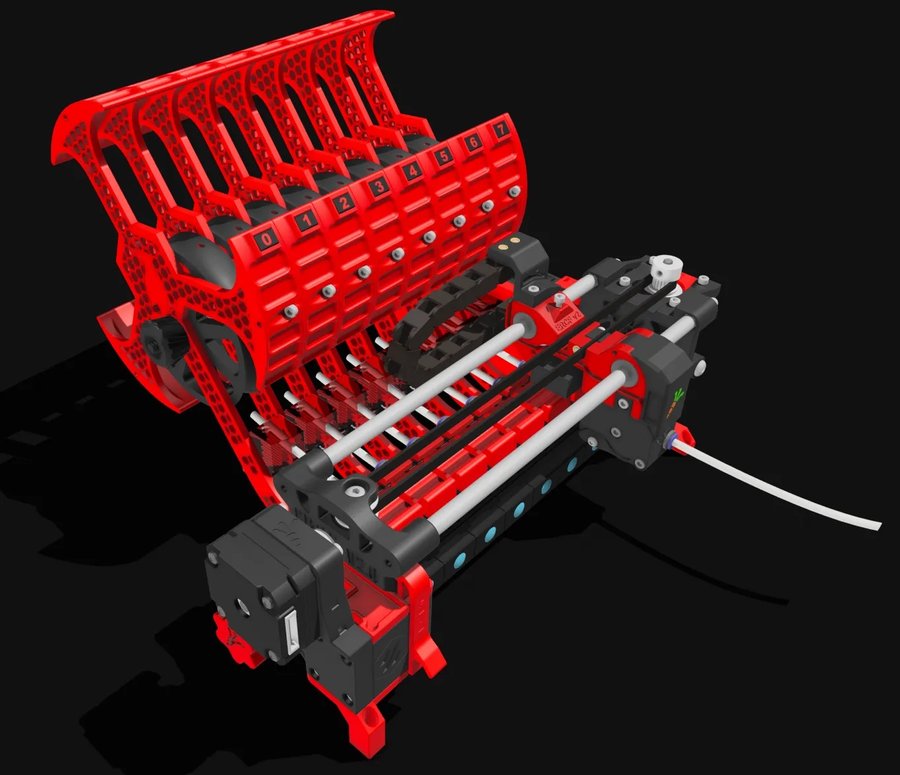 Selector Cart
4–12 Colors
Selector Cart
4–12 Colors
ERCF V2
The community gold-standard multi-material unit
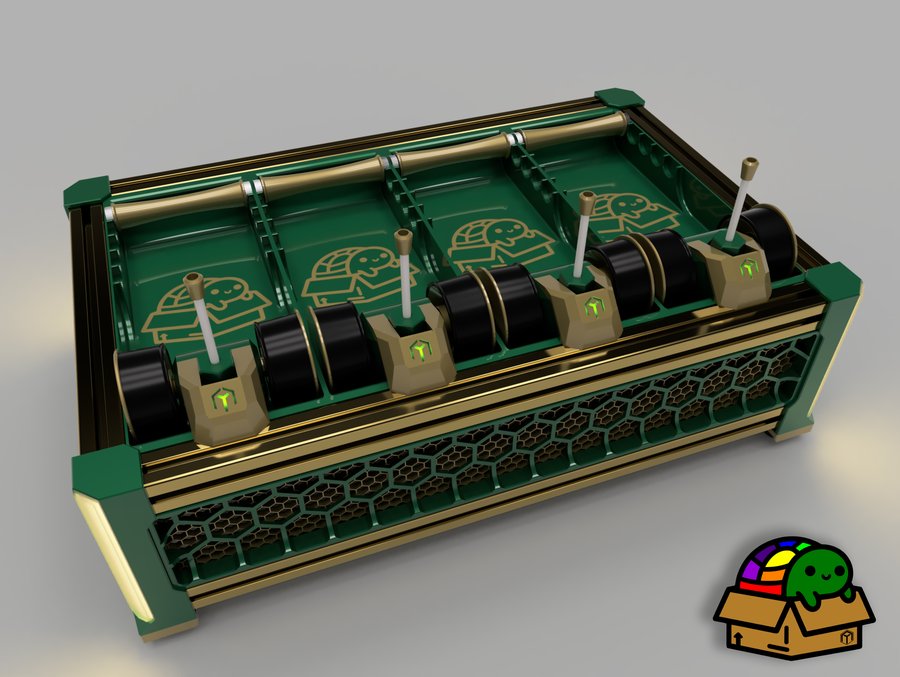 Lane-Based
4 Colors
Lane-Based
4 Colors
Box Turtle
Open-source AMS-style filament changer for Klipper
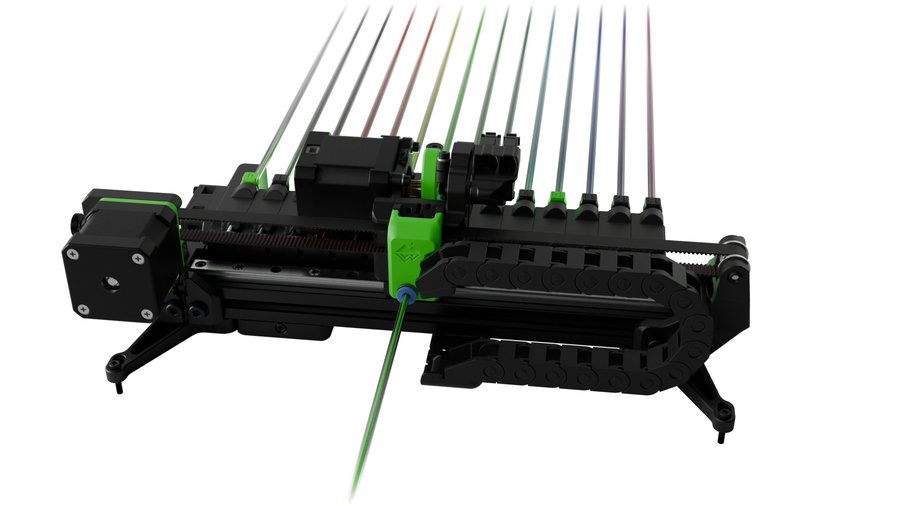 Linear Rack
Up to 20+
Linear Rack
Up to 20+
TradRack
Ultra-scalable linear rack filament changer
3DChameleon
Universal Y-splitter MMU — simplest mechanical design
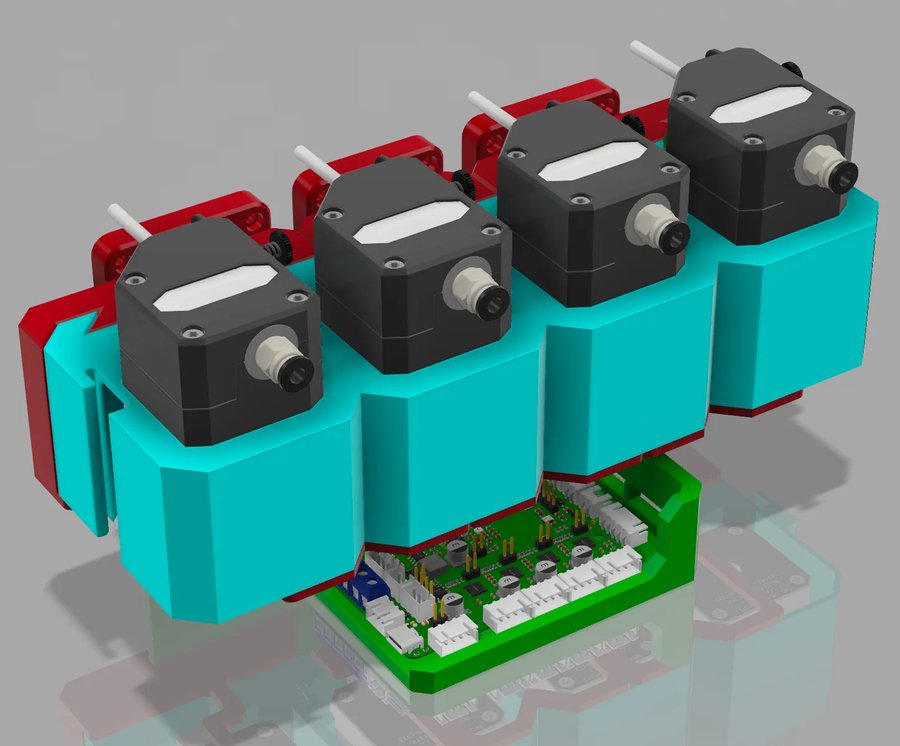 Y-Splitter
3–8 Colors
Y-Splitter
3–8 Colors
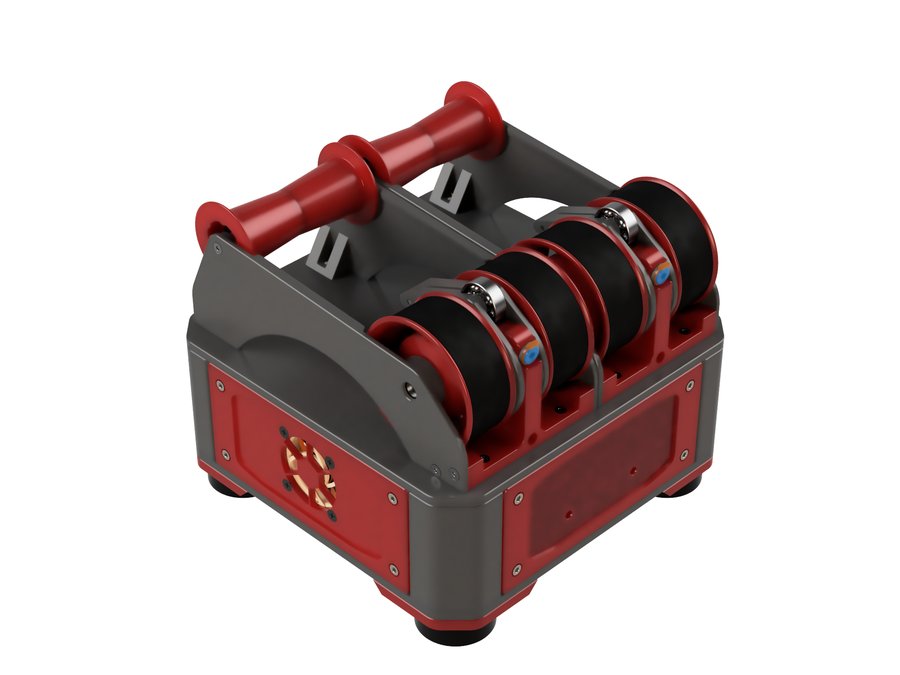
3MS
The simplest and cheapest Klipper MMU — all Amazon parts
 Lane-Based
2 Colors
Lane-Based
2 Colors
Night Owl
Standalone dual-material unit — minimal and self-contained
BTT ViViD
Commercial all-in-one MMU with dryer, cutter, and RFID
 Lane-Based
4–8 Colors
Lane-Based
4–8 Colors
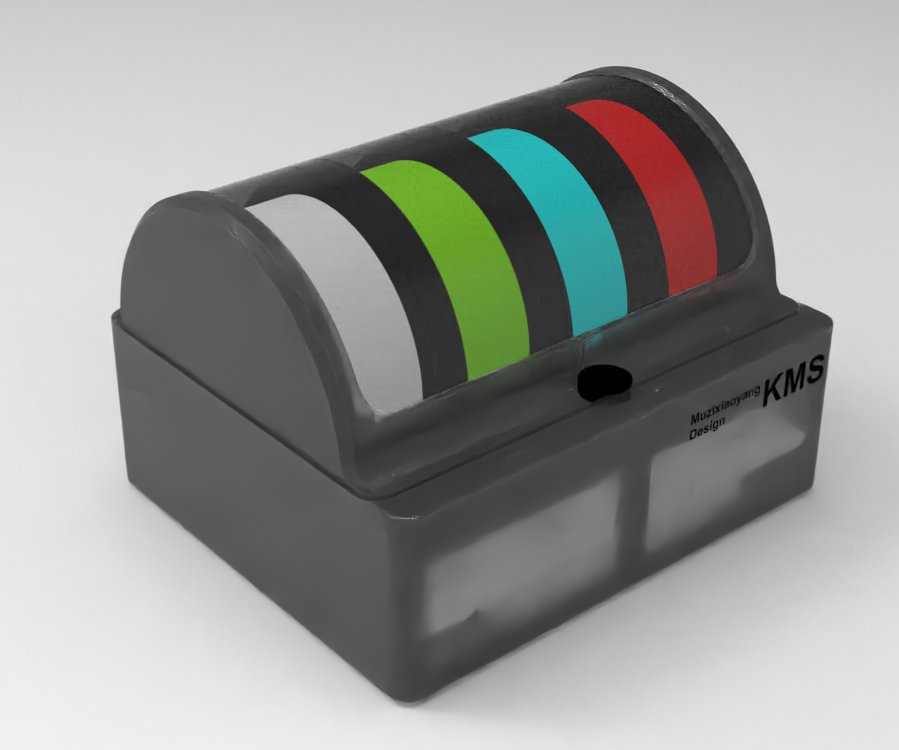
TriangleLab KMS
Open-source commercial MMU with motorized rewinder
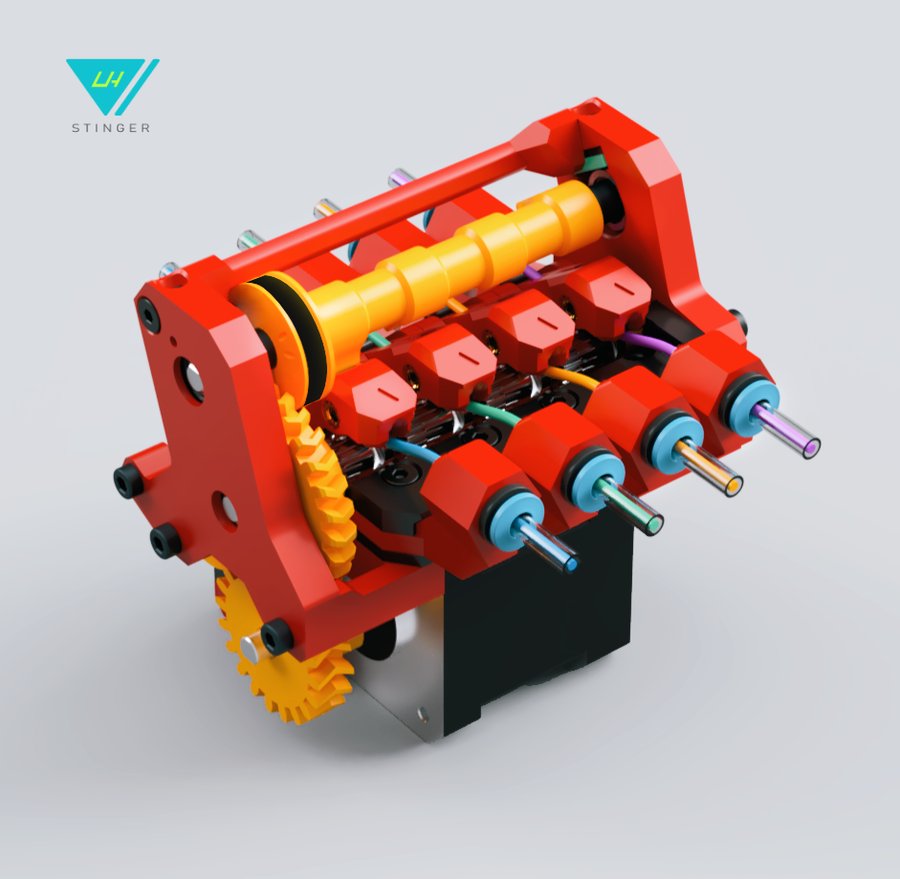
HTLF
Camshaft-driven MMU — compact and clever
 Servo-Selector
3–4 Colors
Servo-Selector
3–4 Colors
Pico MMU
Ultra-minimal single-stepper MMU — ~20s filament swaps
 Lane-Based
4 Colors
Lane-Based
4 Colors
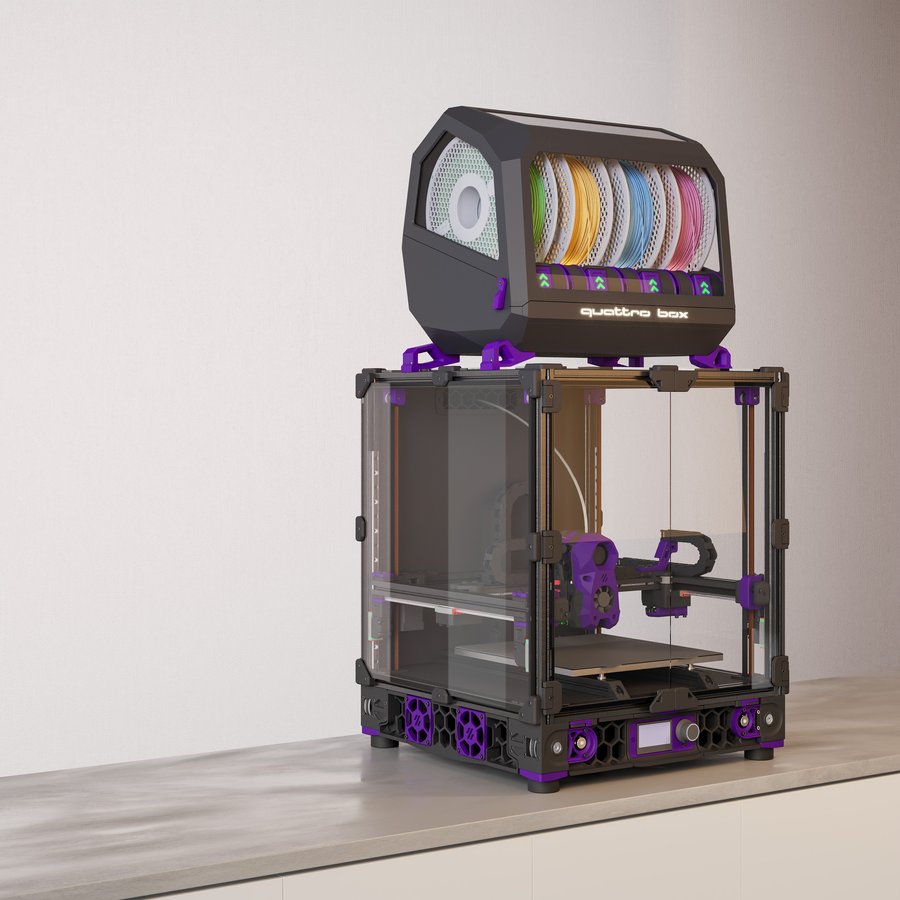
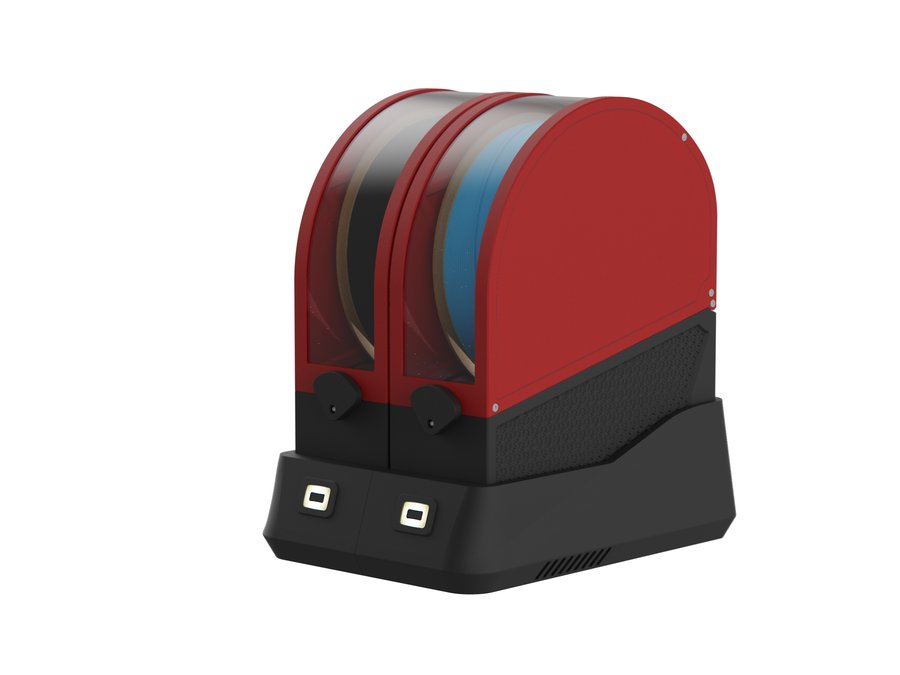
QuattroBox
AMS-inspired fully printed 4-lane changer
 Lane-Based
1–N Colors
Lane-Based
1–N Colors
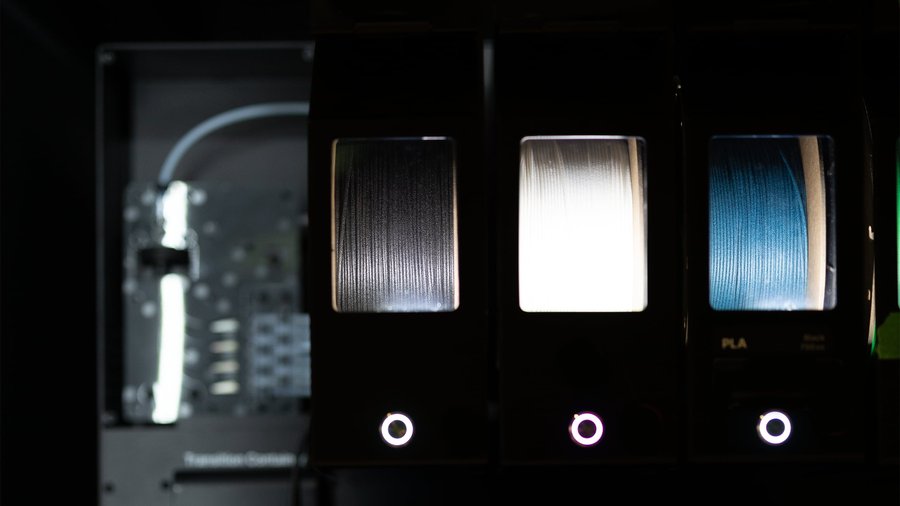
EMU
Modular per-lane dry-box MMU built on Filamentalist V3 rewinders
 Selector-Based
5 Colors
Selector-Based
5 Colors
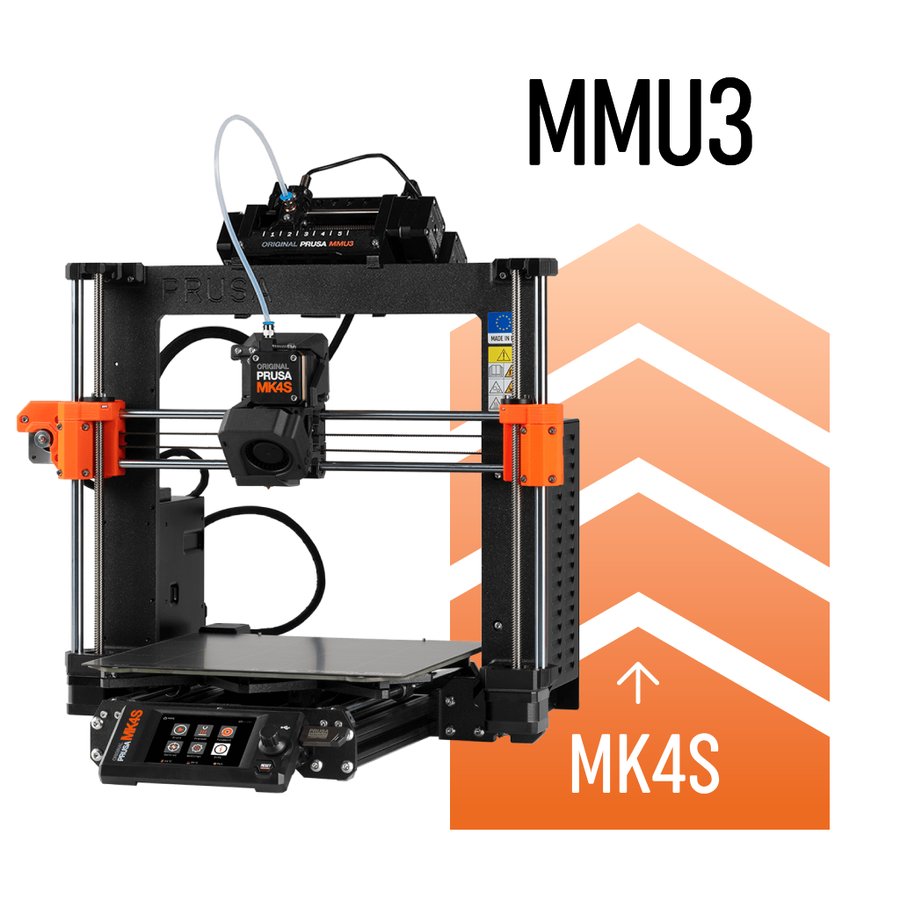
Prusa MMU3
Official Prusa multi-material upgrade — Prusa printers only
 Filament Splicer
4 Colors
Filament Splicer
4 Colors
Mosaic Palette 3
Universal filament splicer — works with any printer