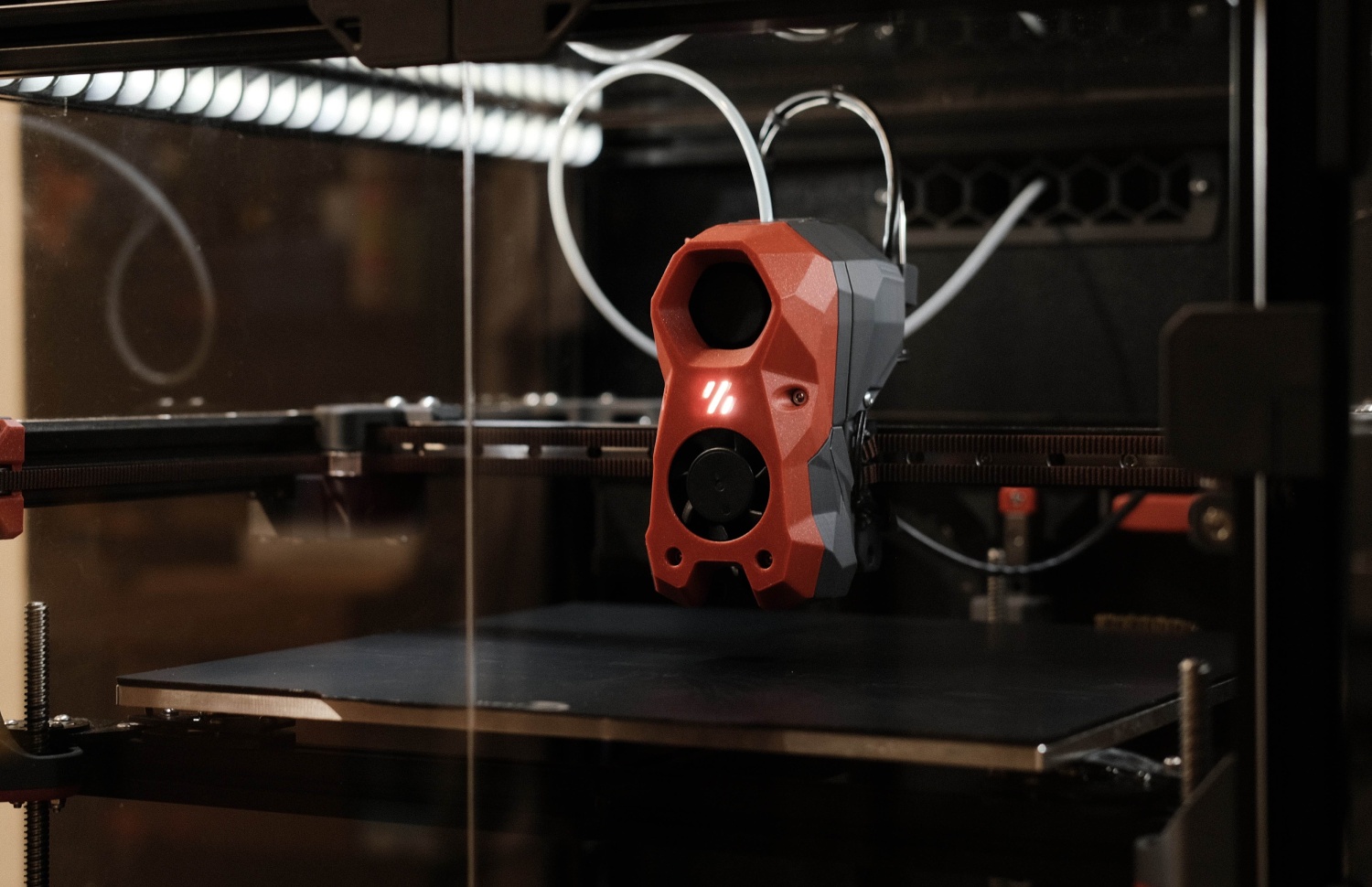
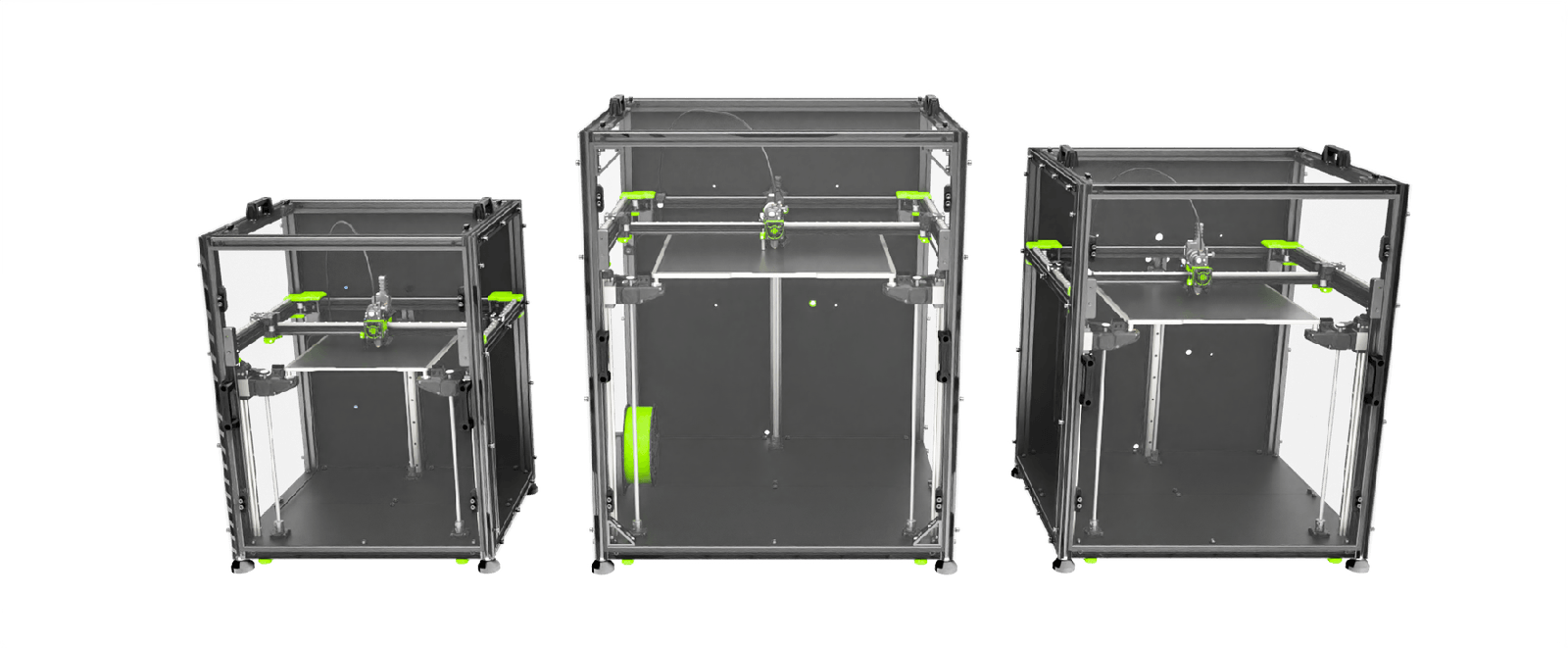
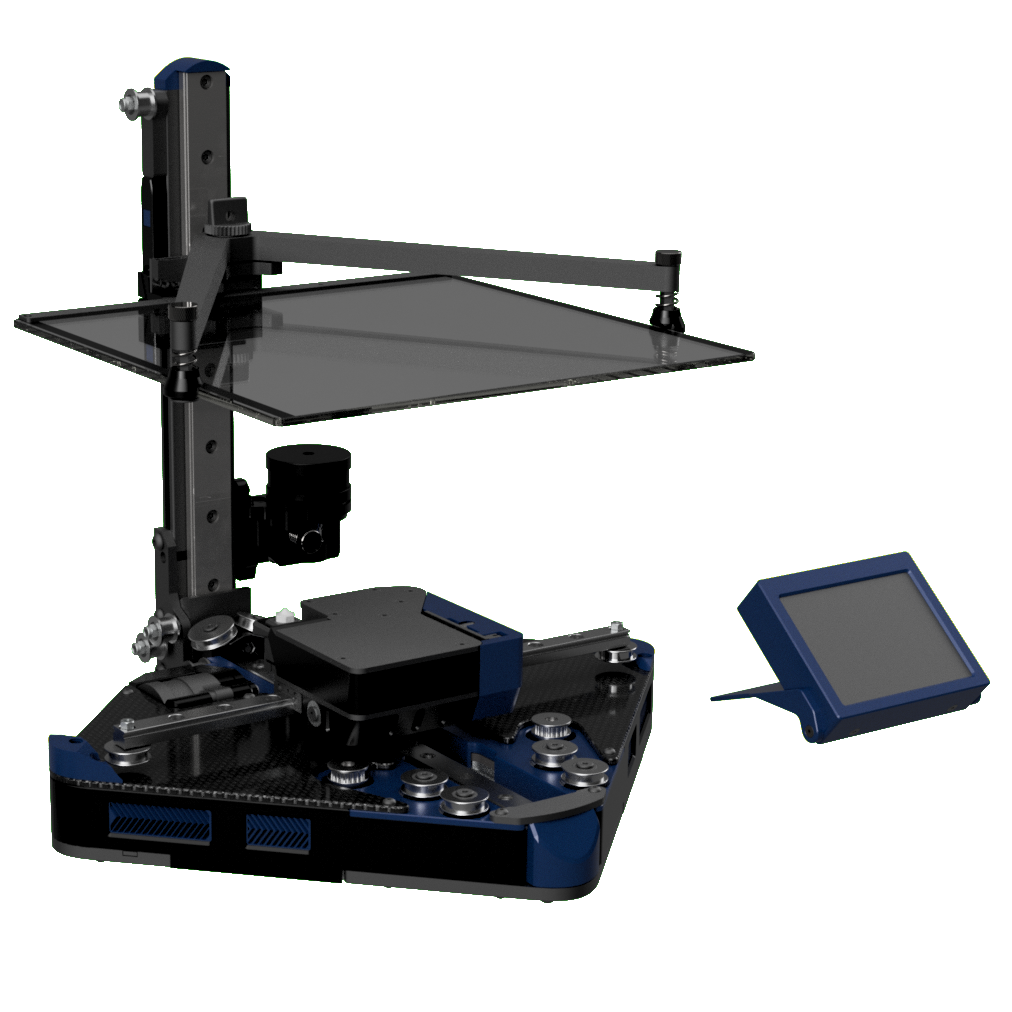
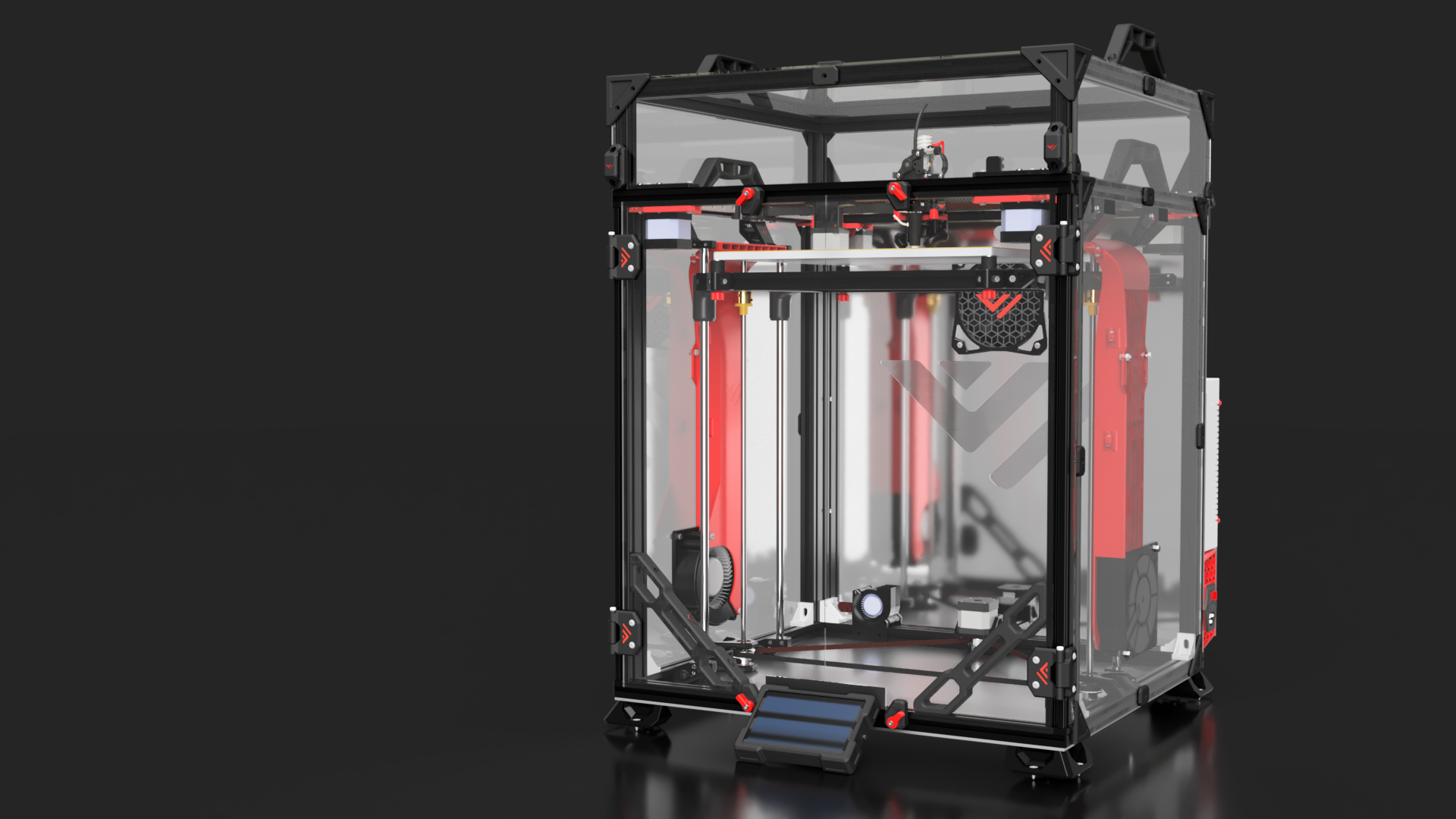
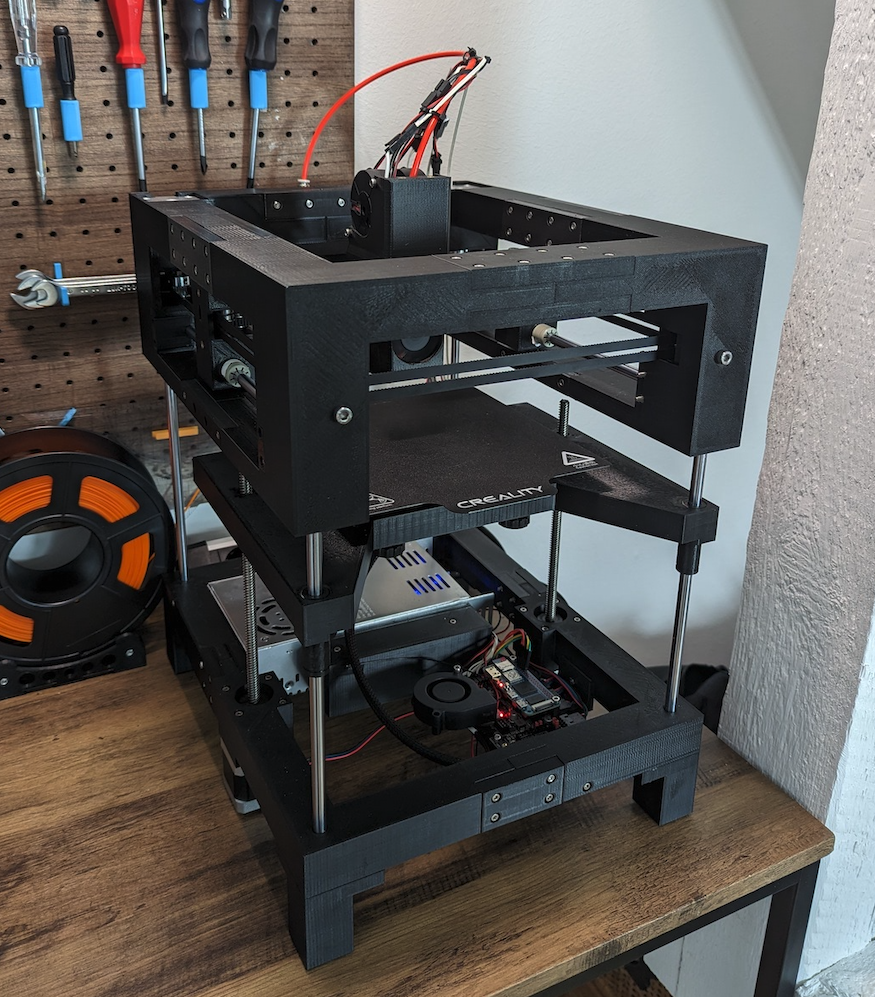
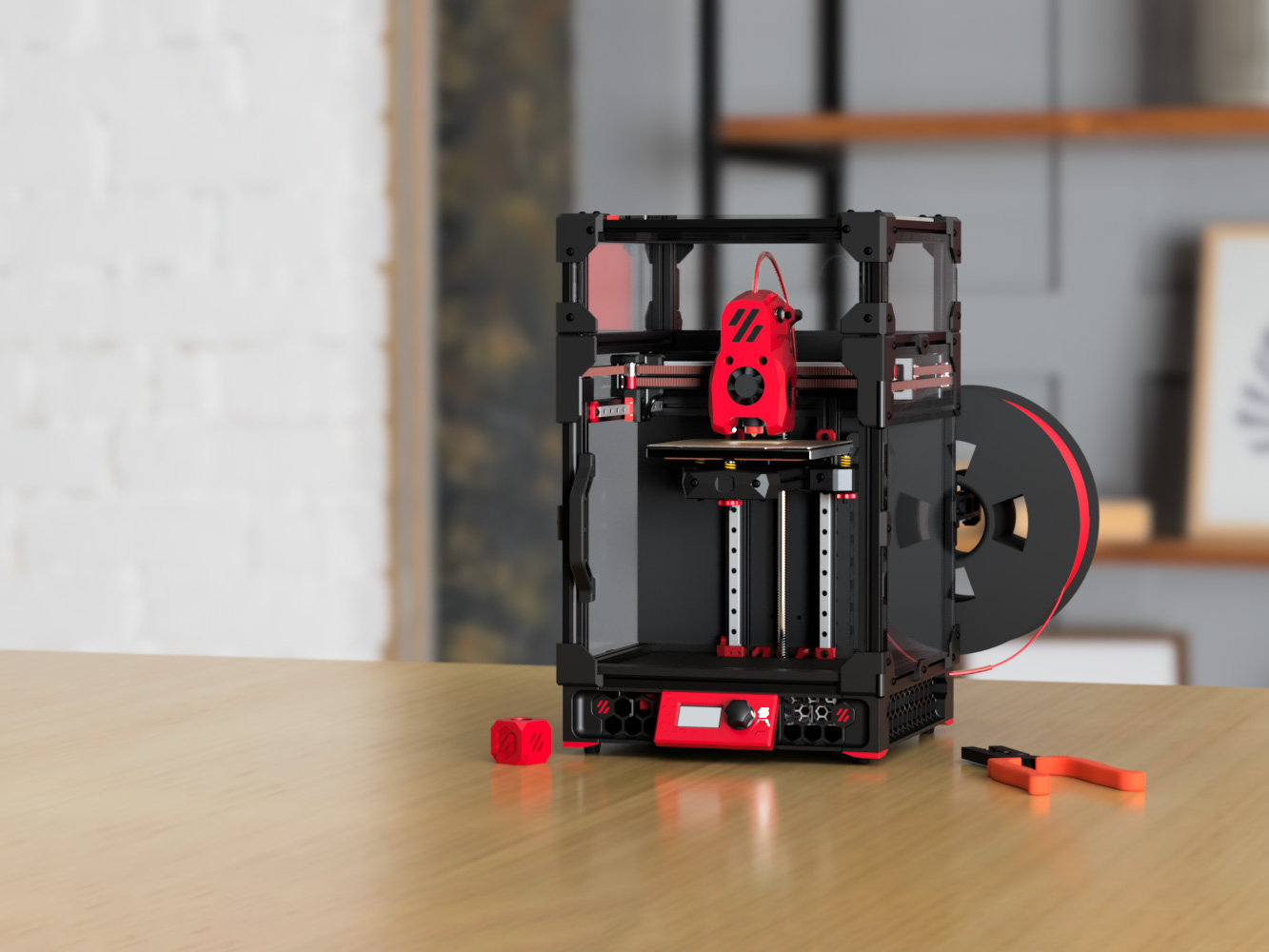
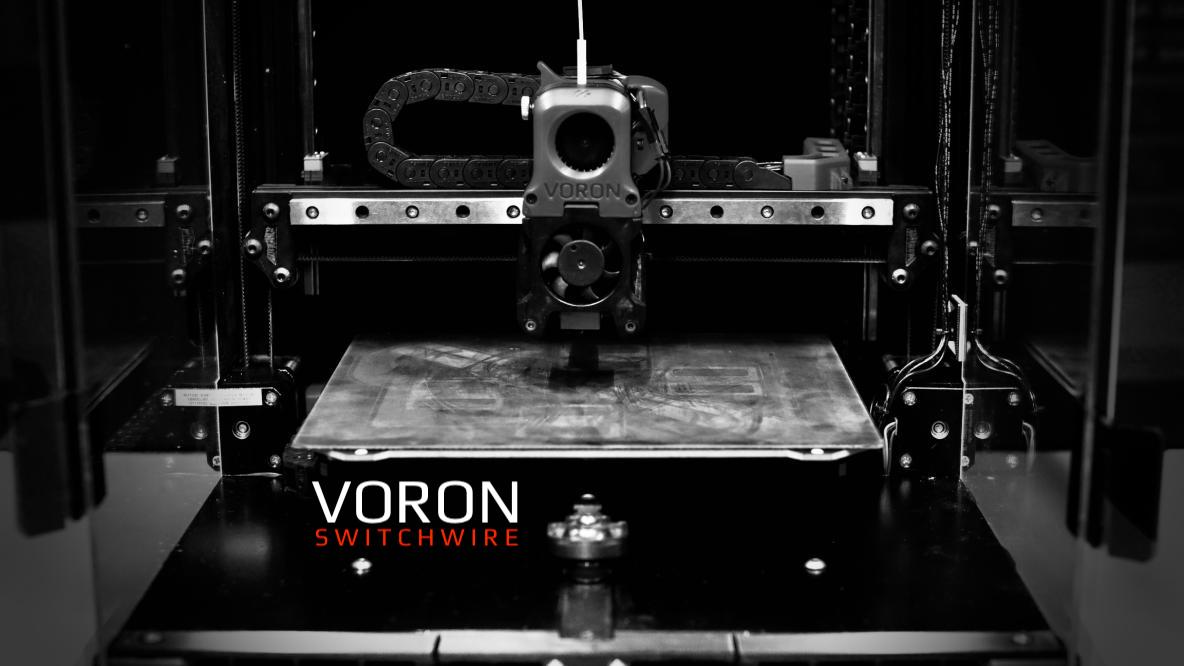
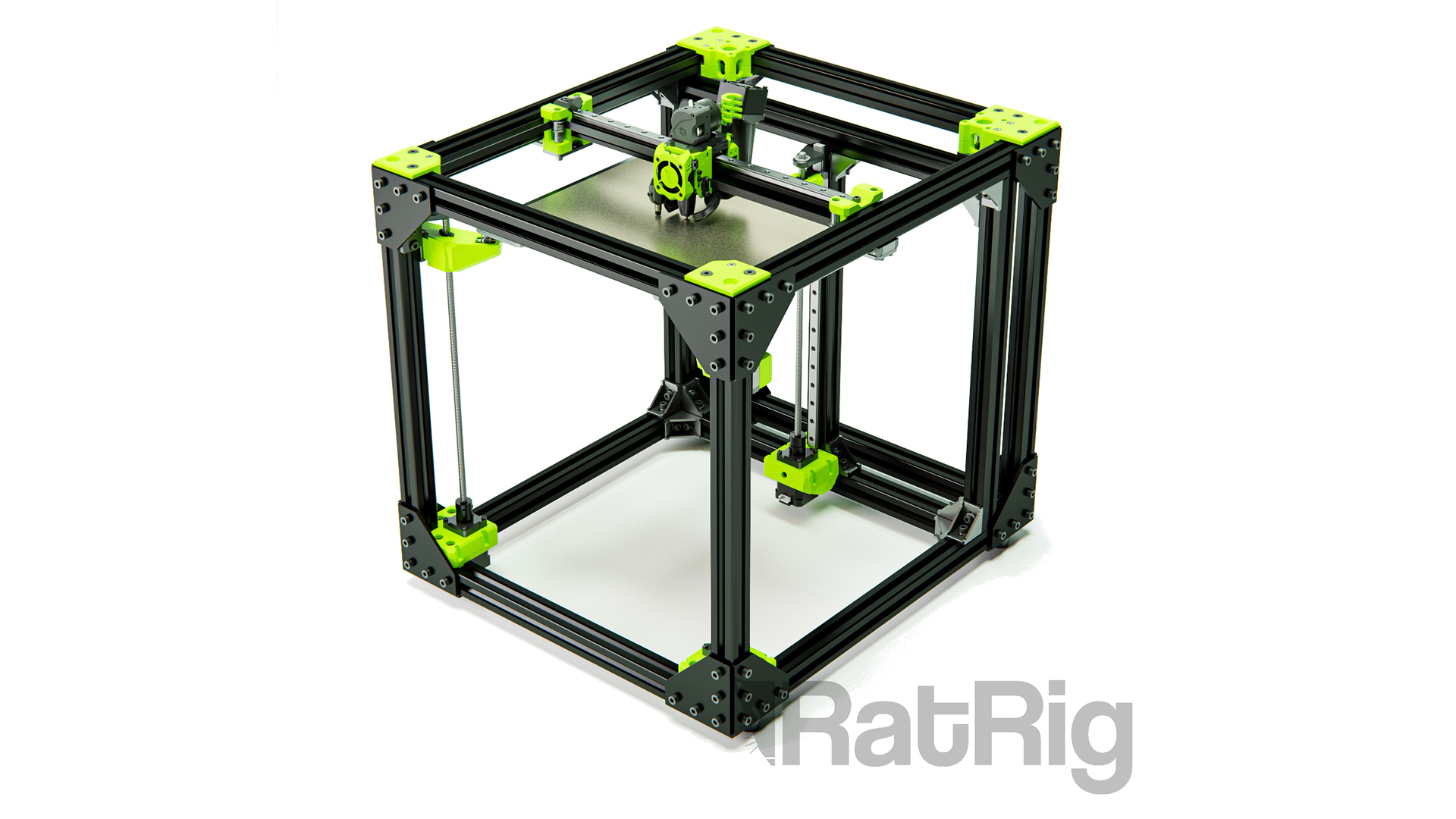
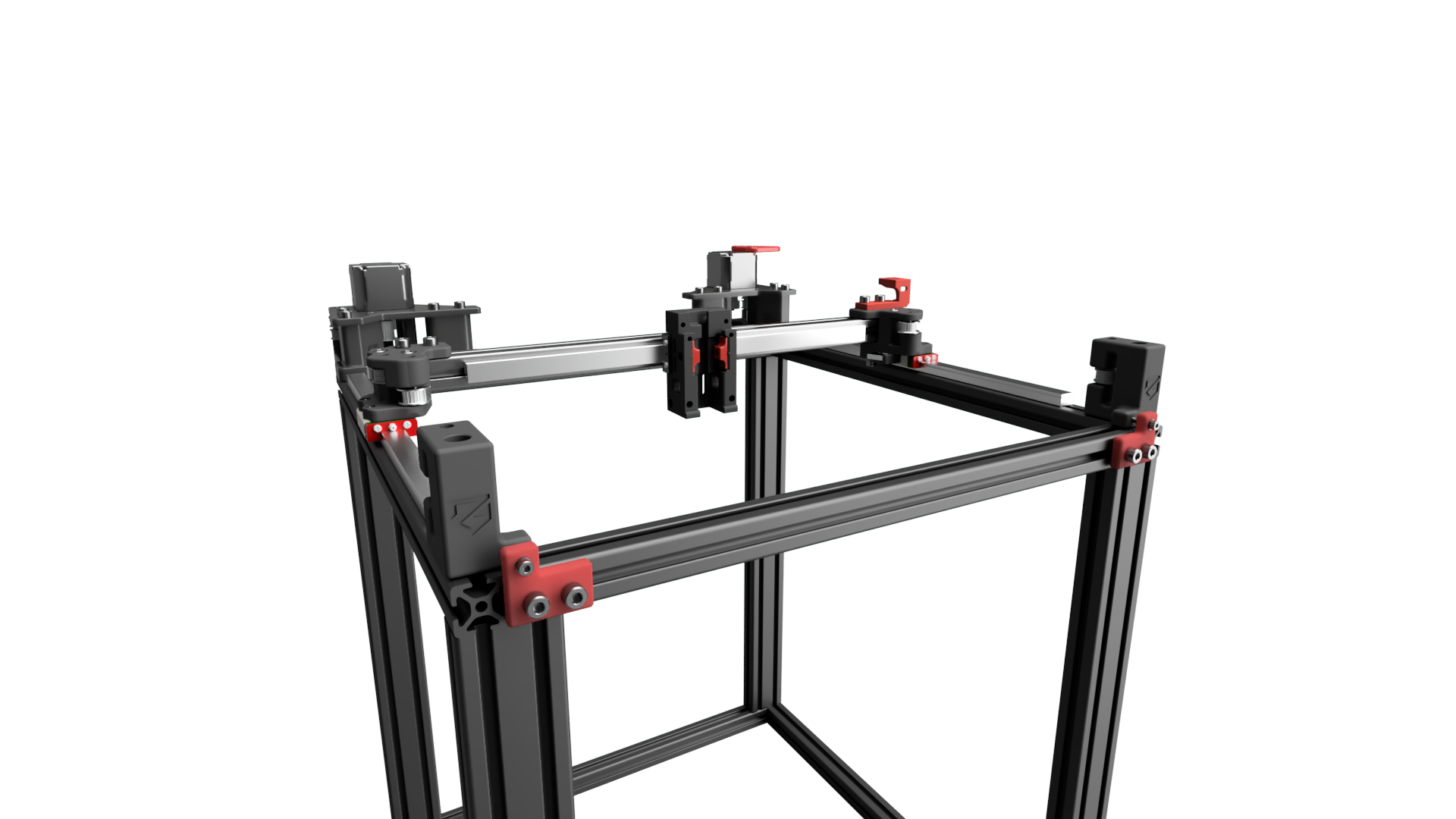
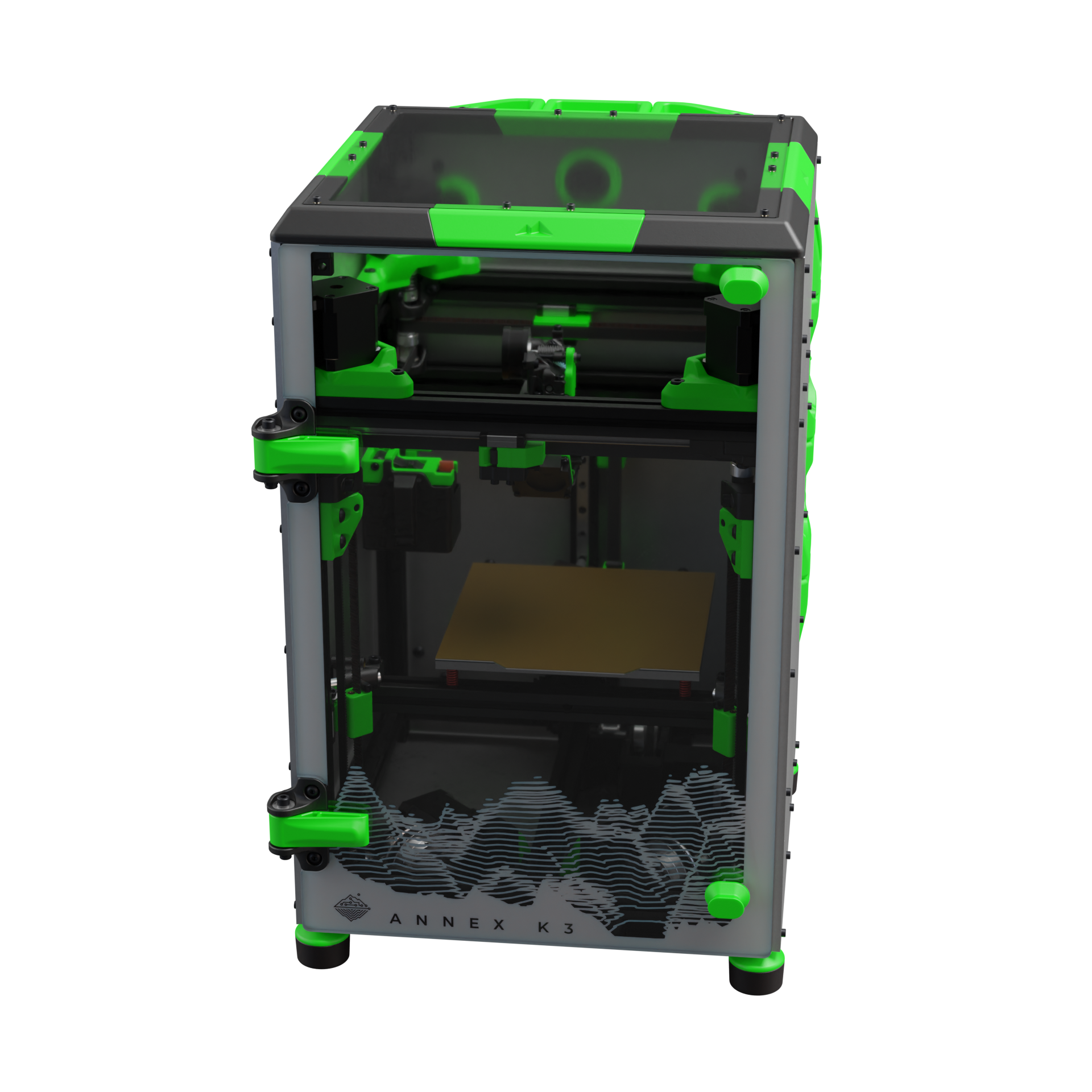
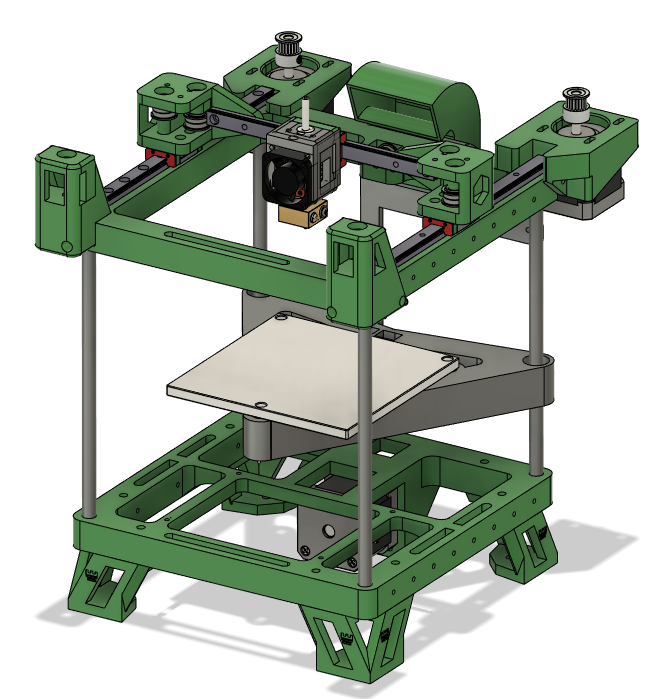
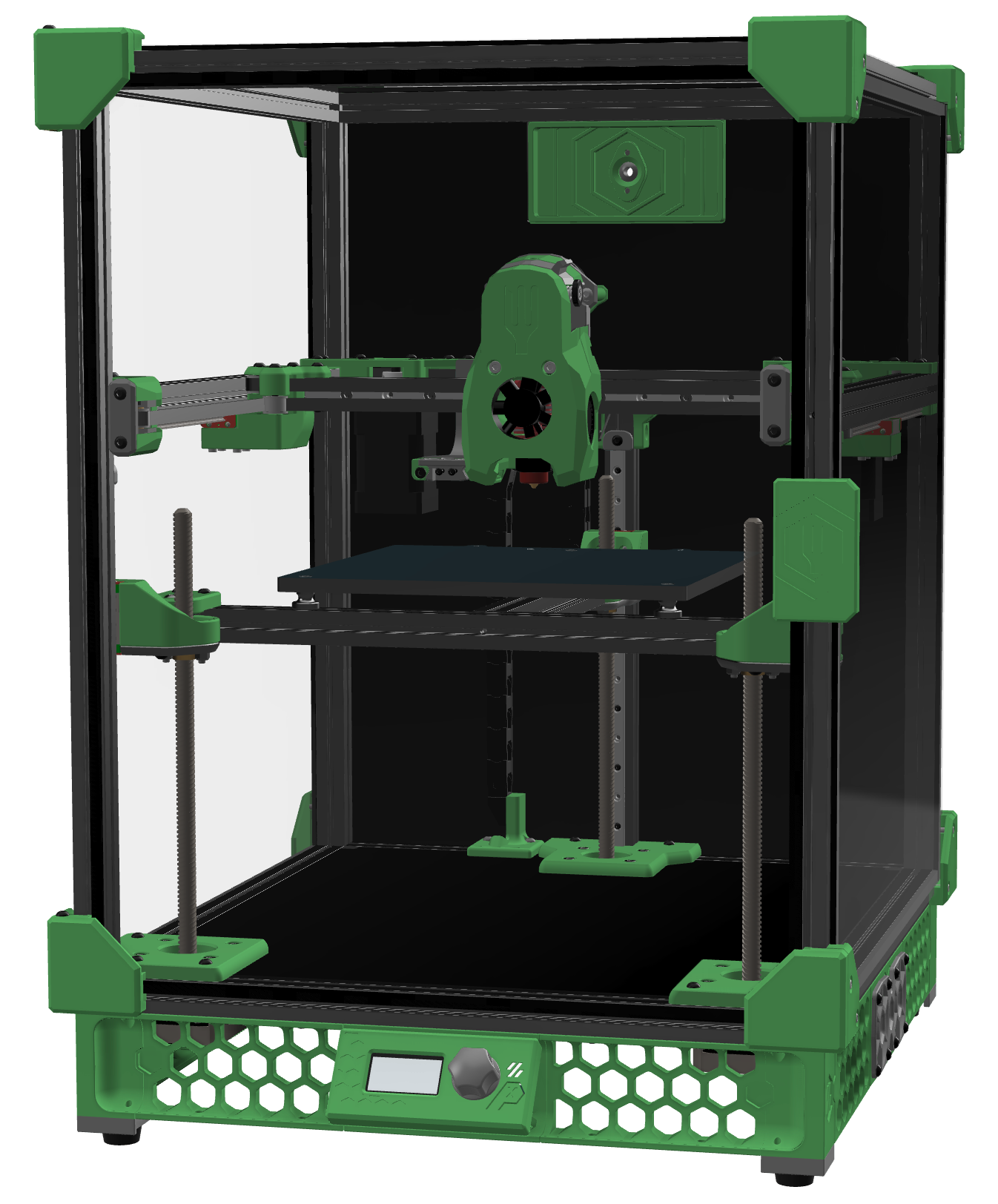
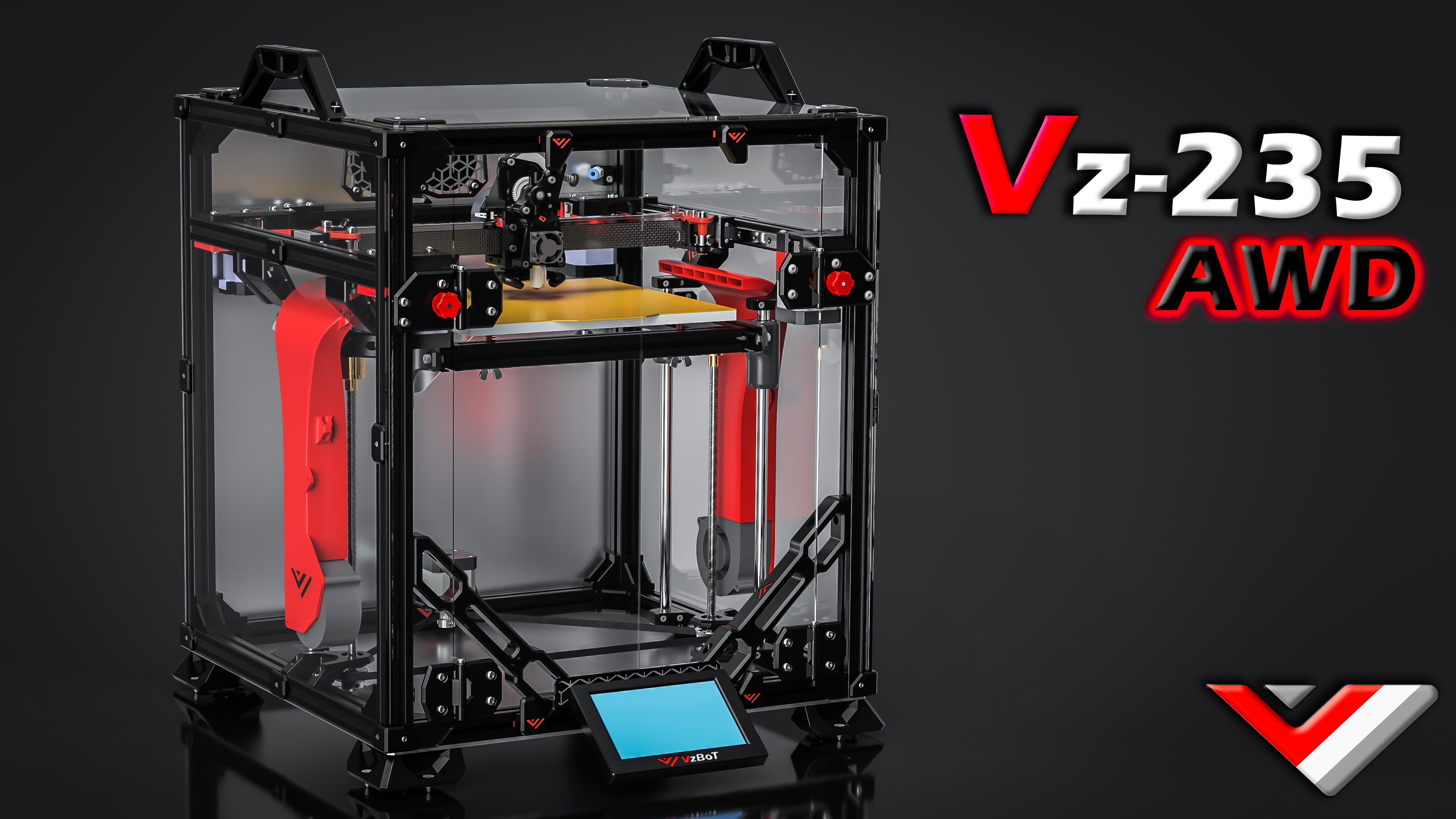
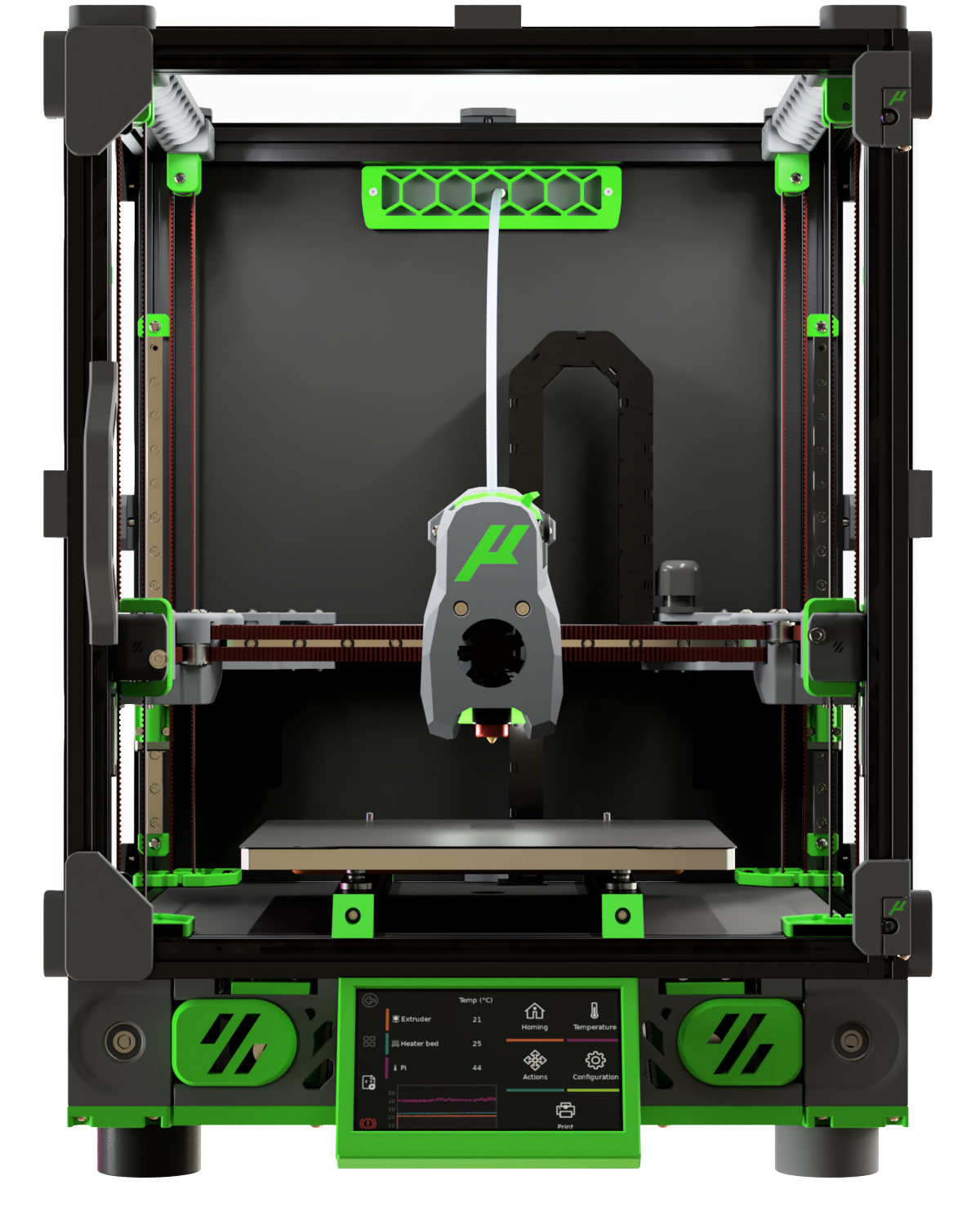
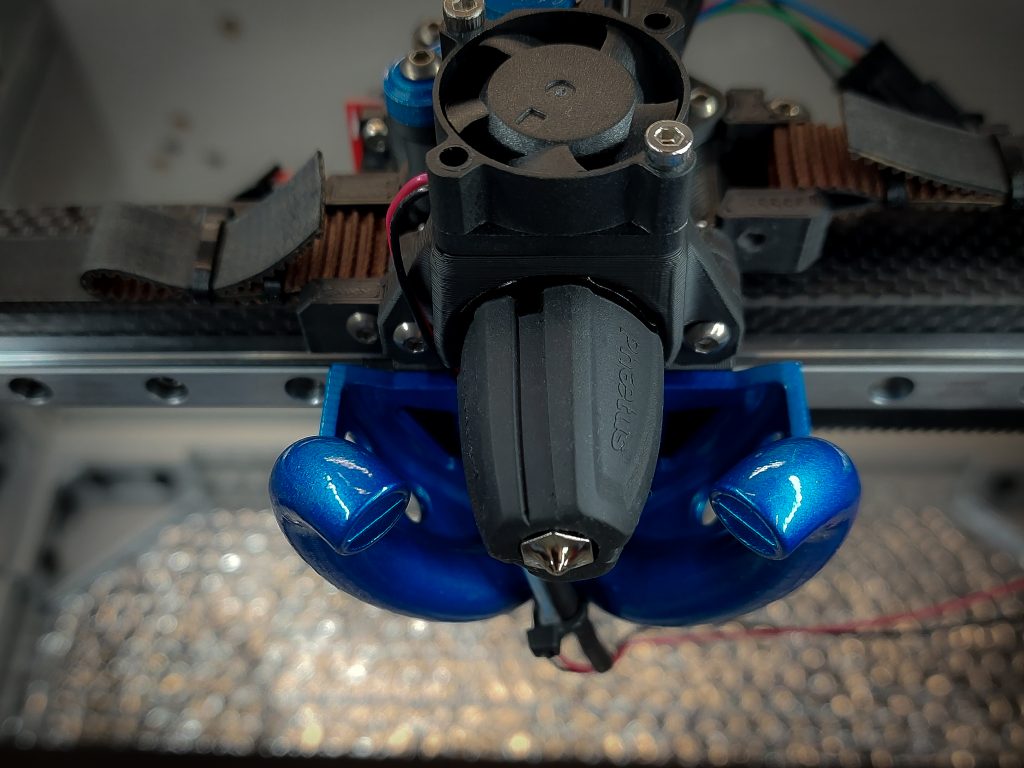
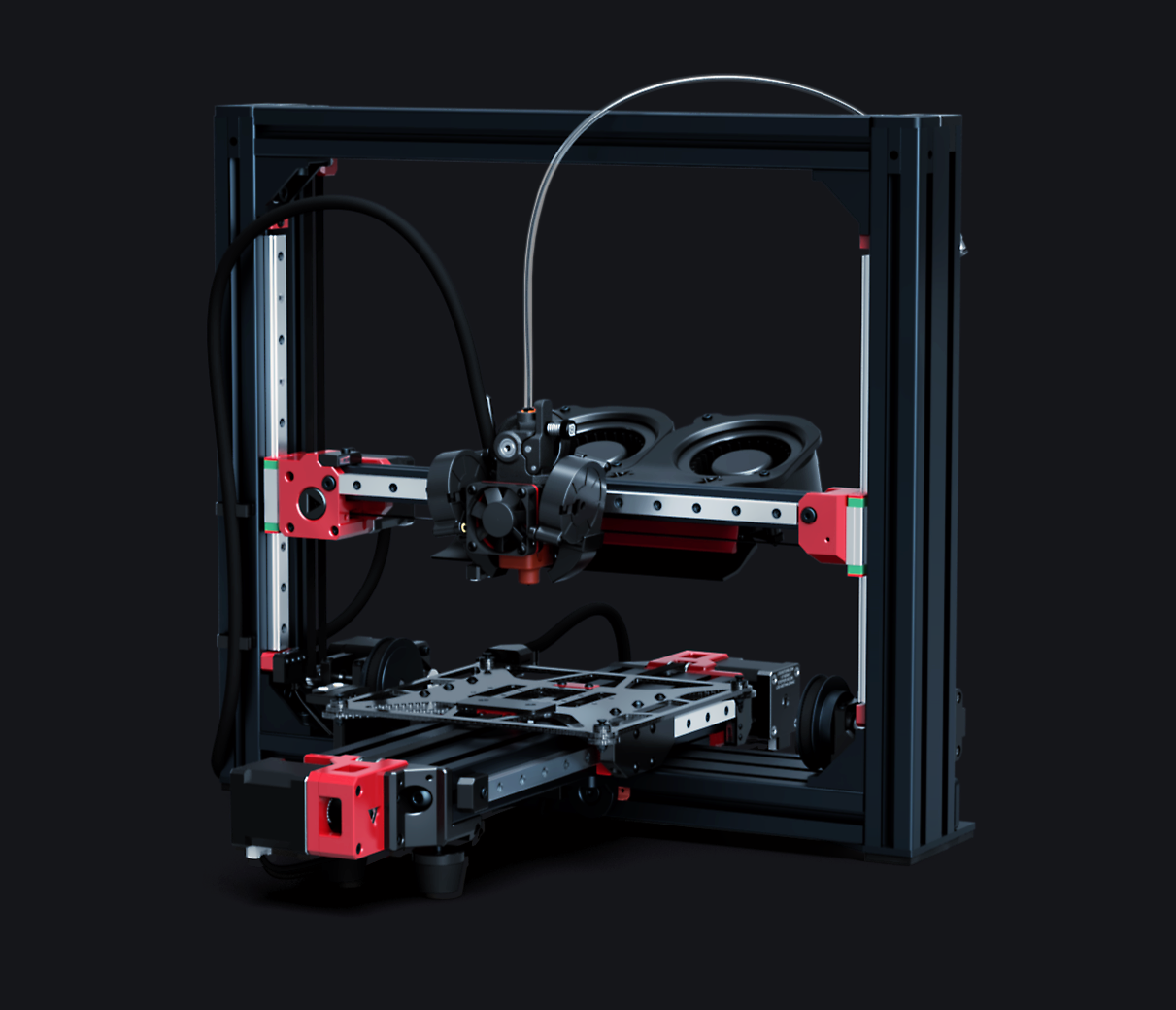
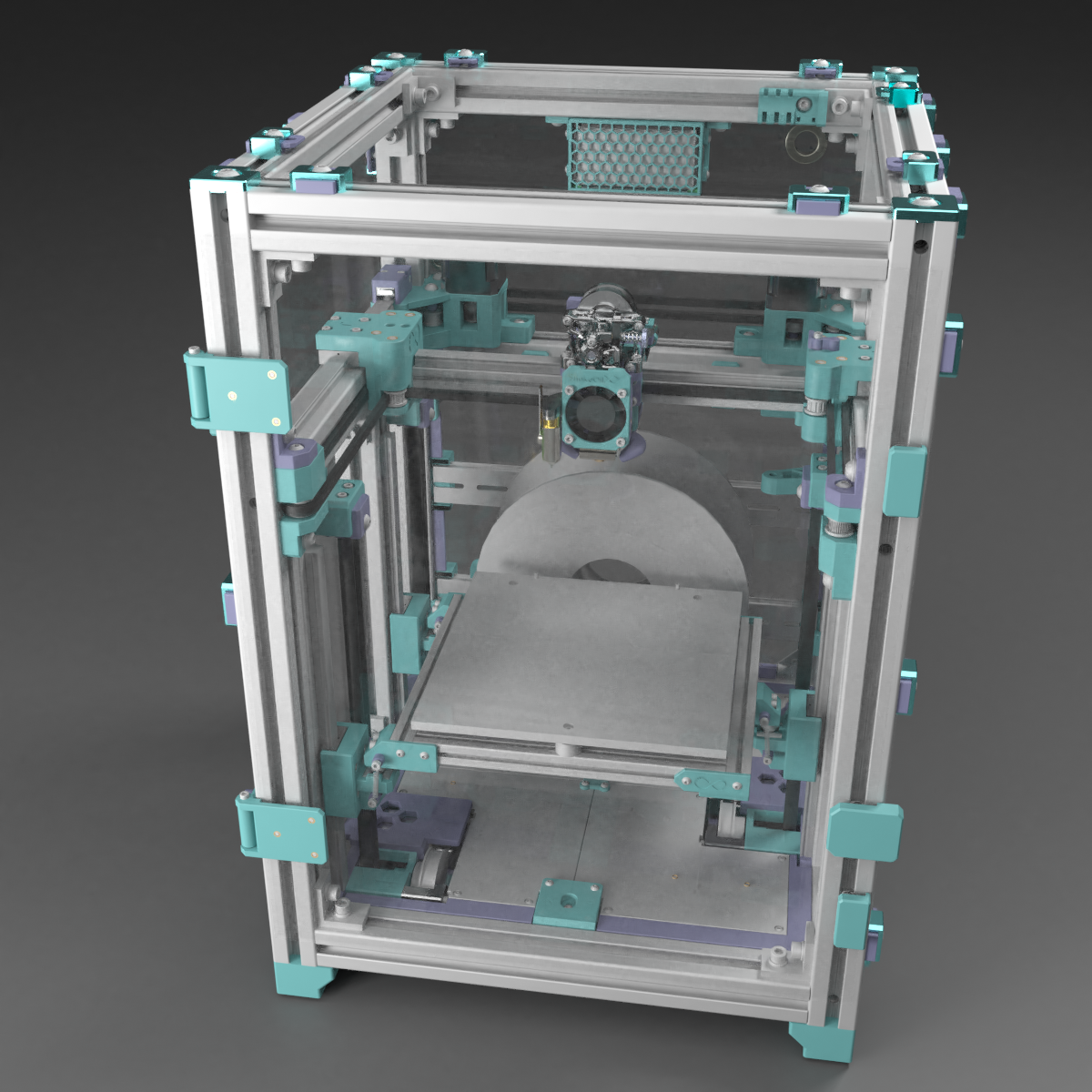
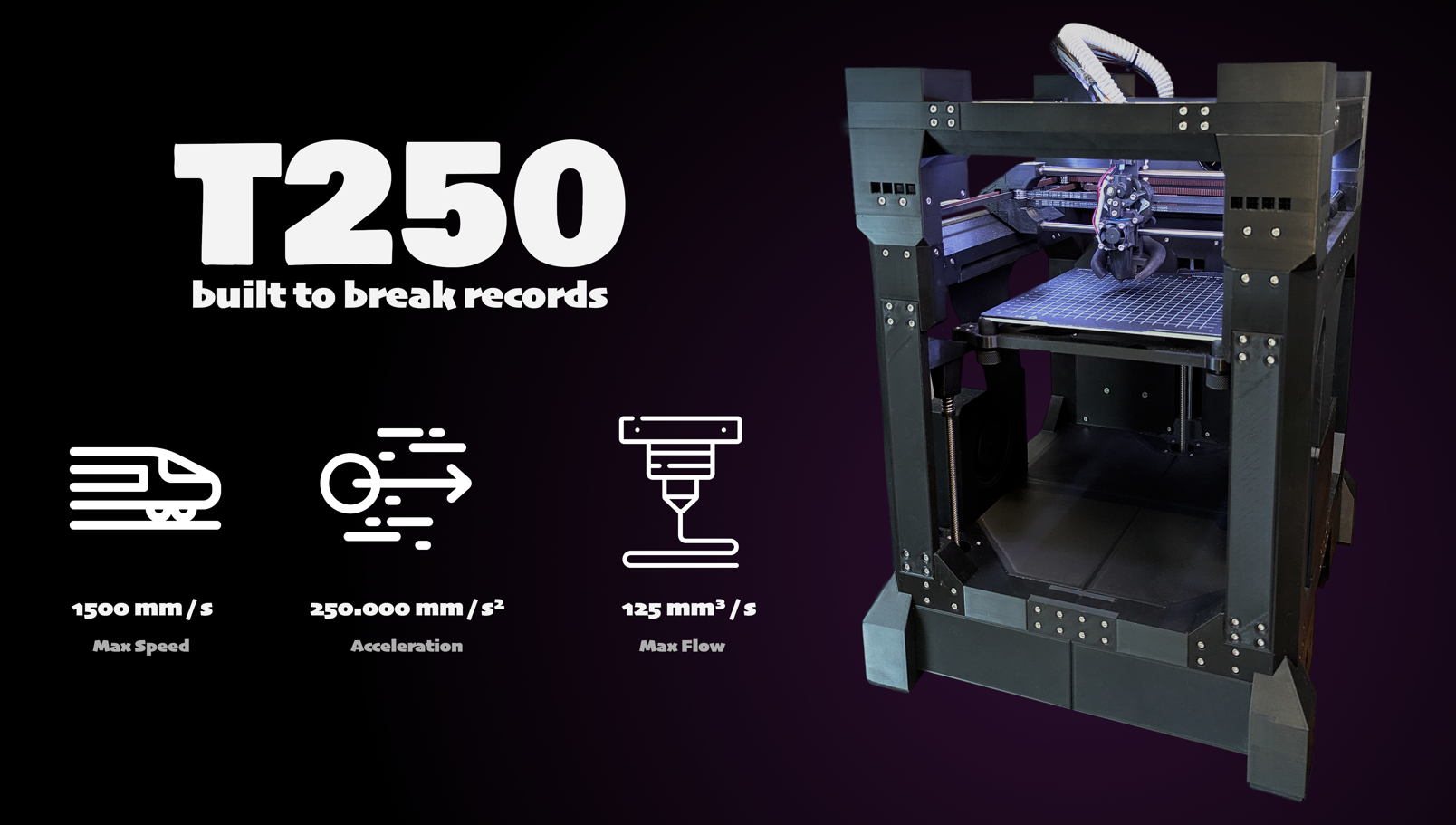
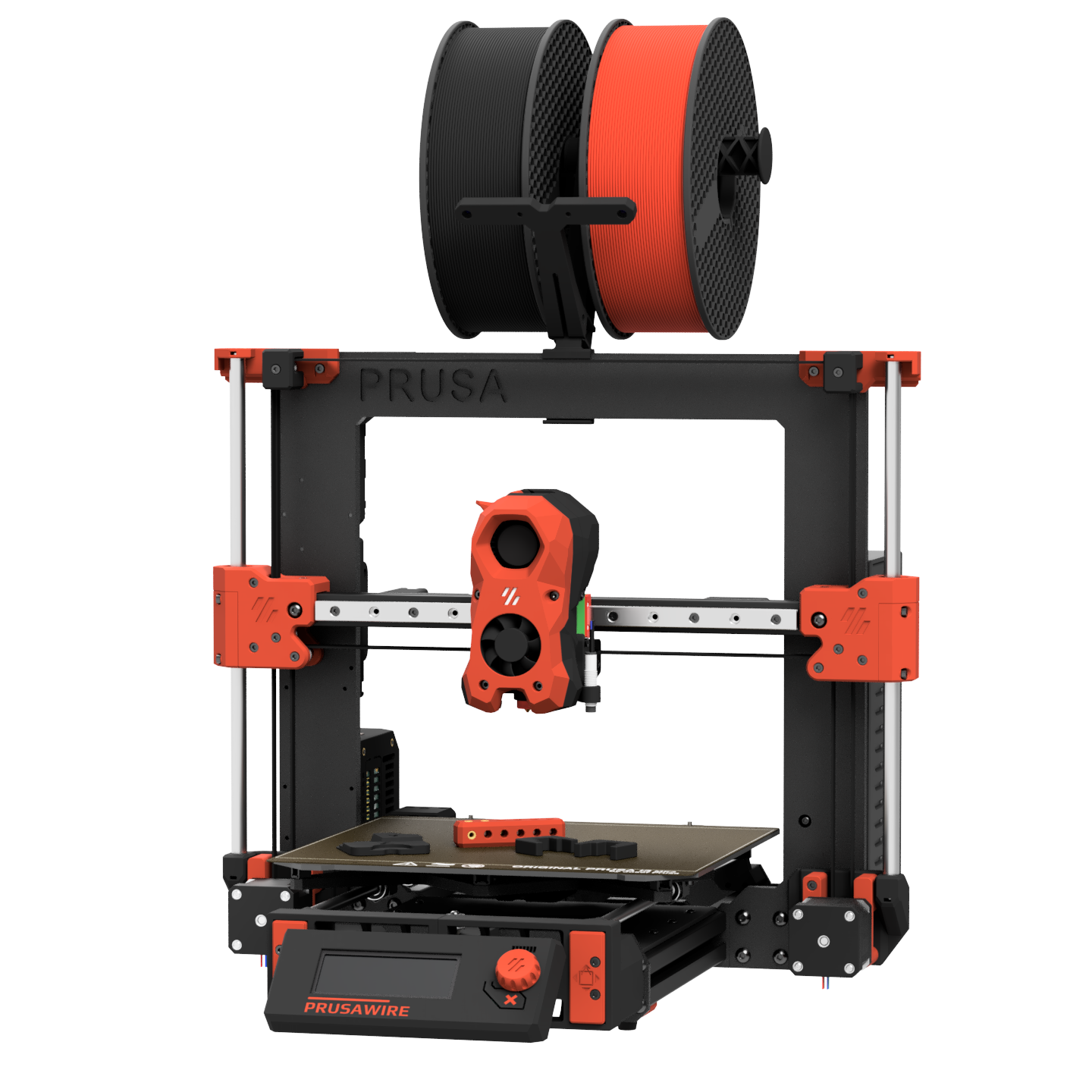
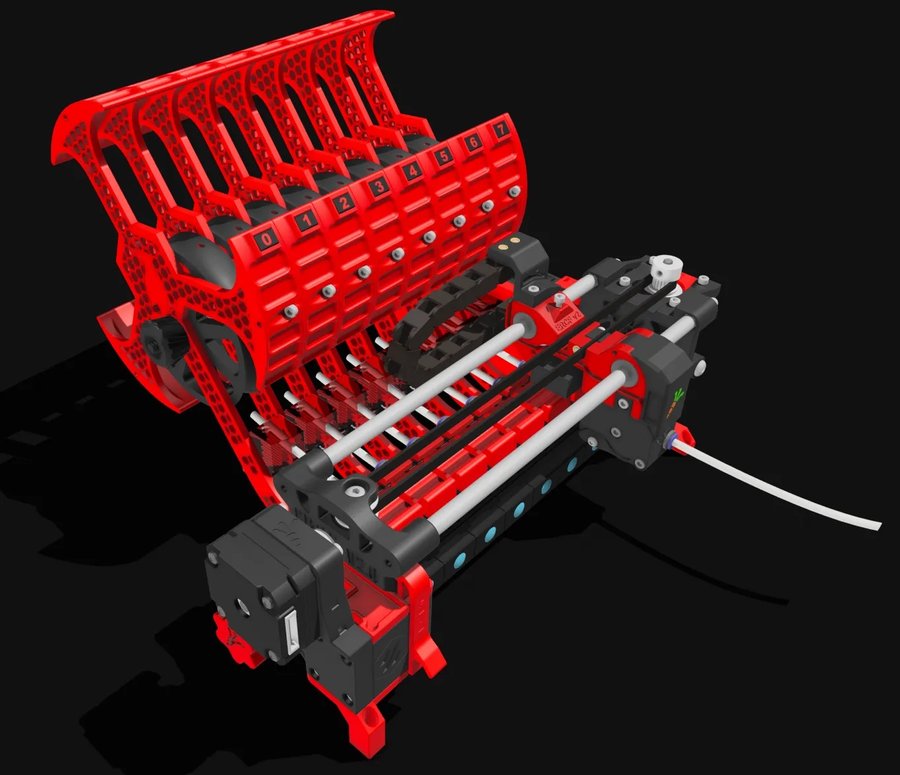
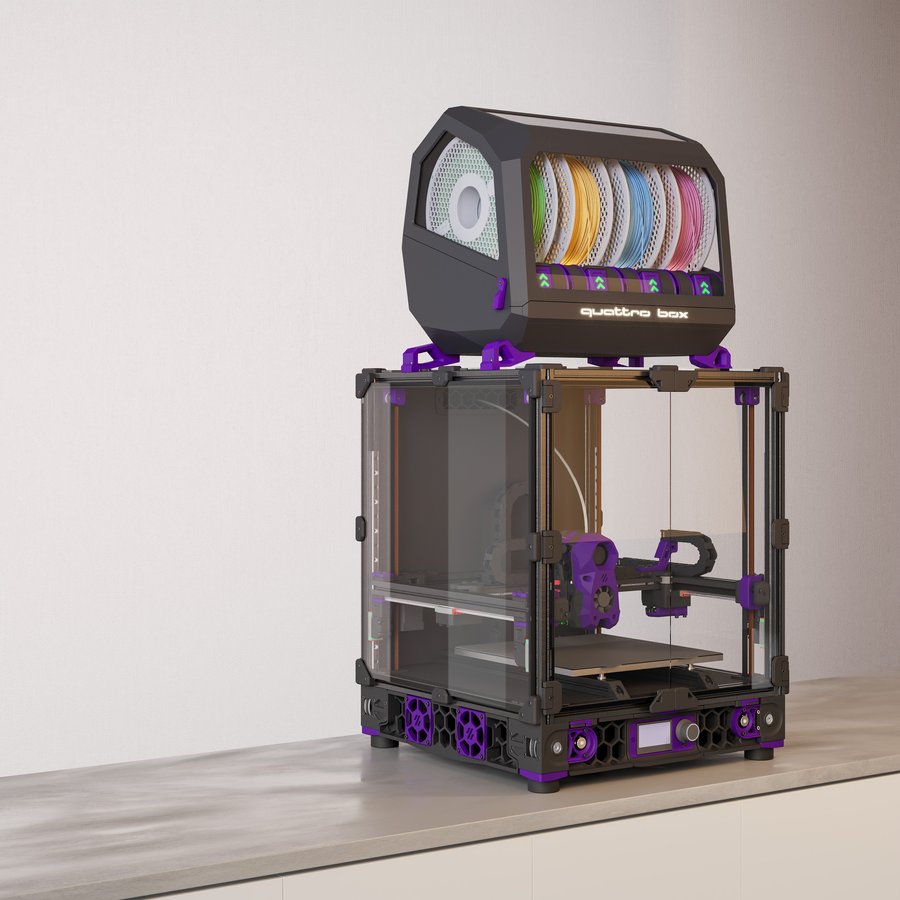
Open-source, self-sourced, and community-built printers — click any card for details and BOM access. For commercial/pre-assembled printers see .
Printers / Off-the-shelf
Off-the-shelf printers
Commercial, pre-built, and semi-kit printers — click any card for specs, use cases, pros/cons, and how they compare to DIY builds.
📋 = Has BOM in Configurator
Printers / Toolheads
Toolhead guide
Explore toolheads by machine — view pros, cons, and compatibility.
Printers / Multi-material
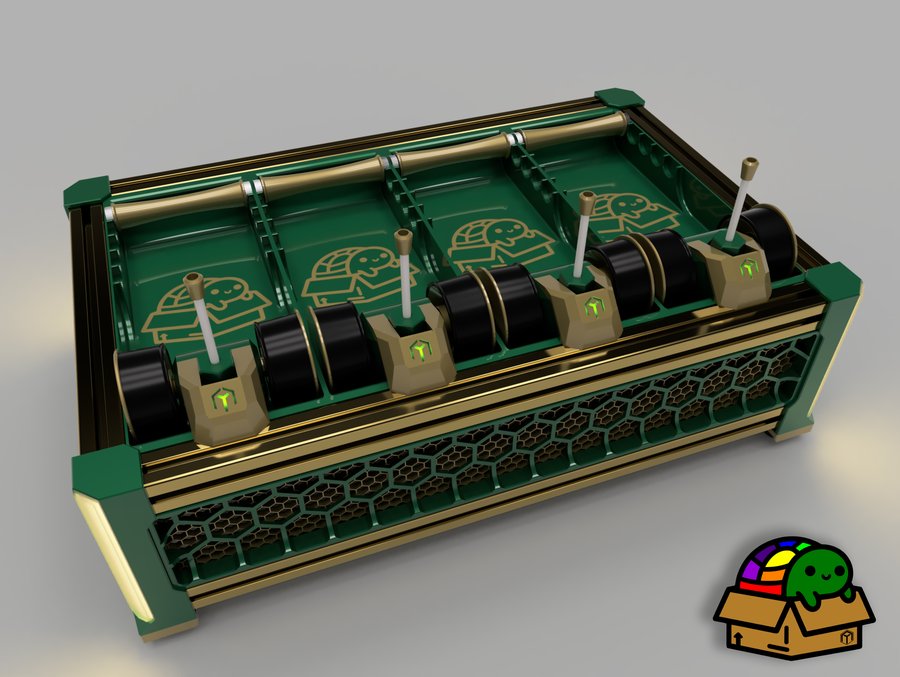
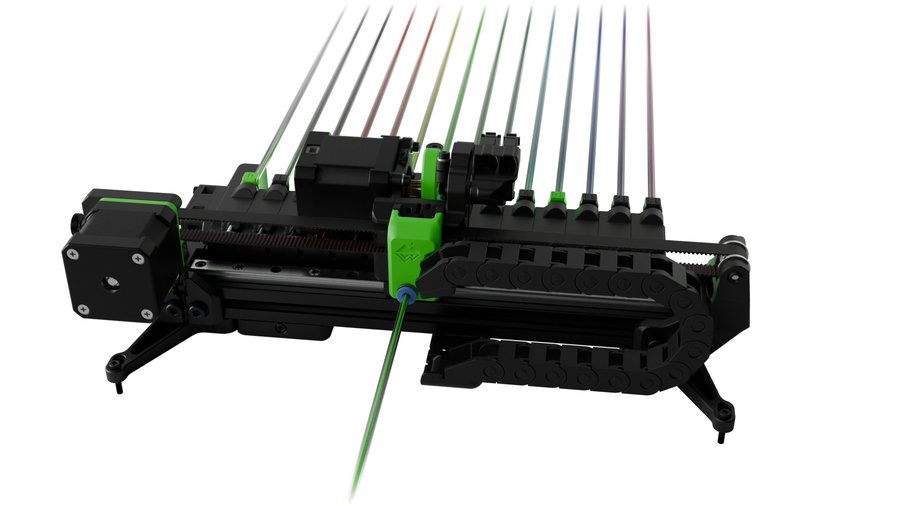
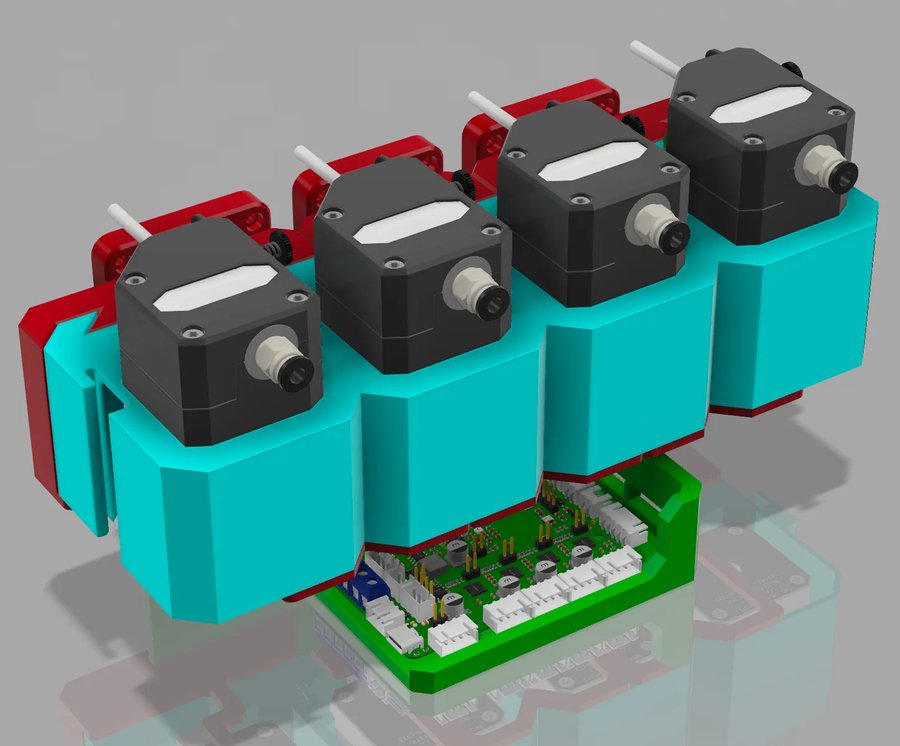
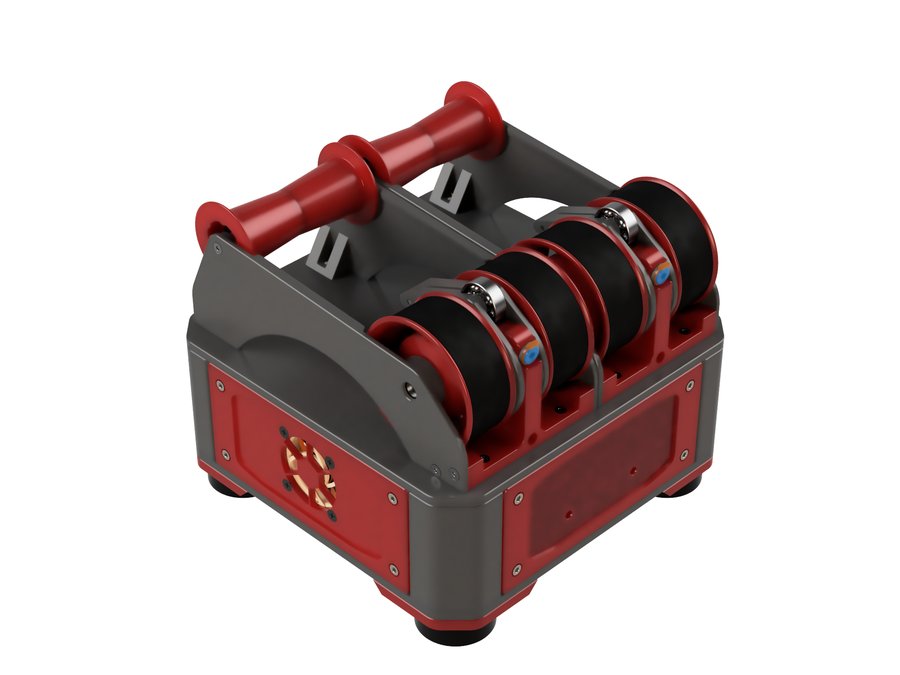
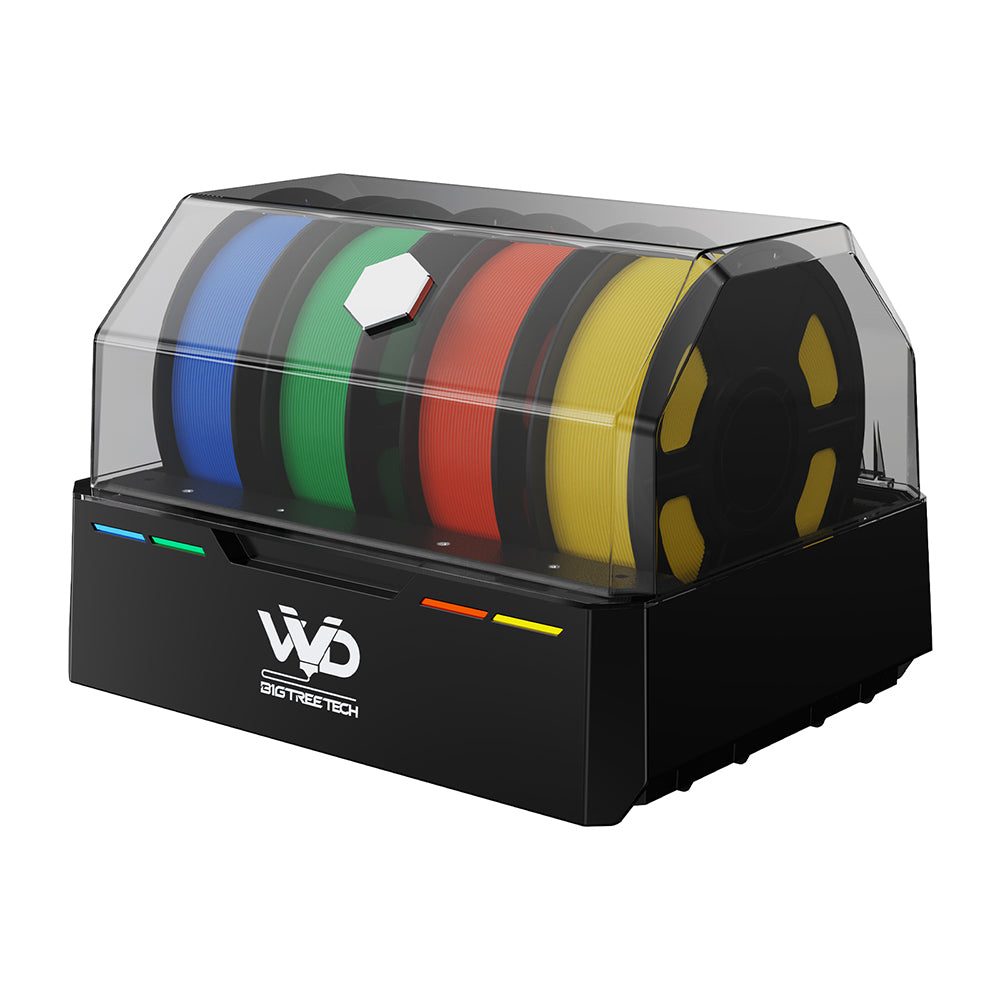
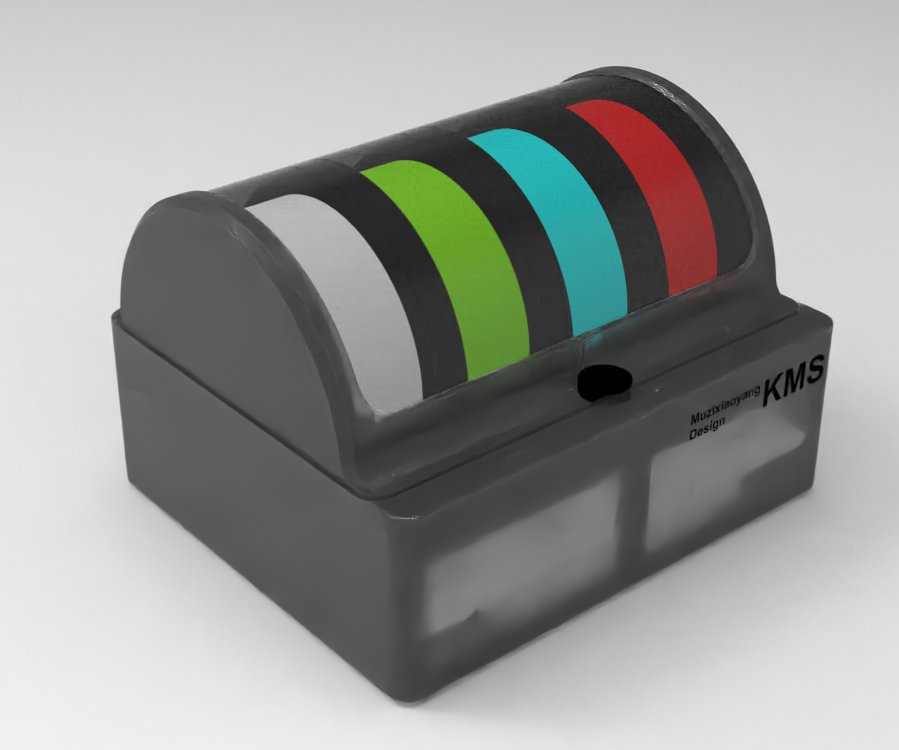
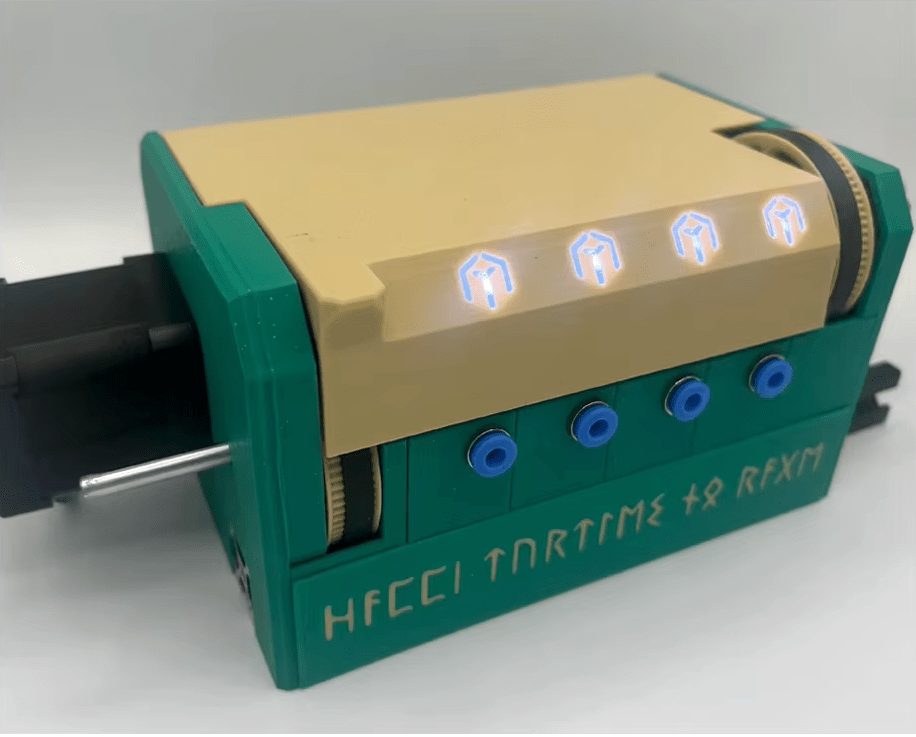
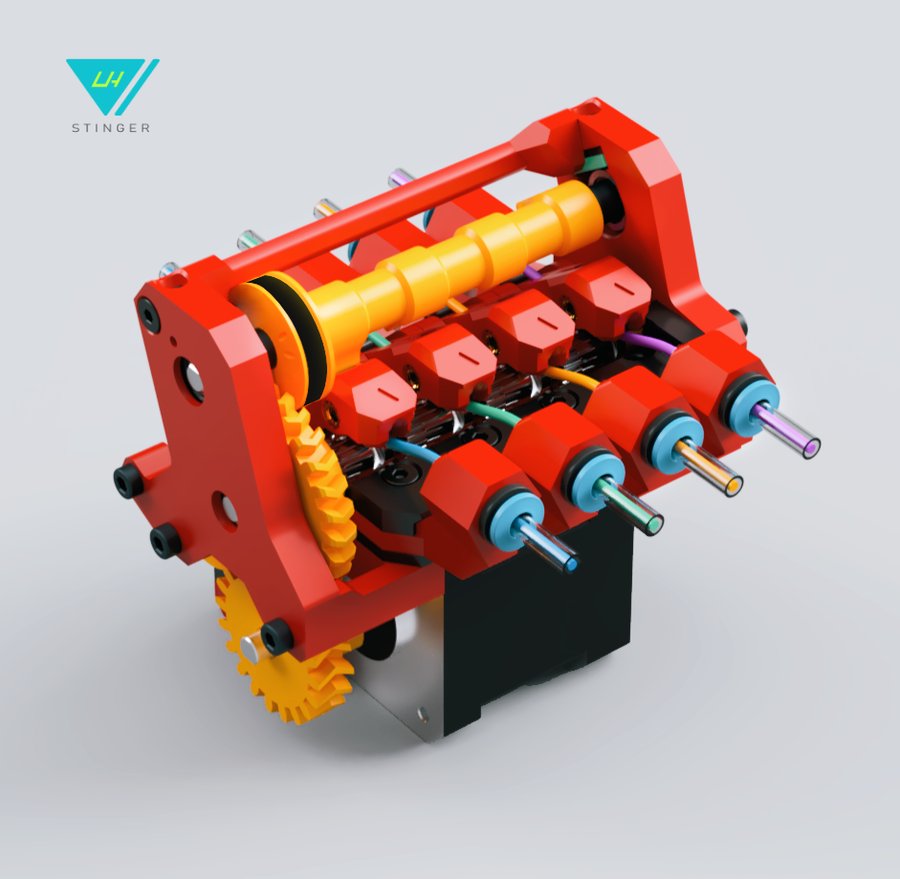
Multi-material units
Compare MMU systems and explore their features.
Materials / Filaments
Filaments & materials
A material-first reference: standard, filled, nylon, flexible, high-performance and specialty filaments — pros, cons, TDS data and when to use each.
Printers / Compare
Compare printers
Put two or three machines side by side on build volume, speed, temperatures and materials. DIY designs and off-the-shelf printers compare in the same table, so you can weigh building against buying.
Electronics
Electronics
Every board, sensor and probe that goes into a Klipper printer — mainboards, host computers, toolhead boards and Z probes, each entry sourced from manufacturer documentation.
Electronics / Mainboards
MCUs & mainboards
Compare mainboard controllers for Klipper printers — stepper slots, CAN bus, processors, and compatibility.
Electronics / Host computers
Single-board computers
Raspberry Pi, Orange Pi, BTT CB1/CB2, and other Klipper host boards — specs, OS downloads, and setup guides.
13 boards
BP
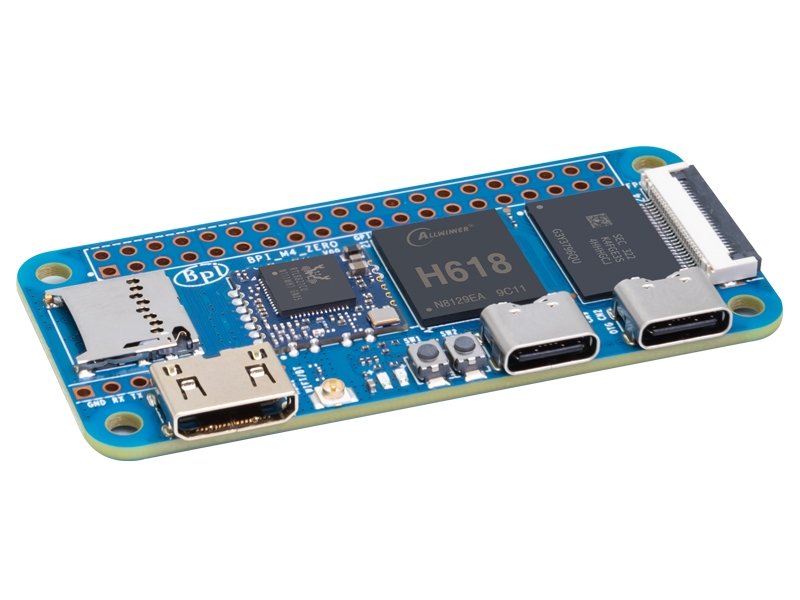
Banana Pi BPI-M4 Zero
Banana Pi · $16–$20
H618WiFi 5
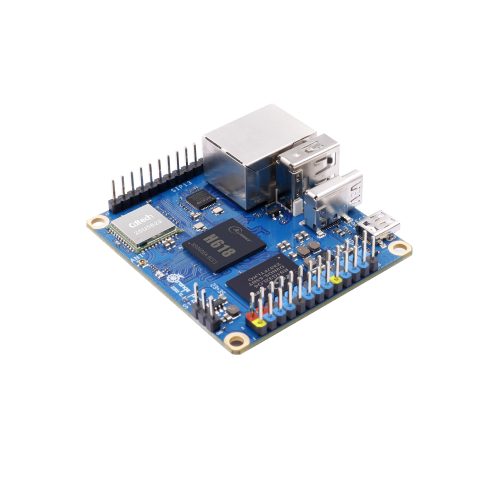
A Pi Zero-sized SBC with more RAM and better specs than the Pi Zero 2 W. With 2GB RAM, WiFi 5, and Bluetooth 5.0, it's a viable compact Klipper host for simple setups. The optional on-board eMMC adds reliability over microSD.
2GB
RAM
✗
Ethernet
40
GPIO
Pi Zero form factor — very compact2GB RAM — more than Pi Zero 2 W's 512MBWiFi 5 and Bluetooth 5.0
Details →
BP
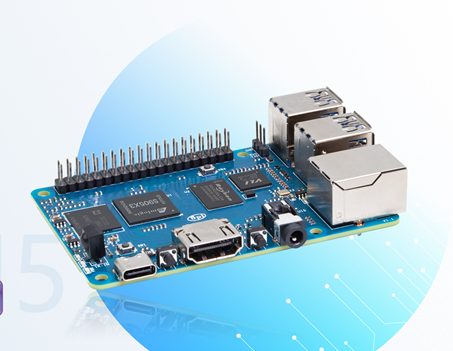
Banana Pi BPI-M5
Banana Pi · $45–$55
S905X3None (USB
A surprisingly capable SBC with 4GB RAM, 4× USB 3.0 ports, and Gigabit Ethernet. The S905X3 Cortex-A55 quad-core runs Klipper smoothly. The multiple USB 3.0 ports are great for connecting multiple MCUs or peripherals.
4GB
RAM
1Gbps
Ethernet
40
GPIO
4× USB 3.0 ports — best USB connectivity in class4GB RAM standardGigabit Ethernet
Details →
BTT
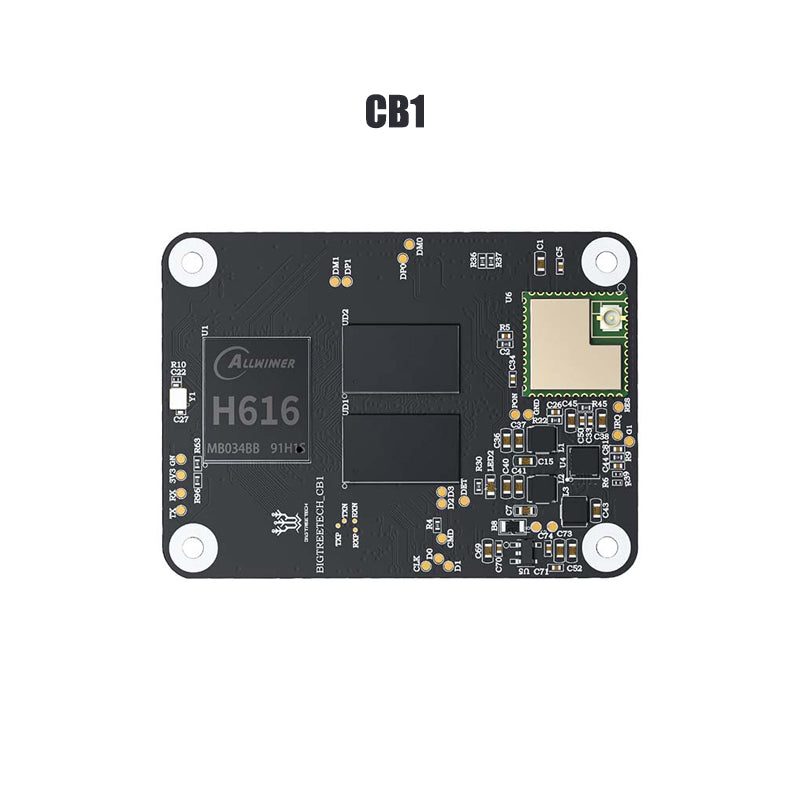
BTT CB1
BigTreeTech (BTT) · $25–$35
H616WiFi (100Mbps
A Raspberry Pi Compute Module 4 alternative designed specifically for 3D printing. Plugs directly into BTT Manta mainboards or a Pi CM4 adapter board, eliminating the need for USB cables between SBC and MCU. Ideal for tight, integrated builds.
512MB/1GB
RAM
100M
Ethernet
40
GPIO
Direct plug-in to BTT Manta boards — no cables neededCM4 form factor — compact and integratedBuilt-in WiFi for wireless access
Details →
BTT
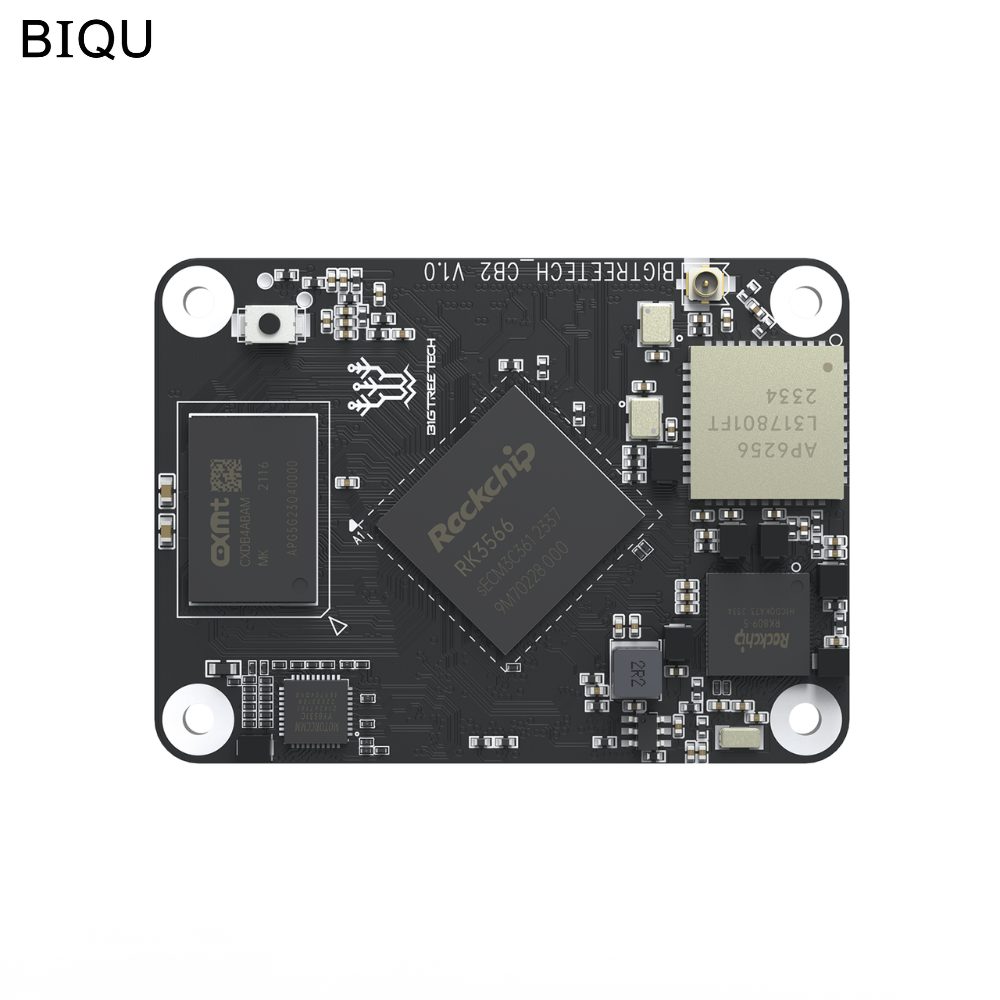
BTT CB2
BigTreeTech (BTT) · $40–$55
RK3566WiFi 5
The upgraded compute module from BTT with a faster RK3566 SoC, dual-band 802.11ac WiFi, Bluetooth, and optional on-board eMMC storage. A significant step up from the CB1 for users who want more performance in the same compact form factor.
2GB/4GB
RAM
1Gbps
Ethernet
40
GPIO
Faster RK3566 SoC — noticeable improvement over CB1Dual-band 802.11ac WiFi and BluetoothOptional on-board eMMC — more reliable than microSD
Details →
BTT
BTT Pi 2
BigTreeTech (BTT) · $45–$55
RK3566WiFi 5
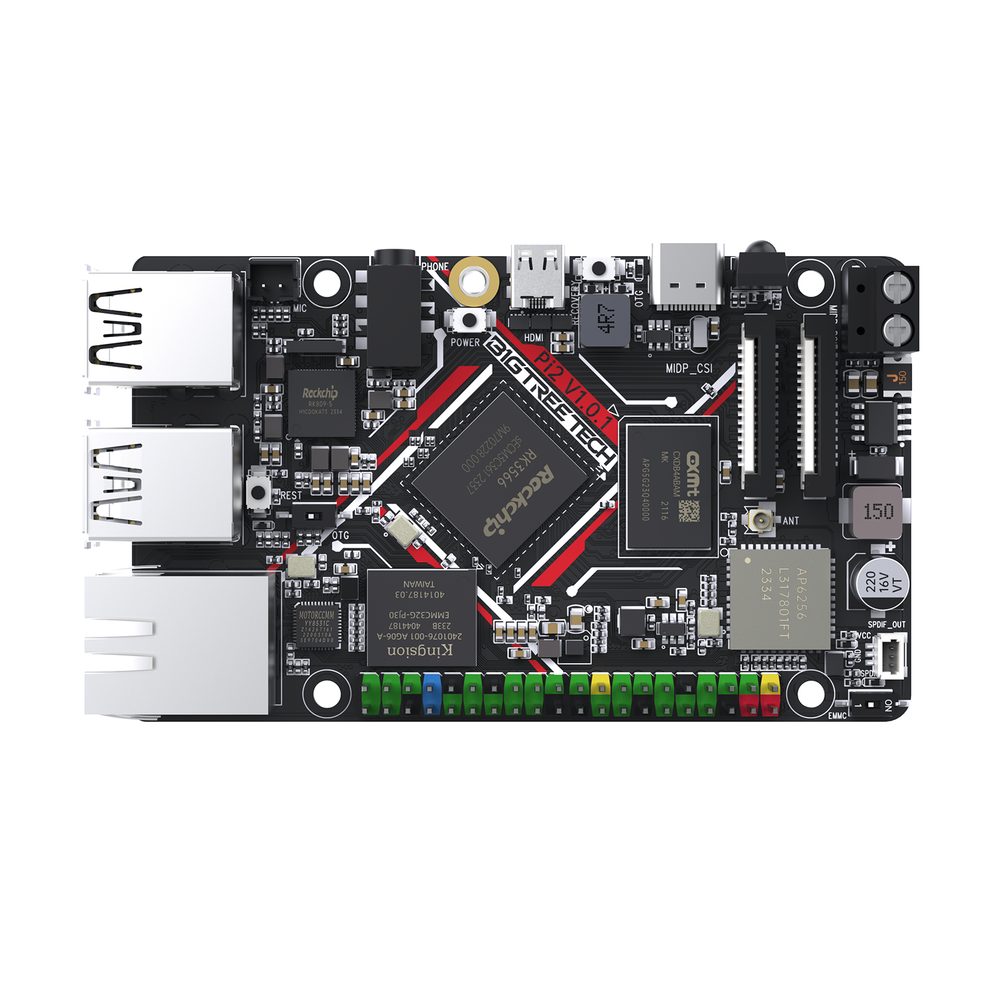
The second-generation standalone BTT SBC, sharing the same RK3566 platform as the CB2 but in a full-size Pi form factor. Features 32GB on-board eMMC, dual-band 802.11ac WiFi, and a 12/24V DC input so you can power it directly from your printer's PSU.
2GB
RAM
1Gbps
Ethernet
40
GPIO
12/24V DC input — power directly from printer PSU32GB on-board eMMC — no microSD neededDual-band 802.11ac WiFi and Bluetooth 5.2
Details →
LC
Le Potato (AML-S905X-CC)
Libre Computer · $20–$25
S905XNo WiFi
An affordable Pi alternative with a 40-pin GPIO header that matches the Raspberry Pi 3 form factor. The Le Potato can run Klipper adequately for basic setups. Its main appeal is availability — it's often in stock when Pis aren't.
2GB
RAM
100M
Ethernet
40
GPIO
Very affordable and usually in stock40-pin GPIO header (Pi-compatible layout)Pi 3 form factor — fits standard Pi cases
Details →
LC
Renegade (ROC-RK3328-CC)
Libre Computer · $25–$45
RK3328No WiFi
A step up from the Le Potato with Gigabit Ethernet and USB 3.0. The 4GB model is a capable Klipper host with reliable Armbian support. Good for users who want a Pi-like experience without the Pi premium.
1GB/2GB/4GB
RAM
1Gbps
Ethernet
40
GPIO
Gigabit Ethernet for fast network accessUSB 3.0 port for faster MCU communication40-pin GPIO header (Pi-compatible)
Details →
OP
Orange Pi 3B
Orange Pi · $30–$45
RK3566WiFi 5
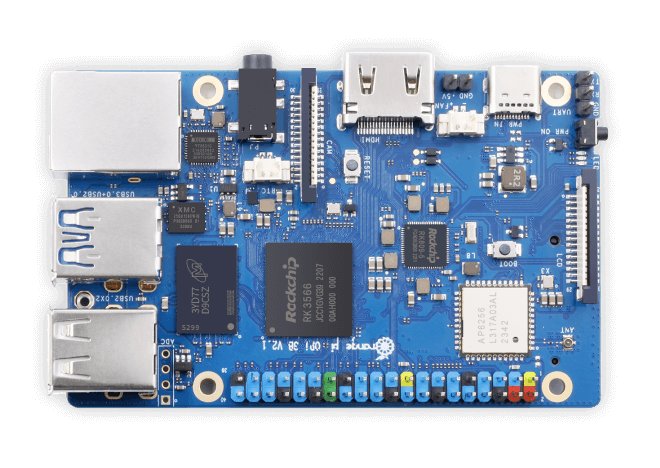
A solid mid-range SBC in a Raspberry Pi 4 form factor. Built-in WiFi/BT, M.2 NVMe slot, and eMMC support make it a well-rounded Klipper host at a lower price point than the Pi 4. Good Armbian support.
4GB/8GB
RAM
1Gbps
Ethernet
26
GPIO
Good balance of performance and priceM.2 NVMe slot for fast, reliable storageBuilt-in WiFi 5 and Bluetooth 5.0
Details →
OP
Orange Pi 5
Orange Pi · $60–$110
RK3588SNone (M.2
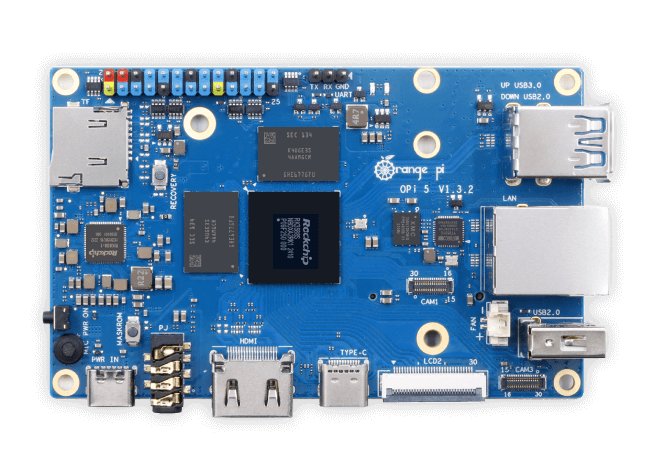
A powerhouse SBC with the RK3588S — 8 cores (4× big A76 + 4× little A55) with M.2 NVMe support. Overkill for Klipper alone, but excellent if you also want to run OctoPrint, cameras, or multiple services alongside your firmware host.
4GB/8GB/16GB
RAM
1Gbps
Ethernet
26
GPIO
Extremely powerful 8-core SoC — fastest in this classM.2 NVMe slot for fast storage built-ineMMC module support for reliable booting
Details →
OP
Orange Pi Zero 3
Orange Pi · $16–$27
H618WiFi 5
An ultra-compact, budget-friendly SBC. The 2GB or 4GB model can run Klipper comfortably for basic setups. Its small size makes it easy to mount inside printer electronics bays. WiFi and Ethernet included.
1GB/2GB/4GB
RAM
1Gbps
Ethernet
26
GPIO
Very affordable — starts at ~$16Compact form factor fits tight spacesBuilt-in WiFi 5 and Gigabit Ethernet
Details →
RP
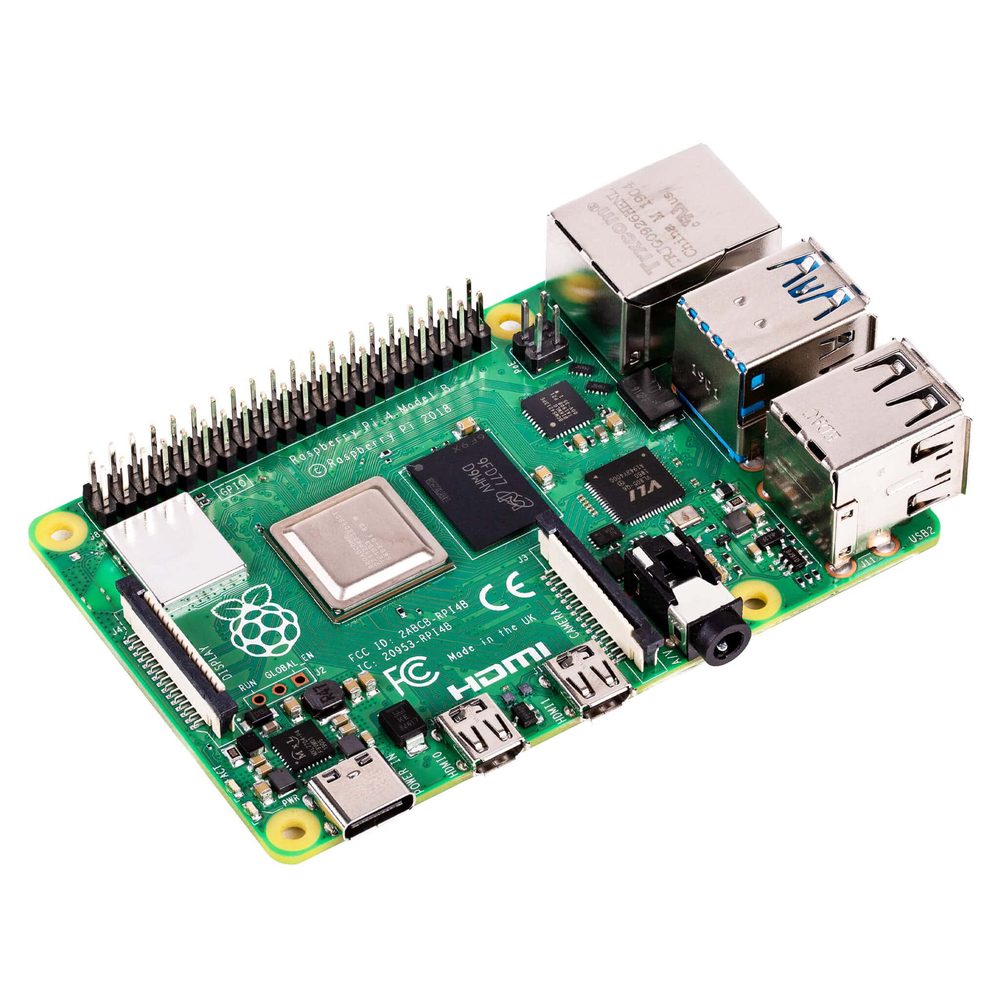
Raspberry Pi 4 Model B
Raspberry Pi · $35–$75
BCM2711WiFi 5
The most popular SBC for 3D printing firmware. The Pi 4 has been the go-to Klipper host for years with excellent software compatibility, a massive community, and proven reliability. The 4GB model is the sweet spot for most setups.
1GB/2GB/4GB/8GB
RAM
1Gbps
Ethernet
40
GPIO
Battle-tested — the most widely used Klipper hostMassive community with countless guides and tutorials4GB model is more than sufficient for Klipper
Details →
RP
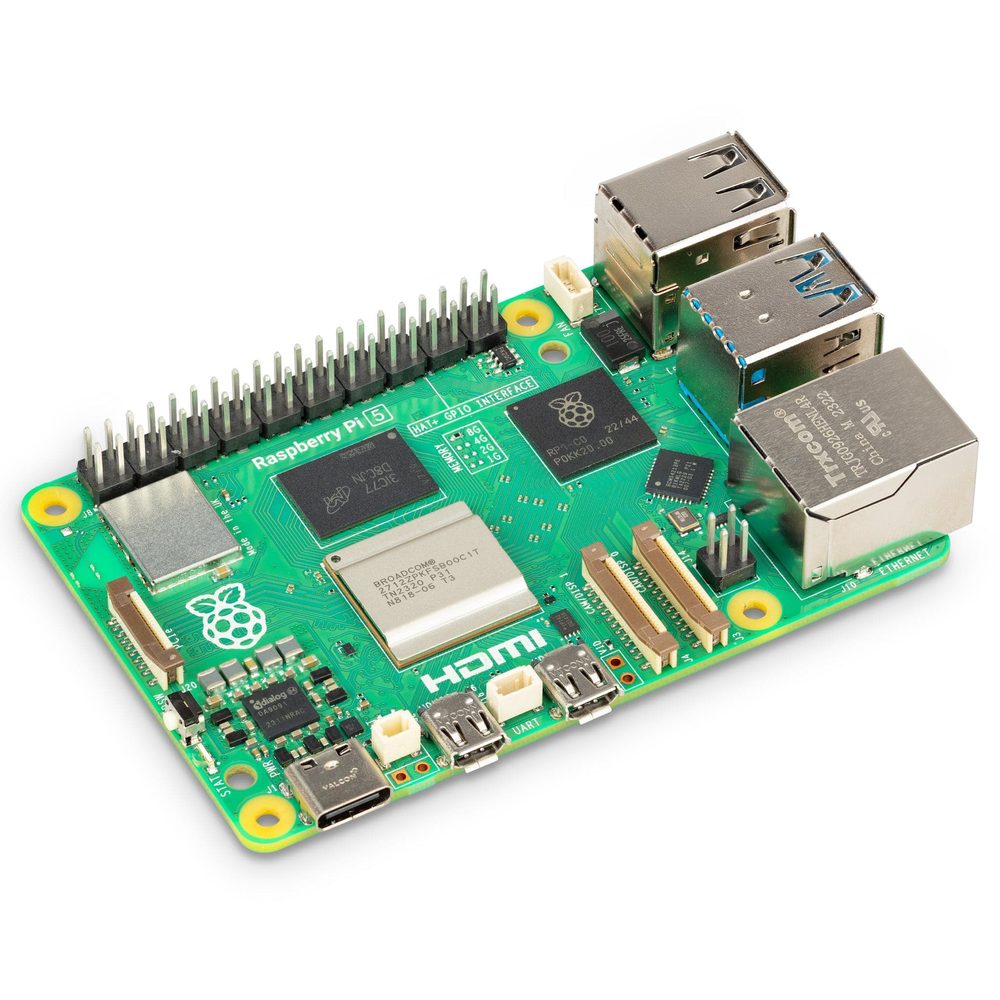
Raspberry Pi 5
Raspberry Pi · $60–$80
BCM2712WiFi 5
The latest flagship Raspberry Pi with a significant performance leap. The quad-core Cortex-A76 SoC makes it one of the fastest SBCs available for running Klipper, with plenty of headroom for input shaping, cameras, and multi-MCU setups.
1GB/2GB/4GB/8GB/16GB
RAM
1Gbps
Ethernet
40
GPIO
Fastest Pi ever — easily handles Klipper + ADXL + cameraPCIe lane for NVMe storage via M.2 HAT+Excellent community support and documentation
Details →
RP
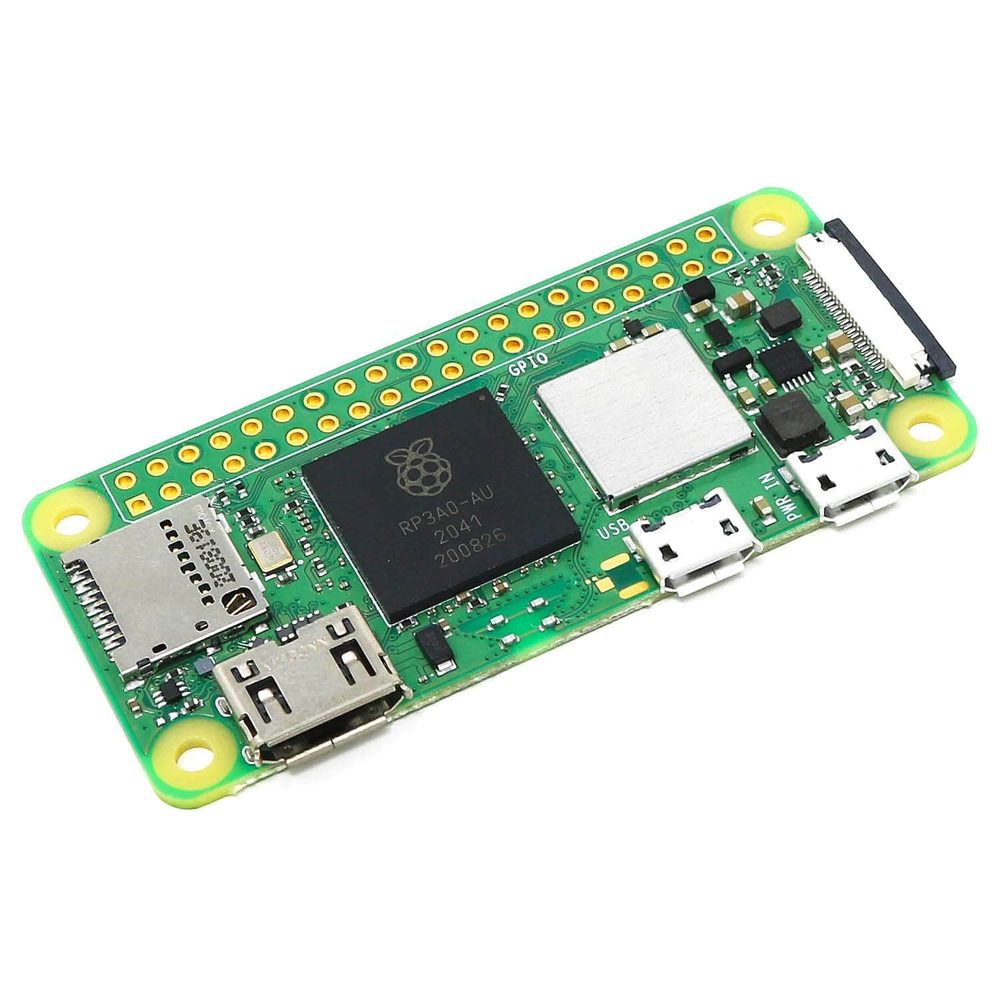
Raspberry Pi Zero 2 W
Raspberry Pi · $15
RP3A0-AUWiFi 4
The tiny, ultra-affordable Pi. With only 512MB of RAM it's tight for Klipper but can work for basic setups without input shaping or cameras. Best as a secondary/CAN bridge host or for very simple single-MCU configurations.
512MB
RAM
✗
Ethernet
40
GPIO
Extremely cheap — $15 MSRPTiny form factor fits anywhereLow power consumption
Details →
Getting Started
Download an OS image, flash it to a microSD card, and get your SBC running Klipper.
Klipper or Kalico? Kalico is a community fork of Klipper that's generally more cutting-edge — new features land there first. Configs are largely interchangeable, so Klipper experience is a plus either way. Stock Klipper offers the largest community and maximum stability; Kalico suits builders who want the newest capabilities.
CAN bus, USB, and passive toolhead boards — EBB, Nitehawk, H36, Hartk, and more.
Electronics / Probing
Probes & bed scanners
Eddy-current scanners, nozzle-contact probes, inductive sensors, and deployable-pin probes for Z homing and bed meshing.
Firmware / Configuration
Klipper configurator
Assign components to MCU pins and generate a starter printer.cfg configuration. Works with stock Klipper and Kalico (a more cutting-edge community fork — configs are largely interchangeable).
Firmware / Slicer
Slicer config
Generate slicer start/end g-code and Klipper PRINT_START / PRINT_END macros for your printer and slicer combination.
Extrusion / Extruders
Extruders
Complete guide to all extruders — Clockwork 2, Galileo 2, Orbiter, Sherpa, BMG, and more. Printed and commercial options.
Extrusion / Hotends
Hotends
Complete guide to all hotends on the market — flow rates, max temps, and compatibility.
Reference / Documentation
Manuals & documentation
Build guides, firmware configuration, and reference docs.
Reference / Changelog
What's new
Running changelog of new printers, products, features and data verification passes.
Reference / Sourcing
Trusted sellers
Community-vetted vendors for printer parts, electronics, and filament.
Site / About
About
What this site is, how to use it, and who built it.
Site / Contact
Contact
Get in touch — suggestions, bug reports, and community feedback welcome.