01
Pick a machine
Choose a DIY printer or MMU, its size and a build tier.
Klipper hardware reference
Configure a DIY printer or MMU, compare verified hotends, boards and steppers, and generate the Klipper config to run it.
01 / Reference
The catalogs behind every bill of materials — each entry sourced from manufacturer documentation, not guesswork.
Choose a DIY printer or MMU, its size and a build tier.
Get a full bill of materials with verified vendor links.
Compare boards, hotends, extruders, probes and steppers.
Assign MCU pins and export a starting printer.cfg.
02 / Build
Pick a printer, size and build tier to generate a sourced bill of materials.
| Qty | Part Name | Type | Size | Sourcing Links |
|---|
No parts match your search.
Try a different keyword or check spelling.
The gold standard CoreXY enclosed printer
250×250×230
The reliable workhorse — Trident does it all
250×250×250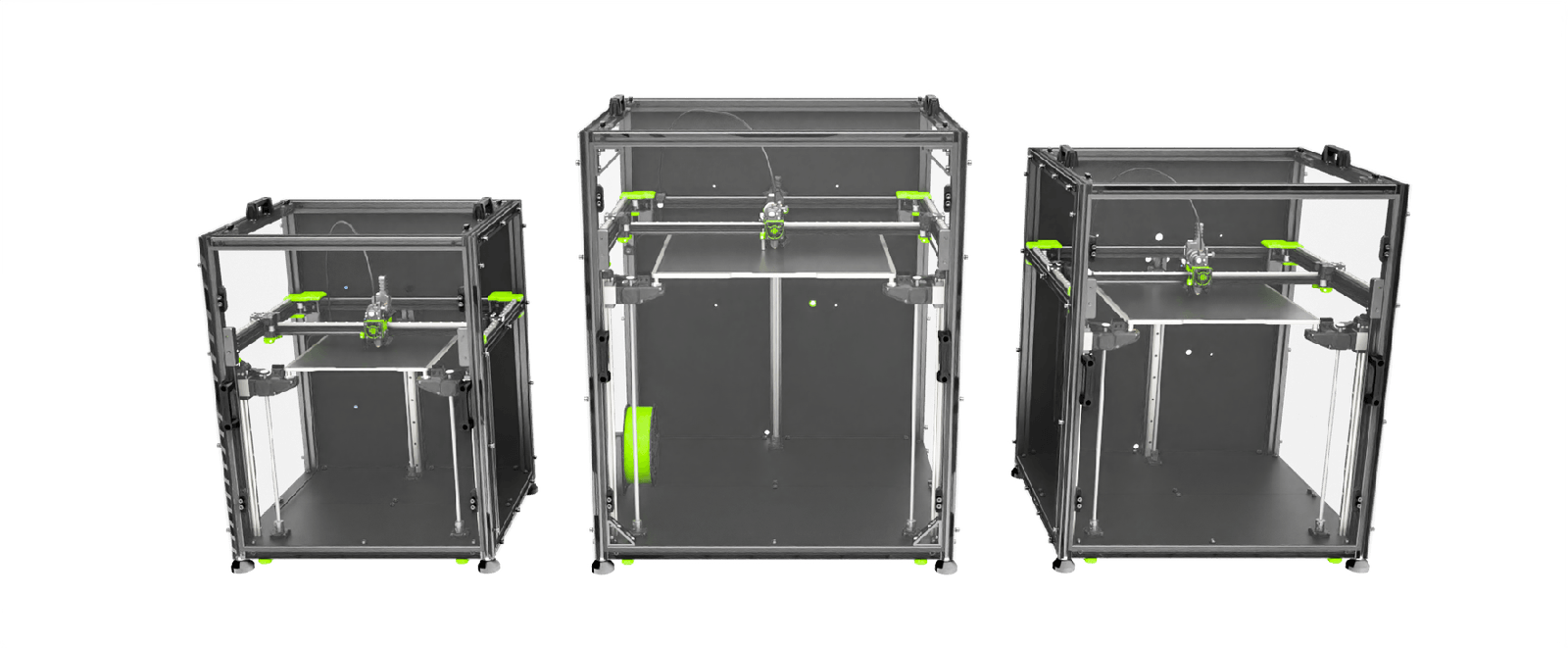
Next-gen enclosure-ready CoreXY with premium engineering
300³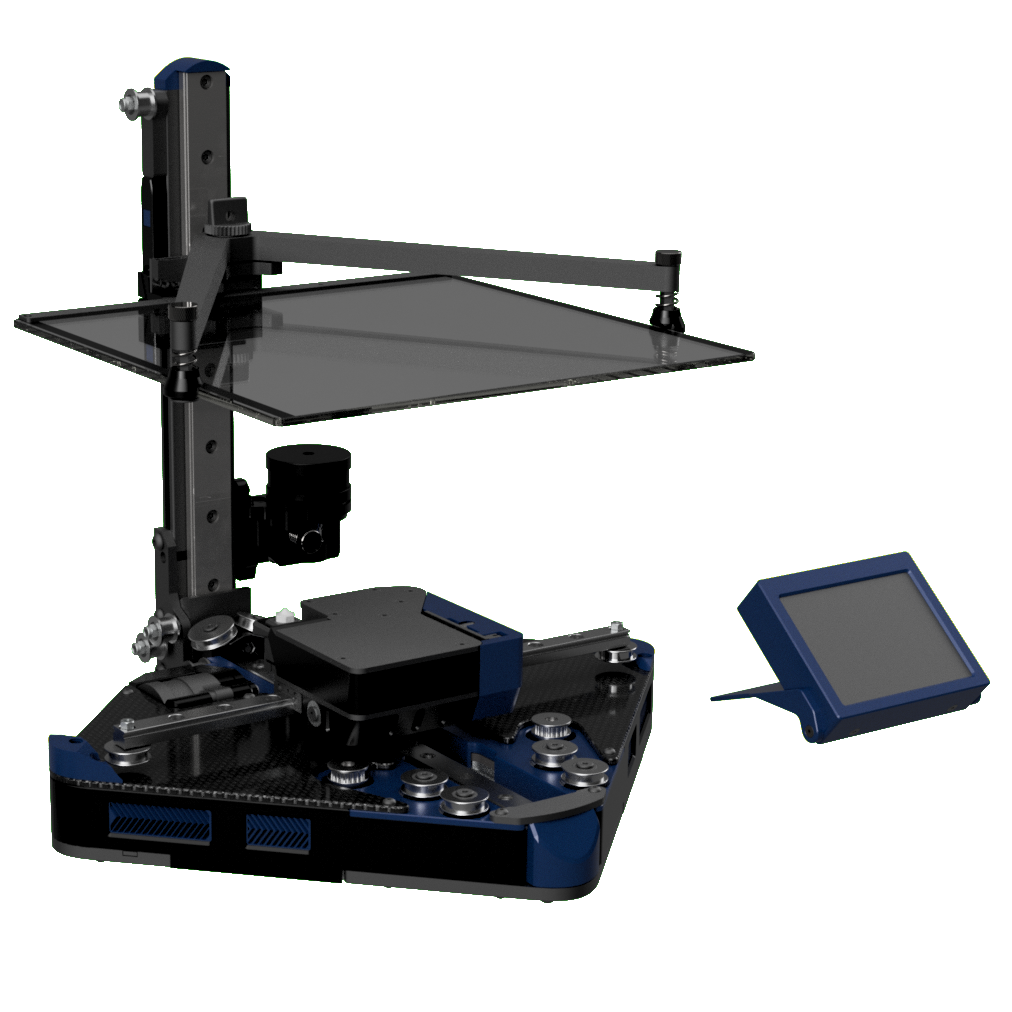
Upside-down CoreXY that folds into a filament spool box
180 × 180 × 165 mm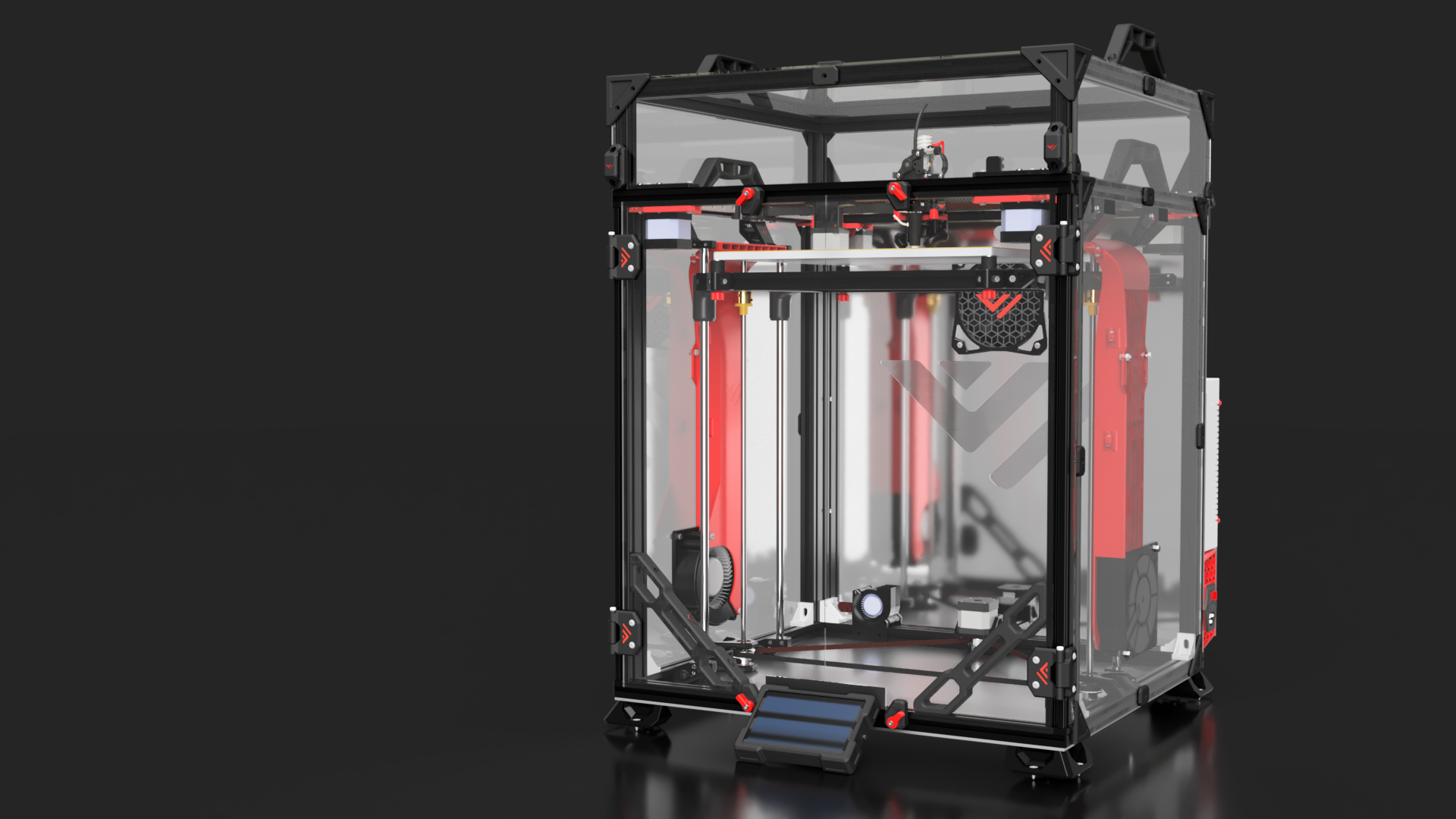
High-speed AWD CoreXY built for velocity
330 × 330 × 400 mm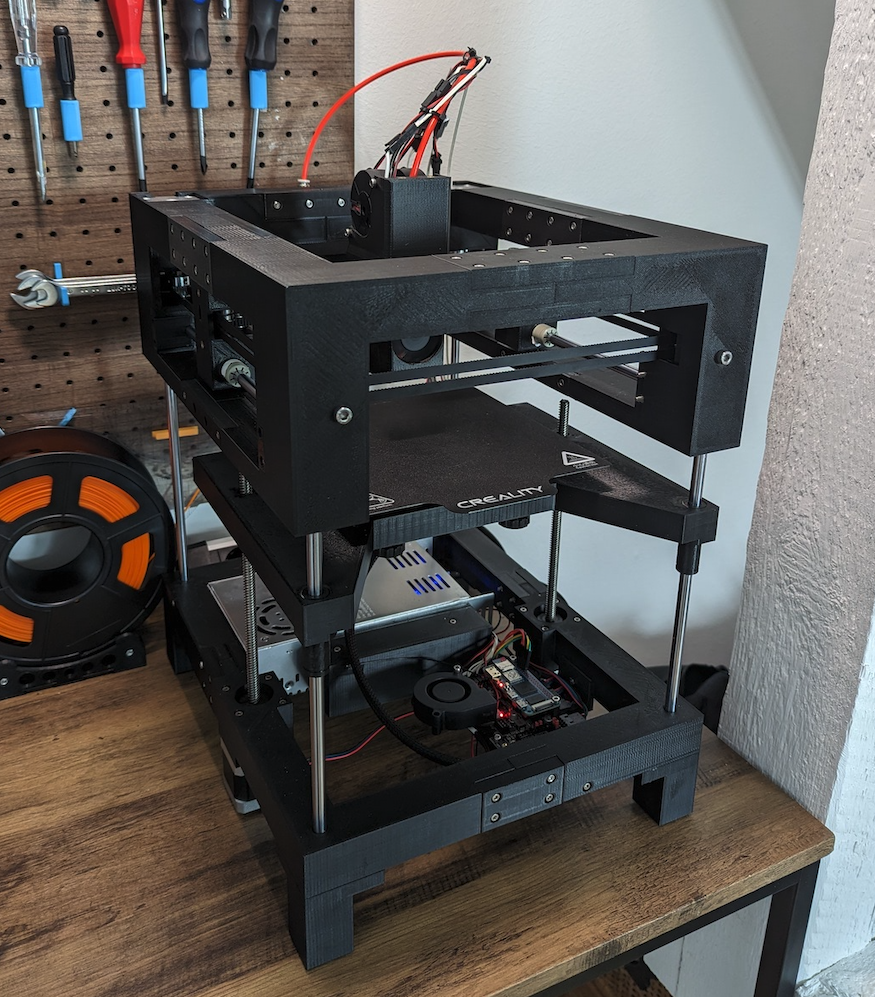
Fastest printed-frame CoreXY — budget speed machine
165 × 165 × 150 mm03 / DIY printers
Click any machine to learn more, or select one above to start configuring.
The gold standard CoreXY enclosed printer
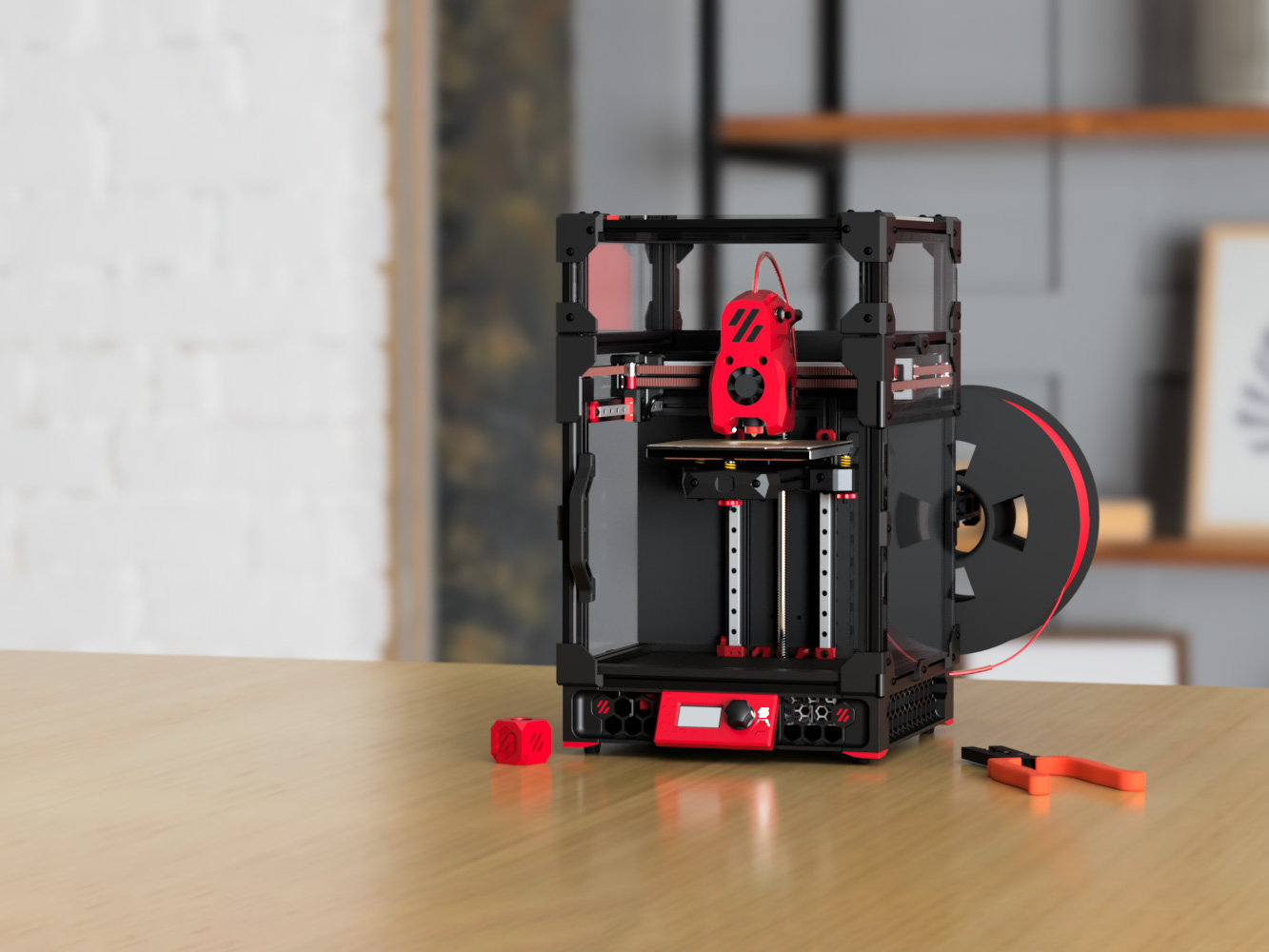
Tiny desktop CoreXY that punches above its weight
The reliable workhorse — Trident does it all
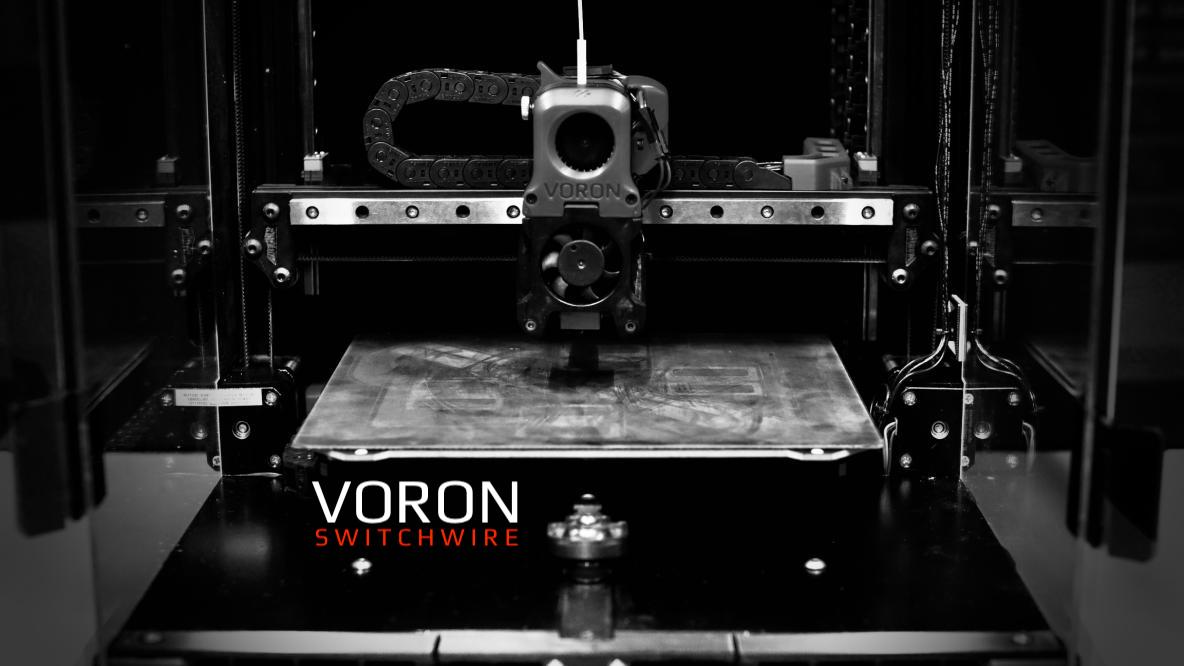
CoreXZ bedslinger — the gateway Voron
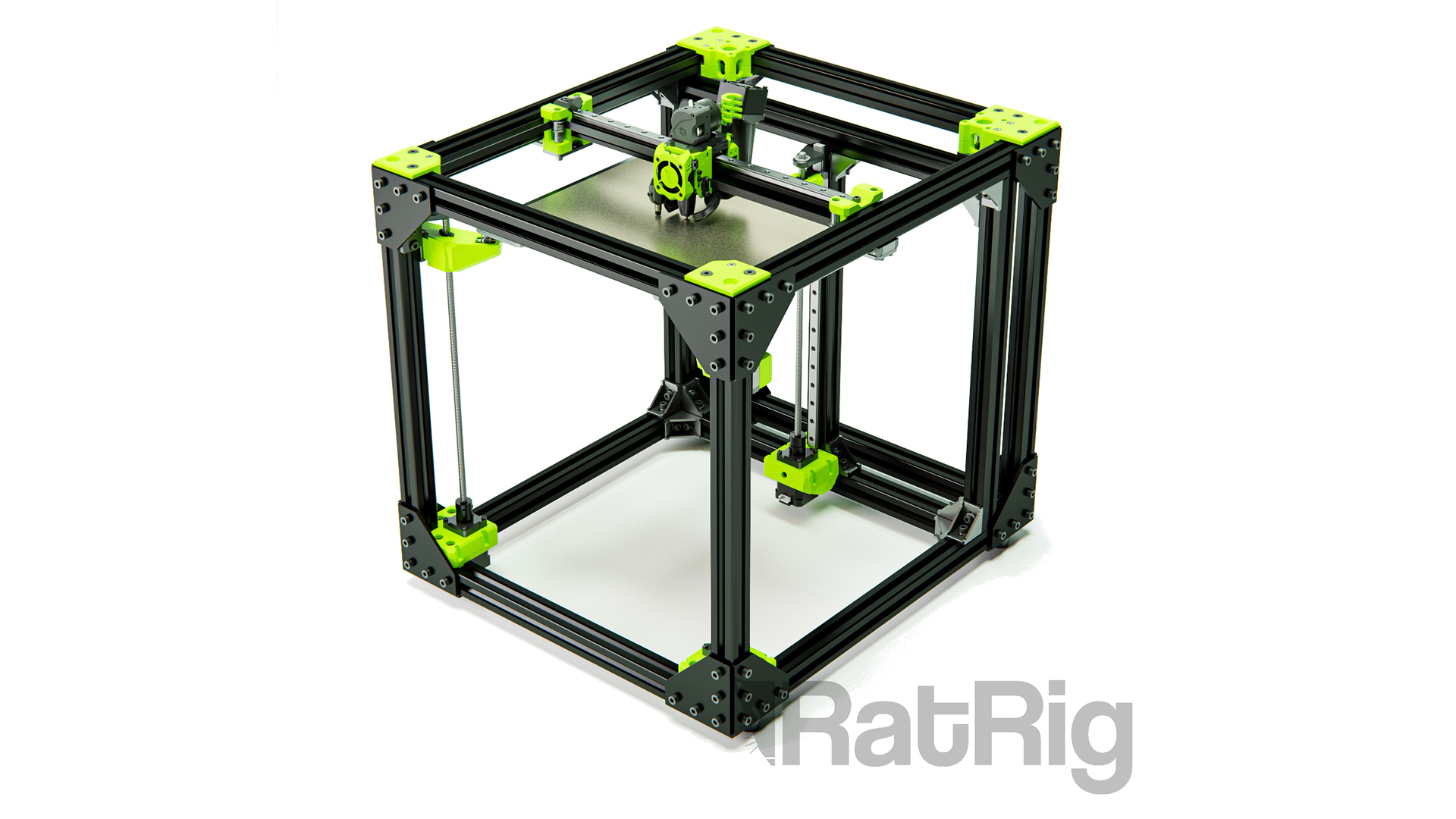
The proven 3-point CoreXY workhorse
Next-gen enclosure-ready CoreXY with premium engineering
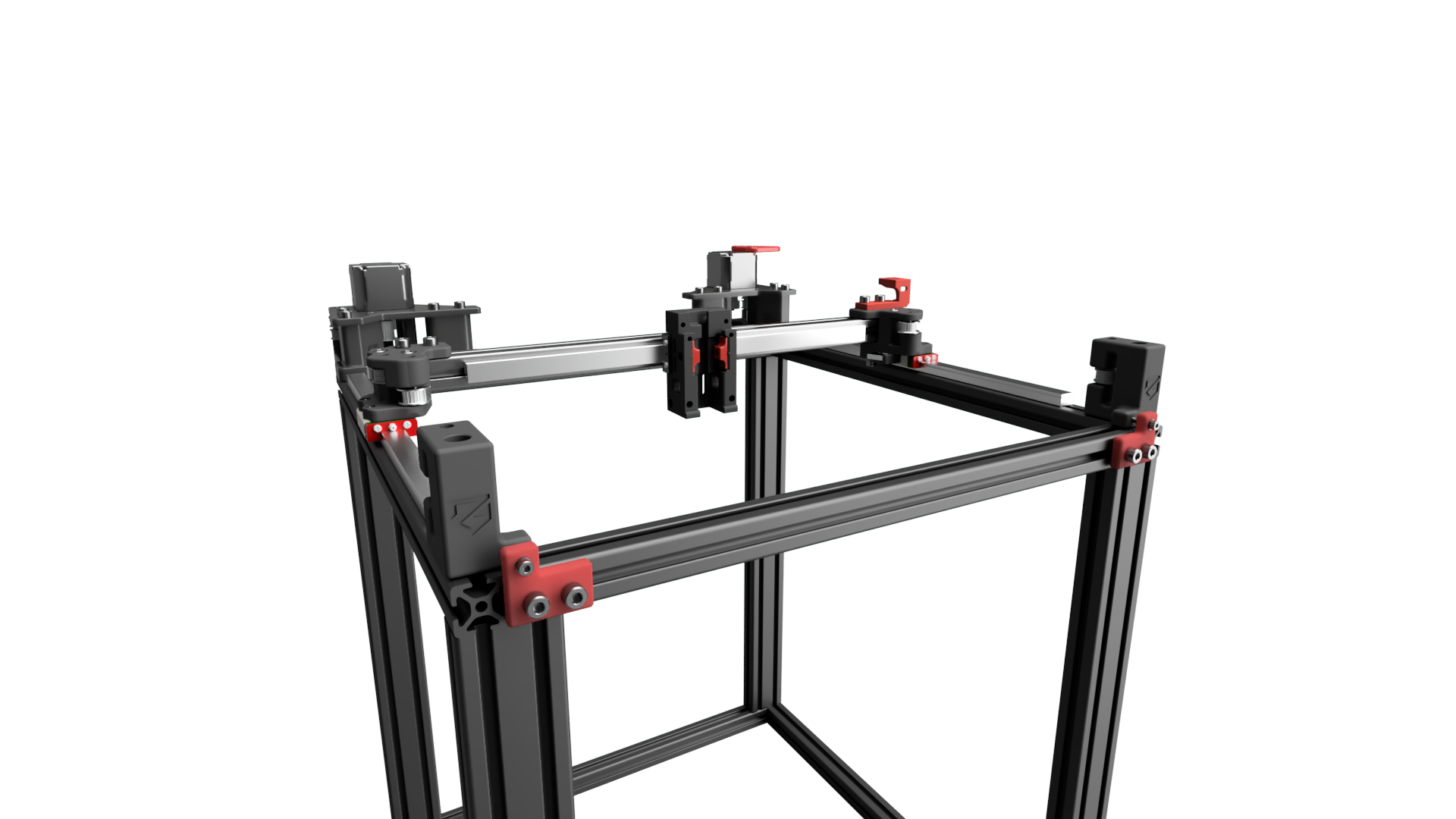
Convert your Ender into a speed demon
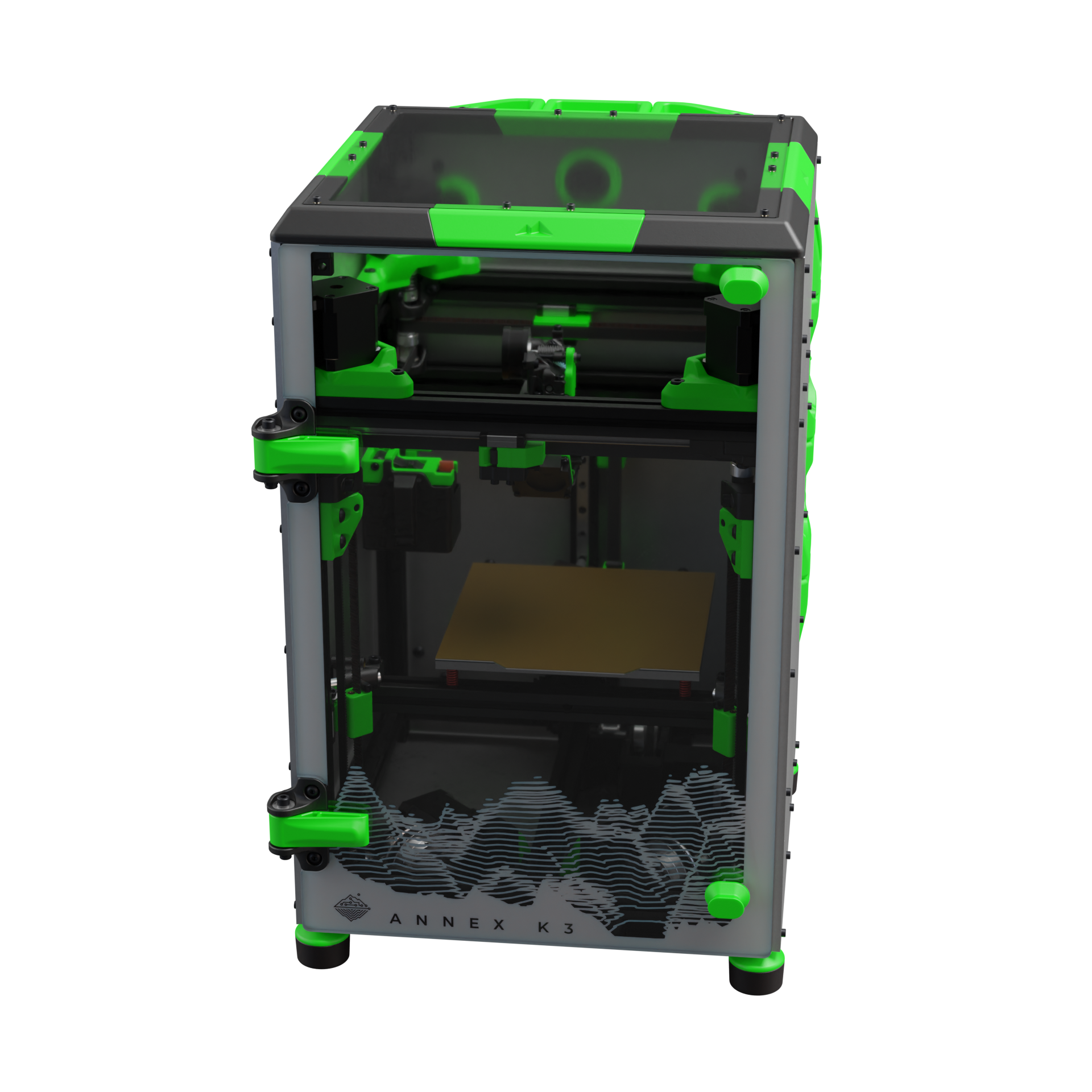
Compact speed machine with dual-motor XY
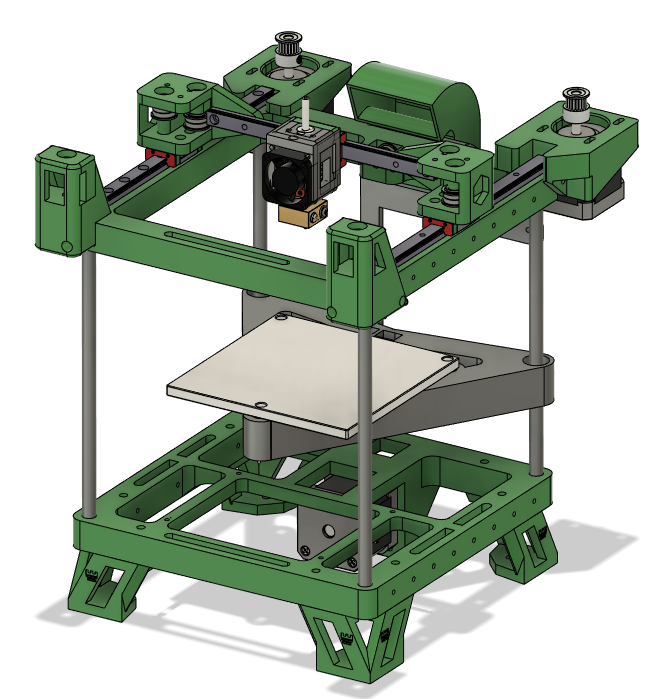
Affordable mostly-printed CoreXY for beginners
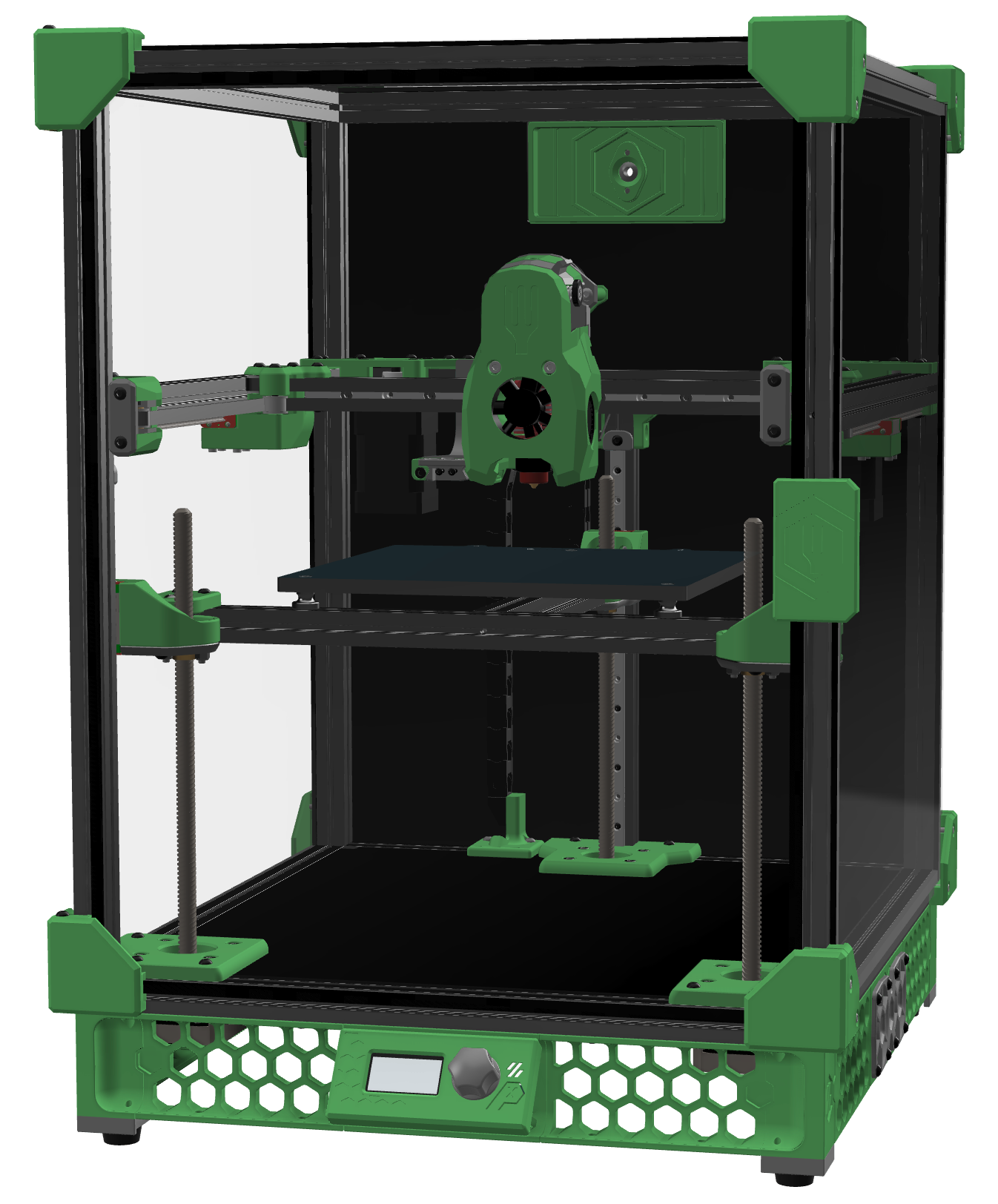
A Trident scaled down to 1515 — the overengineered mini
Upside-down CoreXY that folds into a filament spool box
High-speed AWD CoreXY built for velocity
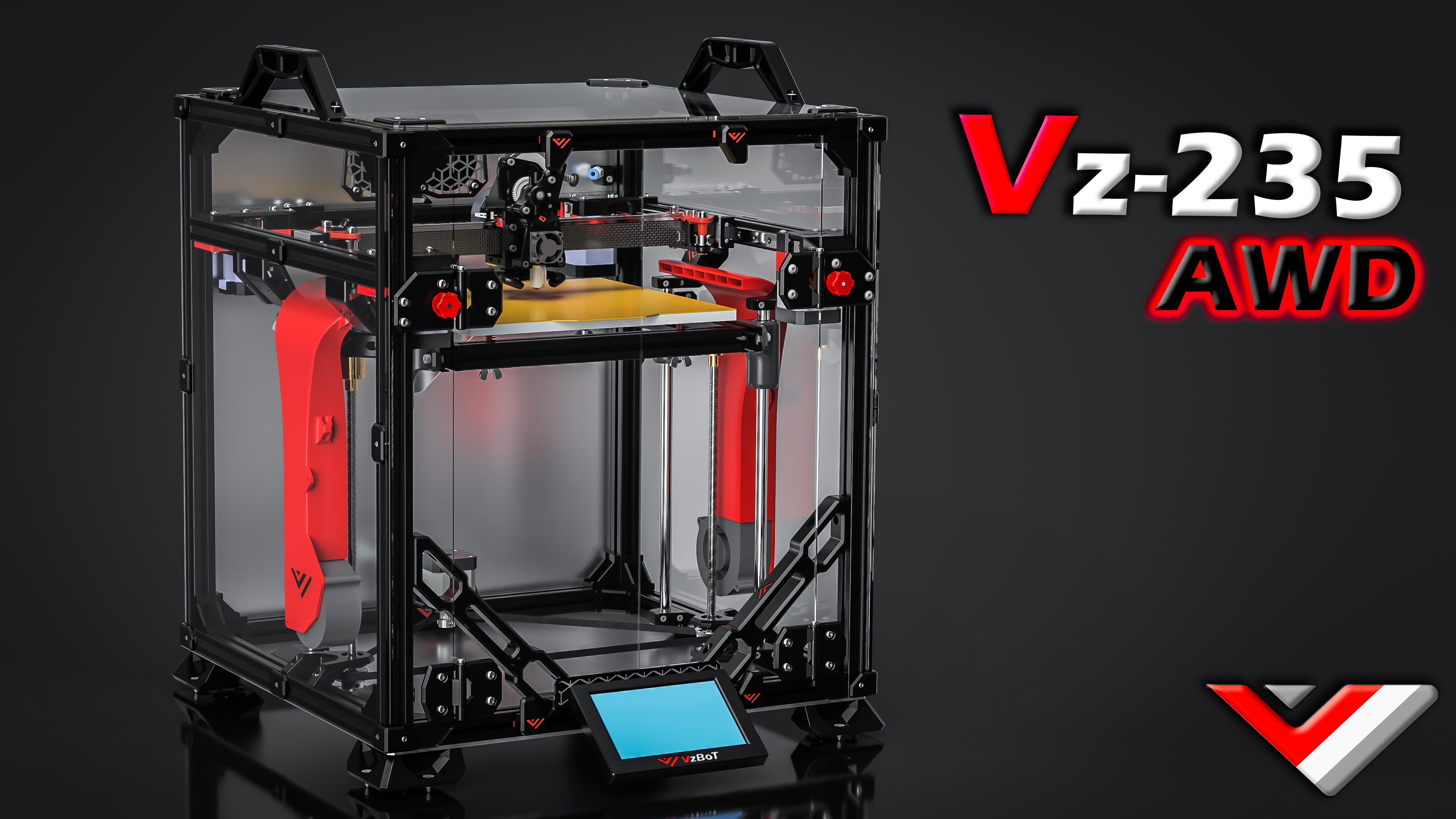
Compact AWD speed demon in Ender-3 footprint
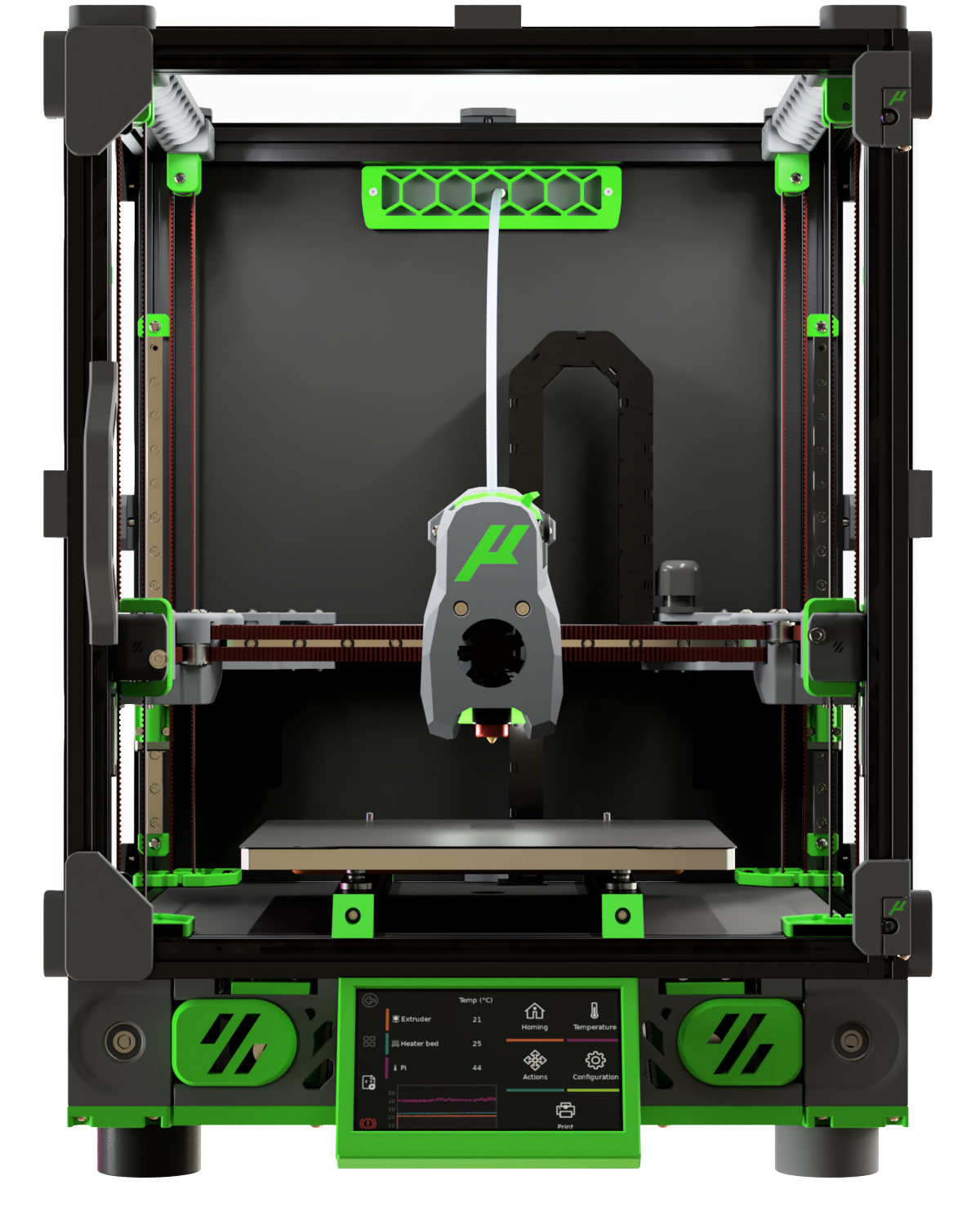
Voron V2.4 shrunk to 1515 extrusions
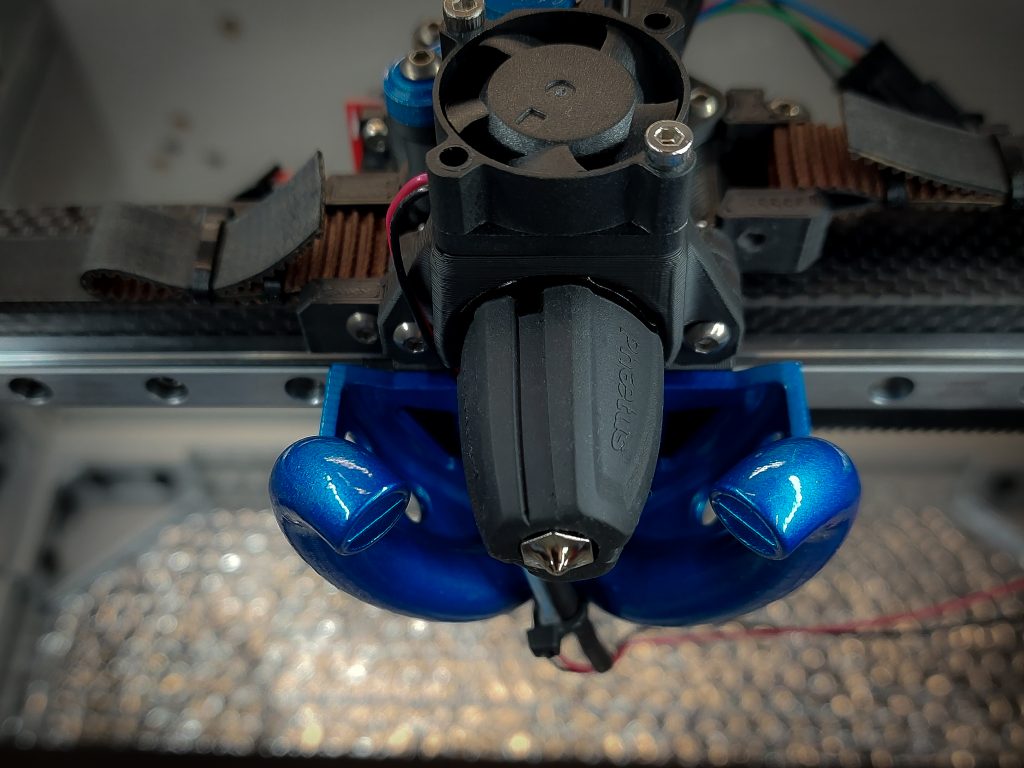
Scalable high-performance CoreXY with self-leveling Z
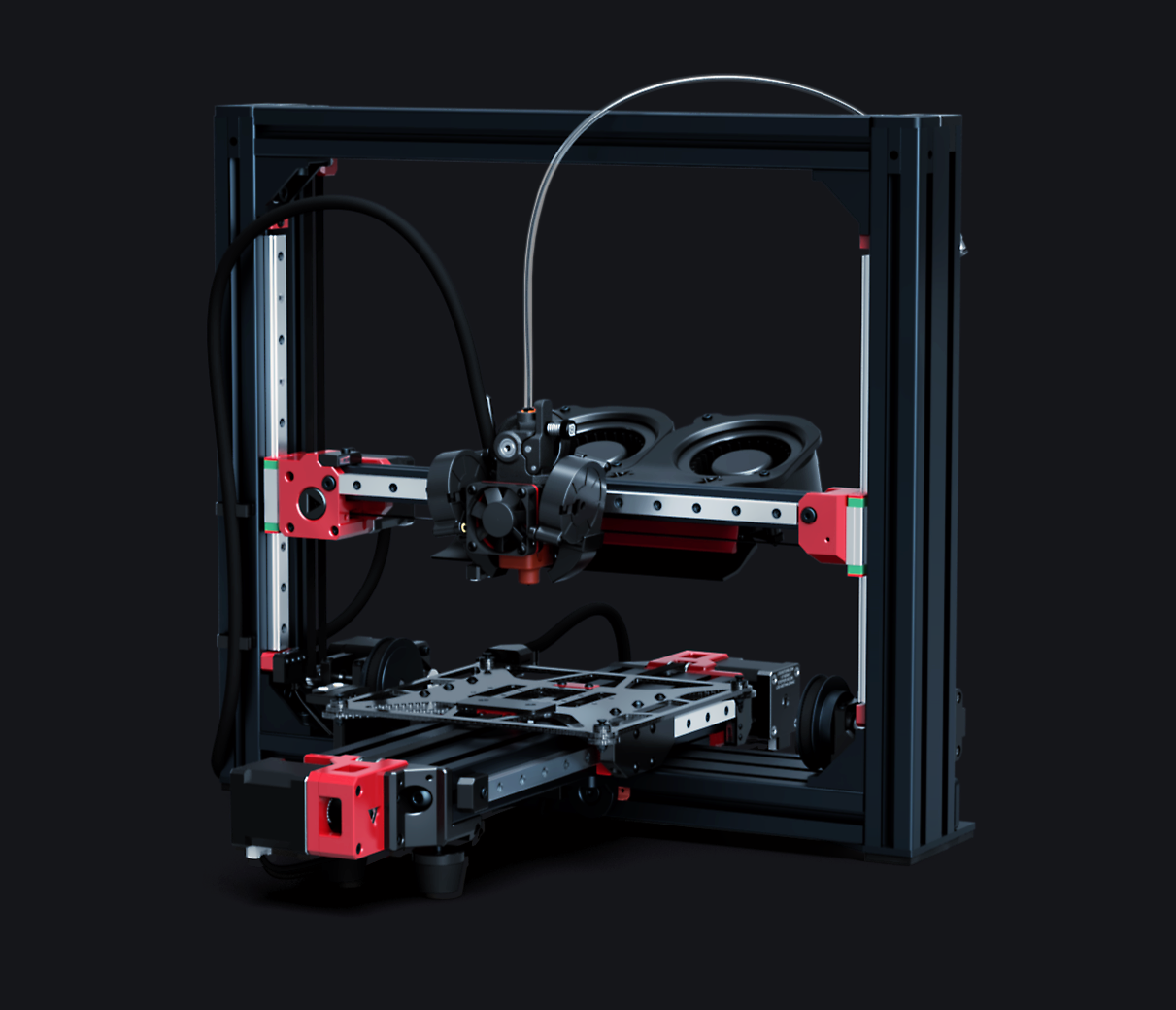
AWD Cartesian speed printer with 1000mm/s capability
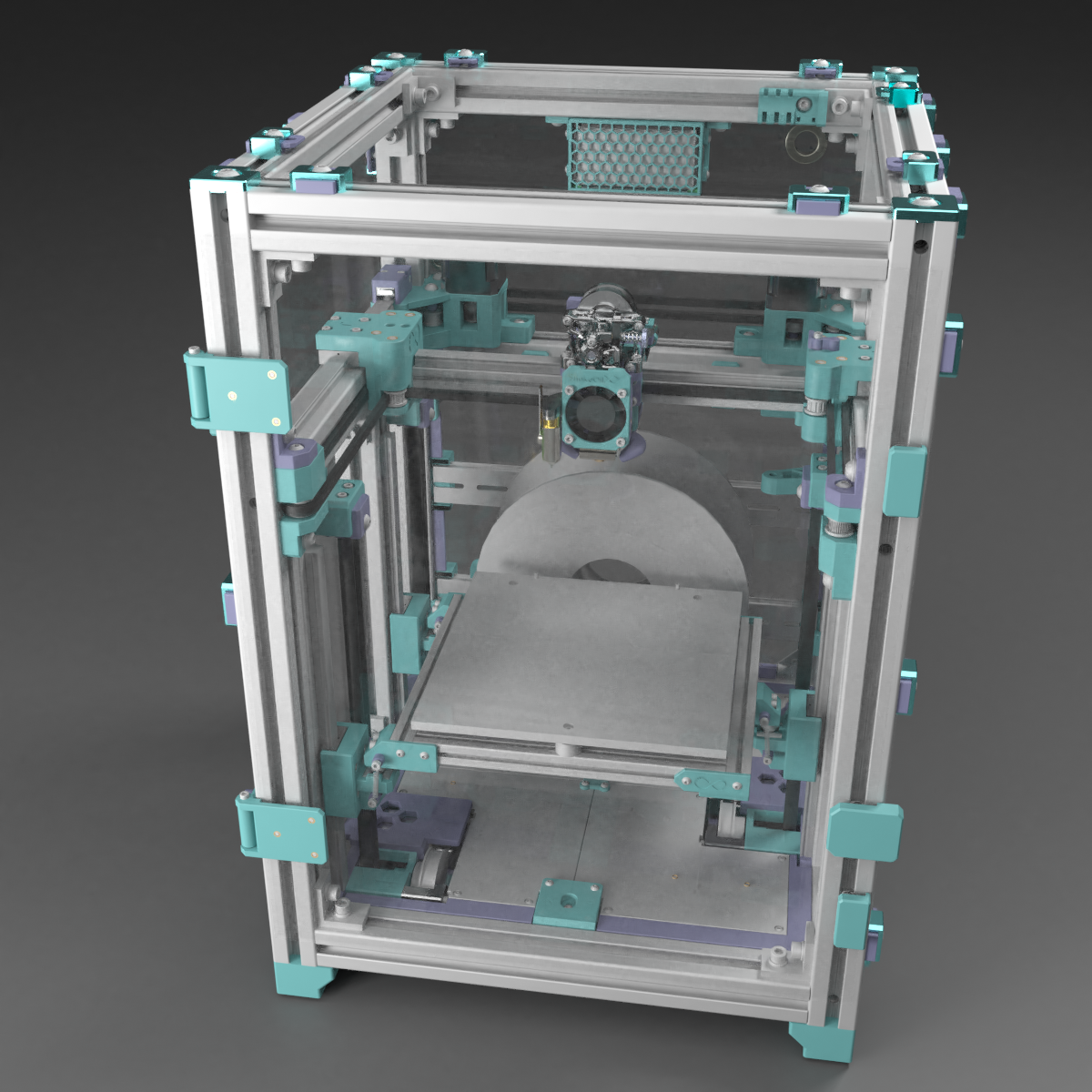
Versatile CoreXY with Extended kinematics and IDEX option
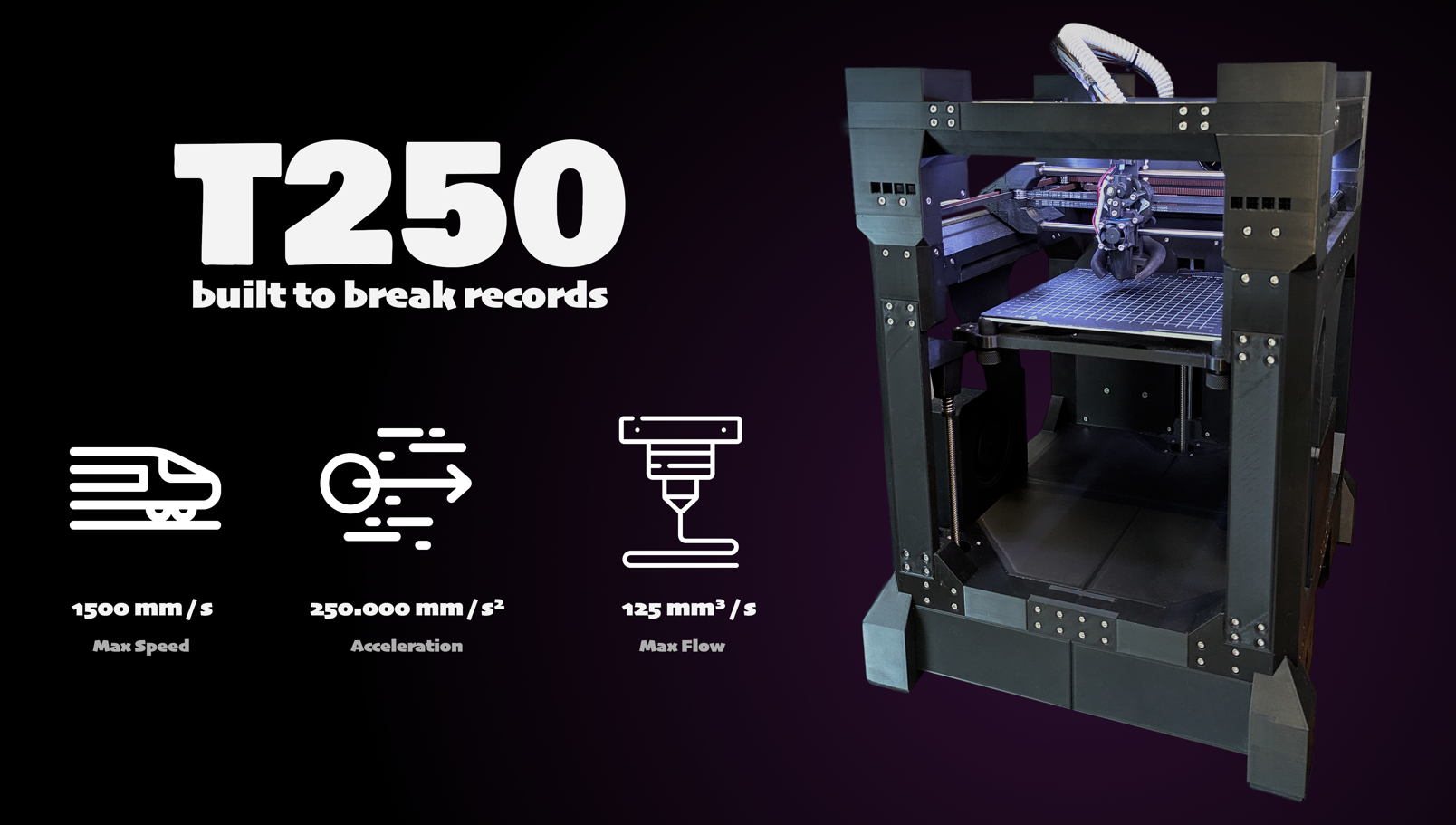
World record speed printer — sub-2-minute Benchy
Fastest printed-frame CoreXY — budget speed machine
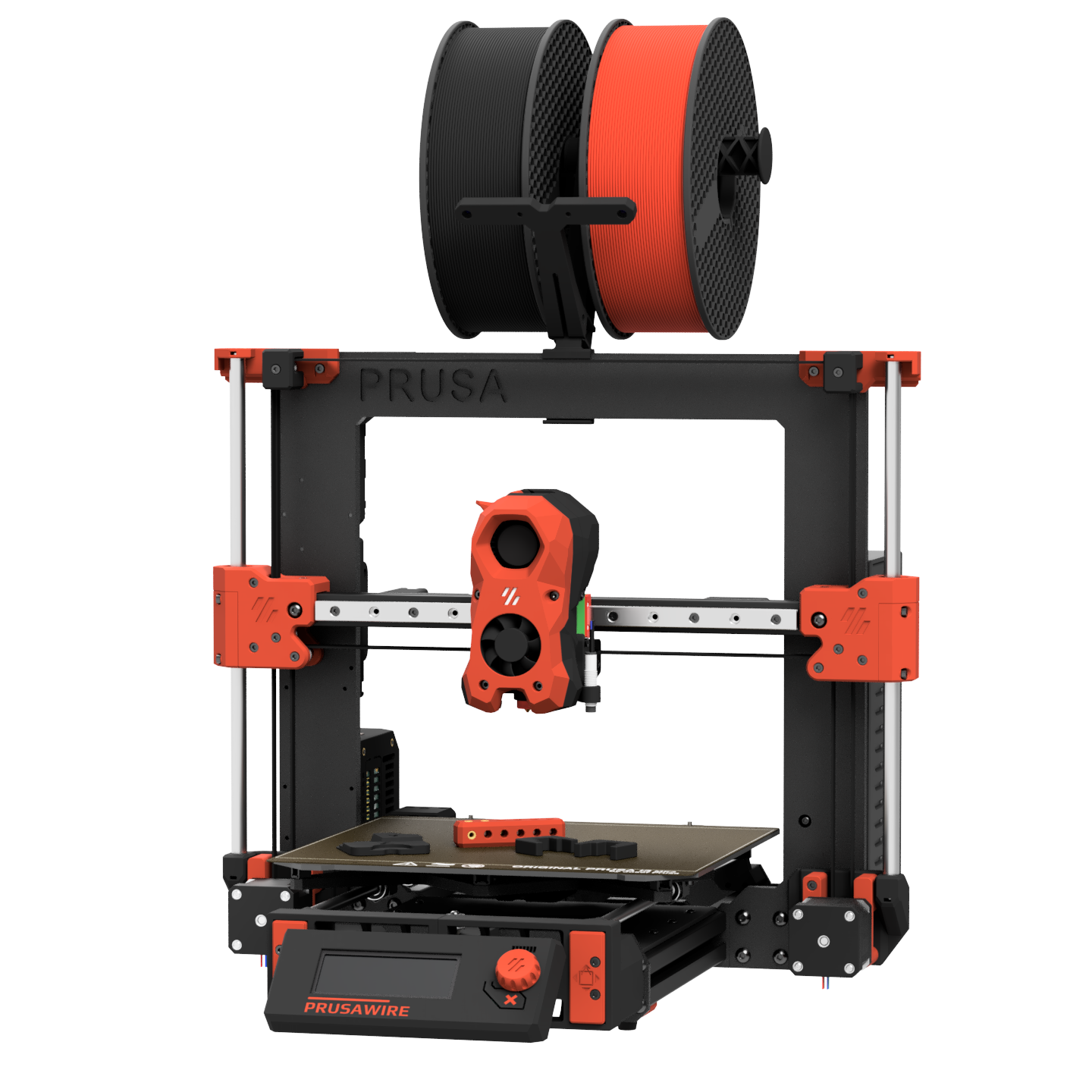
Community CoreXZ conversion of Prusa MK3/MK4S
Click any MMU to learn more. Select a printer above, then check "Add Multi-Material" to configure a BOM.
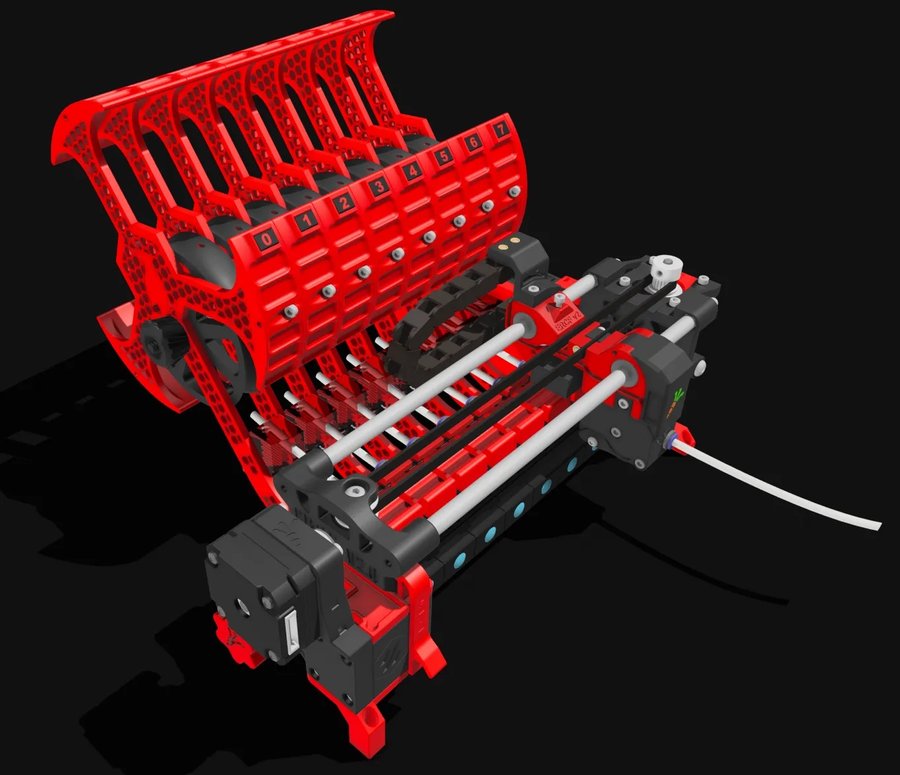
The community gold-standard multi-material unit
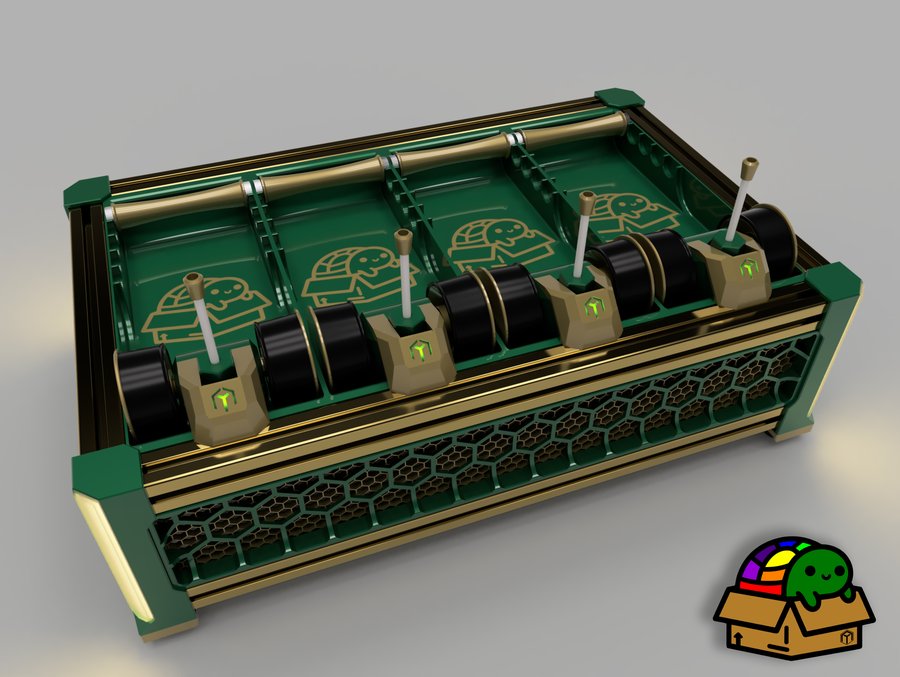
Open-source AMS-style filament changer for Klipper
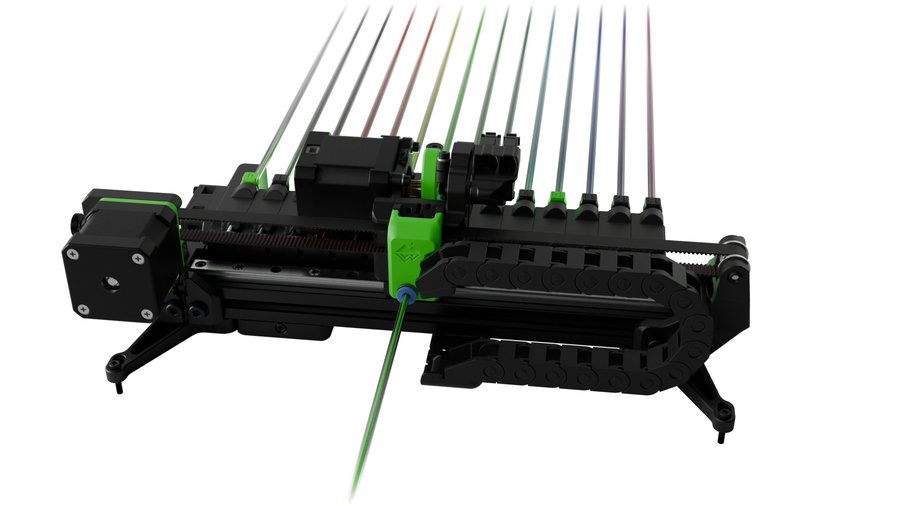
Ultra-scalable linear rack filament changer
Universal Y-splitter MMU — simplest mechanical design
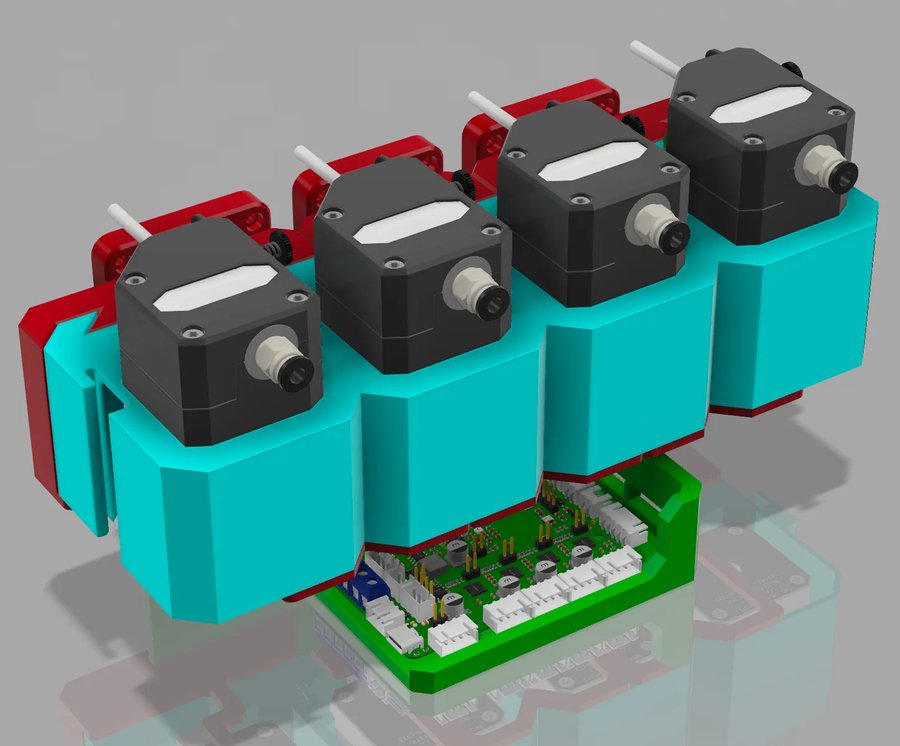
The simplest and cheapest Klipper MMU — all Amazon parts
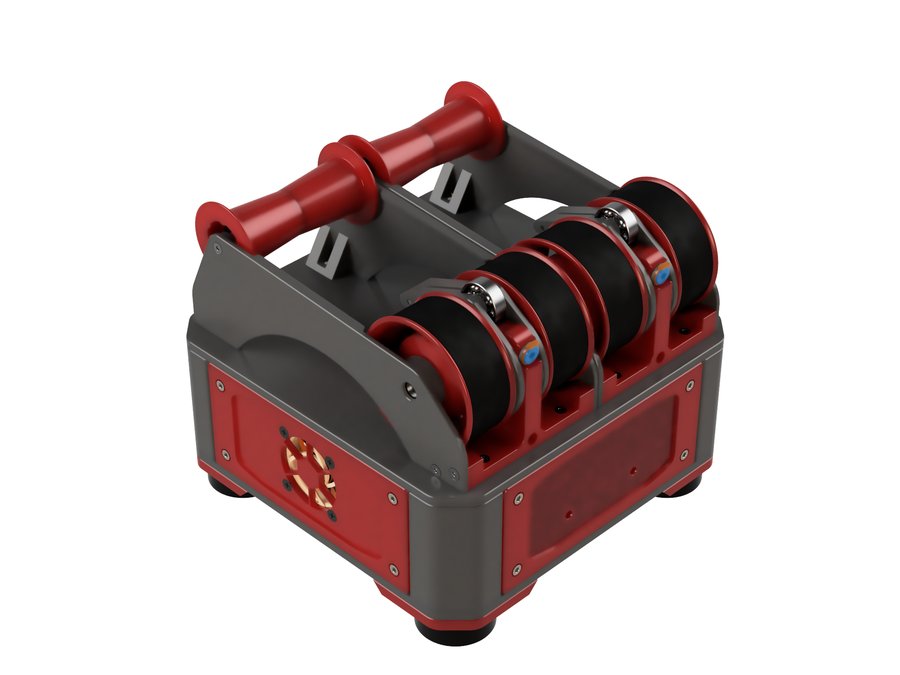
Standalone dual-material unit — minimal and self-contained
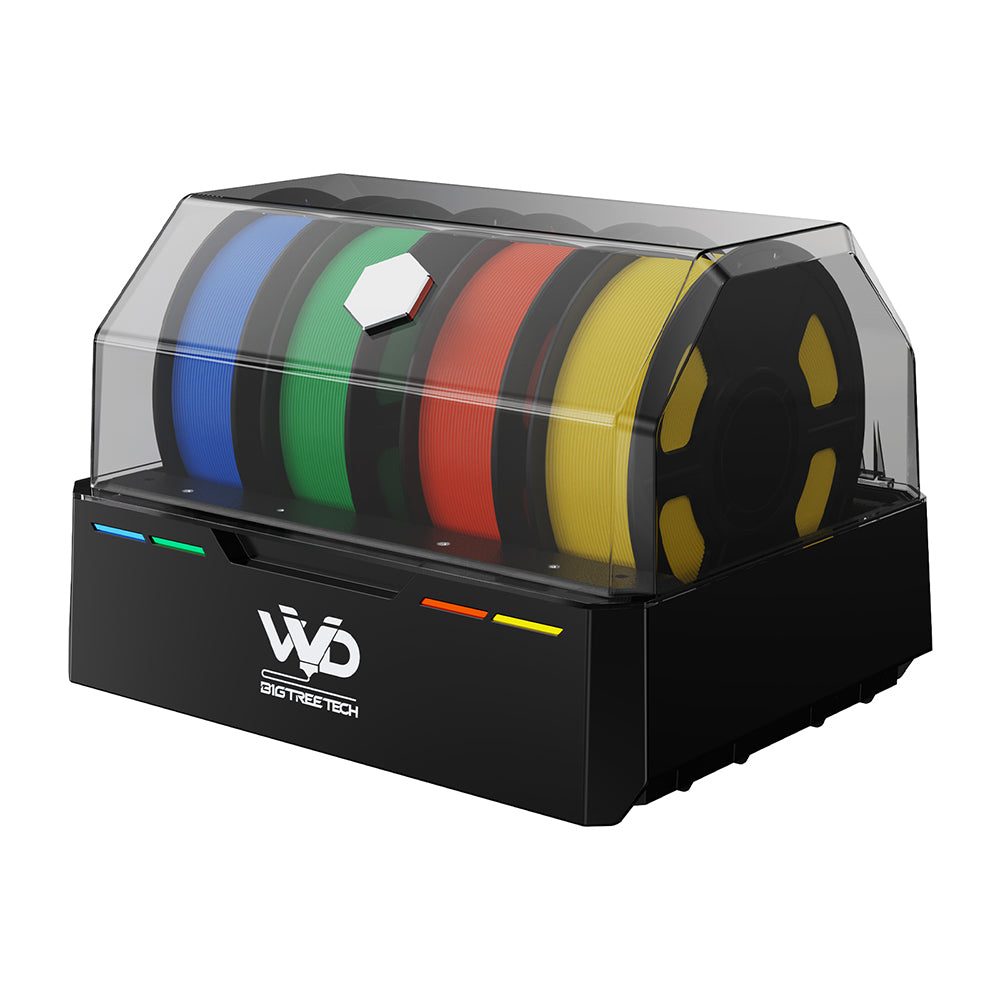
Commercial all-in-one MMU with dryer, buffer, and RFID
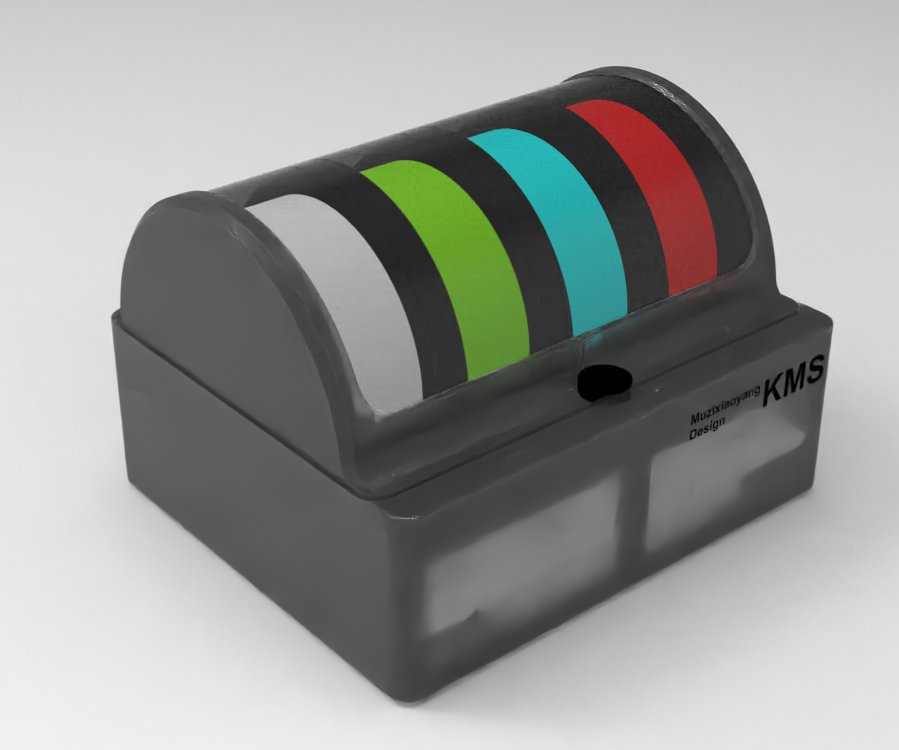
Open-source commercial MMU with motorized rewinder
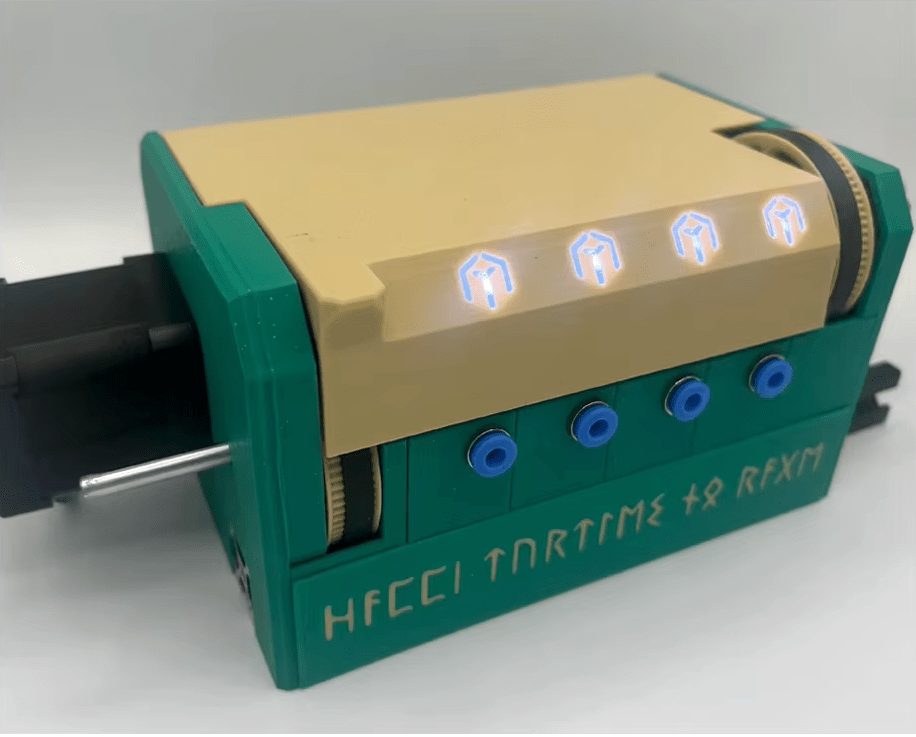
Camshaft-driven MMU — compact and clever
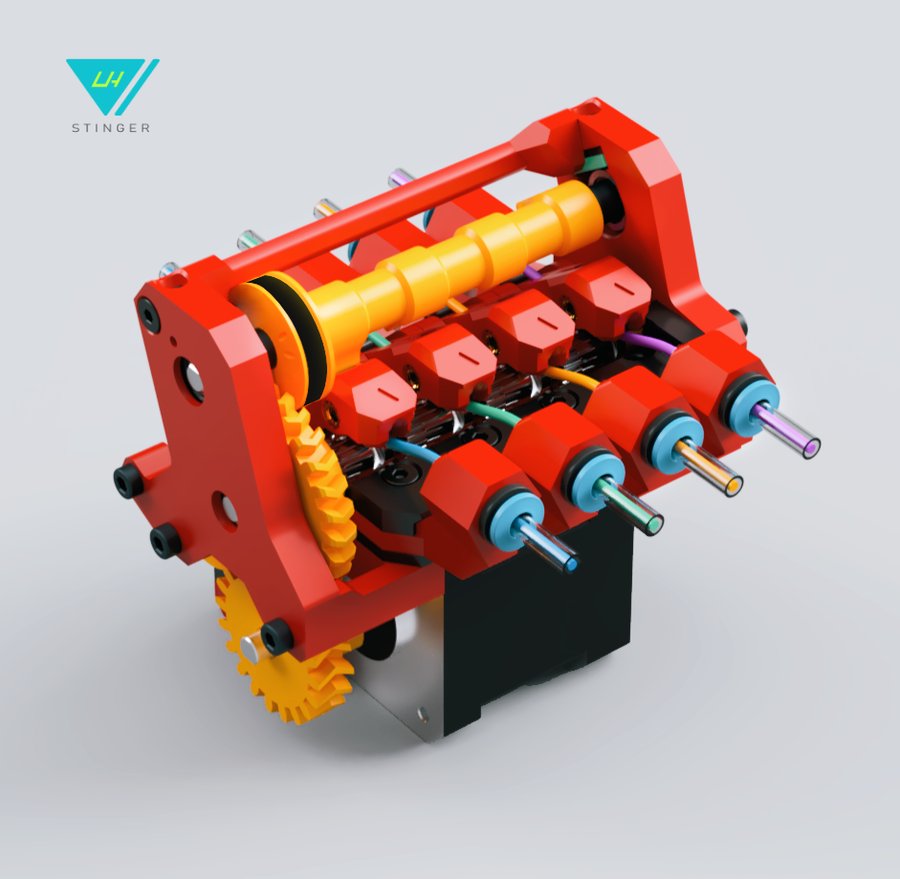
Ultra-minimal single-stepper MMU — ~20s filament swaps
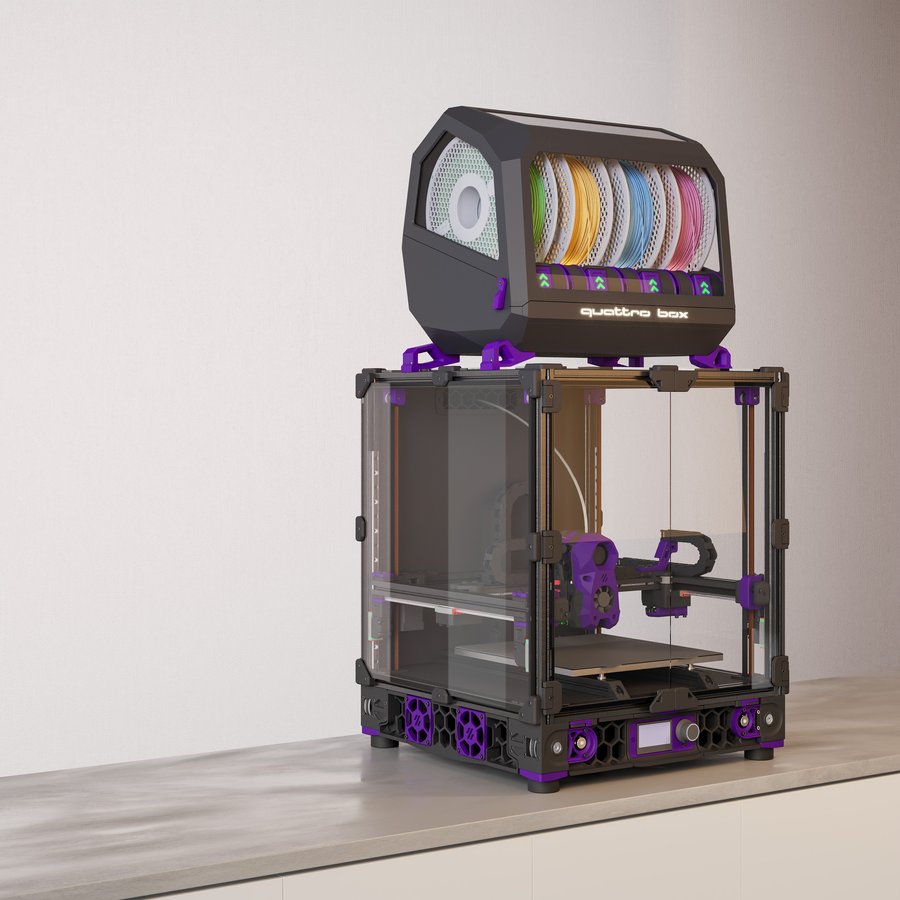
AMS-inspired fully printed 4-lane changer
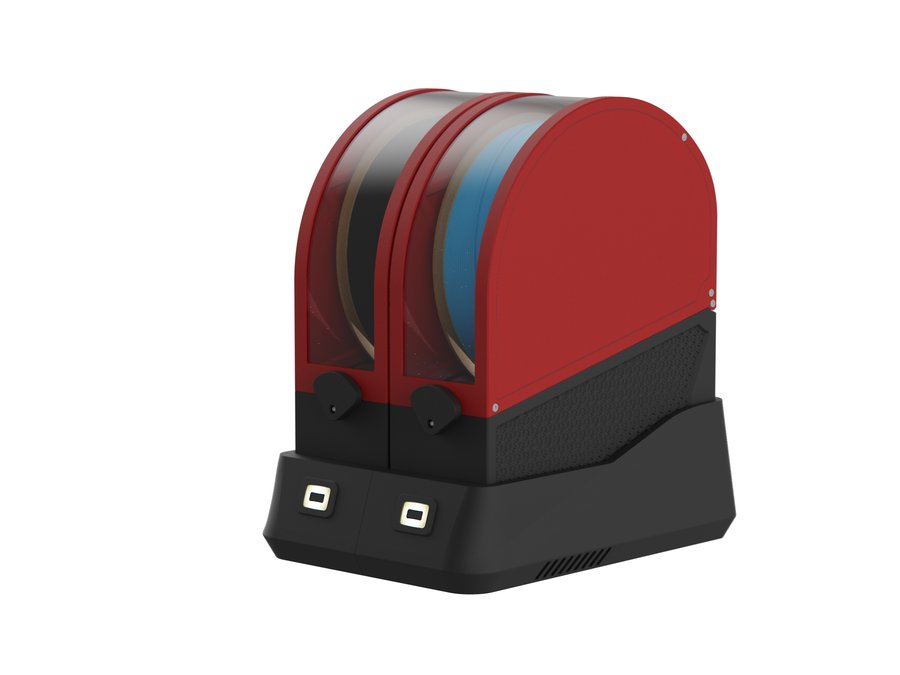
Modular per-lane dry-box MMU built on Filamentalist V3 rewinders
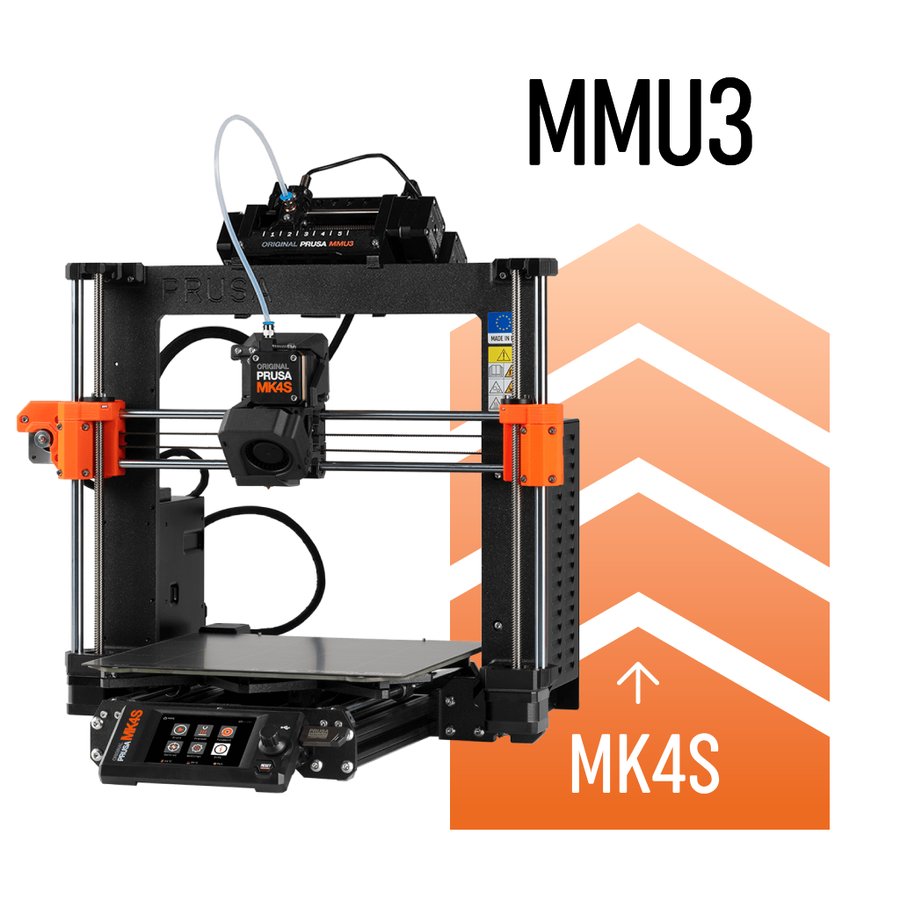
Official Prusa multi-material upgrade — Prusa printers only
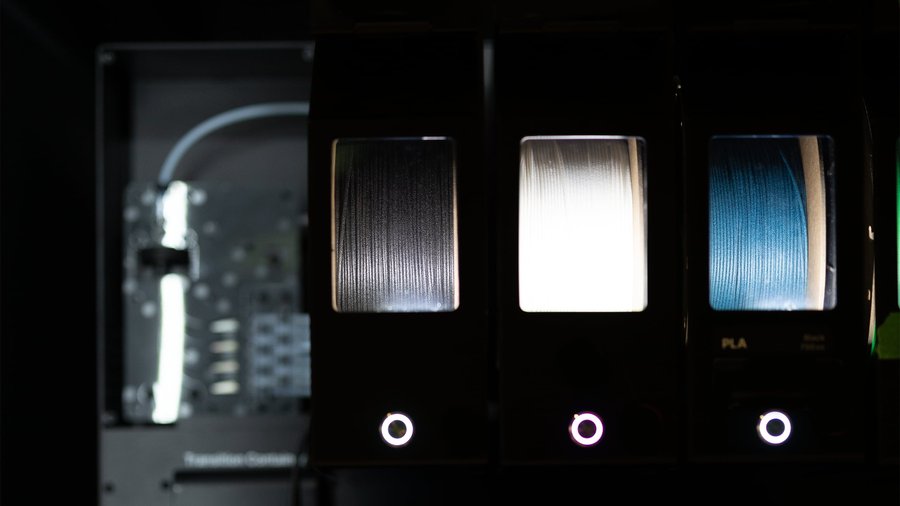
Universal filament splicer — works with any printer
| Qty | Part Name | Type | Size | Sourcing Links |
|---|
No parts match your search.
Try a different keyword or check spelling.
Printers / DIY
Open-source, self-sourced, and community-built printers — click any card for details and BOM access. For commercial/pre-assembled printers see .
Printers / Off-the-shelf
Commercial, pre-built, and semi-kit printers — click any card for specs, use cases, pros/cons, and how they compare to DIY builds.
Printers / Toolheads
Explore toolheads by machine — view pros, cons, and compatibility.
Printers / Multi-material
Compare MMU systems and explore their features.
Materials / Filaments
A material-first reference: standard, filled, nylon, flexible, high-performance and specialty filaments — pros, cons, TDS data and when to use each.
Printers / Compare
Put two or three machines side by side on build volume, speed, temperatures and materials. DIY designs and off-the-shelf printers compare in the same table, so you can weigh building against buying.
Slot 1 empty
Slot 2 empty
Slot 3 empty
Showing 50 of 331. Keep typing to narrow the list.
Compare up to three at once. You can mix DIY designs with off the shelf printers, which is usually the comparison that actually matters when you are deciding whether to build or buy.
Or start with a popular matchup
Electronics
Every board, sensor and probe that goes into a Klipper printer — mainboards, host computers, toolhead boards and Z probes, each entry sourced from manufacturer documentation.
Electronics / Mainboards
Compare mainboard controllers for Klipper printers — stepper slots, CAN bus, processors, and compatibility.
Electronics / Host computers
Raspberry Pi, Orange Pi, BTT CB1/CB2, and other Klipper host boards — specs, OS downloads, and setup guides.
Electronics / Toolhead boards
CAN bus, USB, and passive toolhead boards — EBB, Nitehawk, H36, Hartk, and more.
Electronics / Probing
Eddy-current scanners, nozzle-contact probes, inductive sensors, and deployable-pin probes for Z homing and bed meshing.
Firmware / Configuration
Assign components to MCU pins and generate a starter printer.cfg configuration. Works with stock Klipper and Kalico (a more cutting-edge community fork — configs are largely interchangeable).
Firmware / Slicer
Generate slicer start/end g-code and Klipper PRINT_START / PRINT_END macros for your printer and slicer combination.
Extrusion / Extruders
Complete guide to all extruders — Clockwork 2, Galileo 2, Orbiter, Sherpa, BMG, and more. Printed and commercial options.
Extrusion / Hotends
Complete guide to all hotends on the market — flow rates, max temps, and compatibility.
Reference / Documentation
Build guides, firmware configuration, and reference docs.
Reference / Changelog
Running changelog of new printers, products, features and data verification passes.
Reference / Sourcing
Community-vetted vendors for printer parts, electronics, and filament.
Site / About
What this site is, how to use it, and who built it.
Site / Contact
Get in touch — suggestions, bug reports, and community feedback welcome.