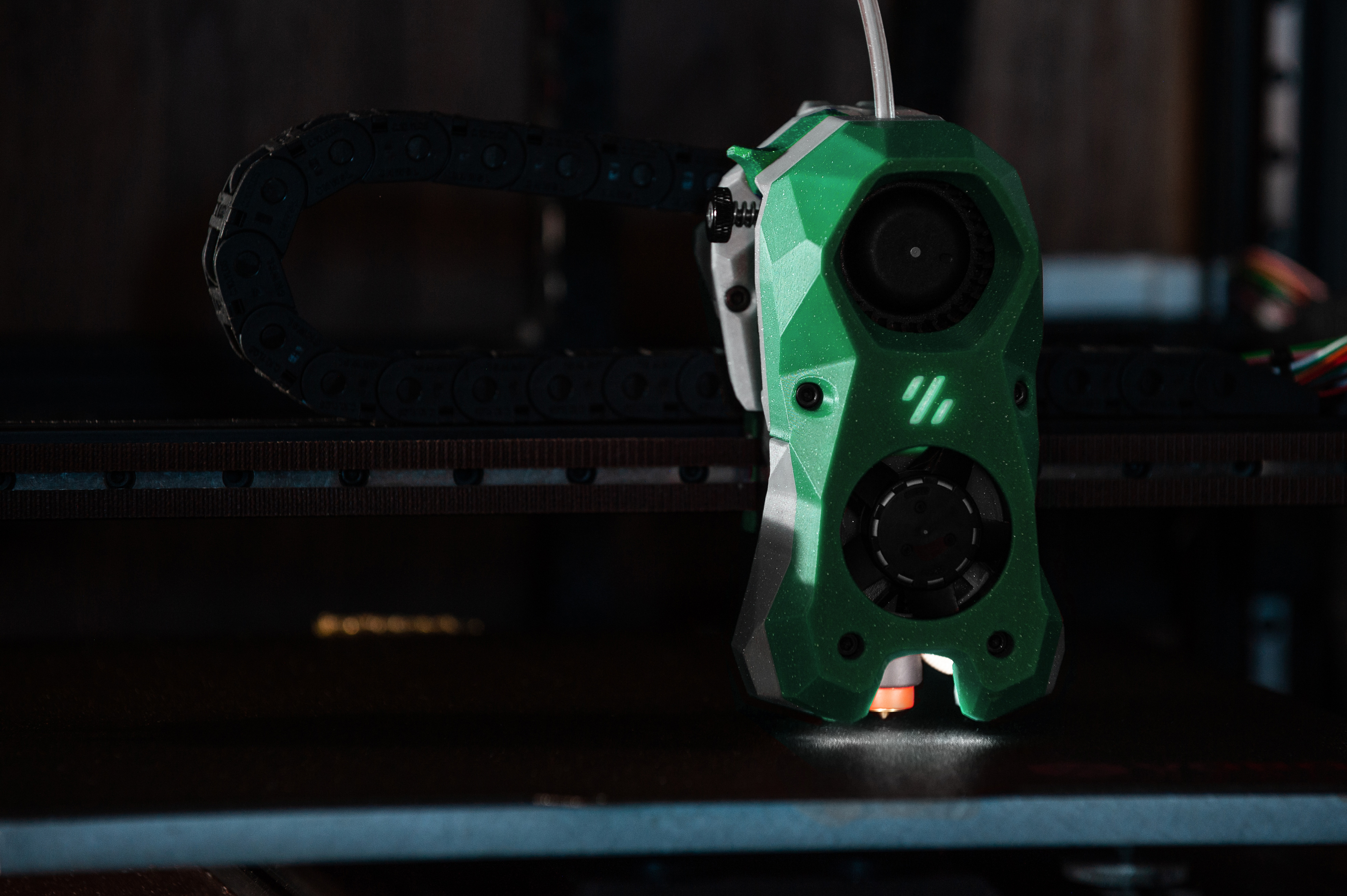
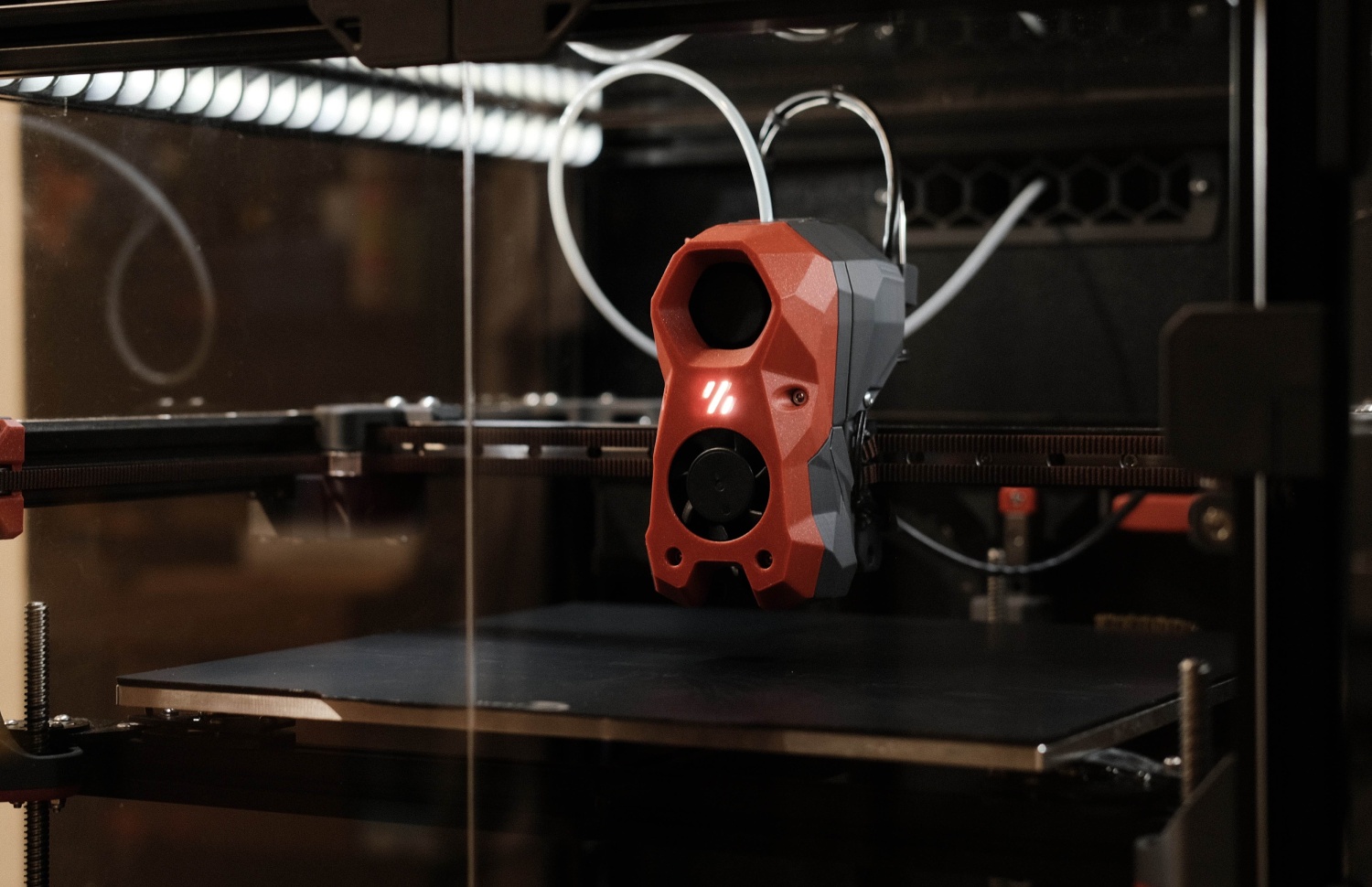
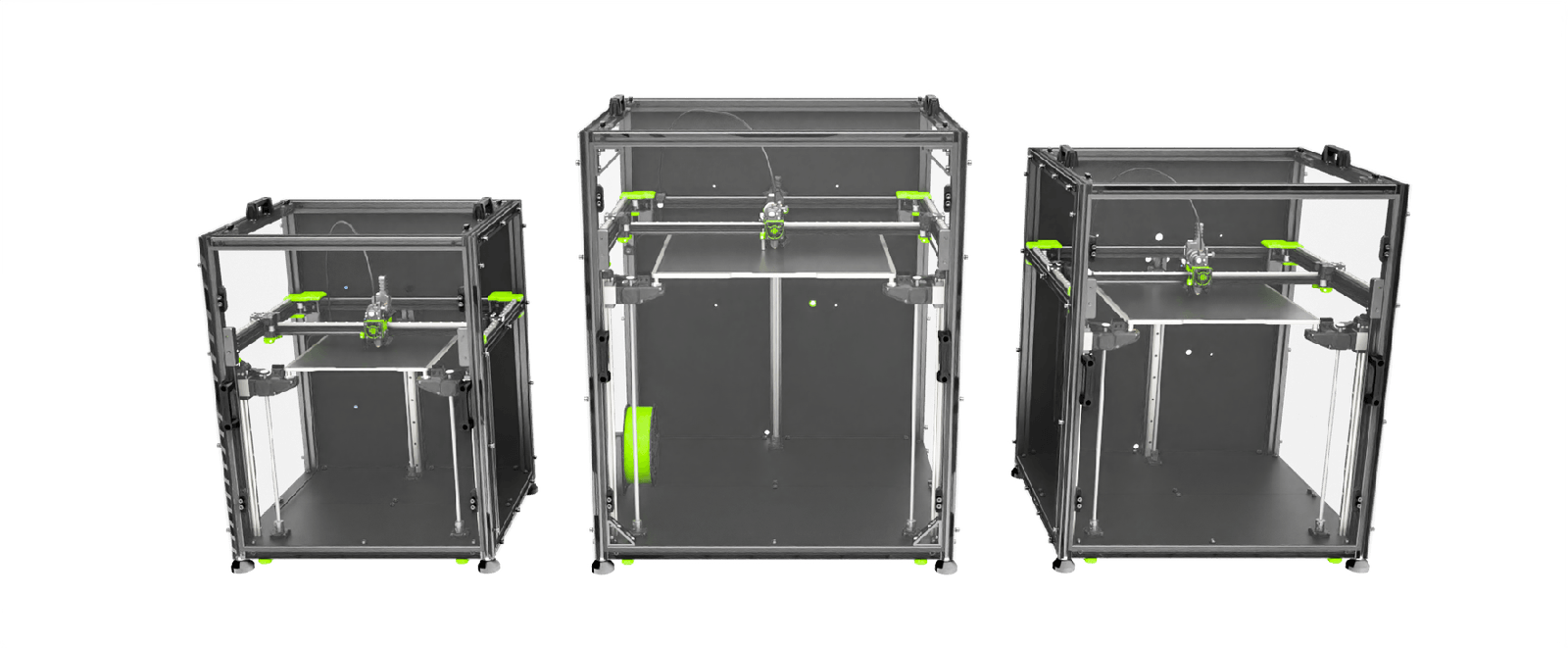
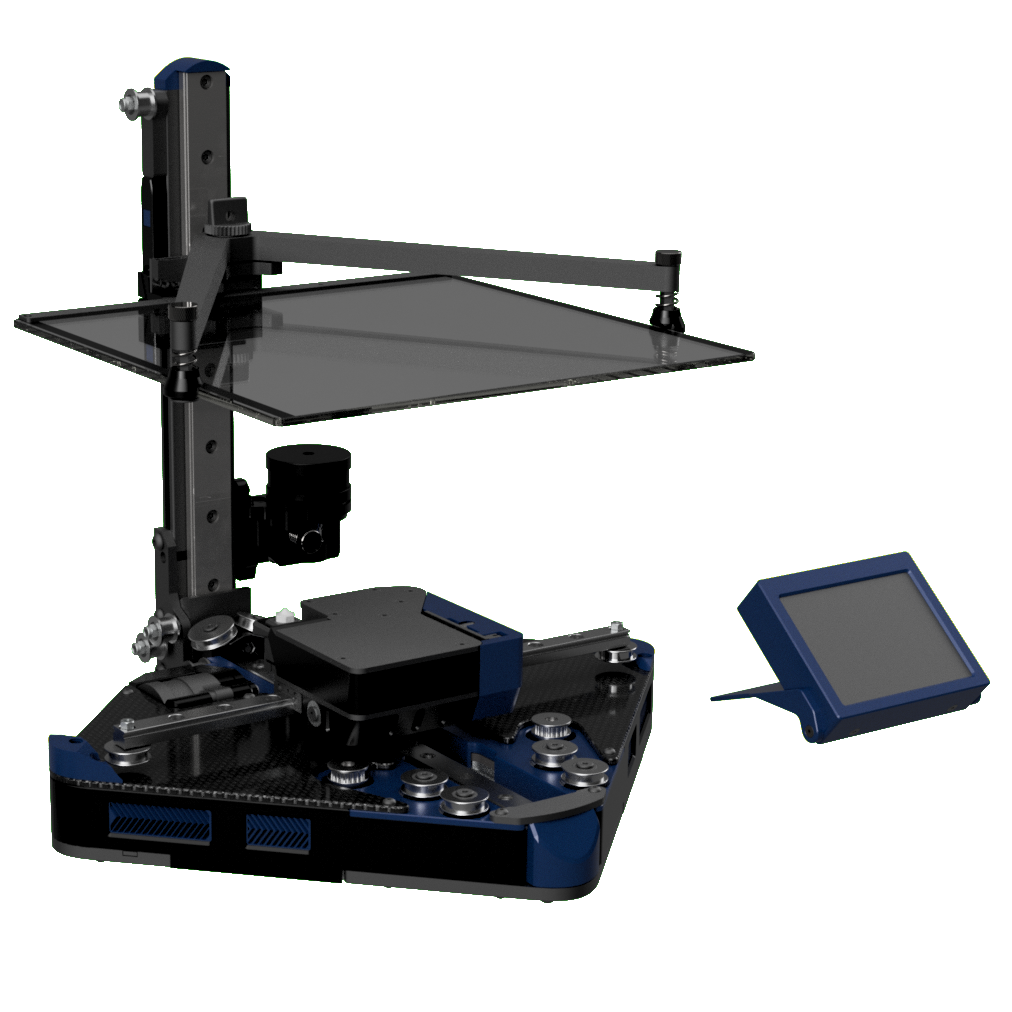
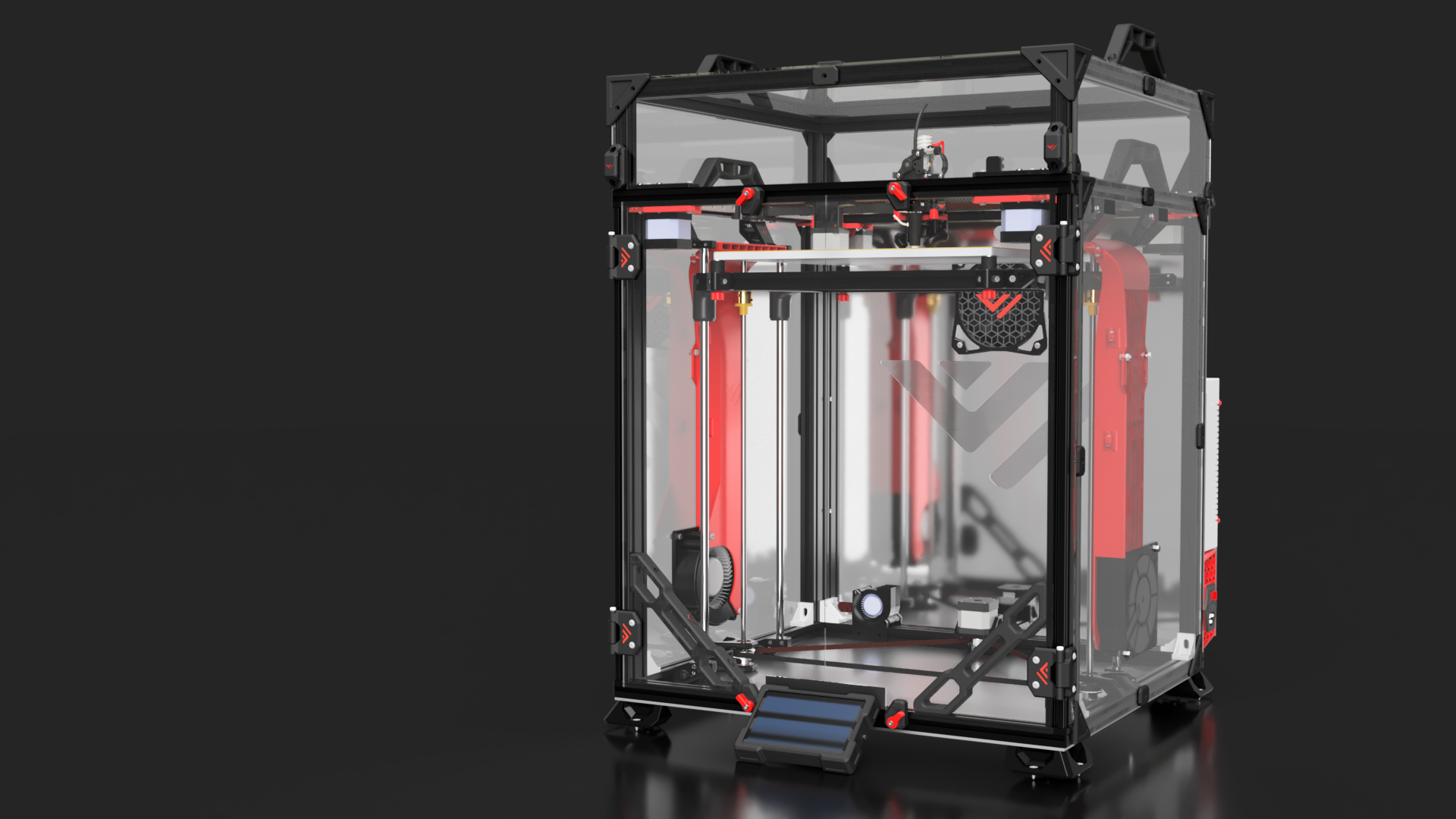
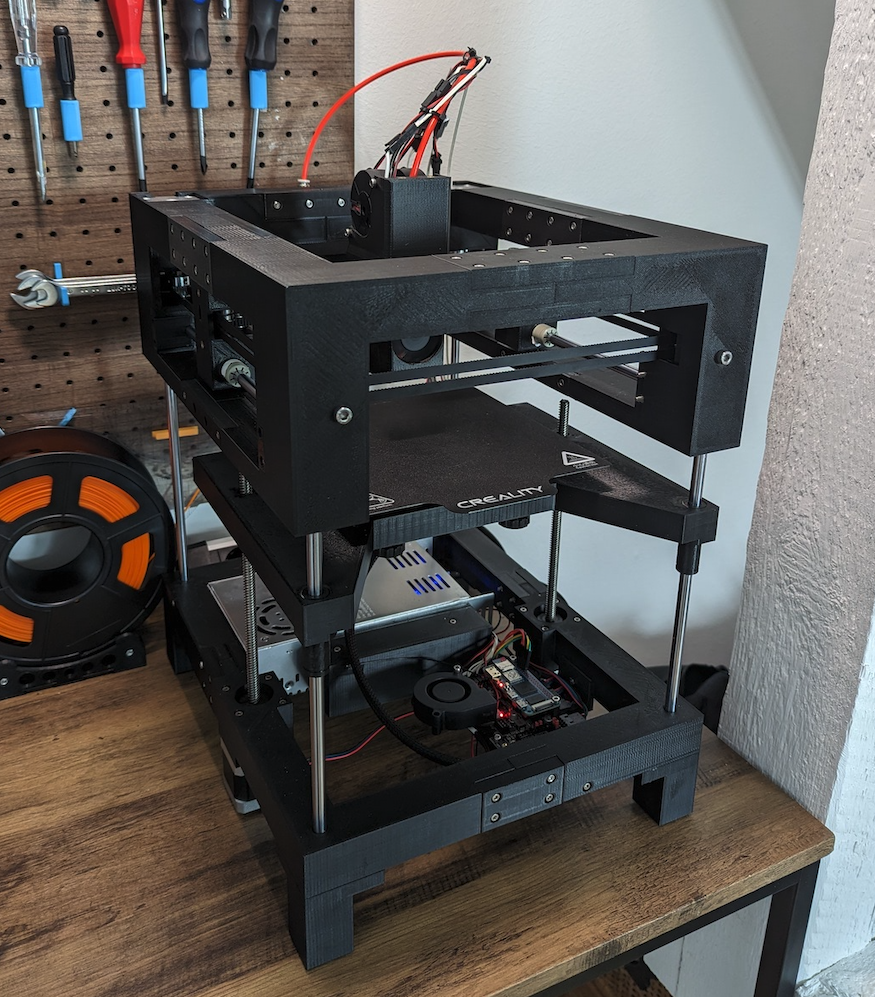
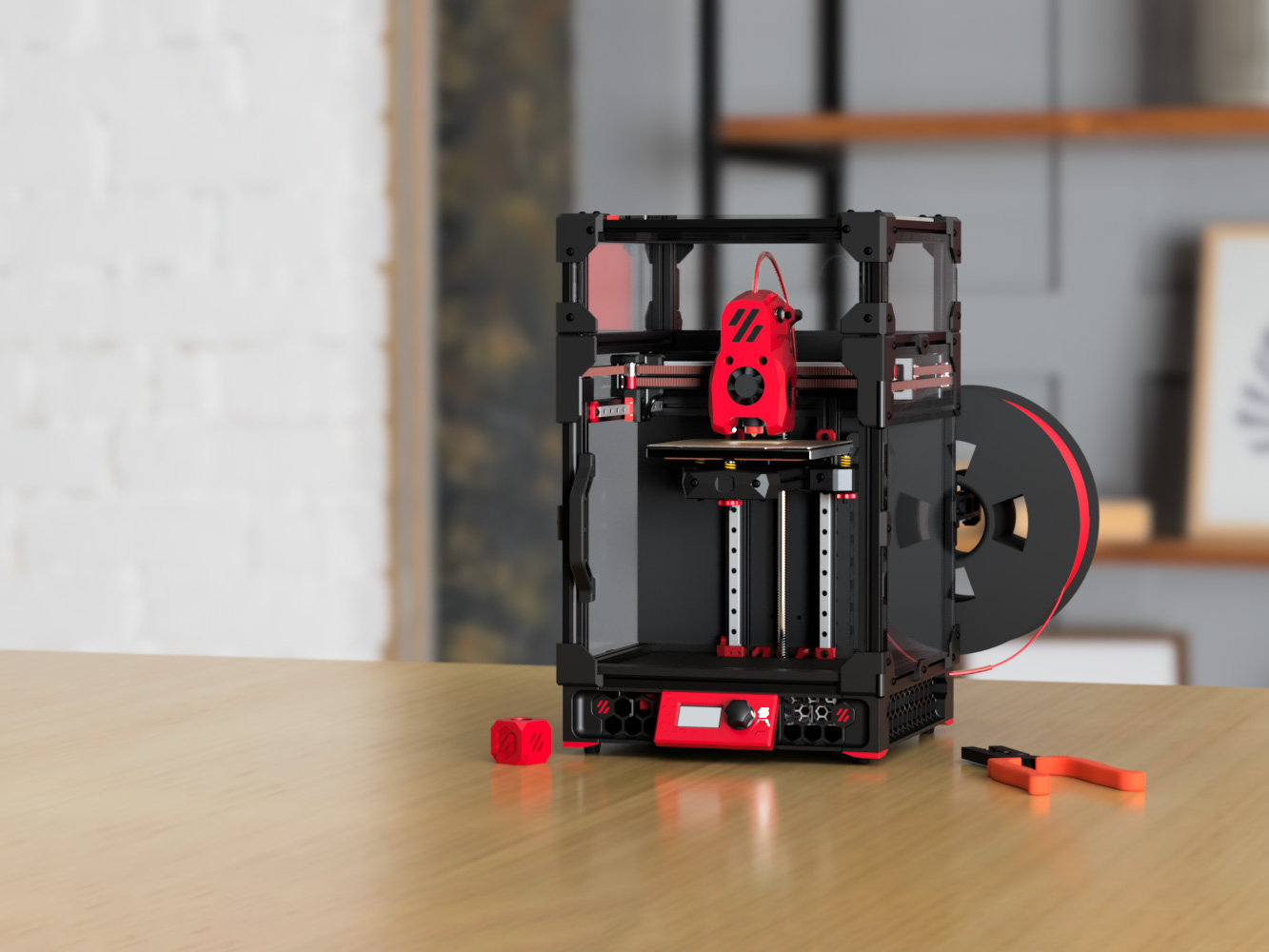
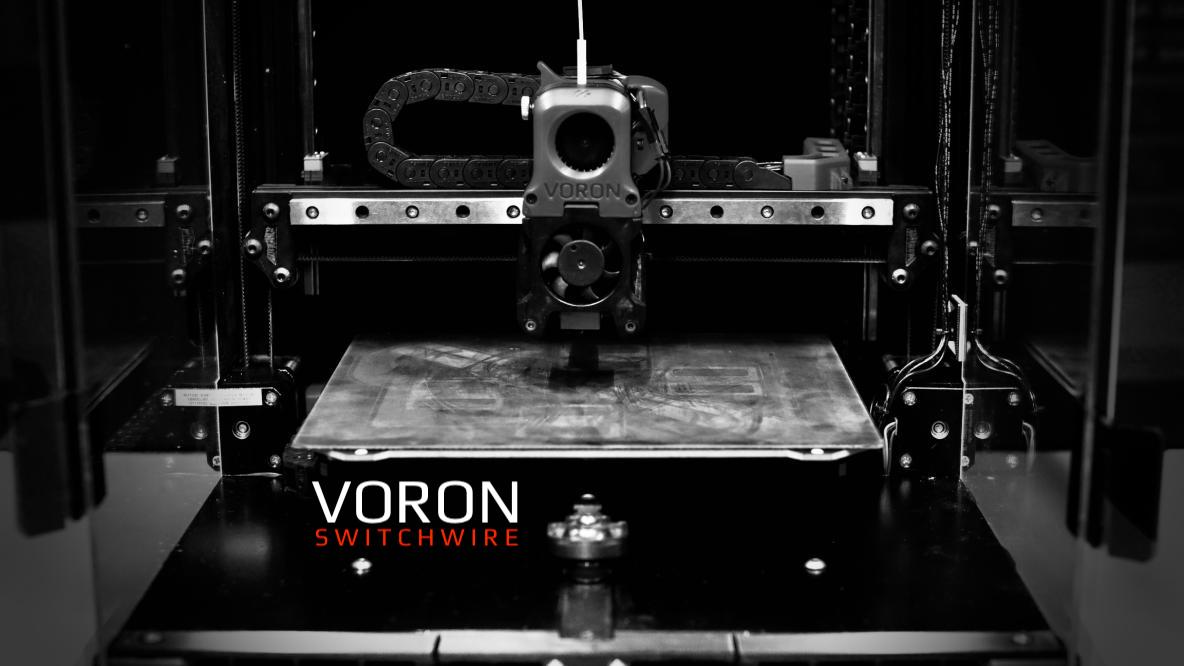
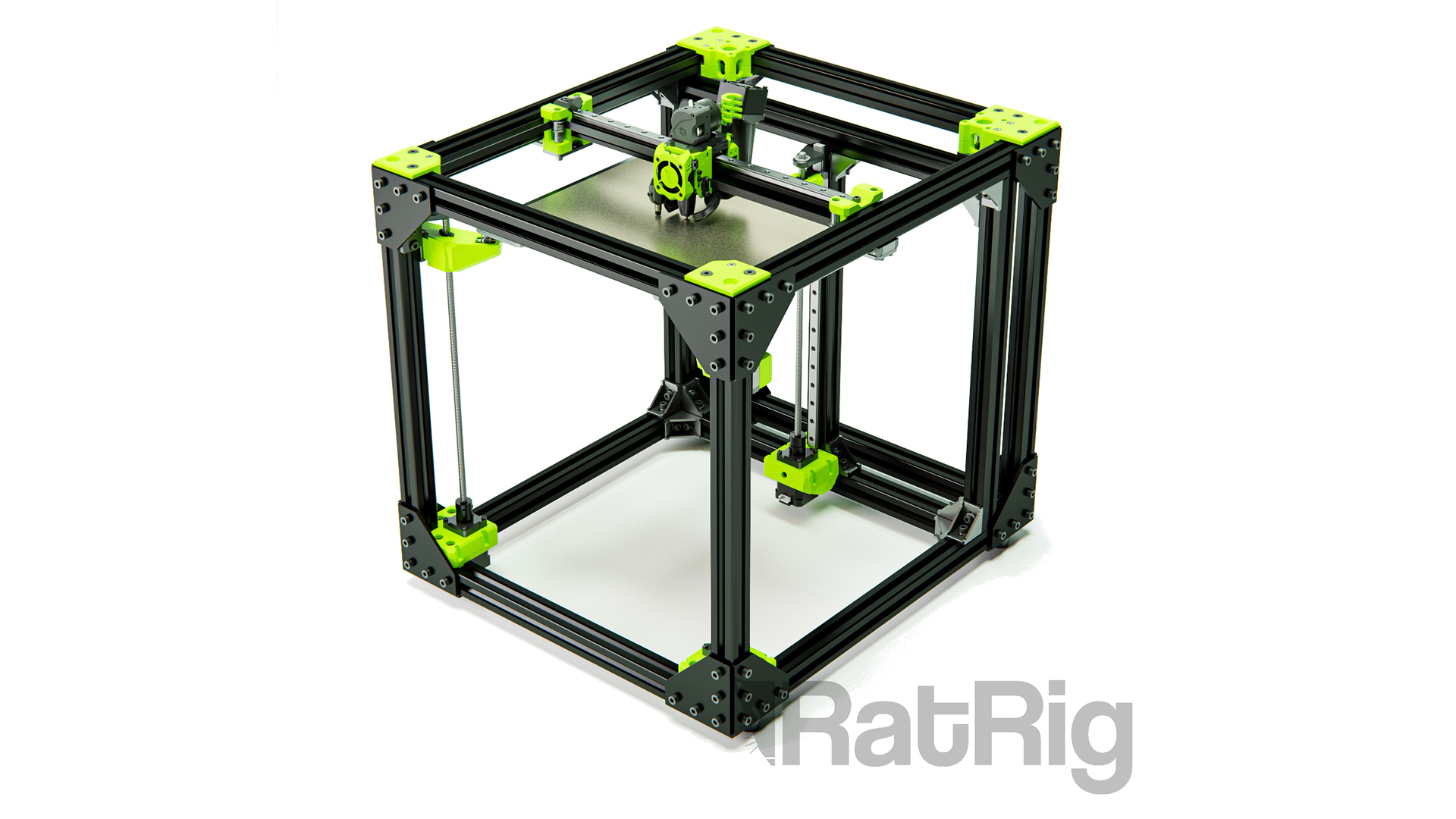
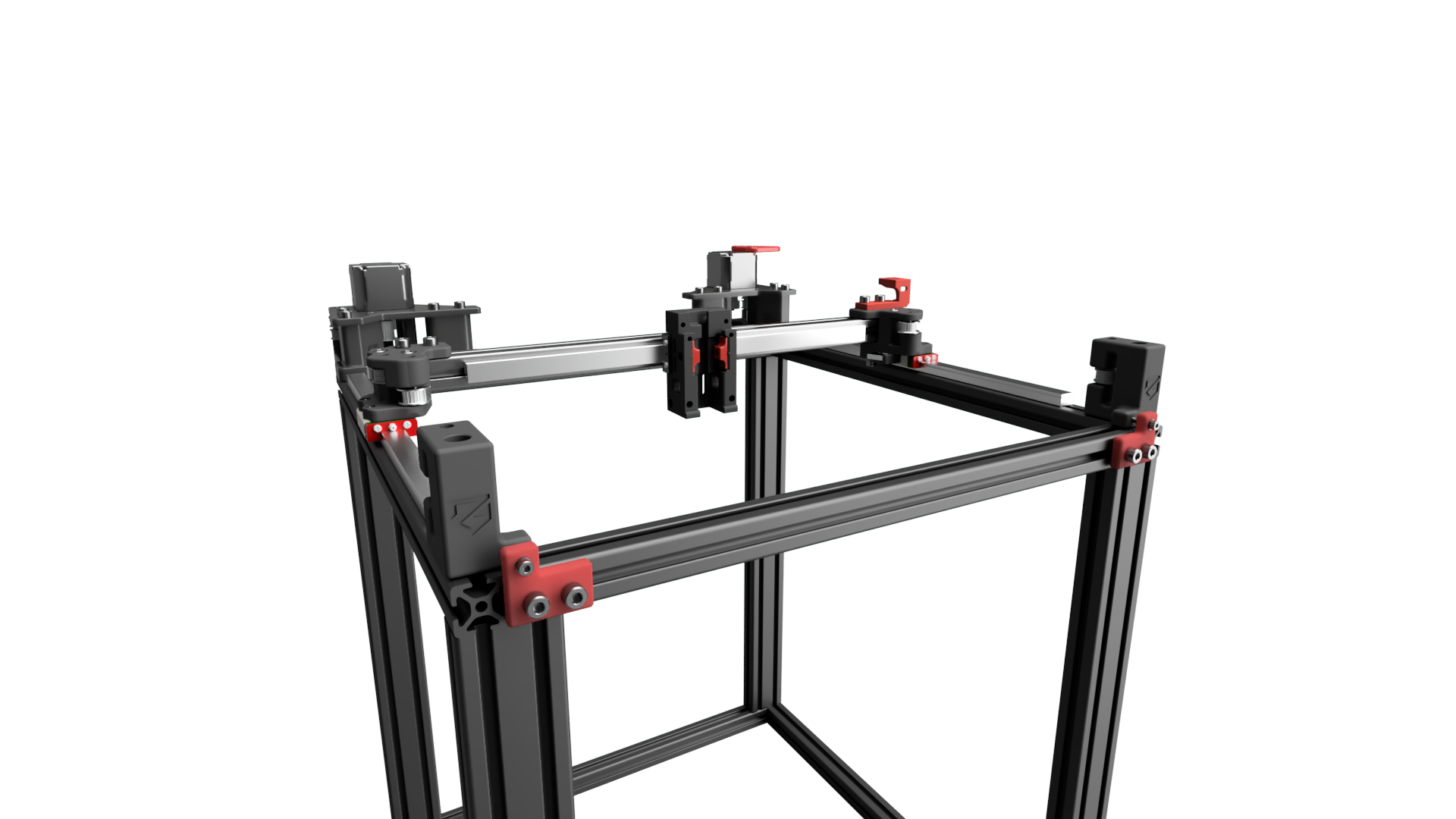
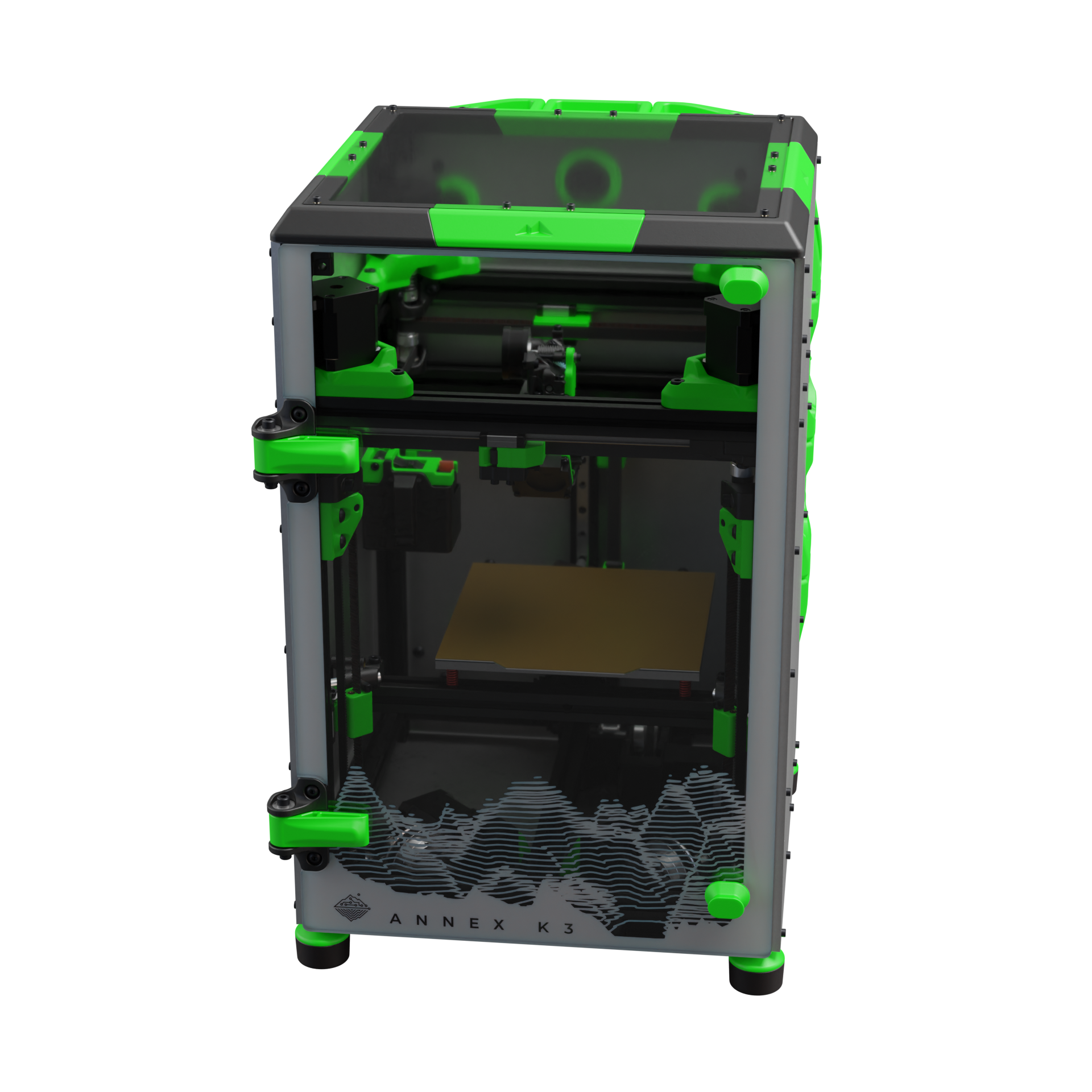
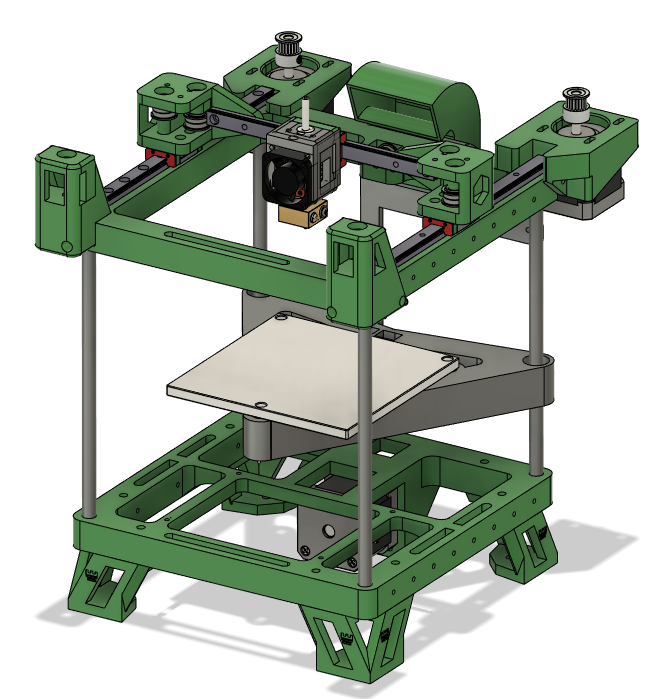
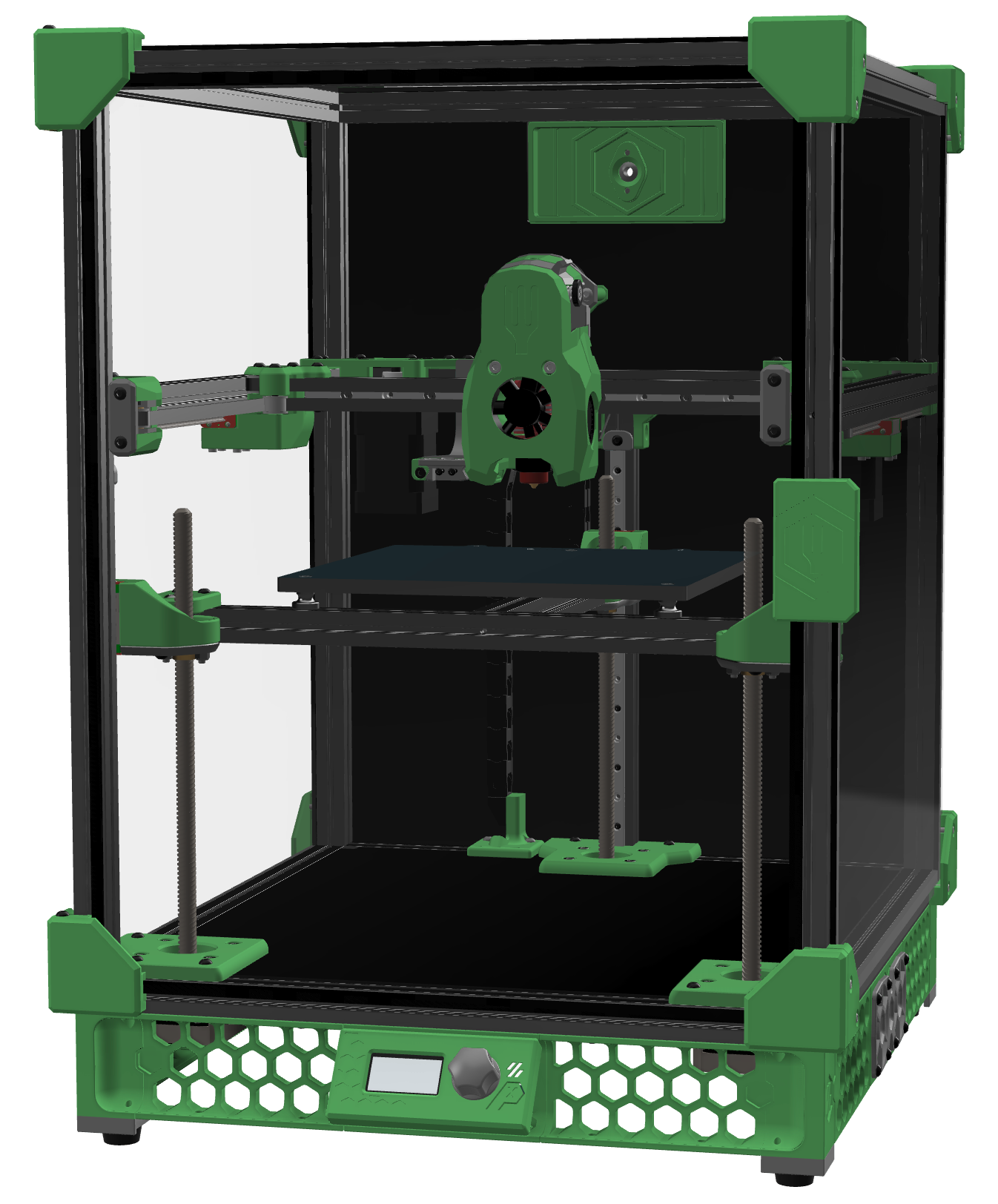
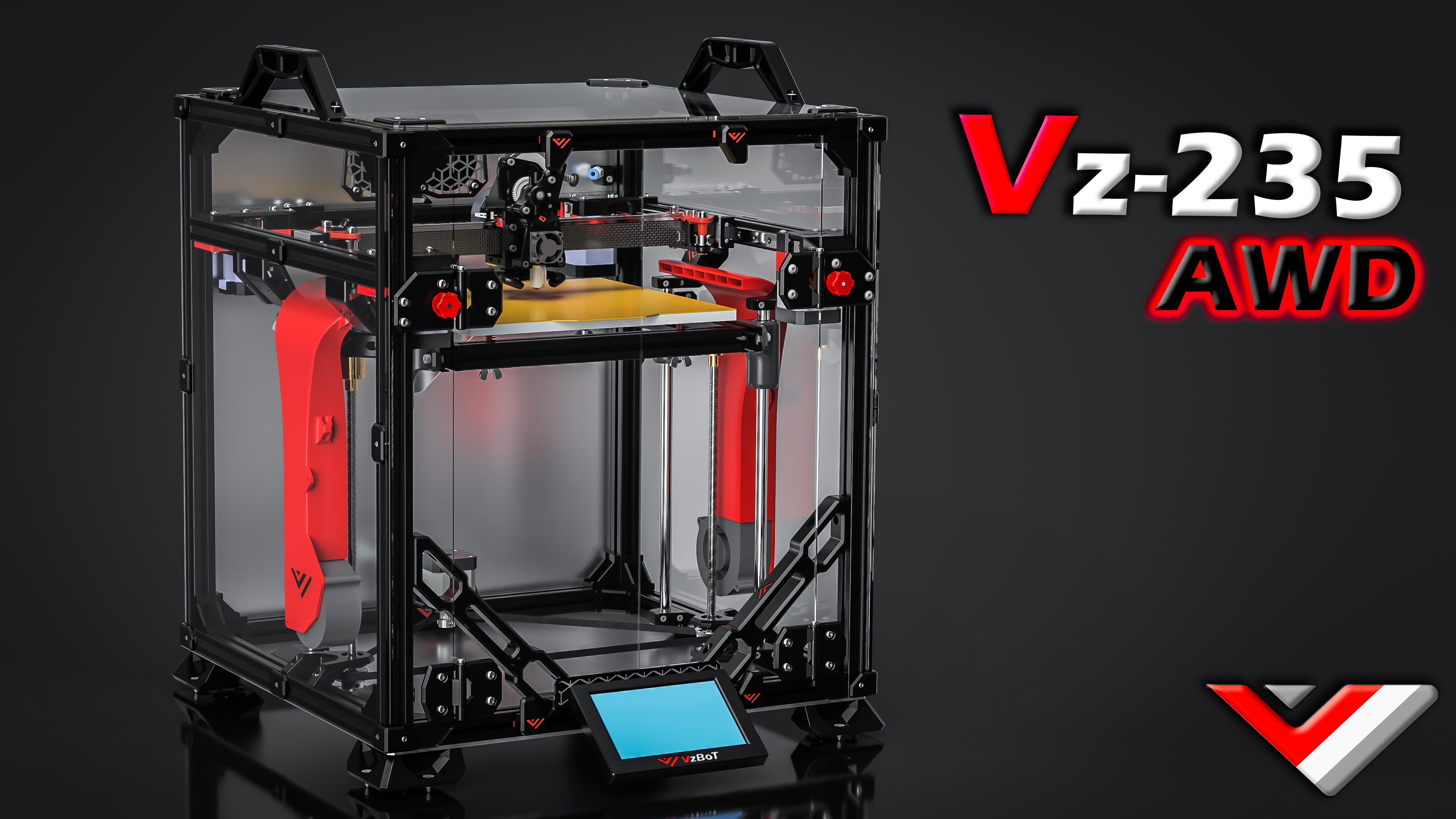
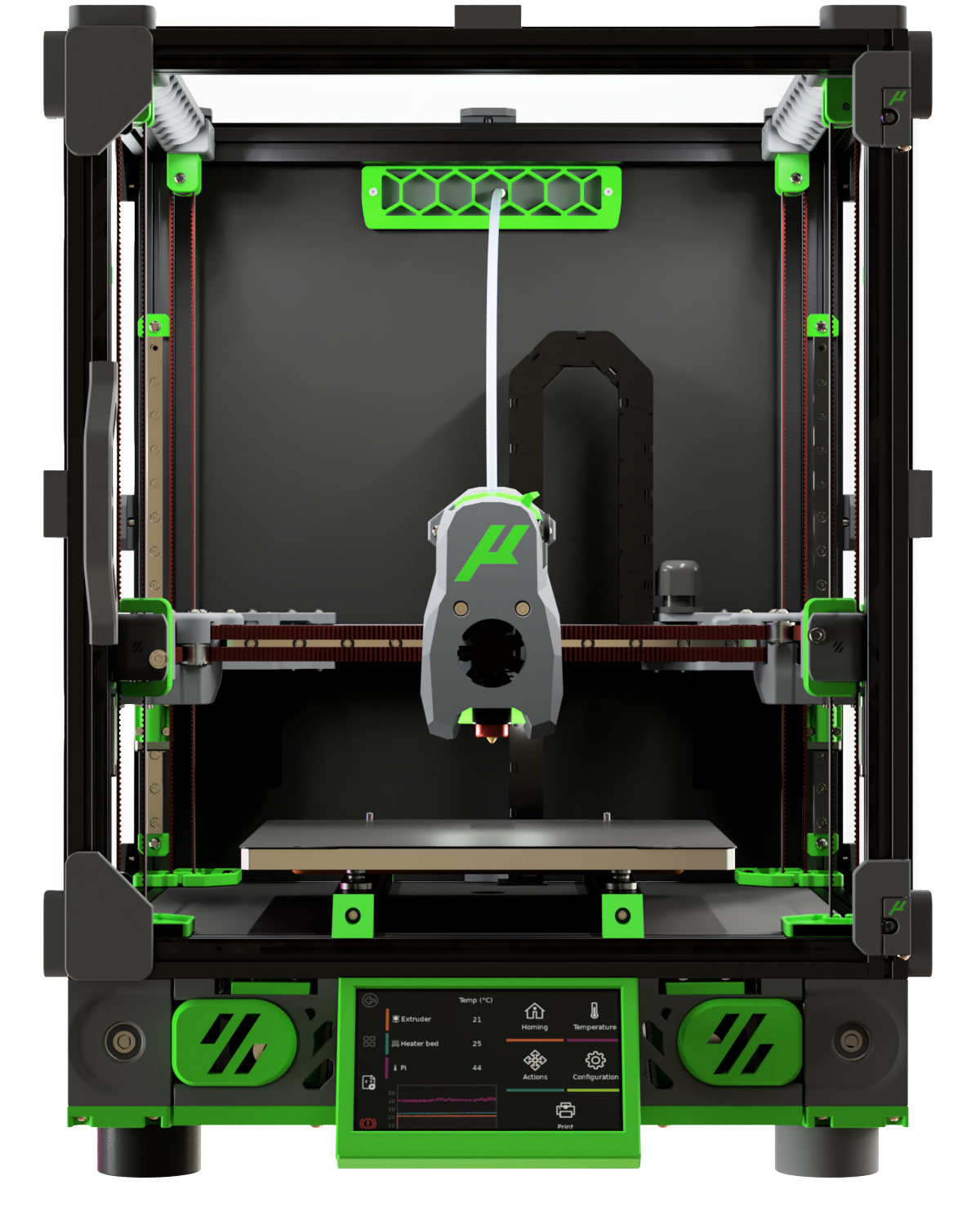
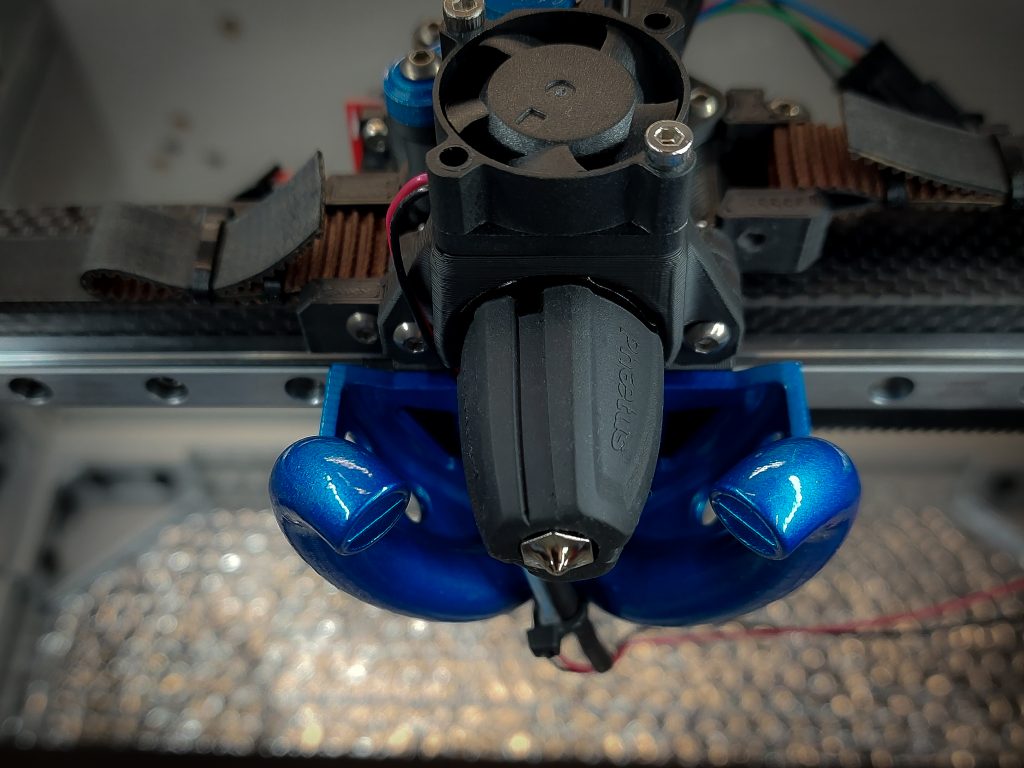
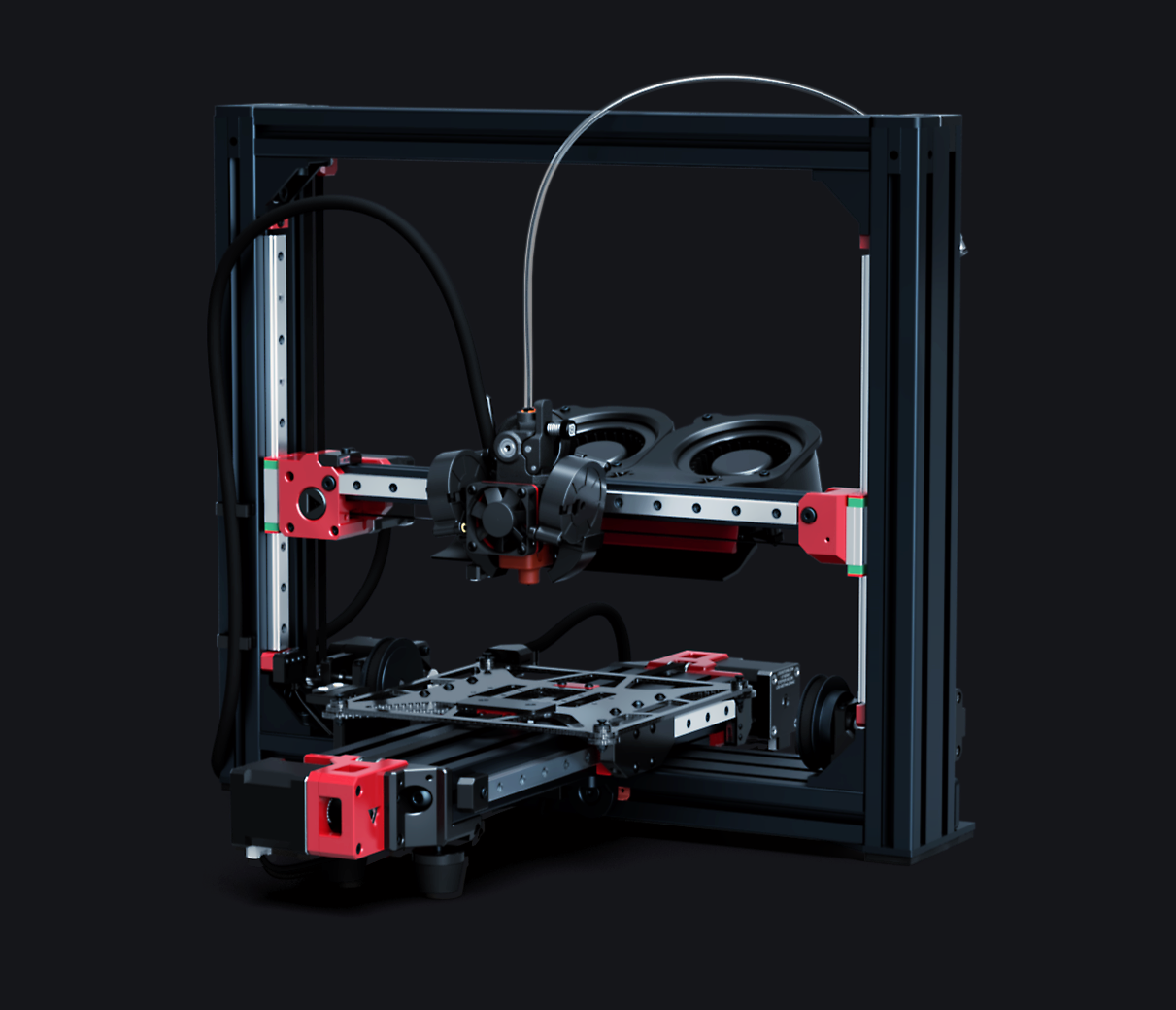
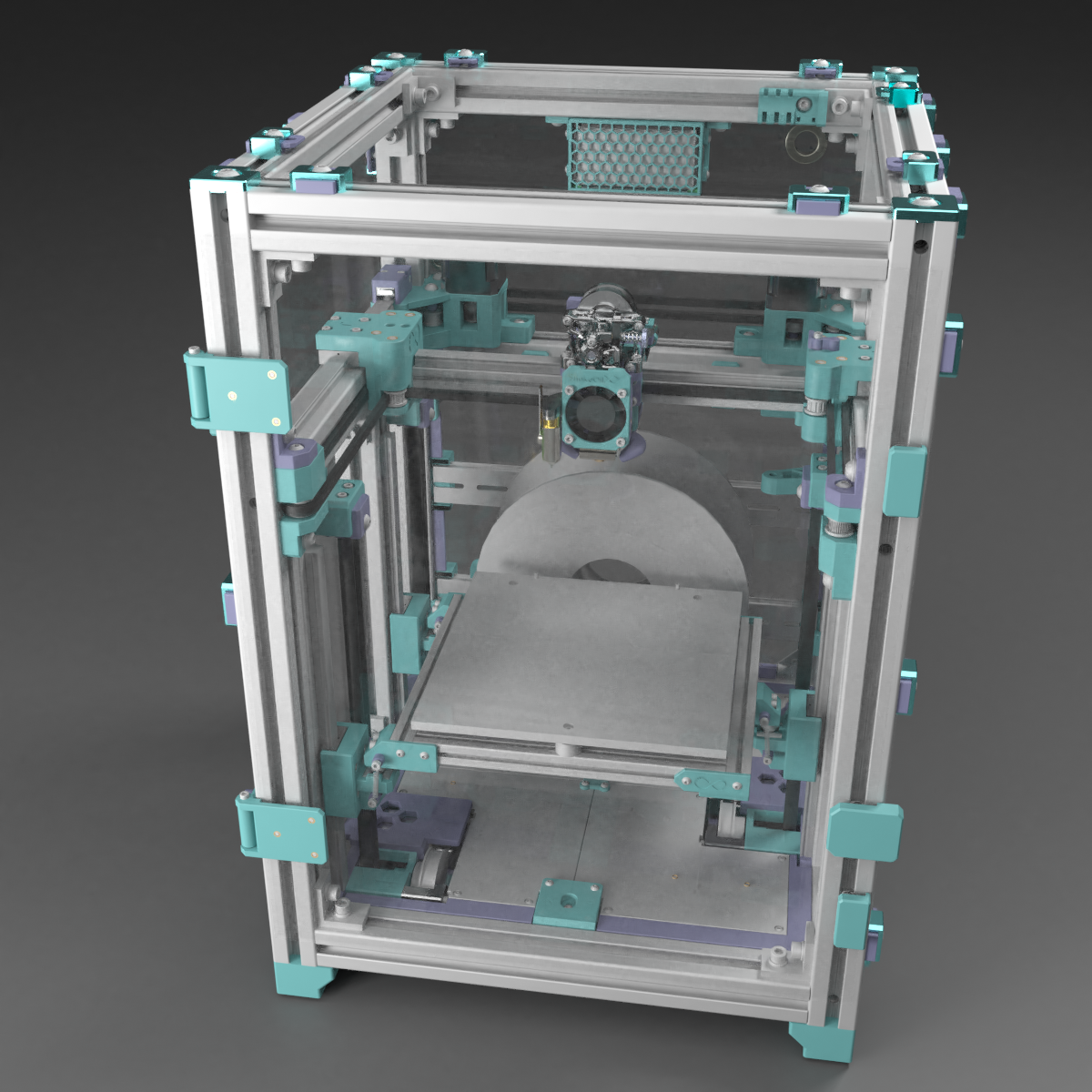
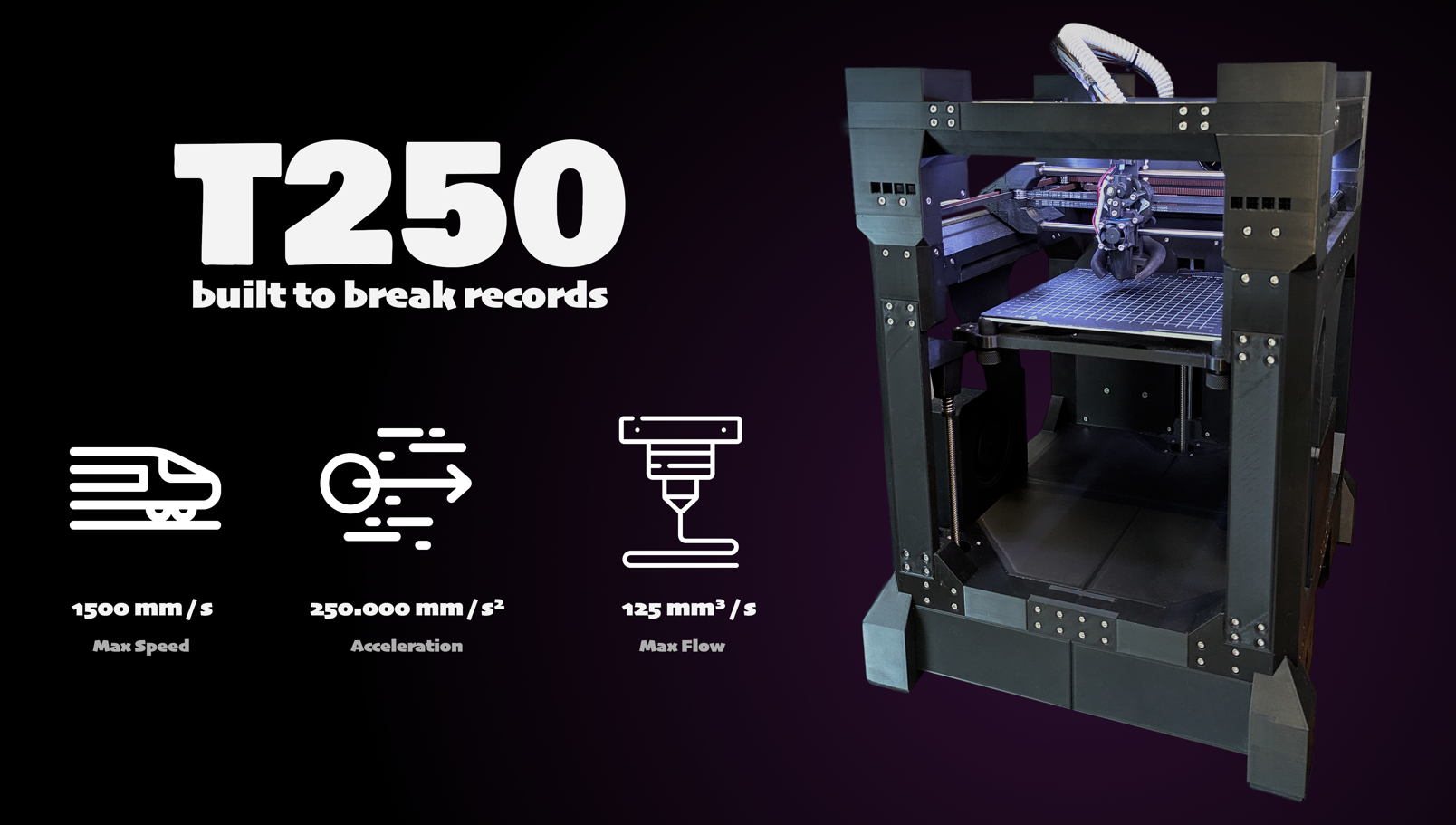
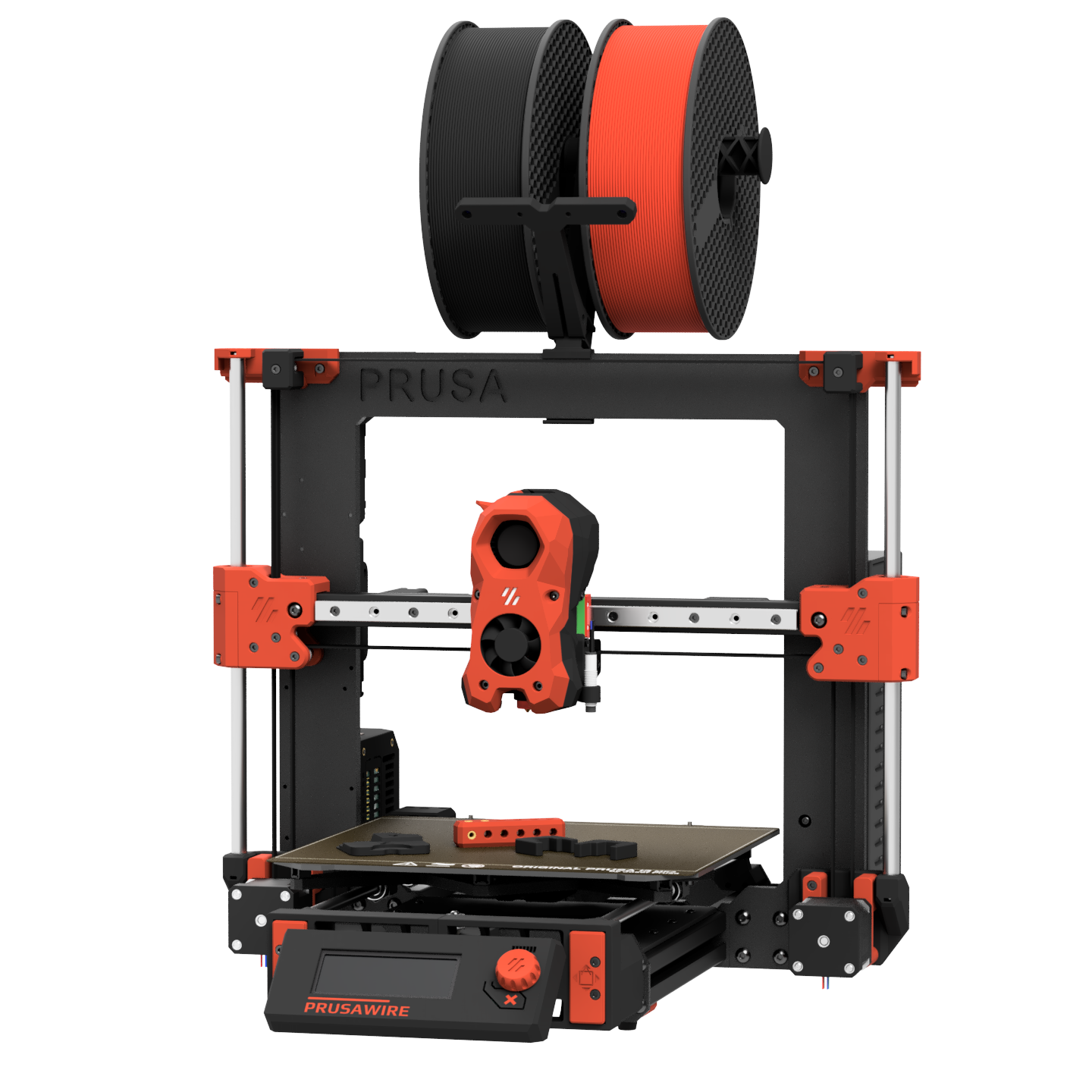
Open-source, self-sourced, and community-built printers — click any card for details and BOM access. For commercial/pre-assembled printers see .
Printers / Off-the-shelf
Off-the-shelf printers
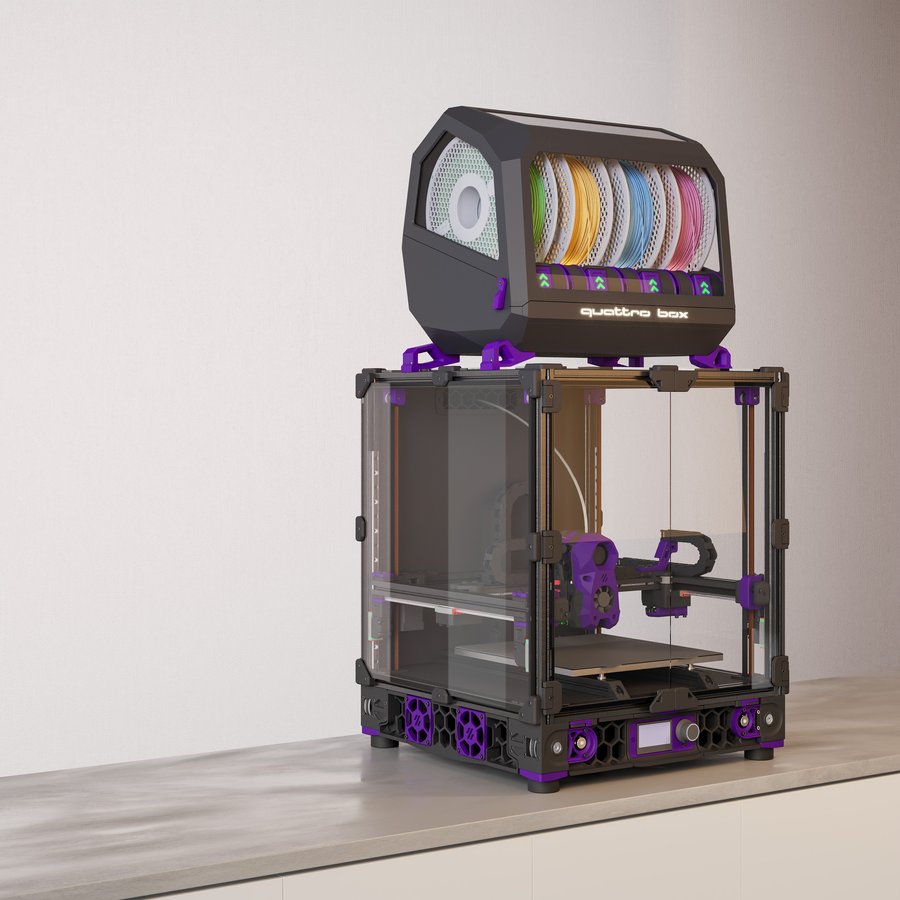
Commercial, pre-built, and semi-kit printers — click any card for specs, use cases, pros/cons, and how they compare to DIY builds.
📋 = Has BOM in Configurator
Printers / Toolheads
Toolhead guide
Explore toolheads by machine — view pros, cons, and compatibility.
Printers / Multi-material
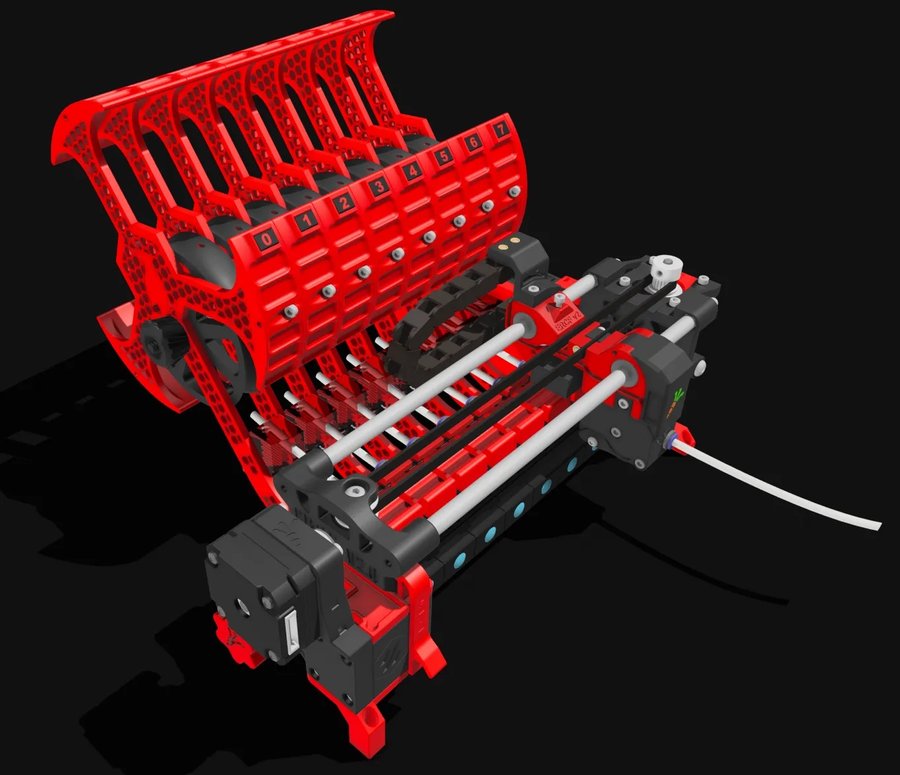
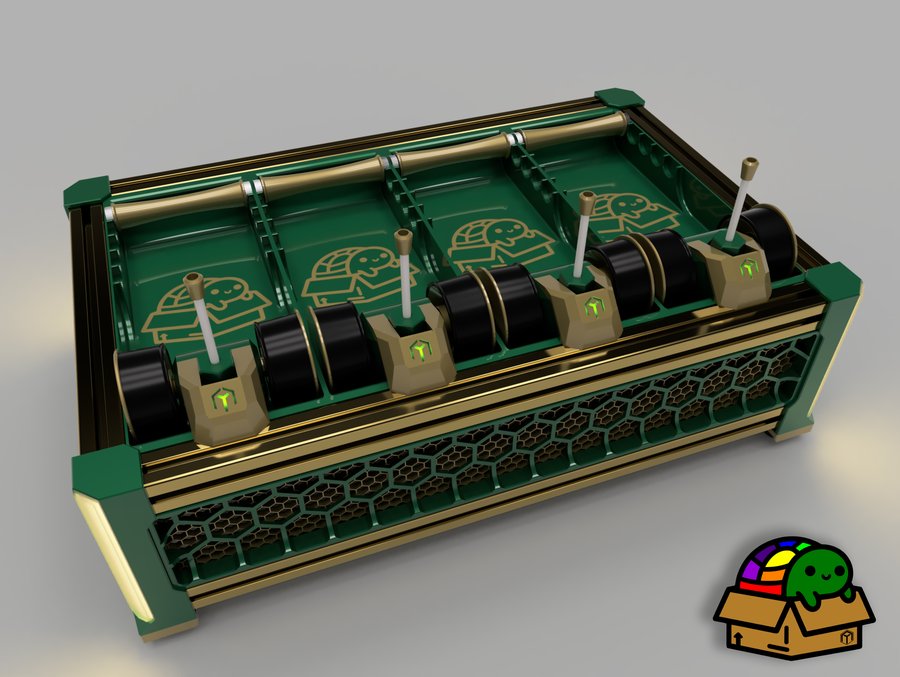
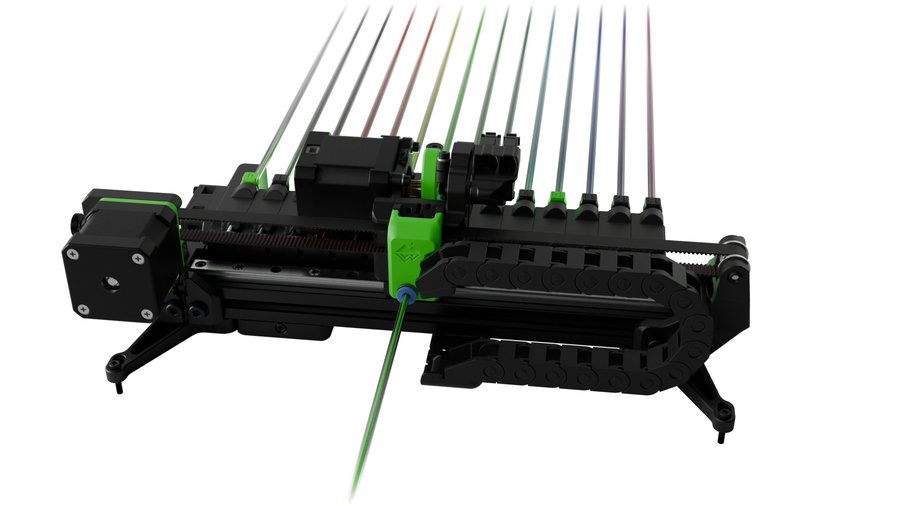
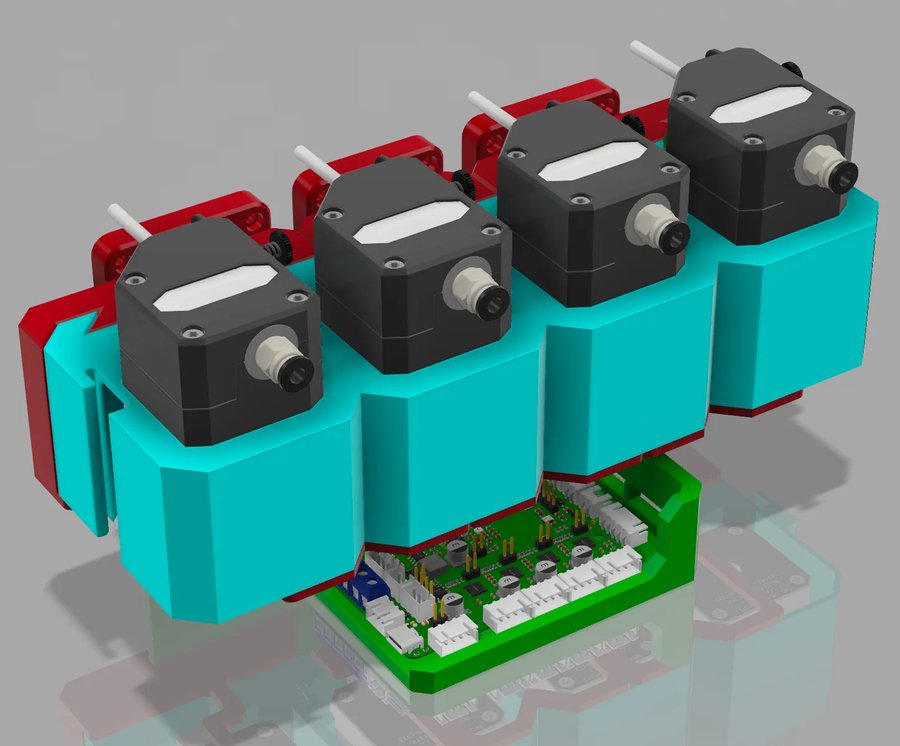
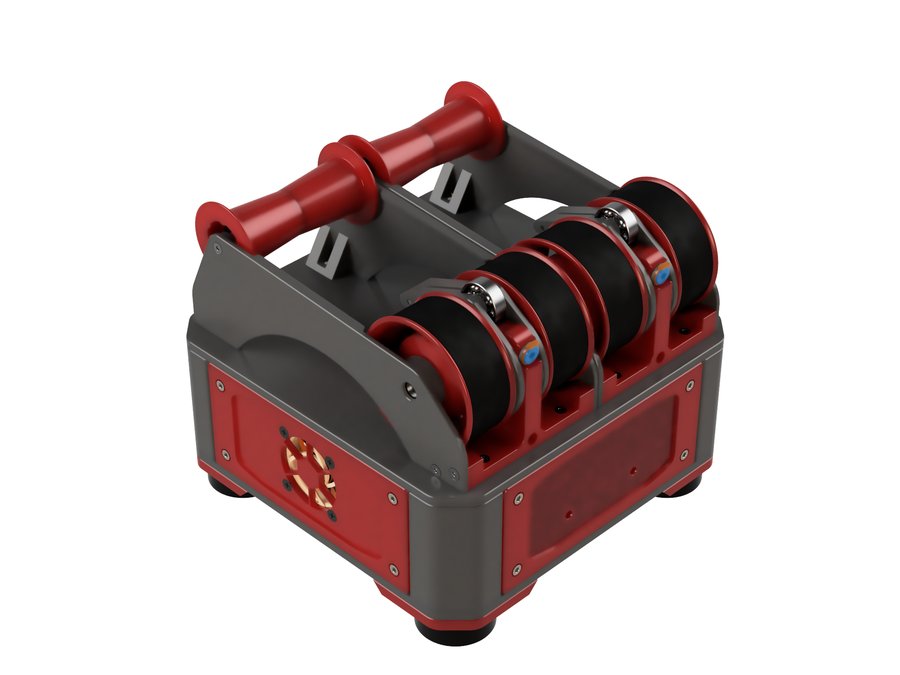
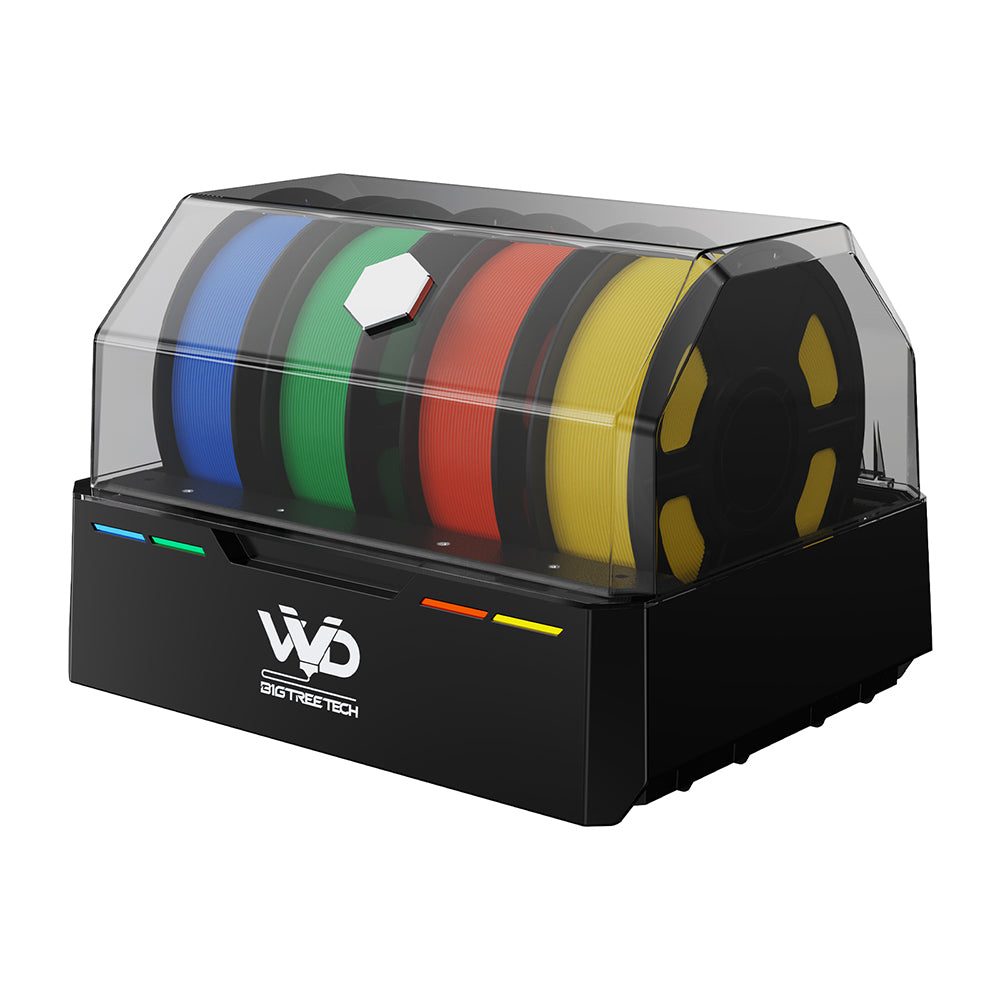
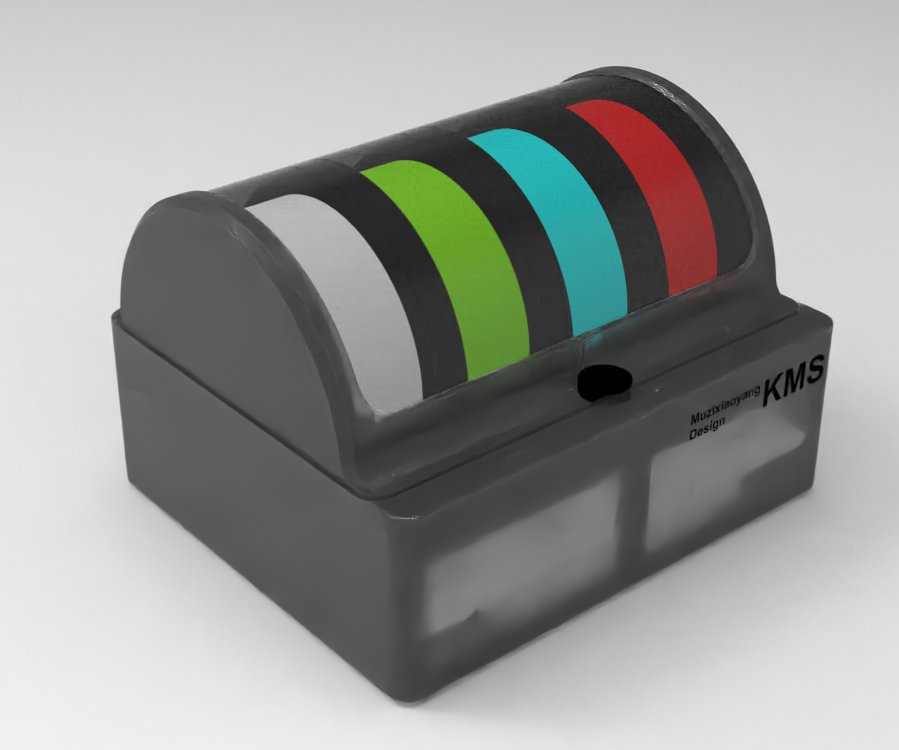
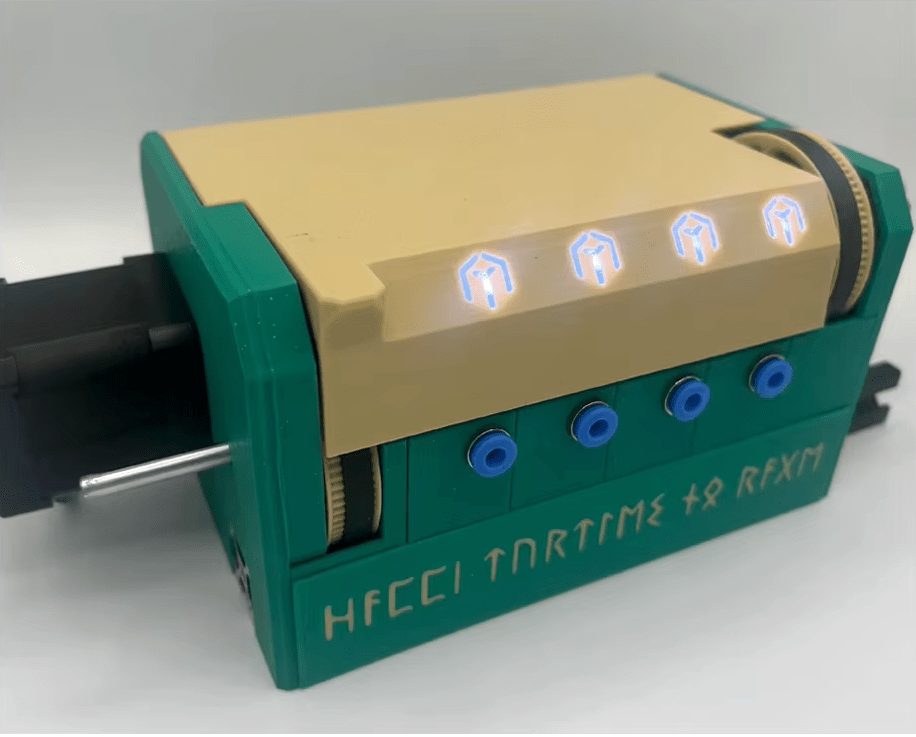
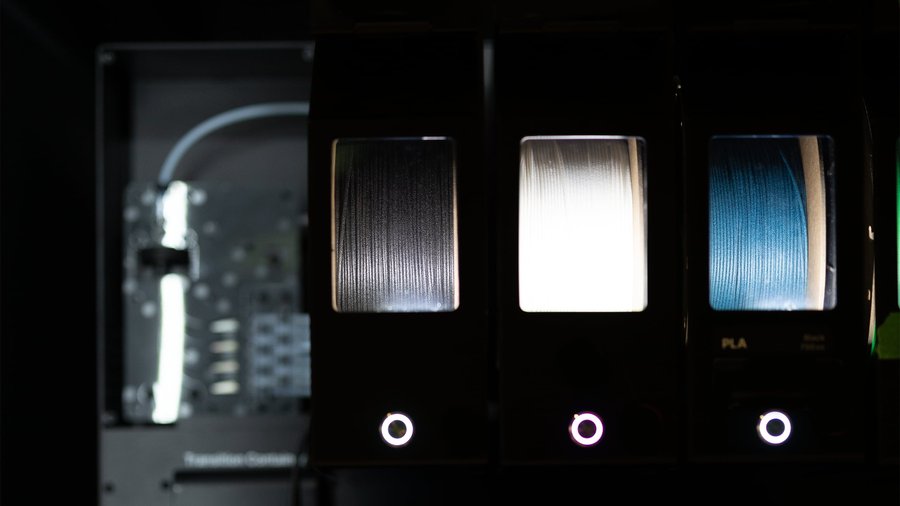
Multi-material units
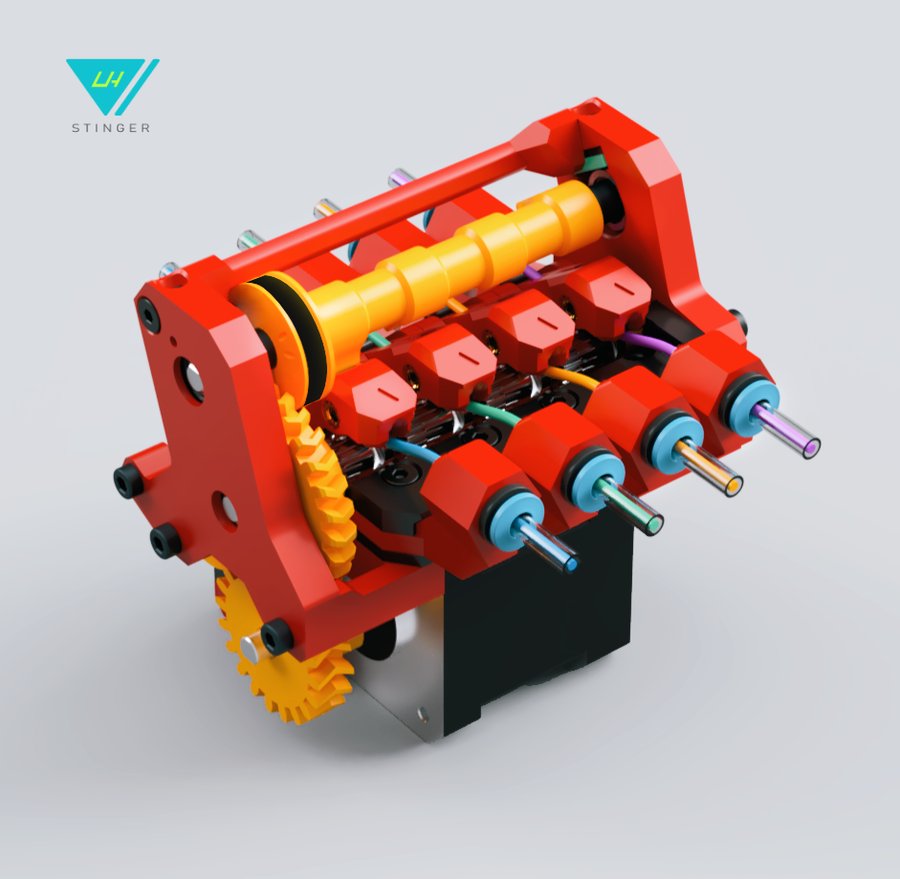
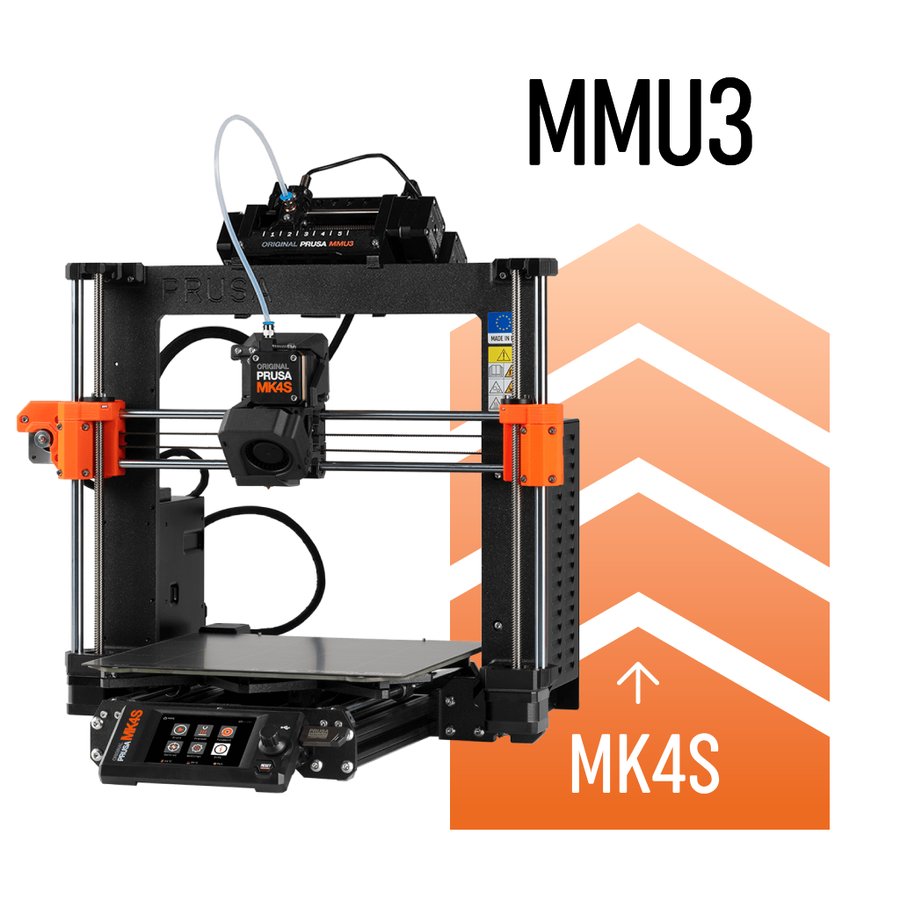
Compare MMU systems and explore their features.
Materials / Filaments
Filaments & materials
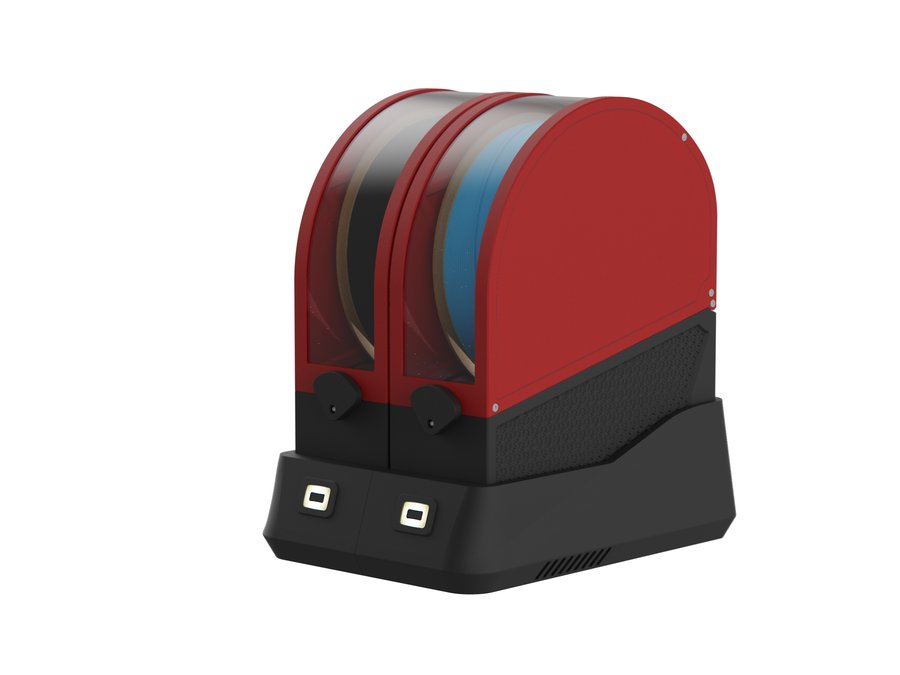
A material-first reference: standard, filled, nylon, flexible, high-performance and specialty filaments — pros, cons, TDS data and when to use each.
Printers / Compare
Compare printers
Put two or three machines side by side on build volume, speed, temperatures and materials. DIY designs and off-the-shelf printers compare in the same table, so you can weigh building against buying.
Electronics
Electronics
Every board, sensor and probe that goes into a Klipper printer — mainboards, host computers, toolhead boards and Z probes, each entry sourced from manufacturer documentation.
Electronics / Mainboards
MCUs & mainboards
Compare mainboard controllers for Klipper printers — stepper slots, CAN bus, processors, and compatibility.
Electronics / Host computers
Single-board computers
Raspberry Pi, Orange Pi, BTT CB1/CB2, and other Klipper host boards — specs, OS downloads, and setup guides.
Electronics / Toolhead boards
Toolhead boards
CAN bus, USB, and passive toolhead boards — EBB, Nitehawk, H36, Hartk, and more.
Electronics / Probing
Probes & bed scanners
Eddy-current scanners, nozzle-contact probes, inductive sensors, and deployable-pin probes for Z homing and bed meshing.
Firmware / Configuration
Klipper configurator
Assign components to MCU pins and generate a starter printer.cfg configuration. Works with stock Klipper and Kalico (a more cutting-edge community fork — configs are largely interchangeable).
Firmware / Slicer
Slicer config
Generate slicer start/end g-code and Klipper PRINT_START / PRINT_END macros for your printer and slicer combination.
Extrusion / Extruders
Extruders
Complete guide to all extruders — Clockwork 2, Galileo 2, Orbiter, Sherpa, BMG, and more. Printed and commercial options.
Extrusion / Hotends
Hotends
Complete guide to all hotends on the market — flow rates, max temps, and compatibility.
Reference / Documentation
Manuals & documentation
Build guides, firmware configuration, and reference docs.
Reference / Changelog
What's new
Running changelog of new printers, products, features and data verification passes.
Reference / Sourcing
Trusted sellers
Community-vetted vendors for printer parts, electronics, and filament.
Site / About
About
What this site is, how to use it, and who built it.
Site / Contact
Contact
Get in touch — suggestions, bug reports, and community feedback welcome.
Reach Out on Discord
The fastest way to get in touch is through Discord. Whether you've found a bug, have a suggestion, or just want to say hi — send a message to:
@Supercrossed
Discord DM or mention
What Can You Contact Us About?
Bug Reports
Broken links, incorrect specs, configurator glitches, rendering issues, or anything that doesn't work as expected. Screenshots are always helpful.
Feature Suggestions
Ideas for new configurators, component categories, comparison tools, export formats, or workflow improvements you'd like to see added.
Data Corrections
Wrong specs on a hotend or MCU? Outdated pricing? Dead sourcing link? Let us know what needs updating and provide a source if you can.
New Component Requests
Know of a hotend, extruder, MCU, SBC, or toolhead board that's missing from the wiki? Send the product name and a link to the manufacturer page so it can be added.
New Printer / MMU BOMs
Built a printer that's not listed here? Have a complete BOM for a Voron variant, RatRig mod, or a new MMU system? Share it and it can be added to the configurator.
Klipper Config Help
Questions about the generated printer.cfg, pin assignments that don't look right, or driver settings that seem off? Happy to help troubleshoot.
General Feedback
Found the site useful? Have thoughts on the UI, layout, or overall experience? Positive feedback and constructive criticism are both welcome.
Seller Recommendations
Know a trusted vendor that should be on the Trusted Sellers page? Had a great (or terrible) experience with a shop? Help keep the vendor list accurate.
Tips for a Helpful Report
1.
Be specific — instead of "the MCU page is broken," say "the BTT Octopus detail modal shows wrong UART pins for driver slot 4."
2.
Include links — if you're reporting wrong data, link to the official source showing the correct info. It speeds up verification.
3.
Screenshots help — for UI bugs or rendering issues, a screenshot or screen recording makes it much easier to diagnose.
4.
Mention your setup — browser, device (desktop/mobile), and dark/light mode can all matter for reproducing display issues.