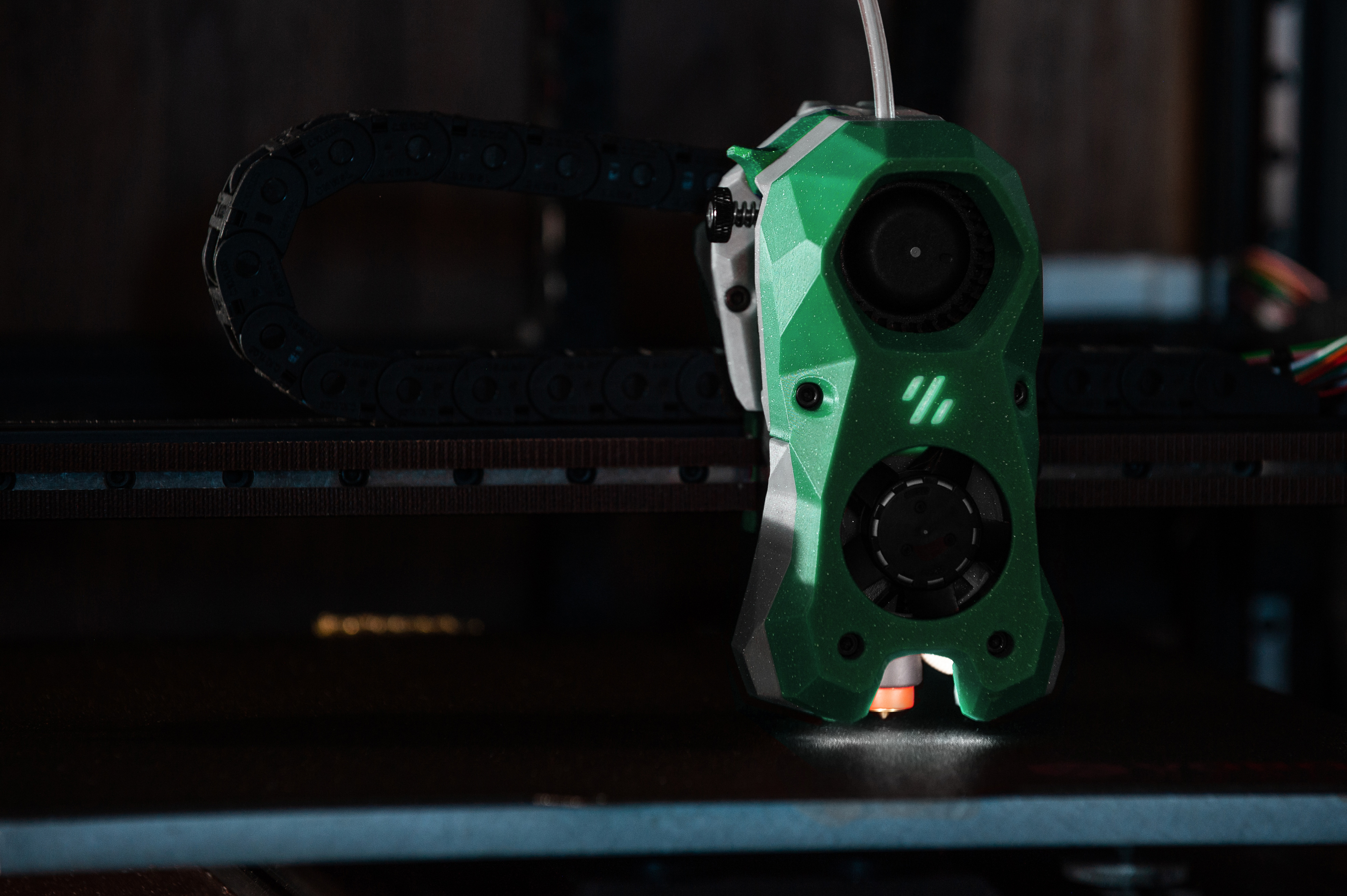
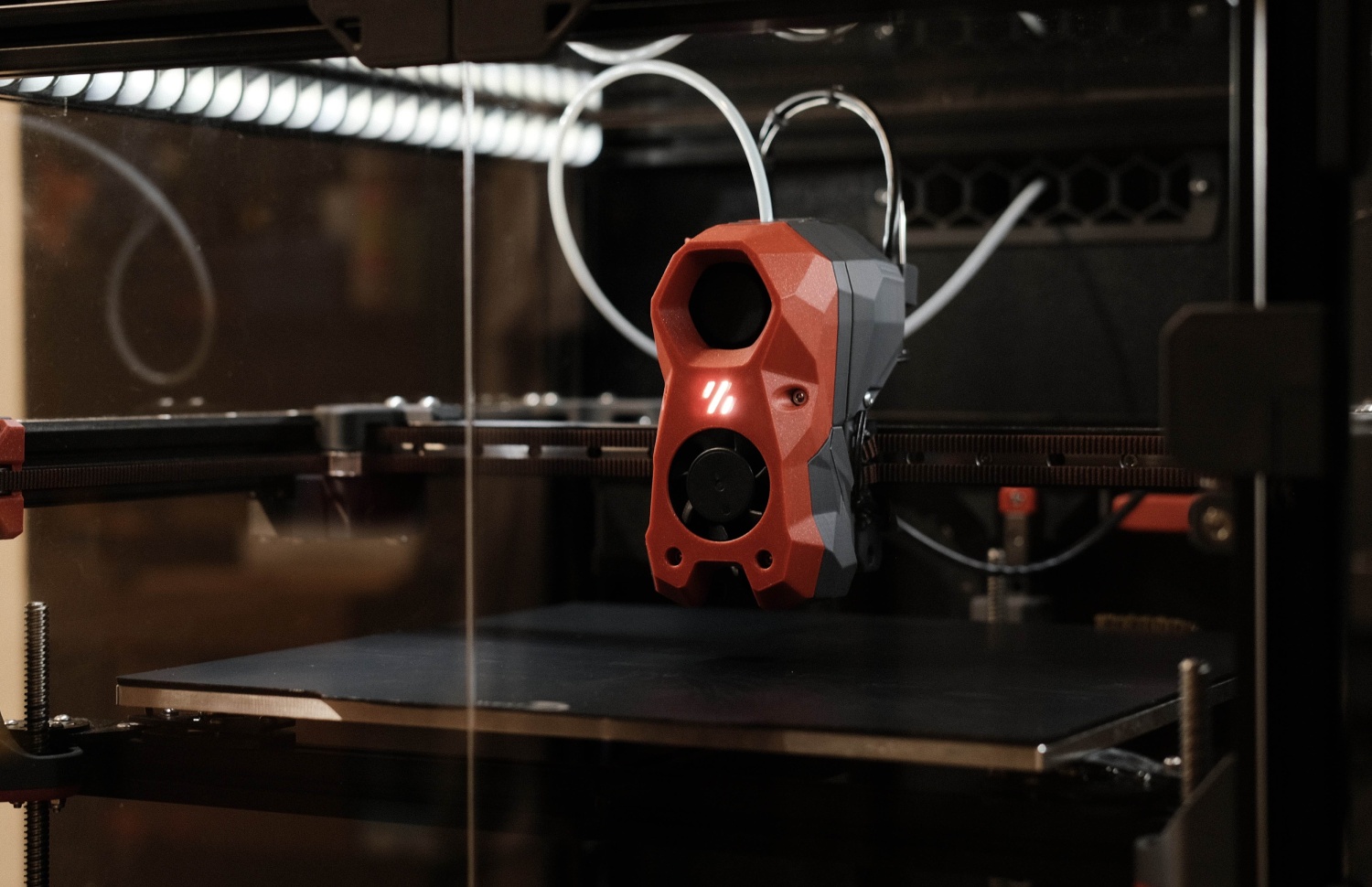
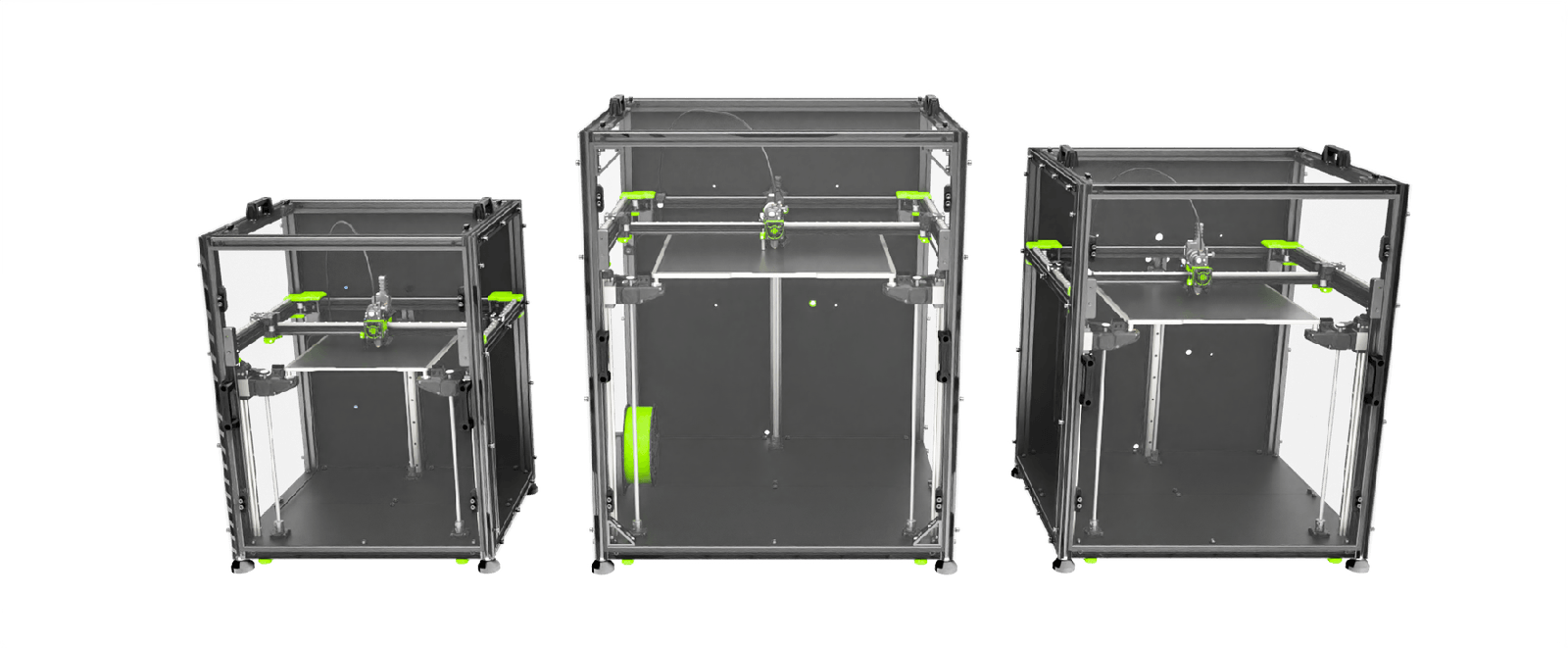
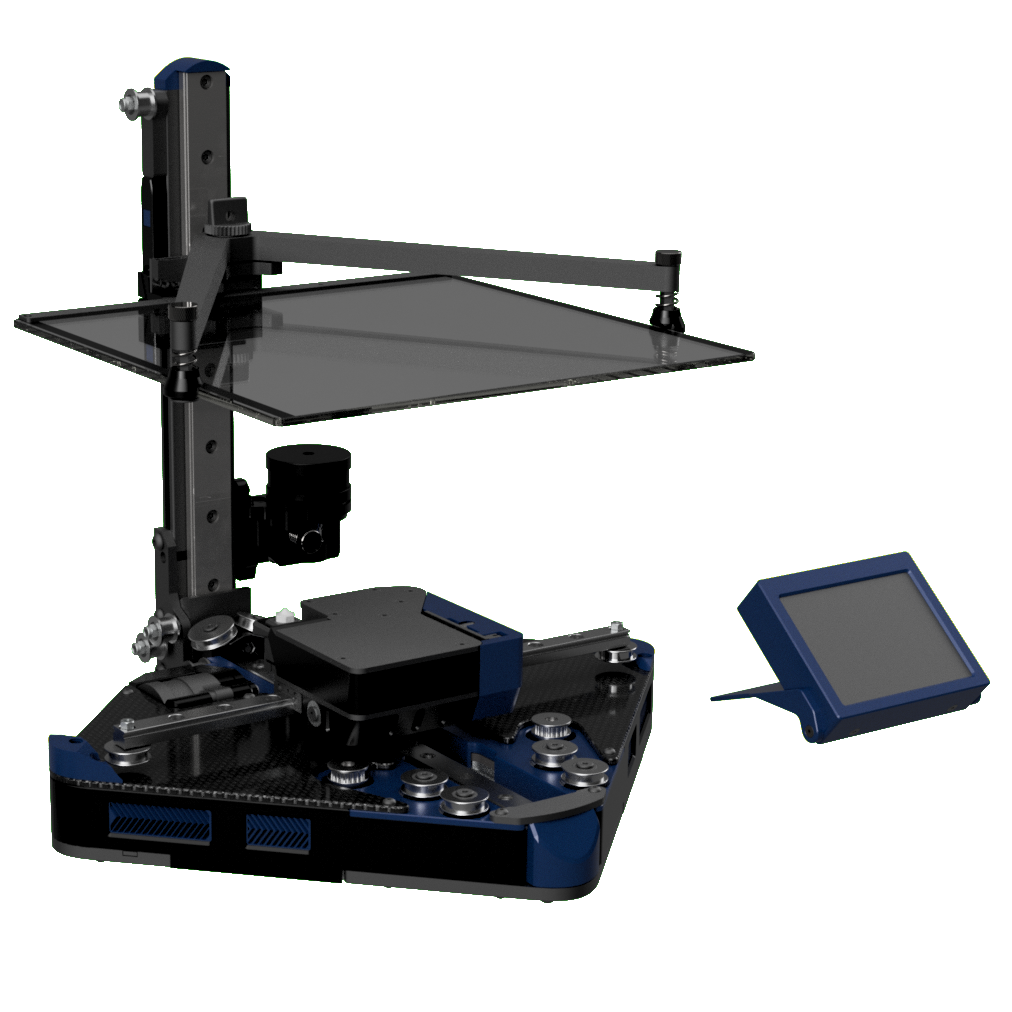
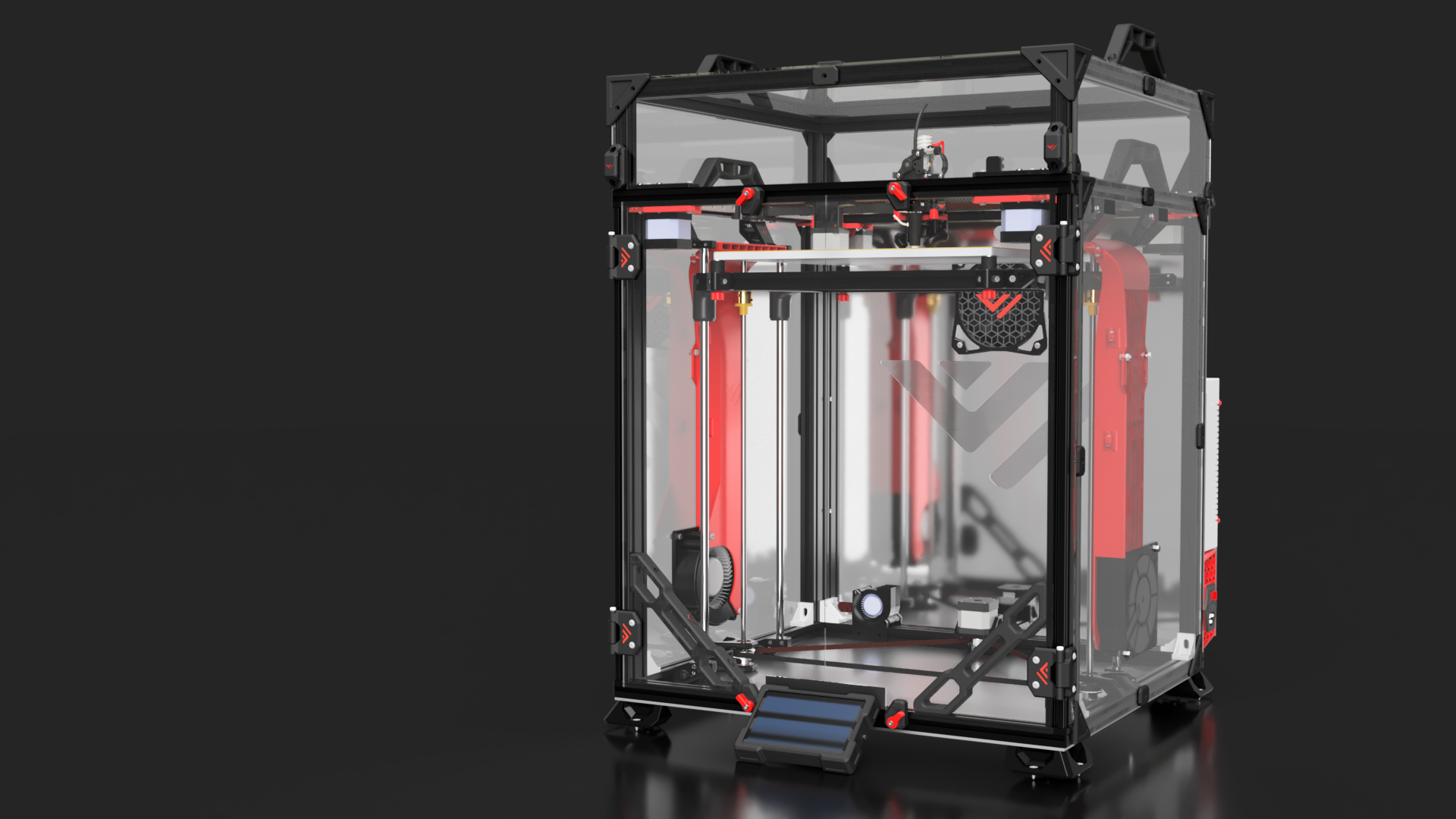
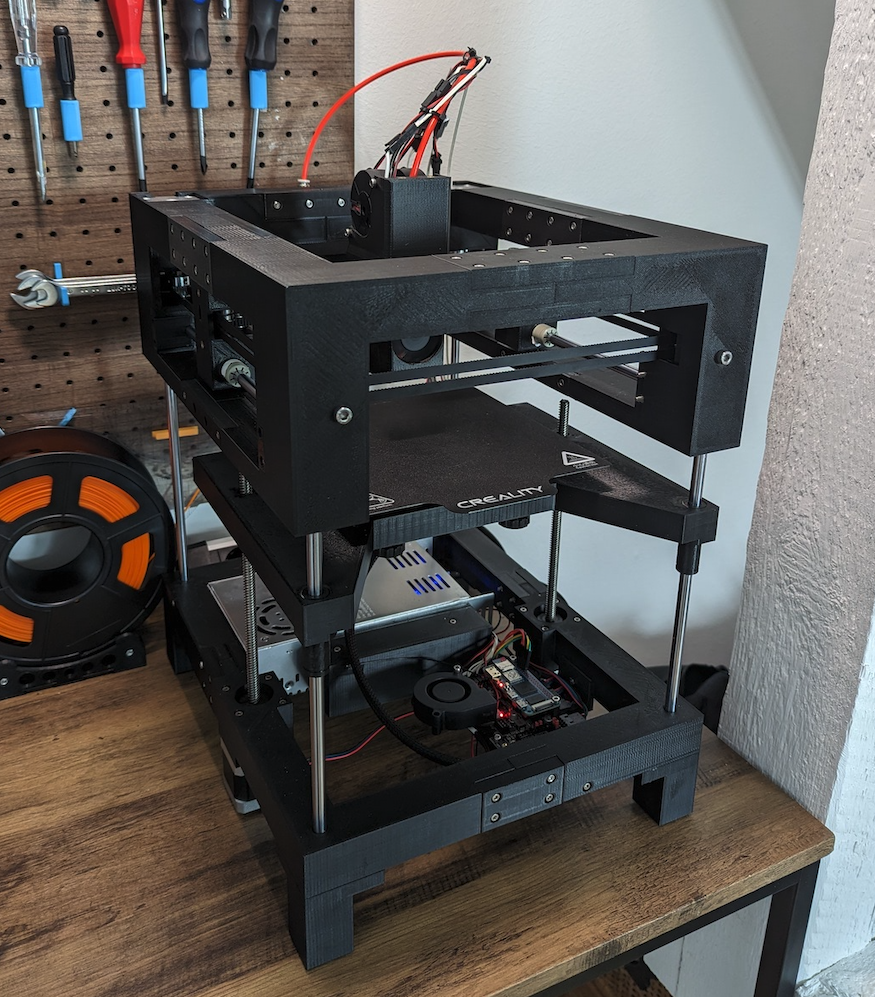
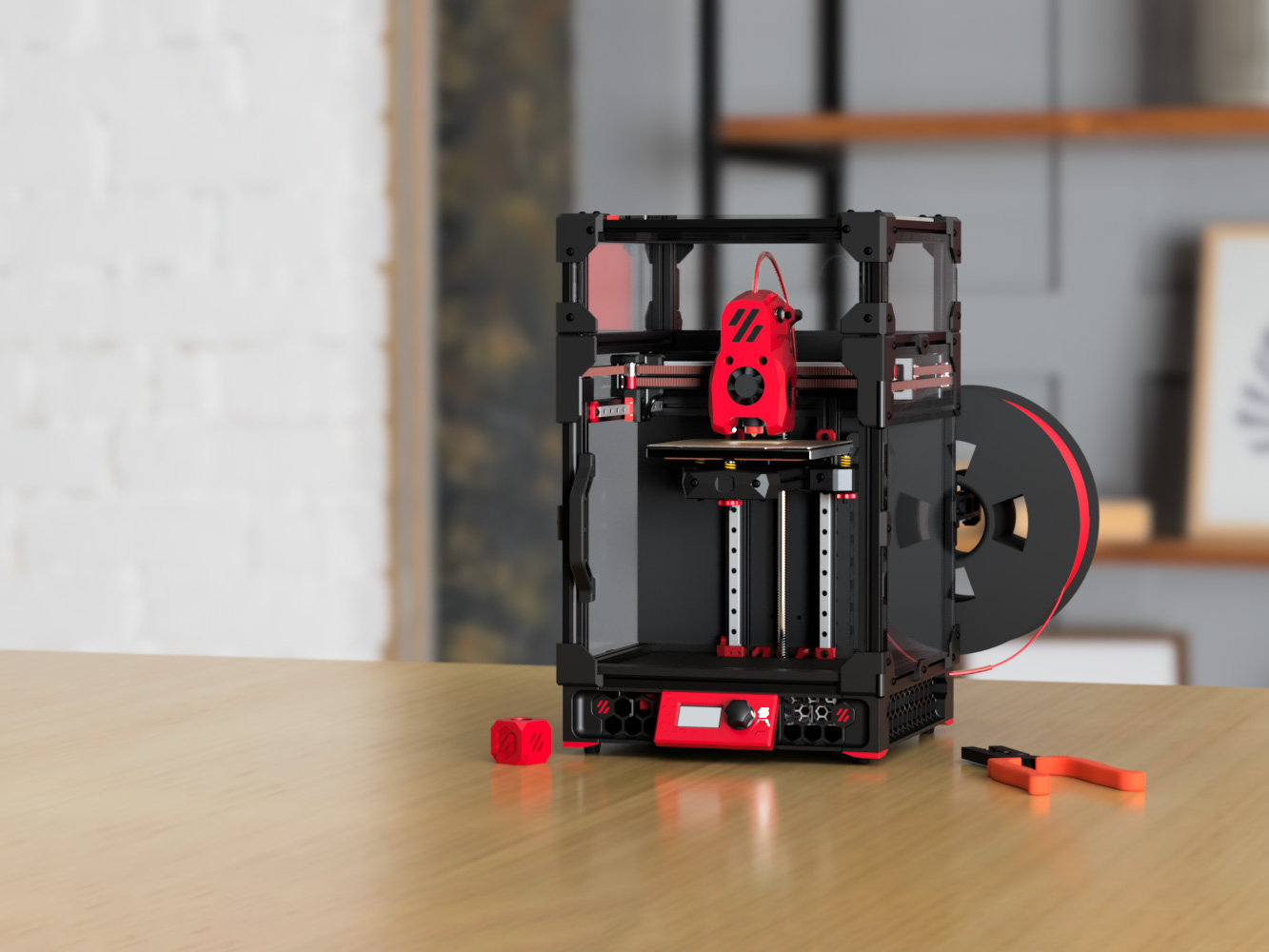
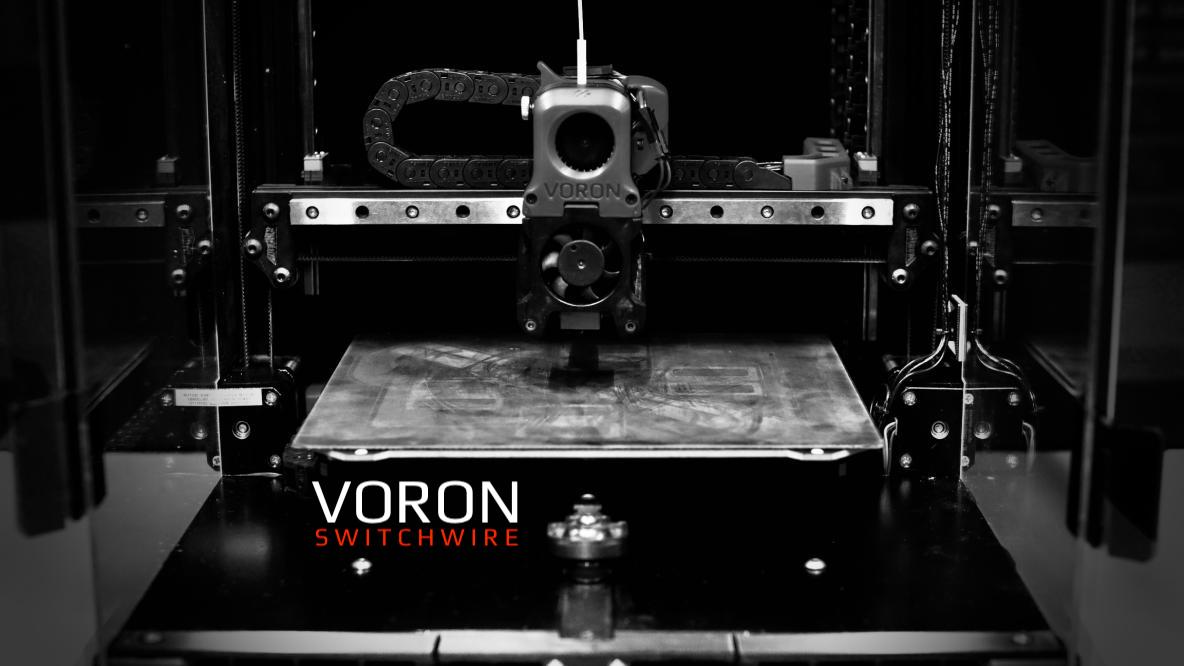
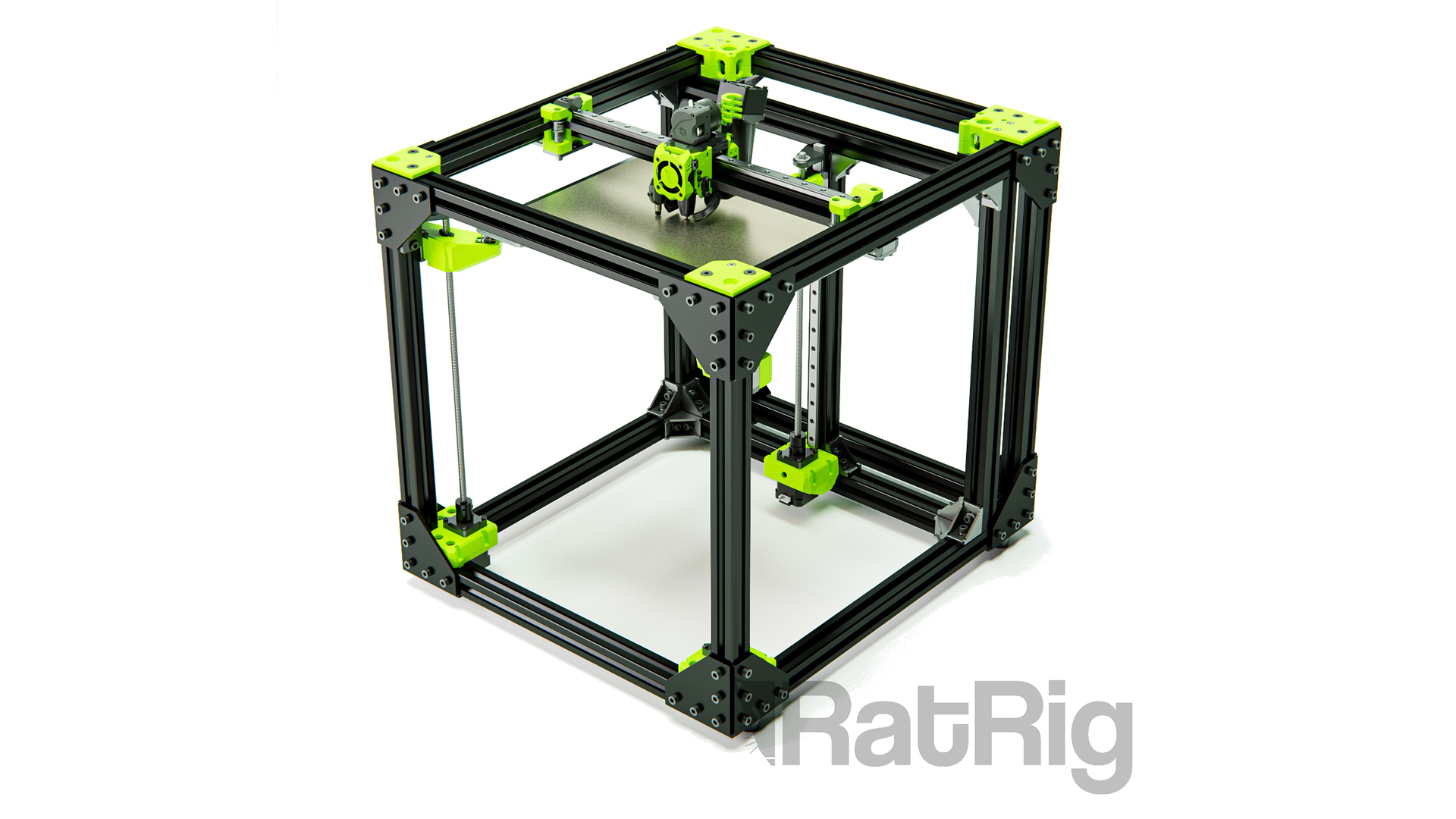
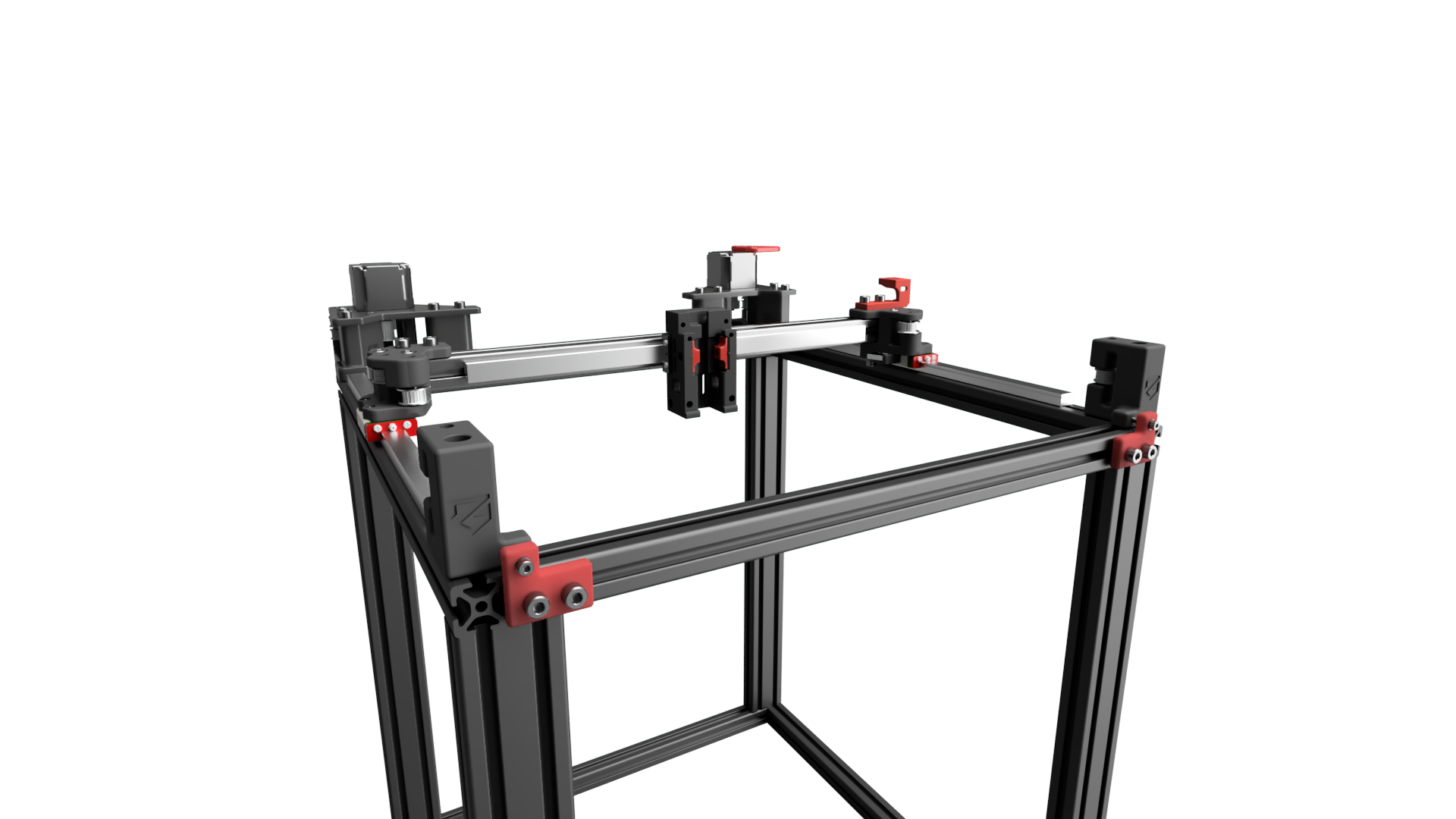
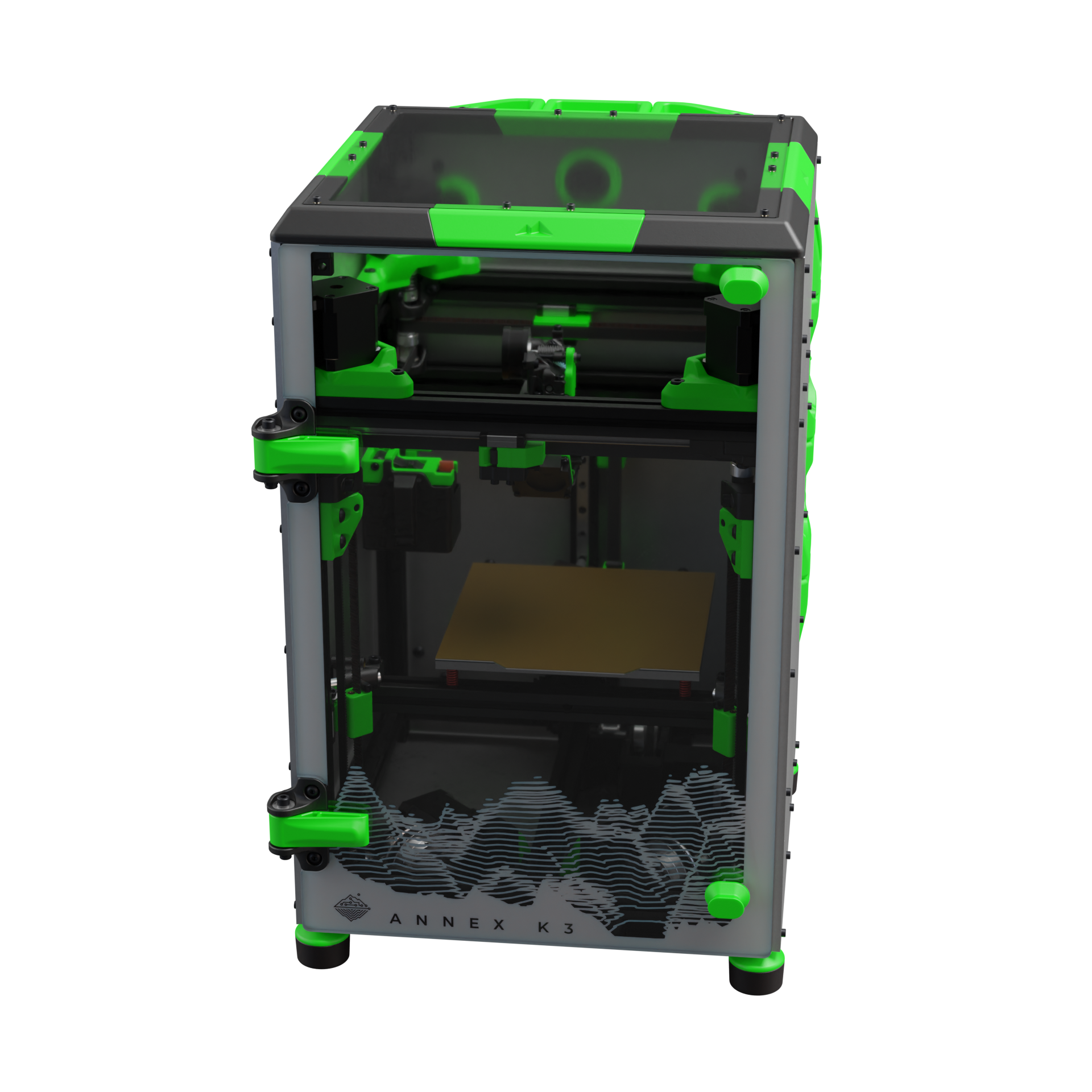
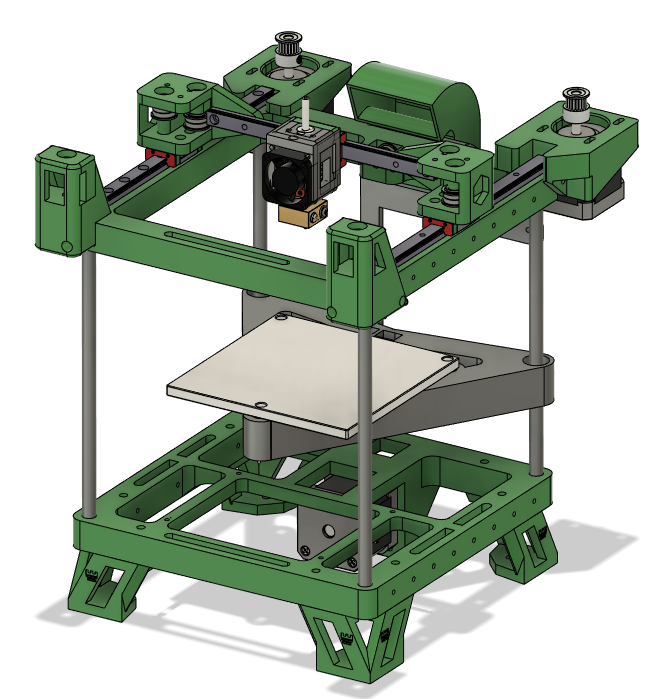
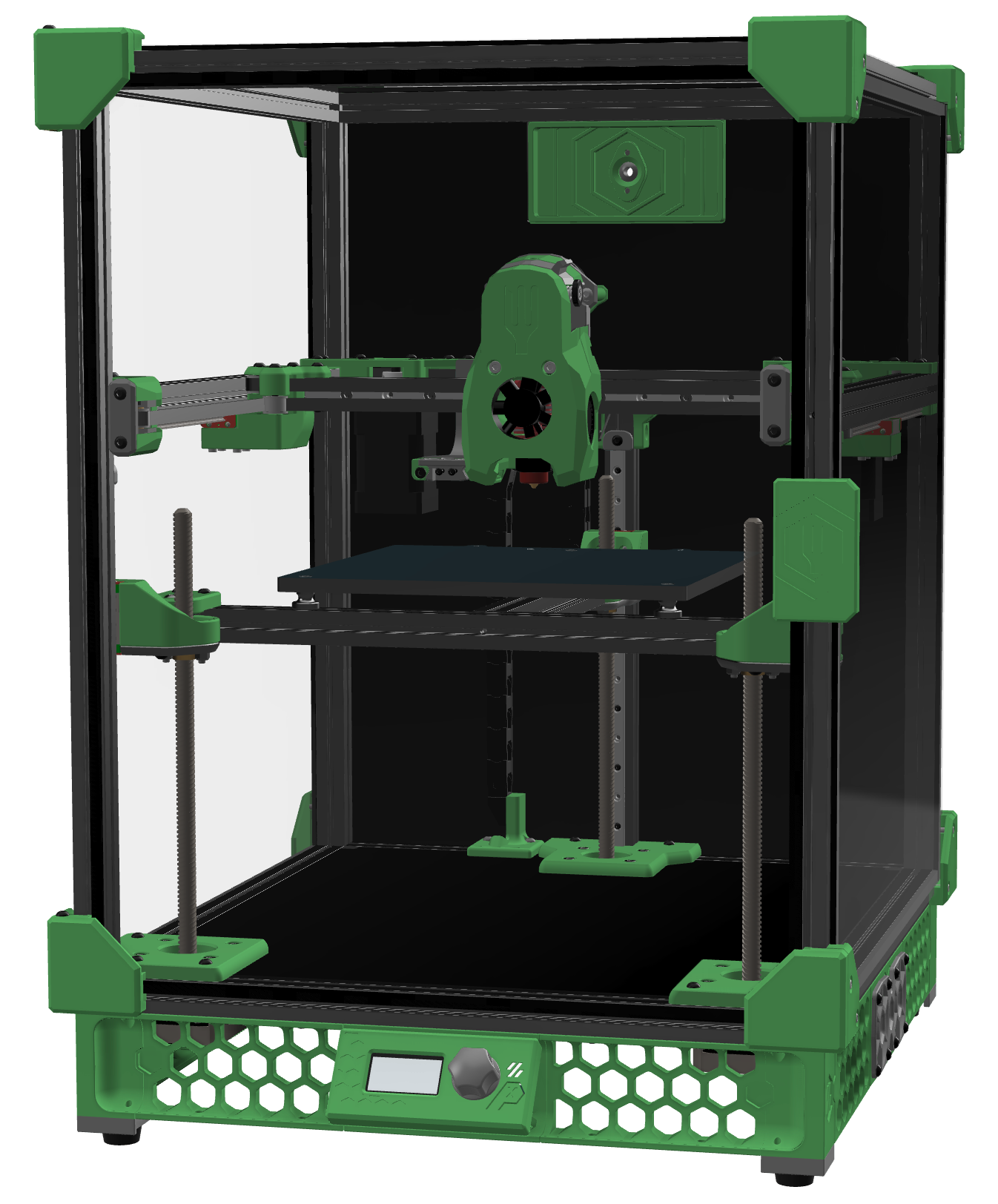
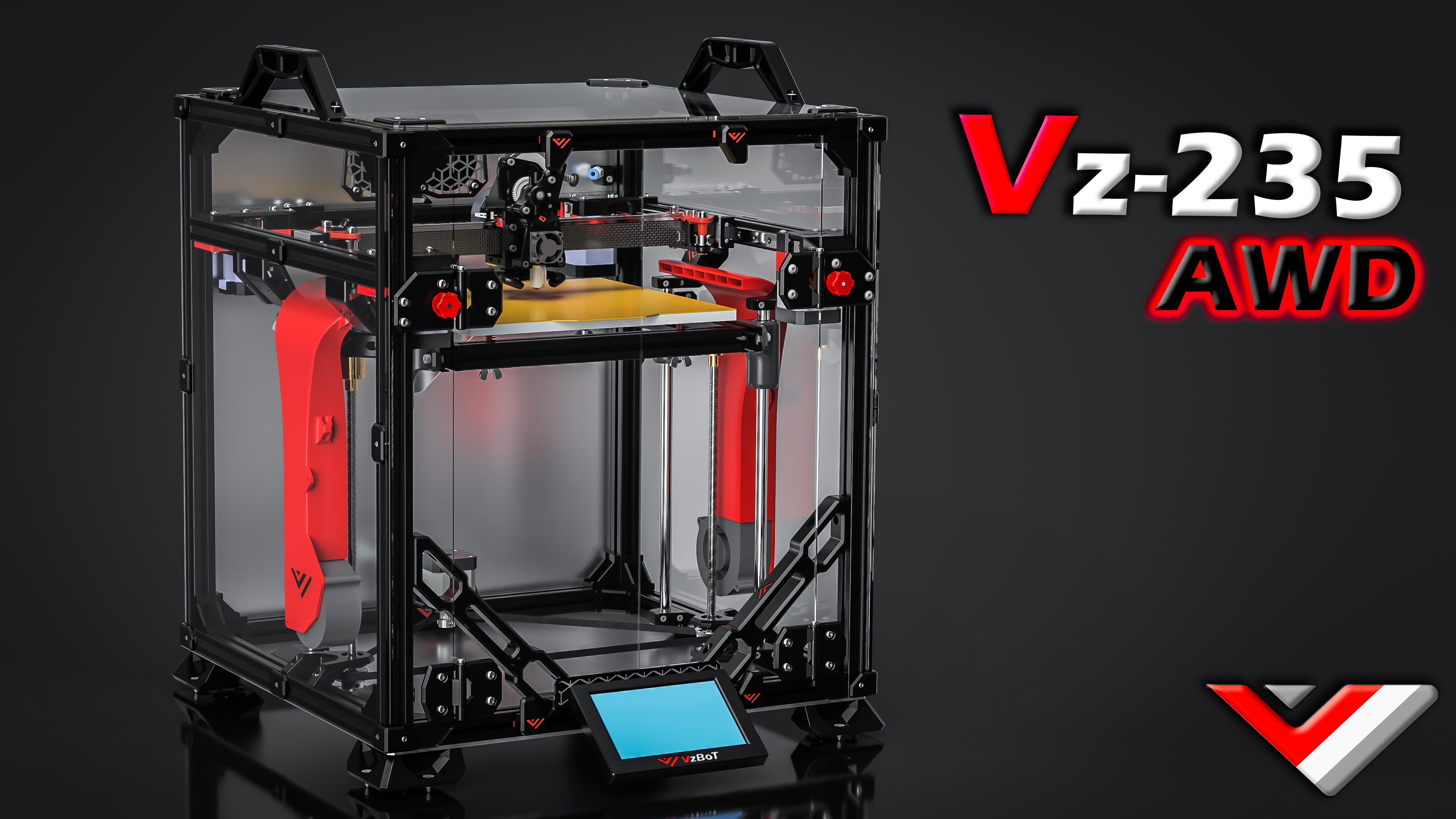
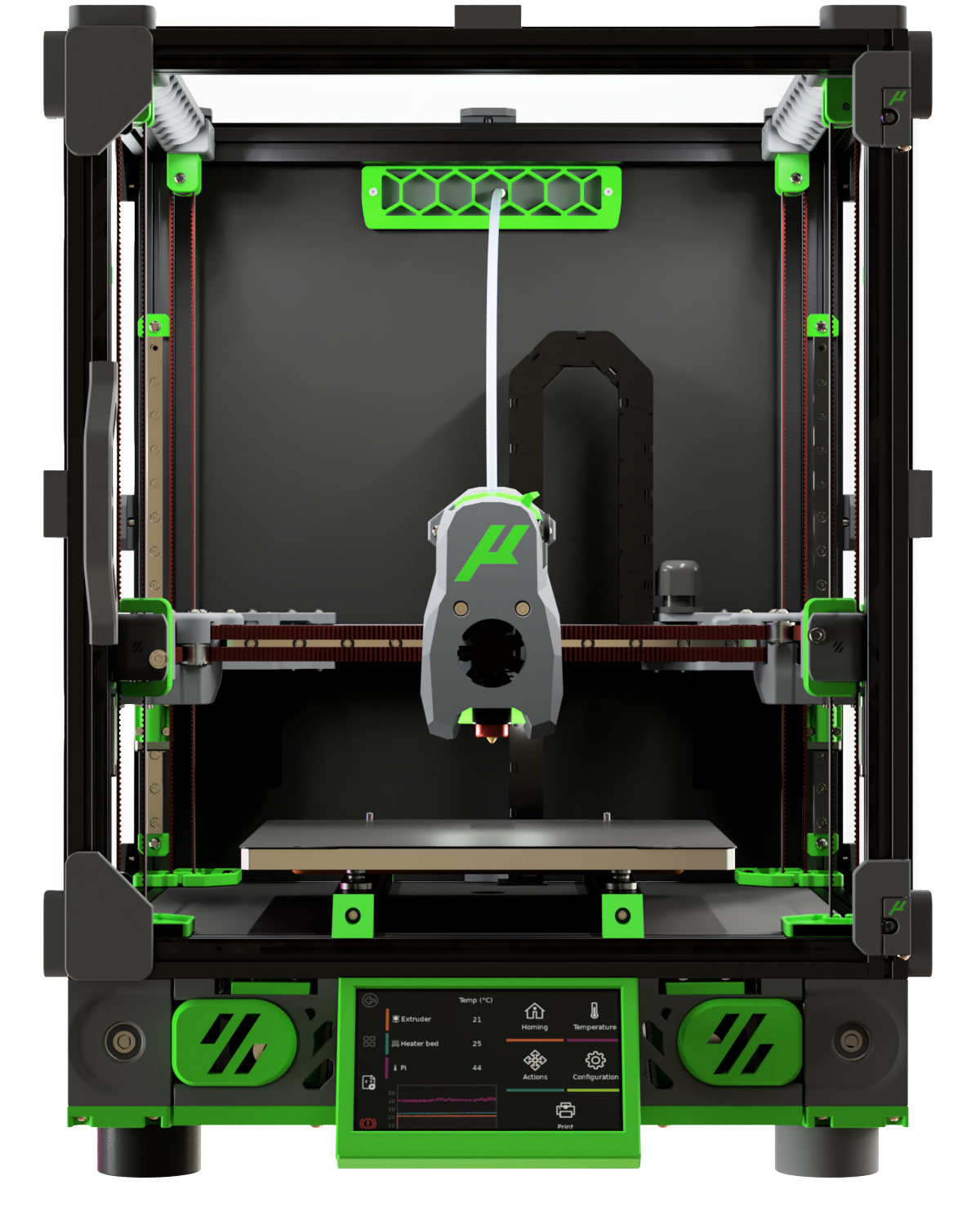
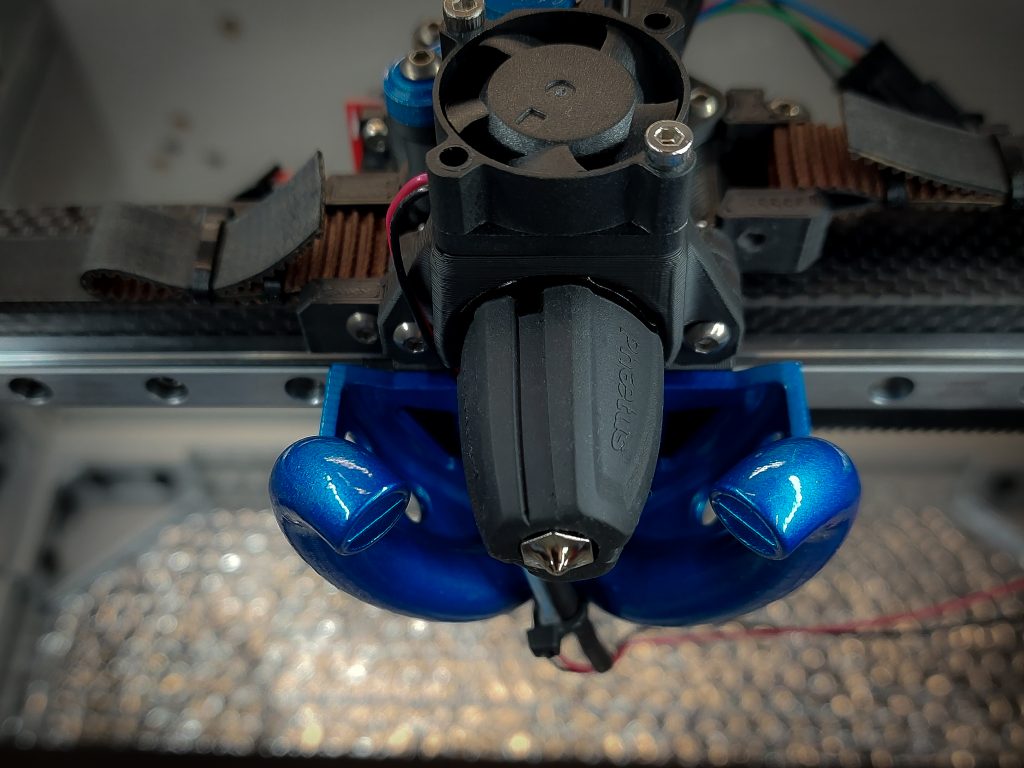
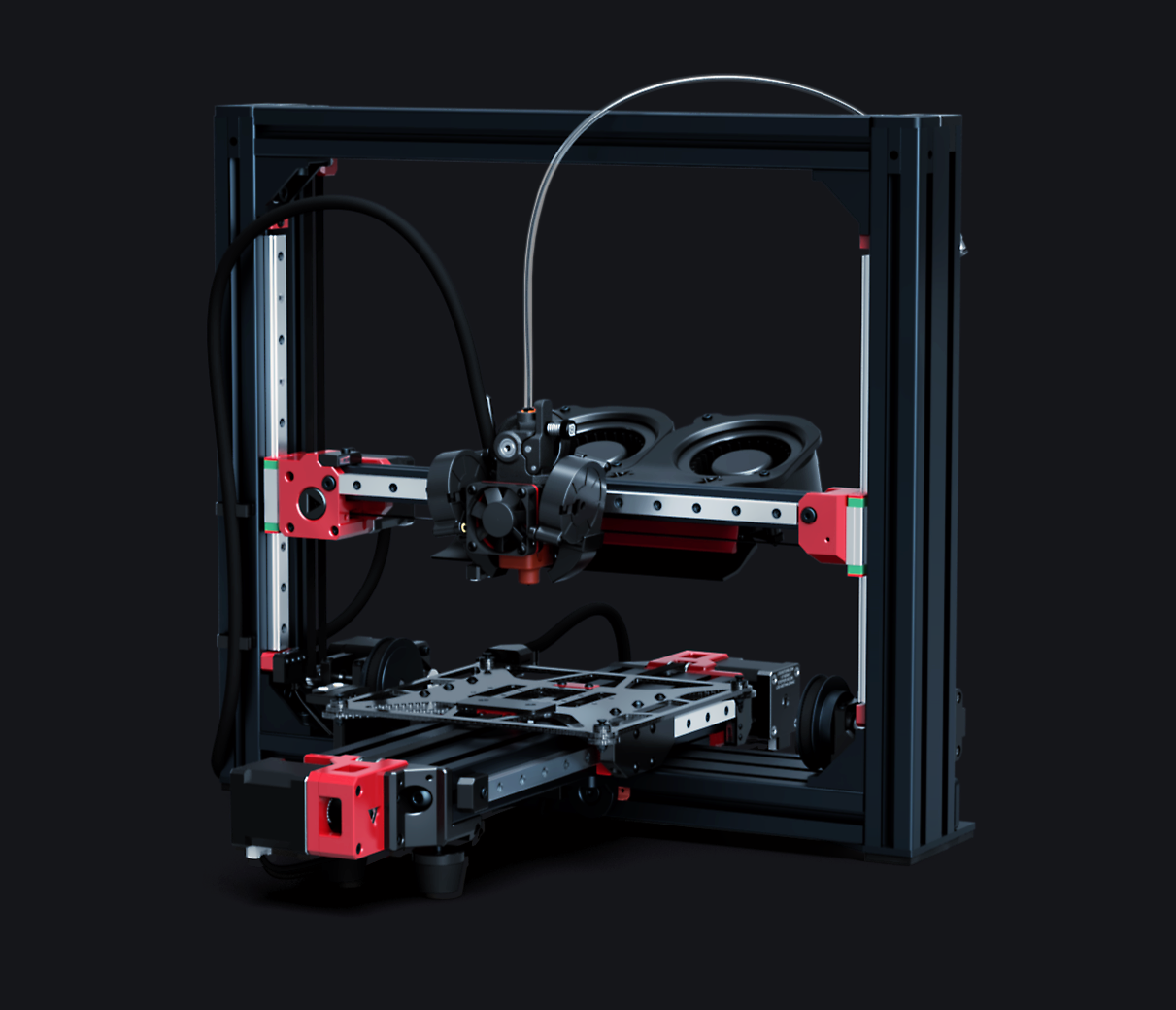
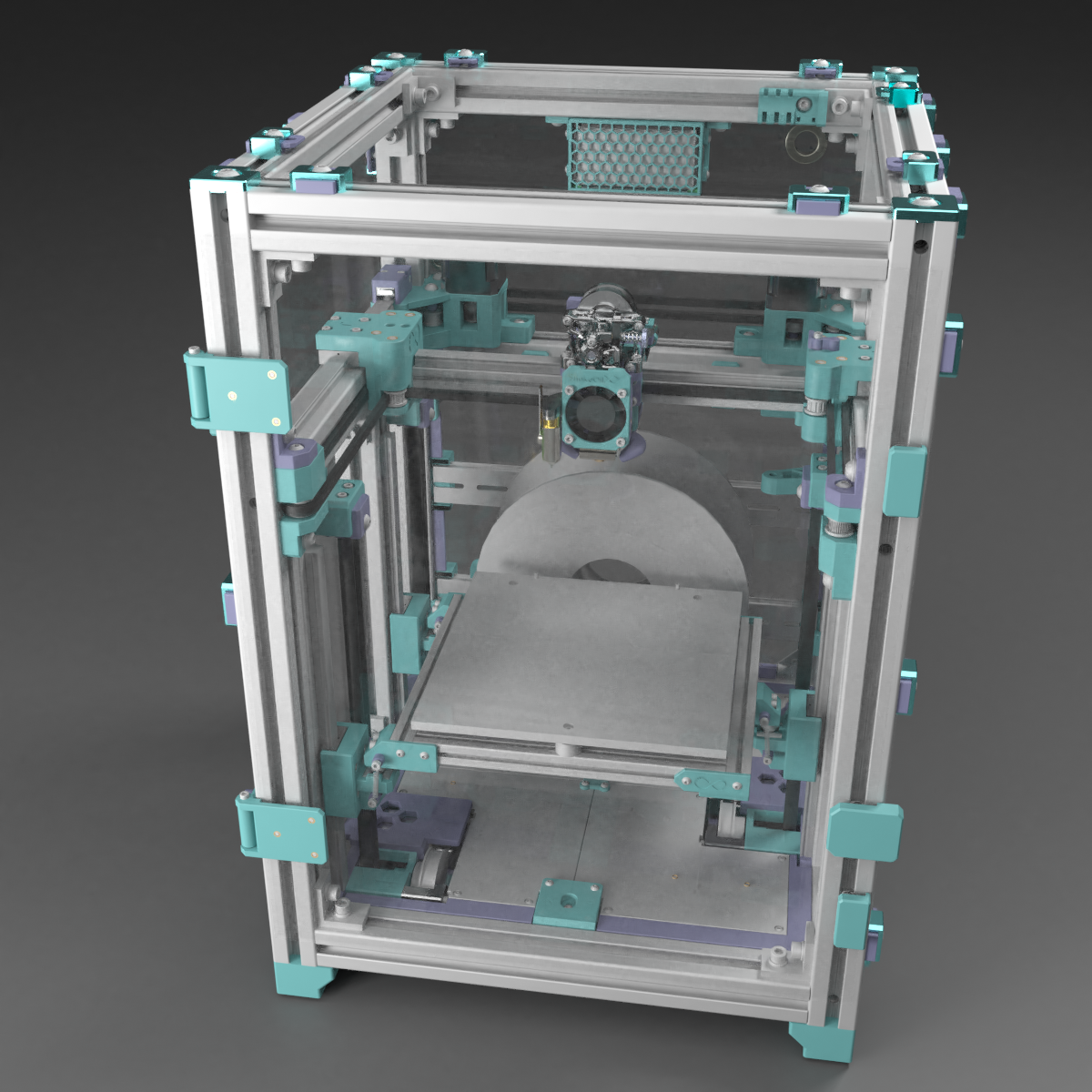
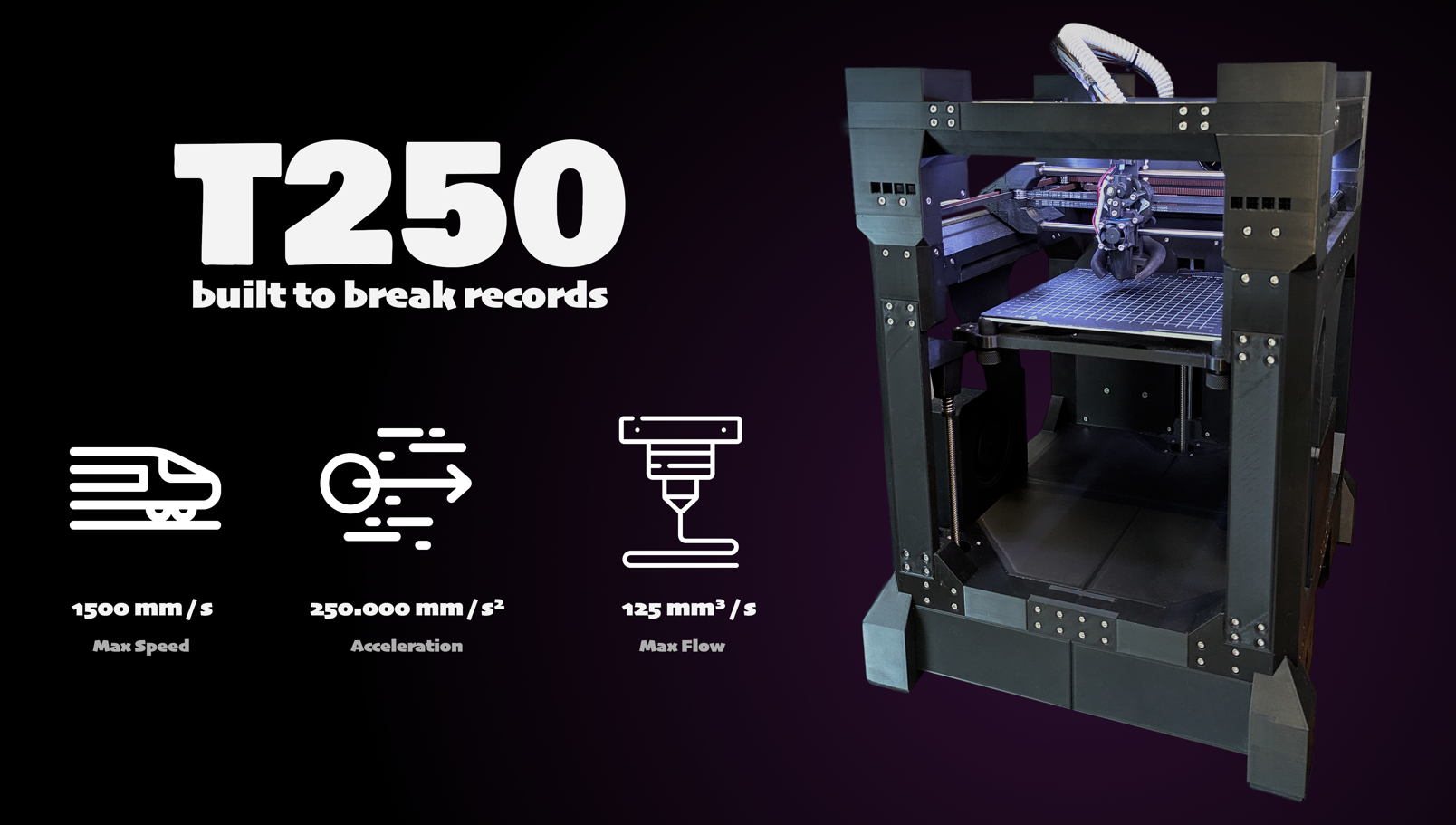
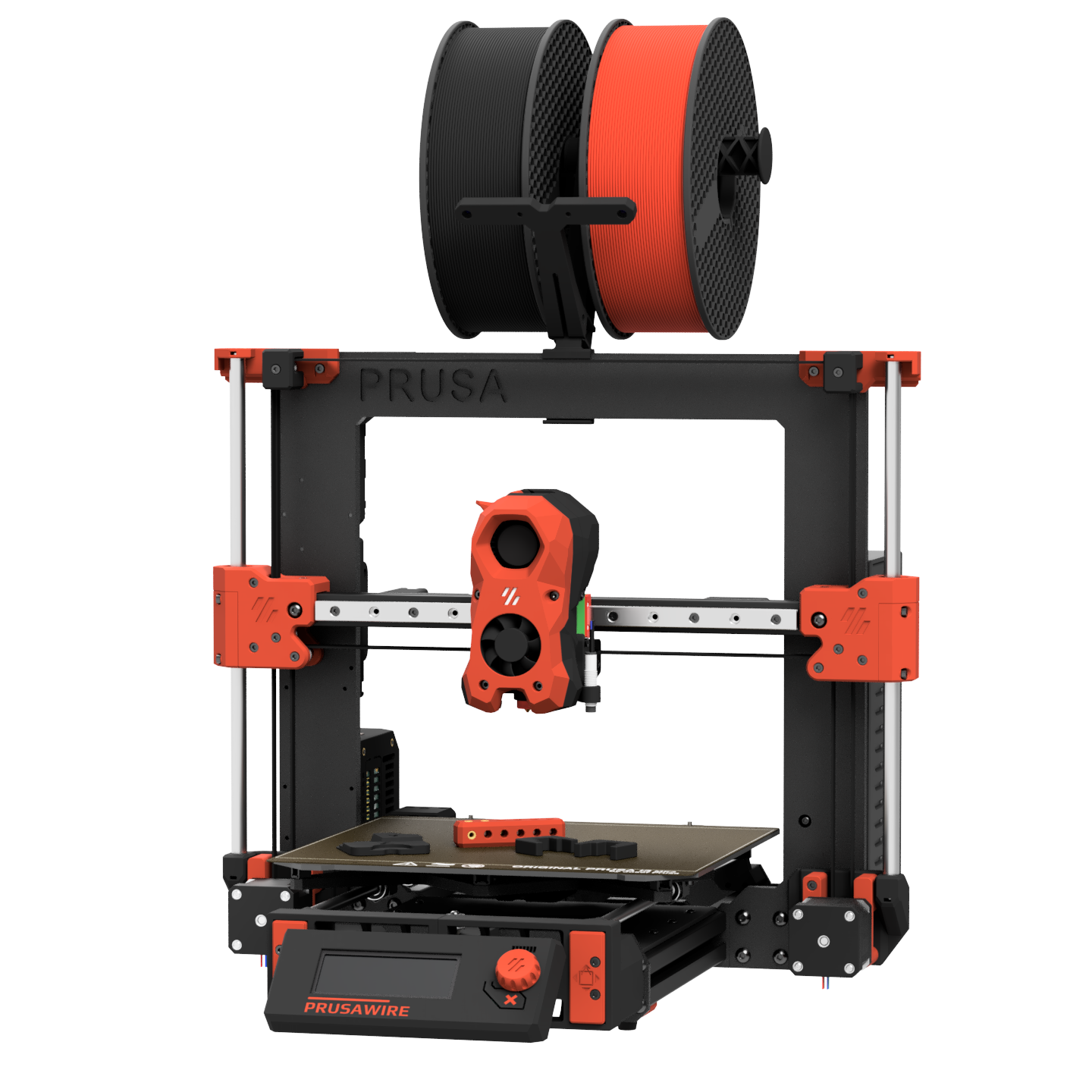
Open-source, self-sourced, and community-built printers — click any card for details and BOM access. For commercial/pre-assembled printers see .
Printers / Off-the-shelf
Off-the-shelf printers
Commercial, pre-built, and semi-kit printers — click any card for specs, use cases, pros/cons, and how they compare to DIY builds.
📋 = Has BOM in Configurator
Printers / Toolheads
Toolhead guide
Explore toolheads by machine — view pros, cons, and compatibility.
Printers / Multi-material
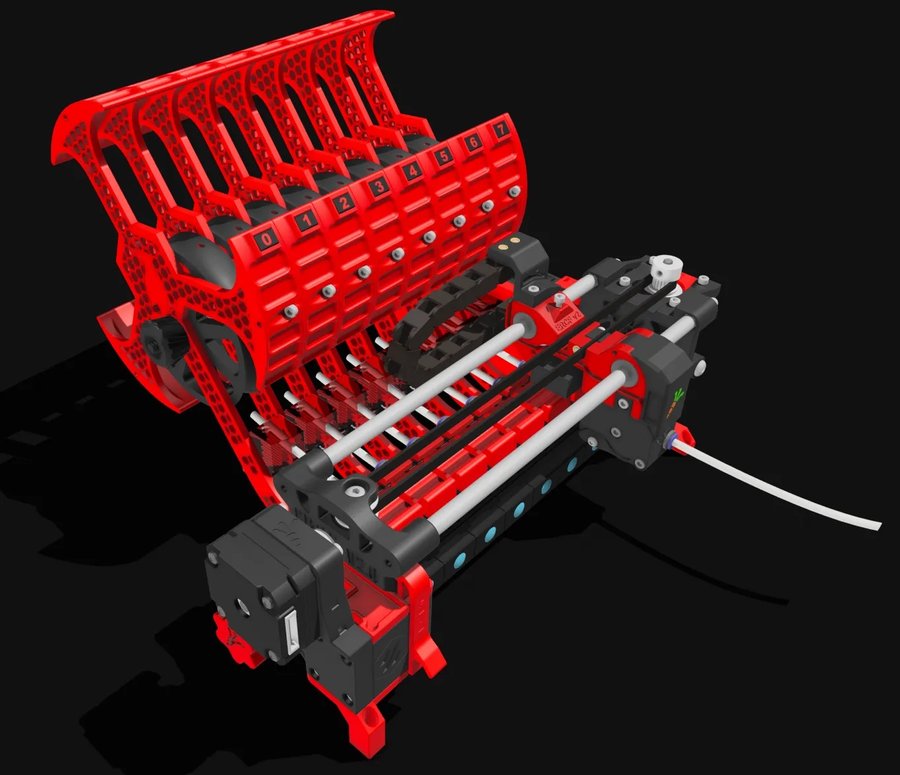
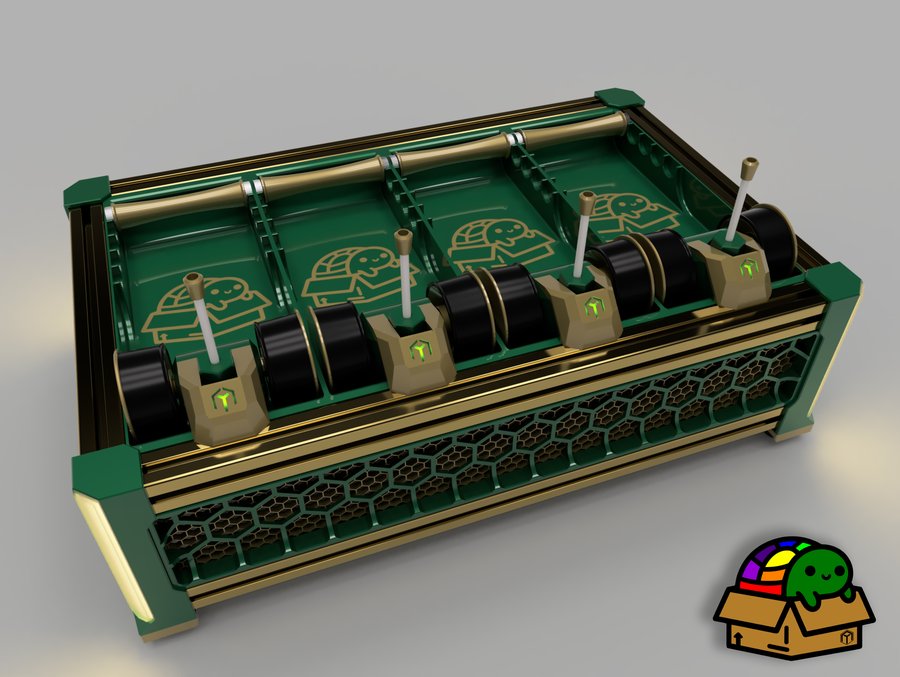
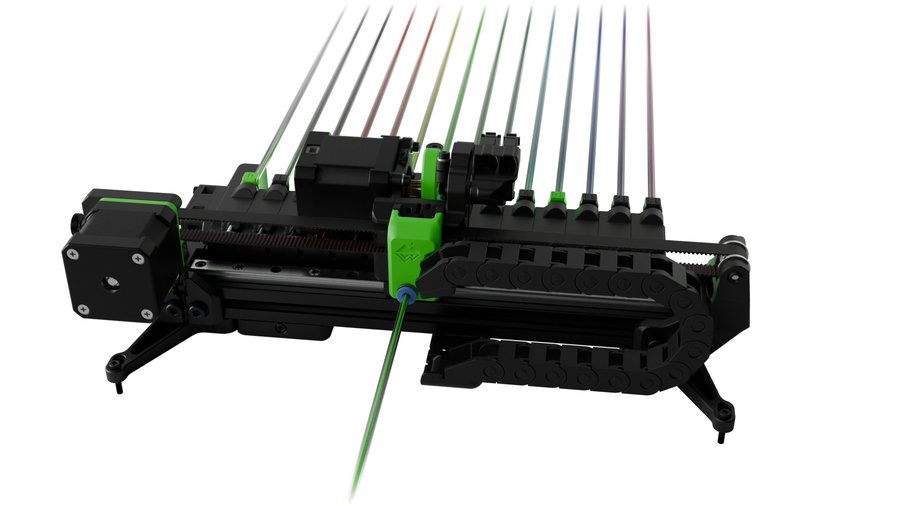
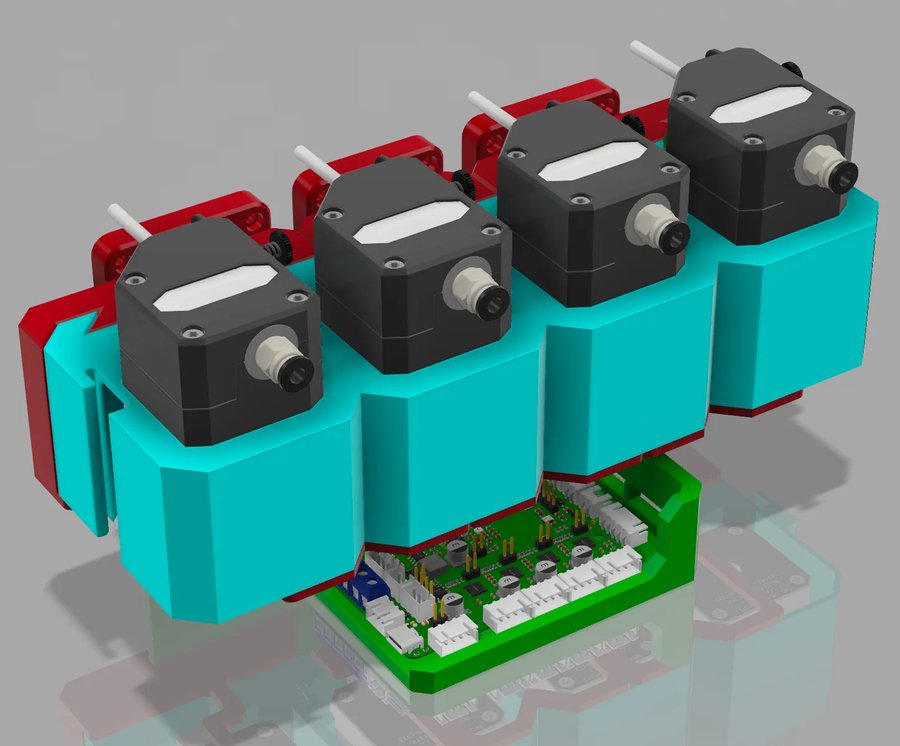
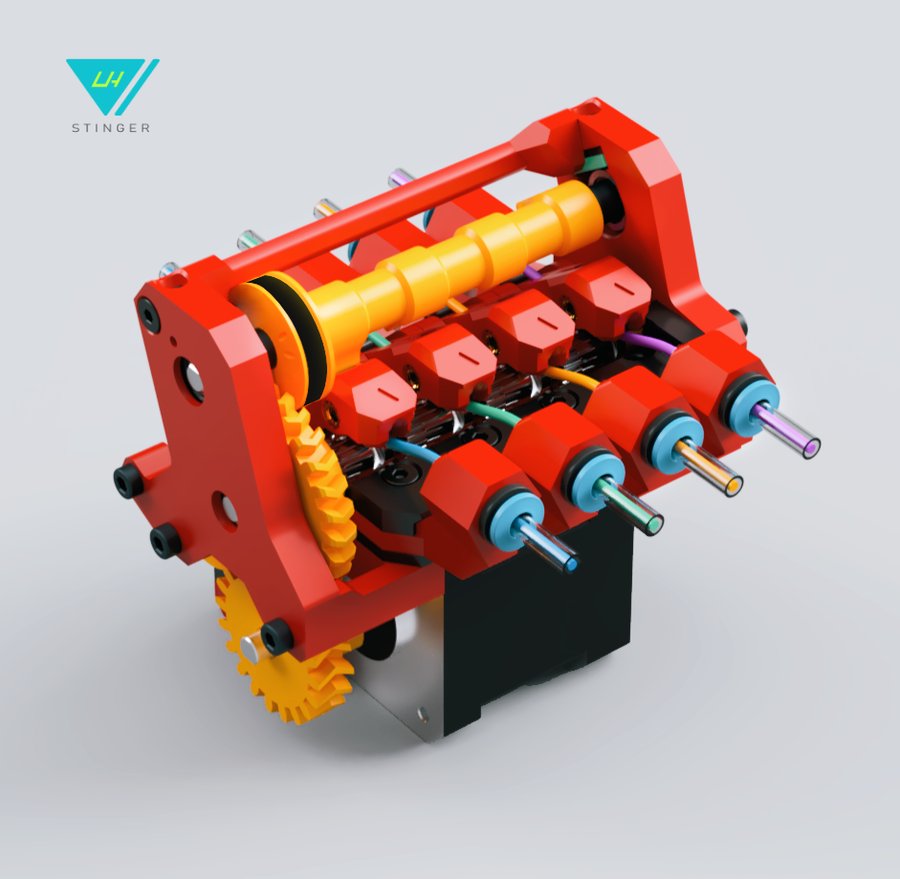
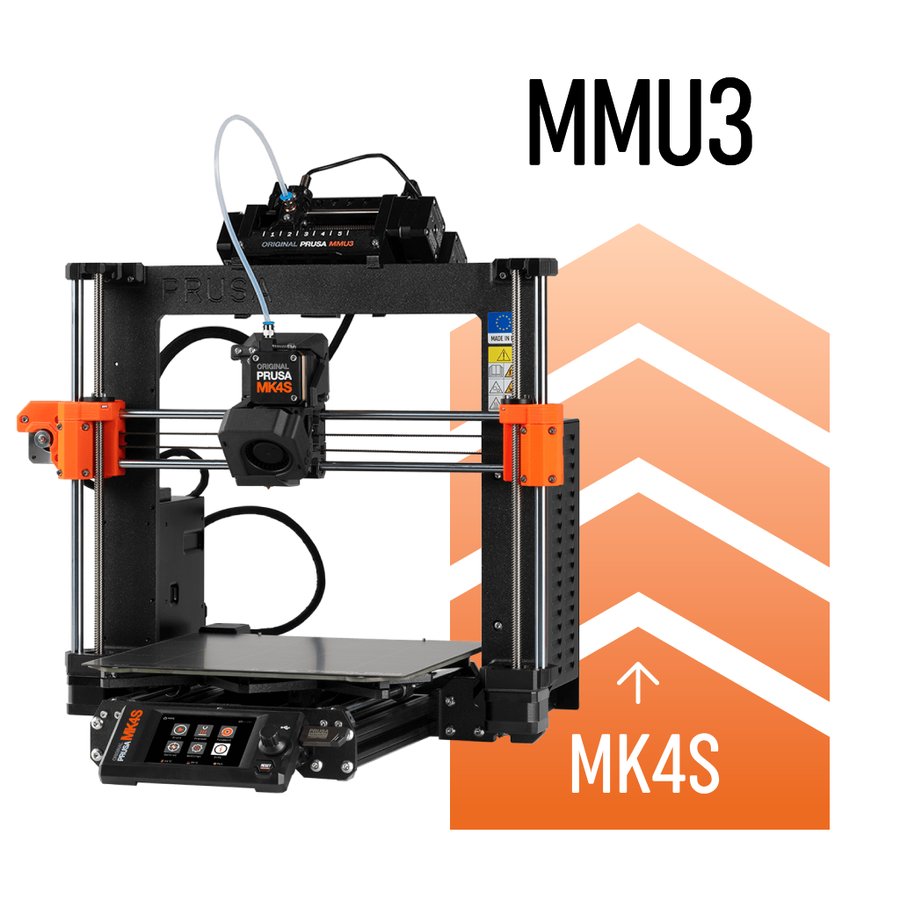
Multi-material units
Compare MMU systems and explore their features.
Materials / Filaments
Filaments & materials
A material-first reference: standard, filled, nylon, flexible, high-performance and specialty filaments — pros, cons, TDS data and when to use each.
Printers / Compare
Compare printers
Put two or three machines side by side on build volume, speed, temperatures and materials. DIY designs and off-the-shelf printers compare in the same table, so you can weigh building against buying.
Electronics
Electronics
Every board, sensor and probe that goes into a Klipper printer — mainboards, host computers, toolhead boards and Z probes, each entry sourced from manufacturer documentation.
MCUs & mainboards
The board that drives the steppers, heaters and fans. Choose on stepper-slot count, driver mode (UART or SPI), CAN bus support and processor headroom.
Stepper slots, driver sockets and UART/SPI jumper requirements
CAN bus and USB connectivity for toolhead boards
Verified pin assignments feeding the Klipper Configurator
Single-board computers
The host that runs Klipper, Moonraker and the web interface. Raspberry Pi, Orange Pi, BTT CB1/CB2 and the boards that take them.
RAM, storage and CPU against what Klipper actually needs
CM4/CM5 carrier compatibility and pin-header differences
Getting-started notes for flashing and first boot
Toolhead boards
A small board at the toolhead that collapses the wiring loom into a CAN or USB run. EBB, Nitehawk, H36, Hartk and the rest.
CAN bus, USB, CAN/USB switchable and passive breakout types
Form factors: 36mm, 42mm, Stealthburner, V0 and Hermit Crab
A picker on the Toolheads page matches boards to assemblies
Probes & bed scanners
How the printer finds Z zero and maps the bed. Eddy-current scanners, nozzle-contact probes, inductive sensors and deployable pins.
Which probes home Z themselves and which need a separate endstop
Accuracy, probing speed and whether the nozzle has to be hot
Config snippets that match the Klipper Configurator output
Addressable LEDs
Neopixel wiring and effects live in the Klipper Configurator, where the LED tab generates the [neopixel] sections and a live preview alongside the rest of your config.
Electronics / Mainboards
MCUs & mainboards
Compare mainboard controllers for Klipper printers — stepper slots, CAN bus, processors, and compatibility.
Electronics / Host computers
Single-board computers
Raspberry Pi, Orange Pi, BTT CB1/CB2, and other Klipper host boards — specs, OS downloads, and setup guides.
Electronics / Toolhead boards
Toolhead boards
CAN bus, USB, and passive toolhead boards — EBB, Nitehawk, H36, Hartk, and more.
Electronics / Probing
Probes & bed scanners
Eddy-current scanners, nozzle-contact probes, inductive sensors, and deployable-pin probes for Z homing and bed meshing.
Firmware / Configuration
Klipper configurator
Assign components to MCU pins and generate a starter printer.cfg configuration. Works with stock Klipper and Kalico (a more cutting-edge community fork — configs are largely interchangeable).
Firmware / Slicer
Slicer config
Generate slicer start/end g-code and Klipper PRINT_START / PRINT_END macros for your printer and slicer combination.
Extrusion / Extruders
Extruders
Complete guide to all extruders — Clockwork 2, Galileo 2, Orbiter, Sherpa, BMG, and more. Printed and commercial options.
Extrusion / Hotends
Hotends
Complete guide to all hotends on the market — flow rates, max temps, and compatibility.
Reference / Documentation
Manuals & documentation
Build guides, firmware configuration, and reference docs.
Reference / Changelog
What's new
Running changelog of new printers, products, features and data verification passes.
Reference / Sourcing
Trusted sellers
Community-vetted vendors for printer parts, electronics, and filament.
Site / About
About
What this site is, how to use it, and who built it.
Site / Contact
Contact
Get in touch — suggestions, bug reports, and community feedback welcome.