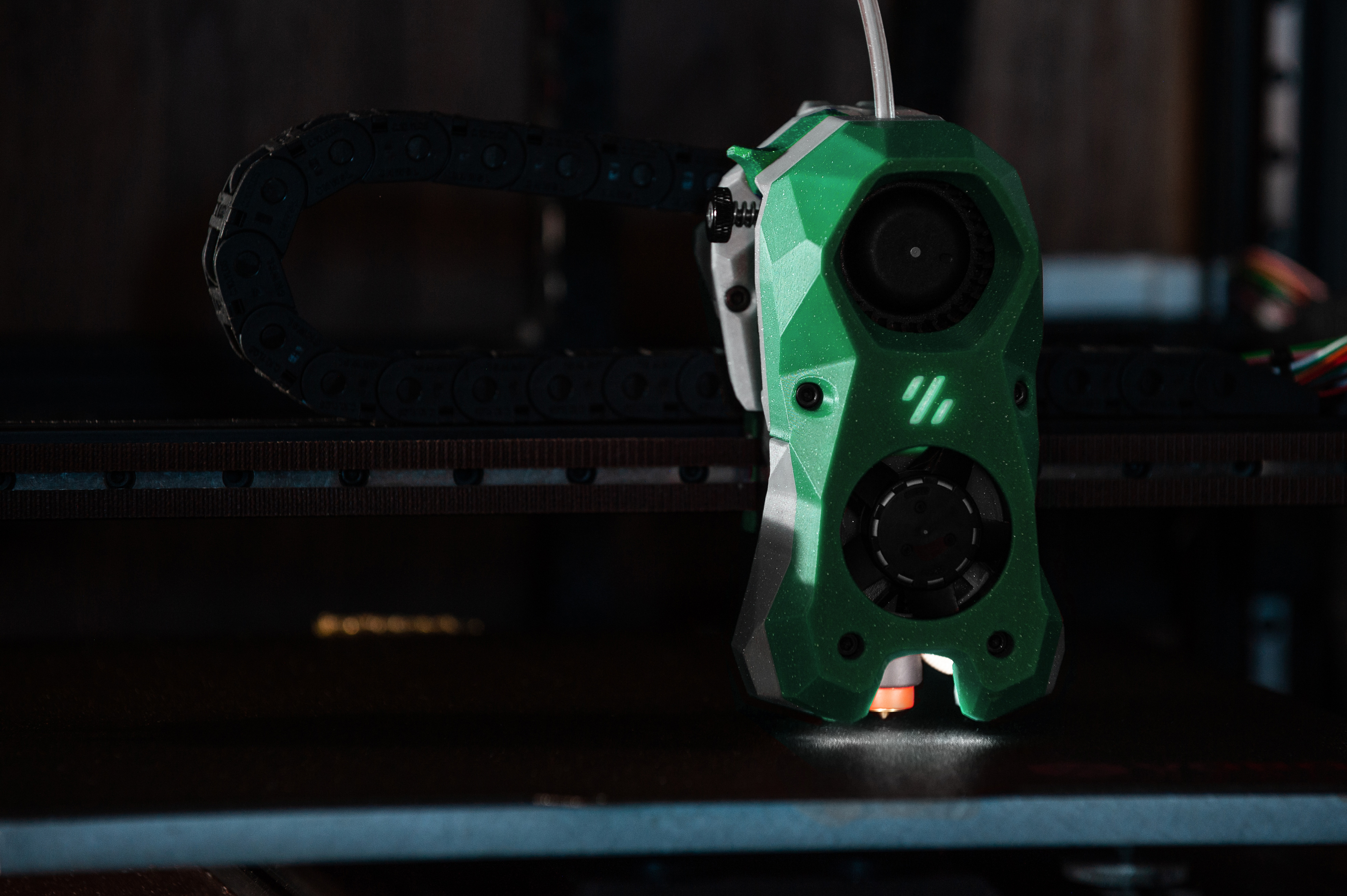
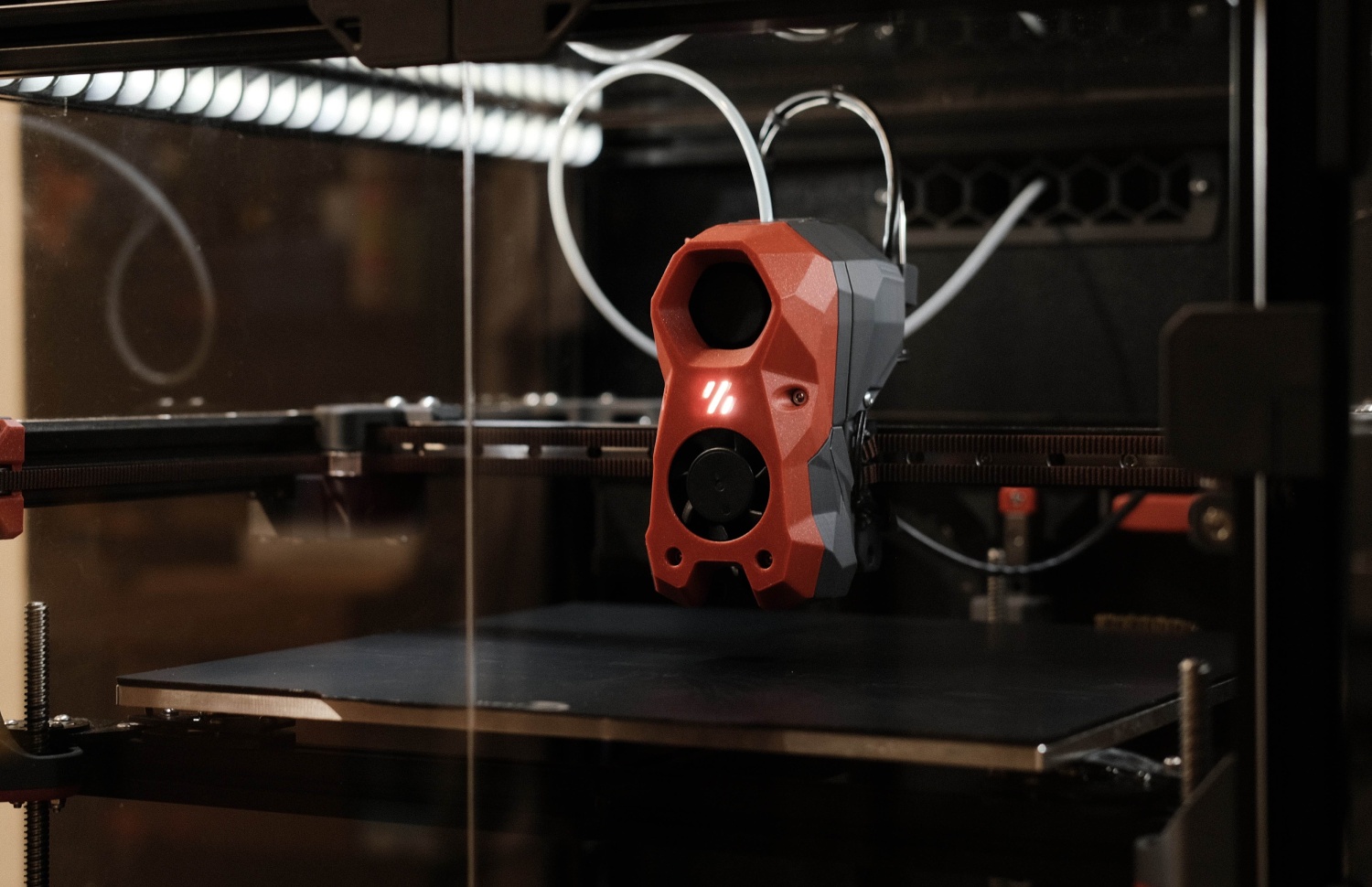
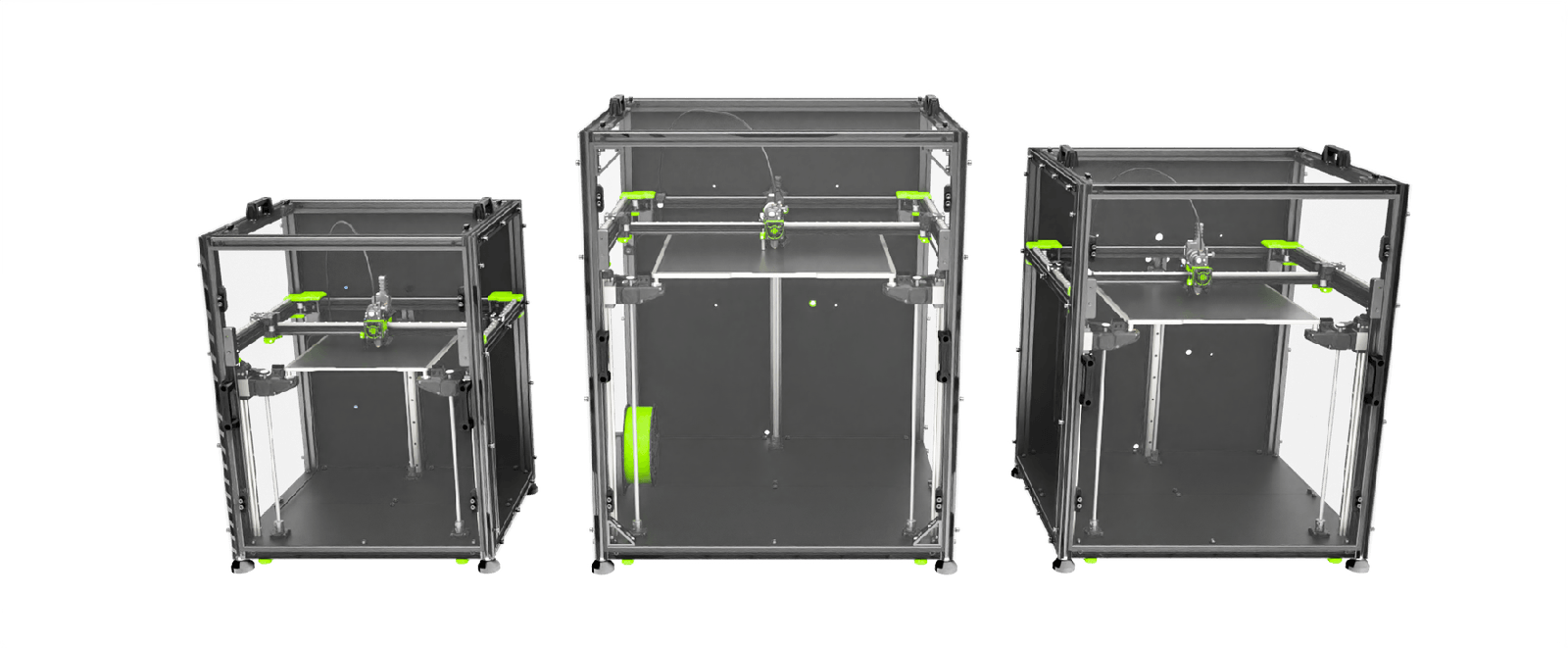
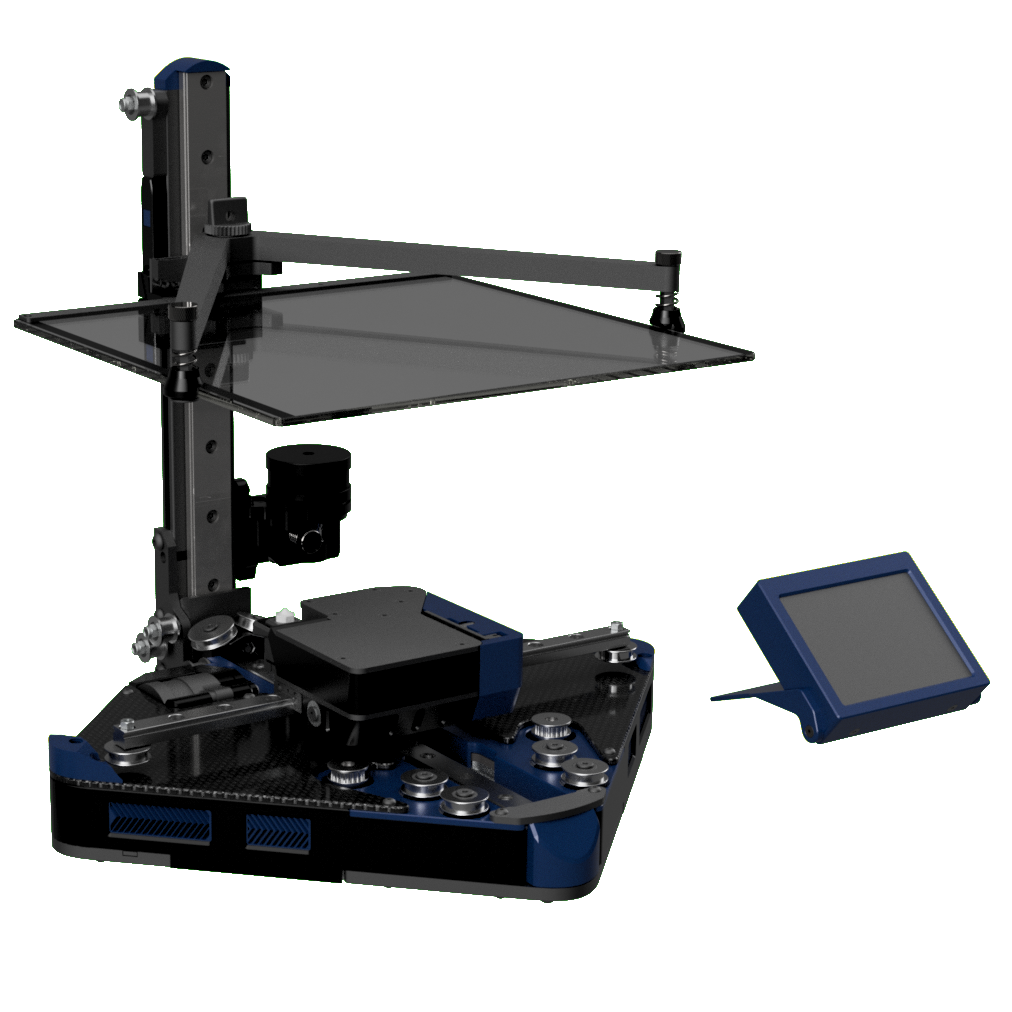
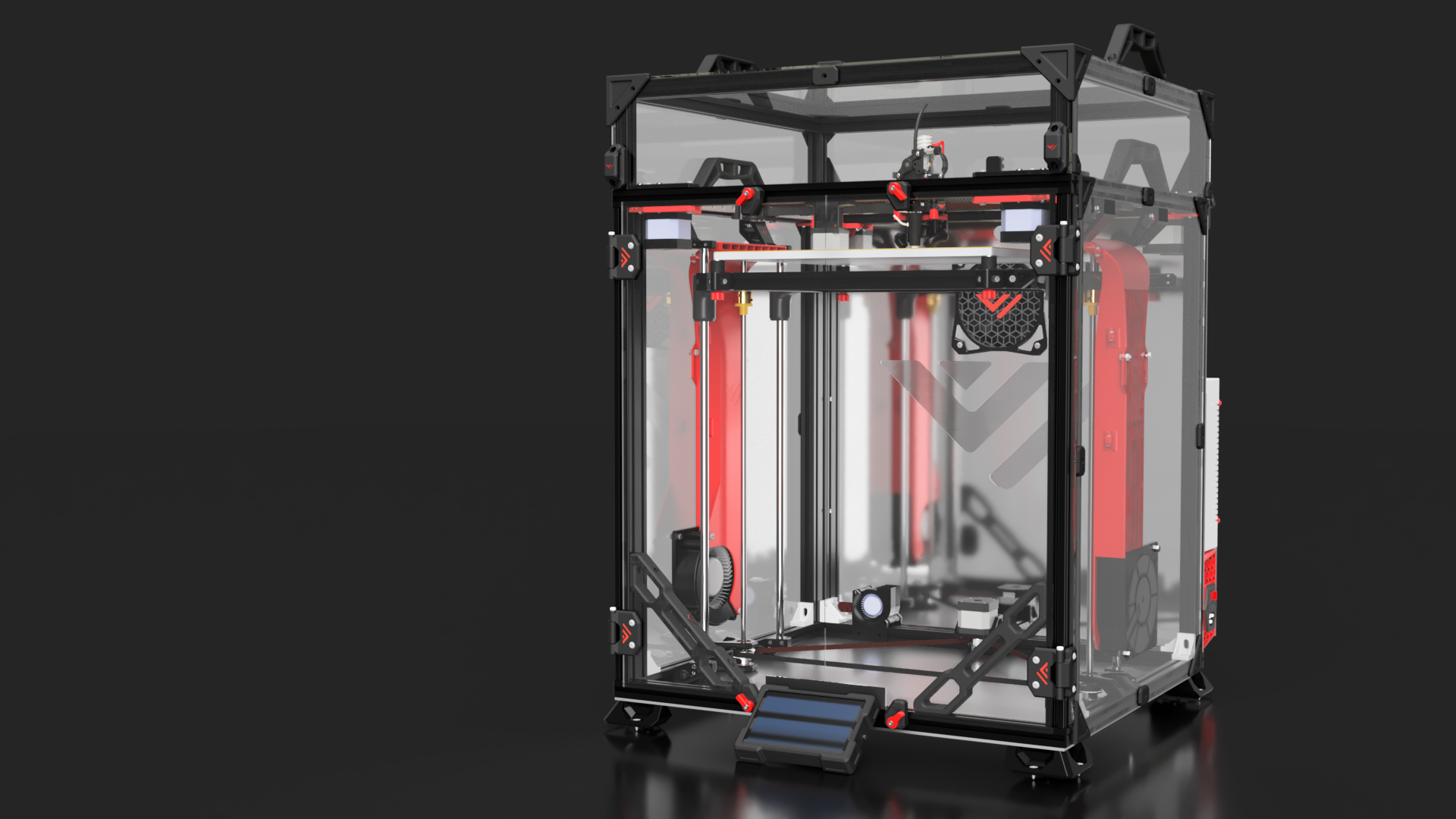
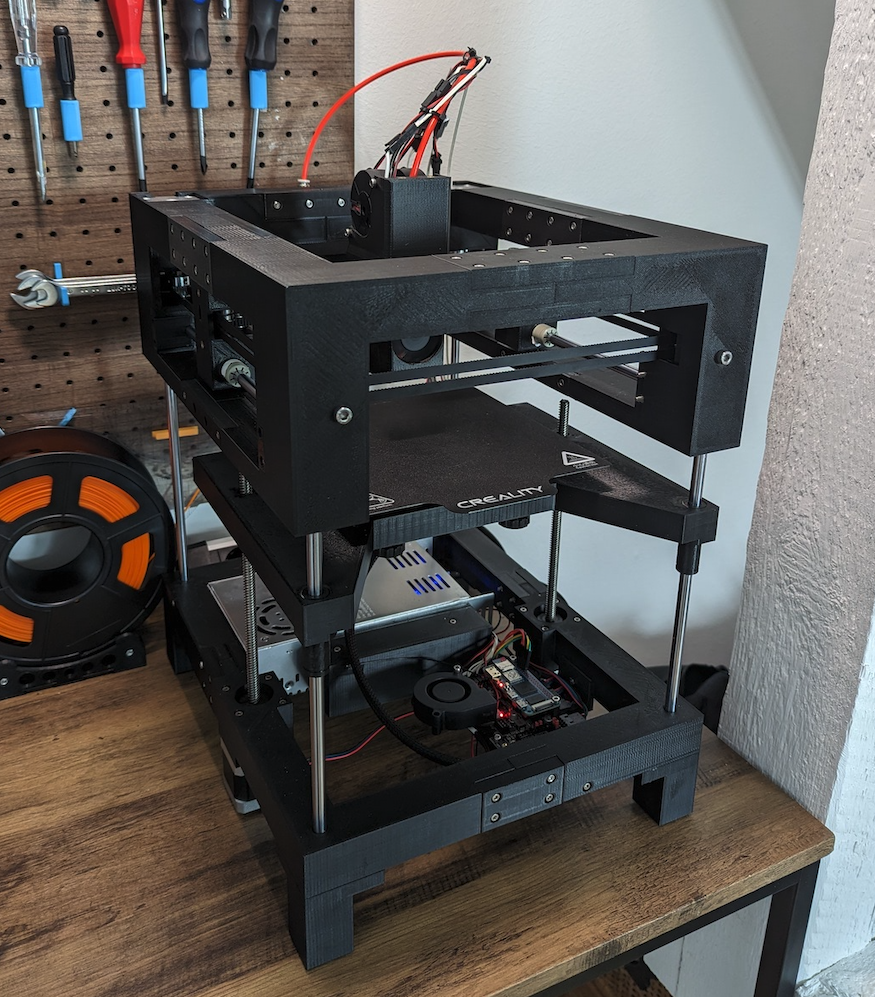
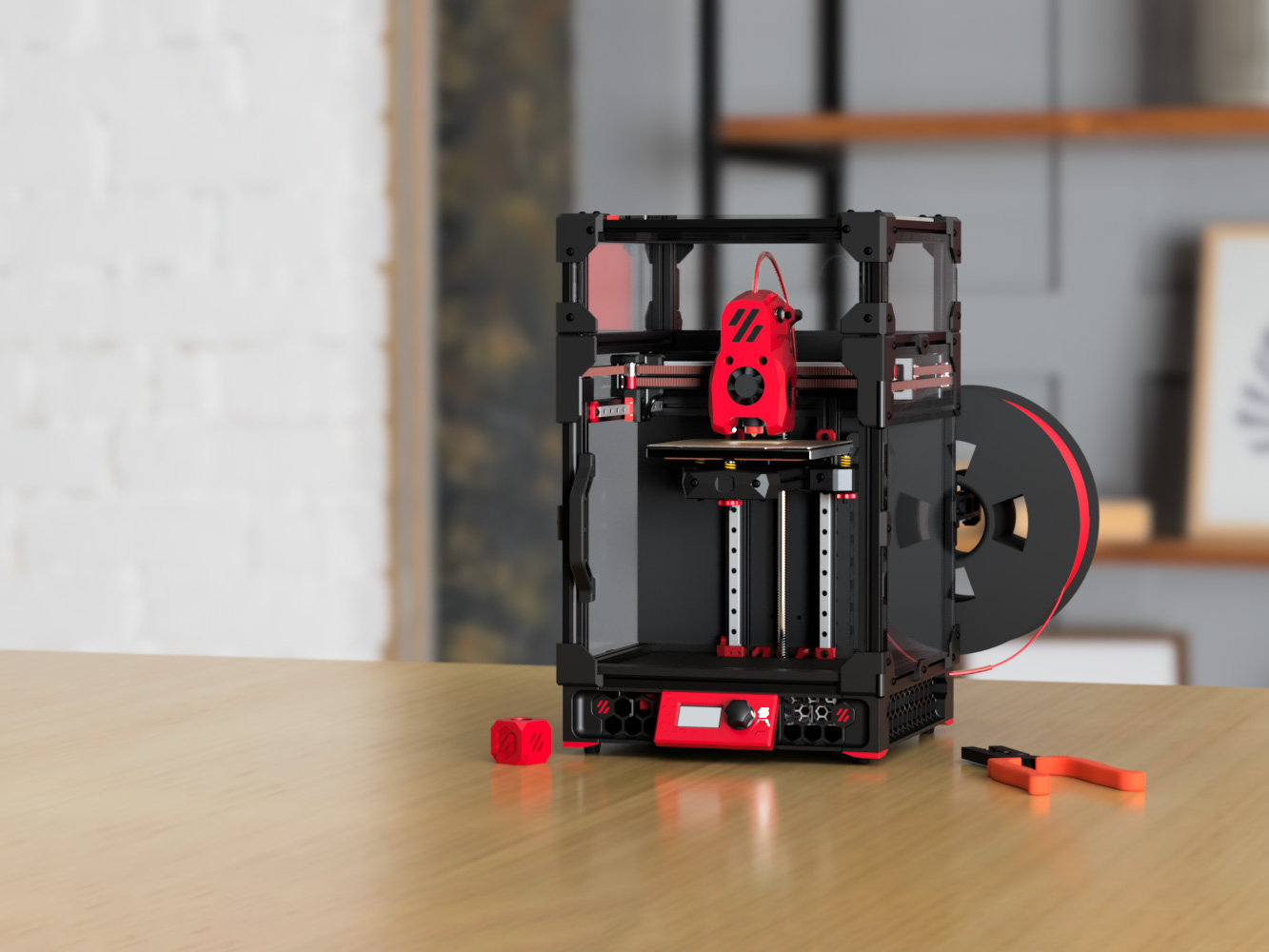
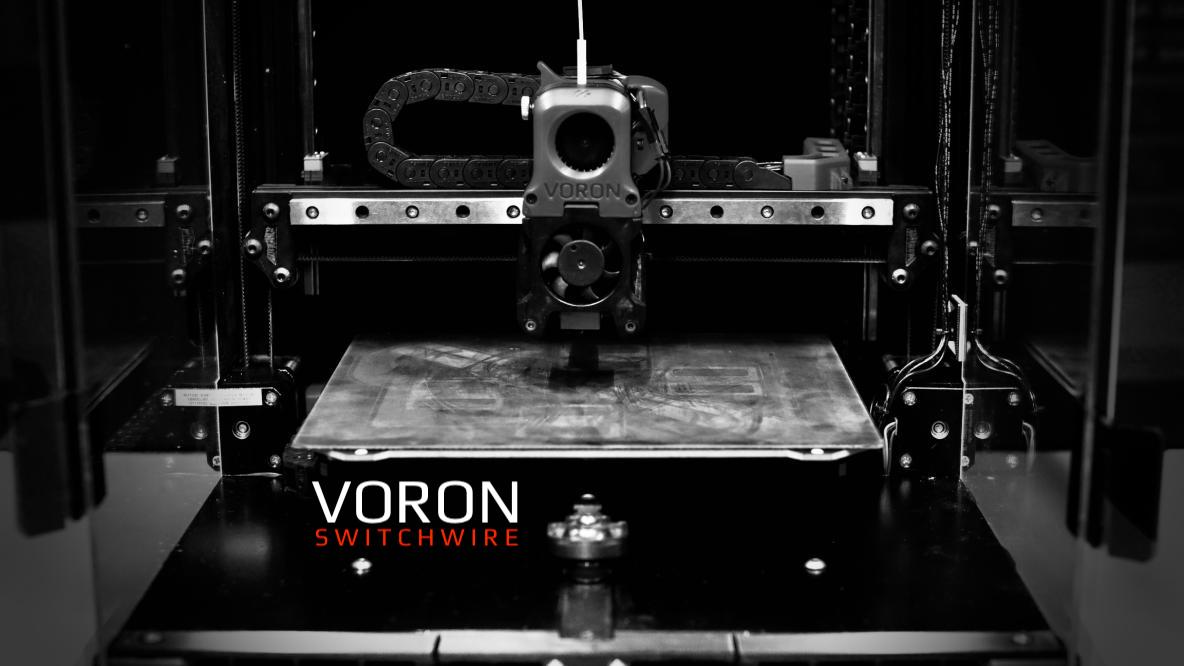
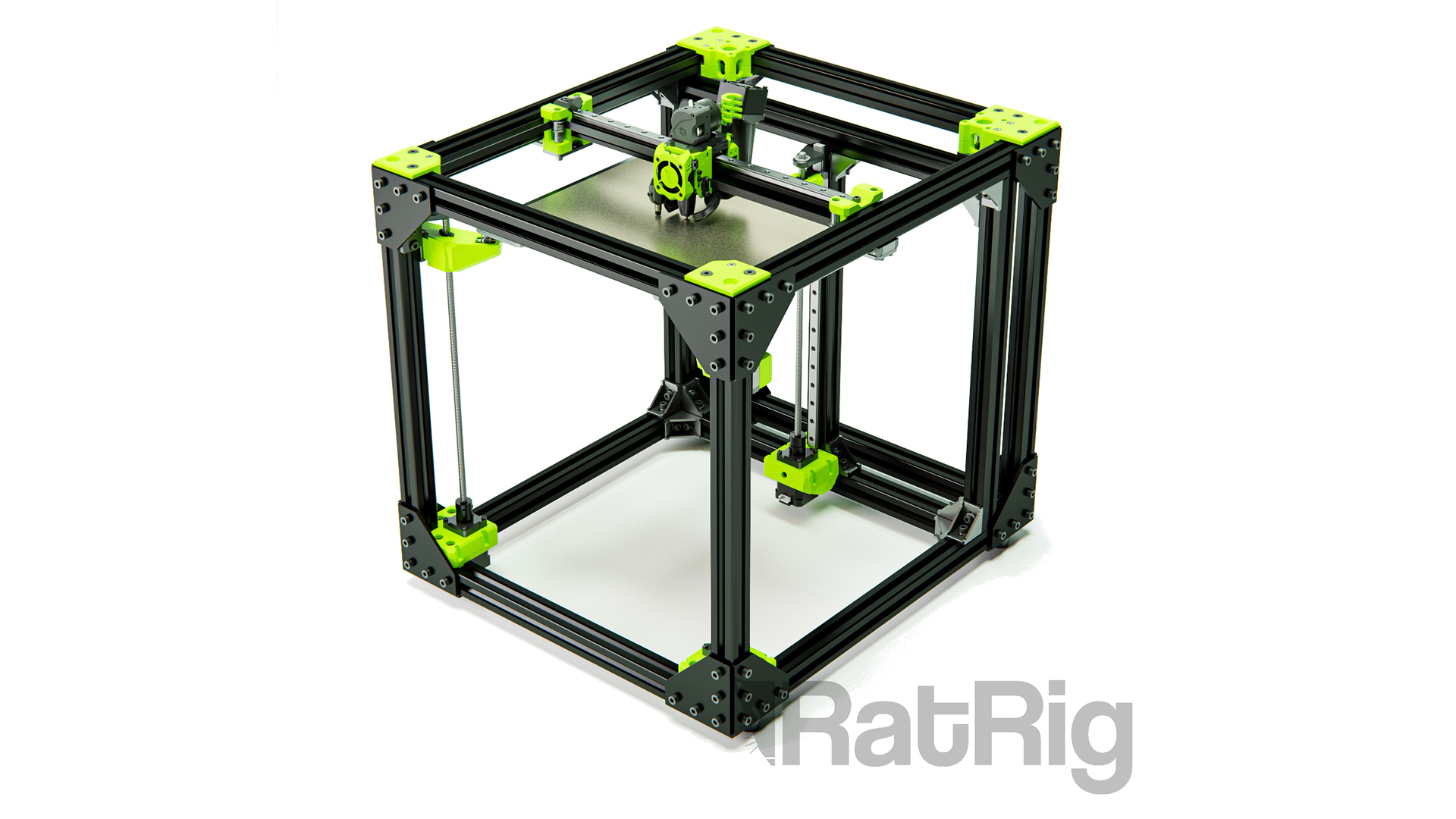
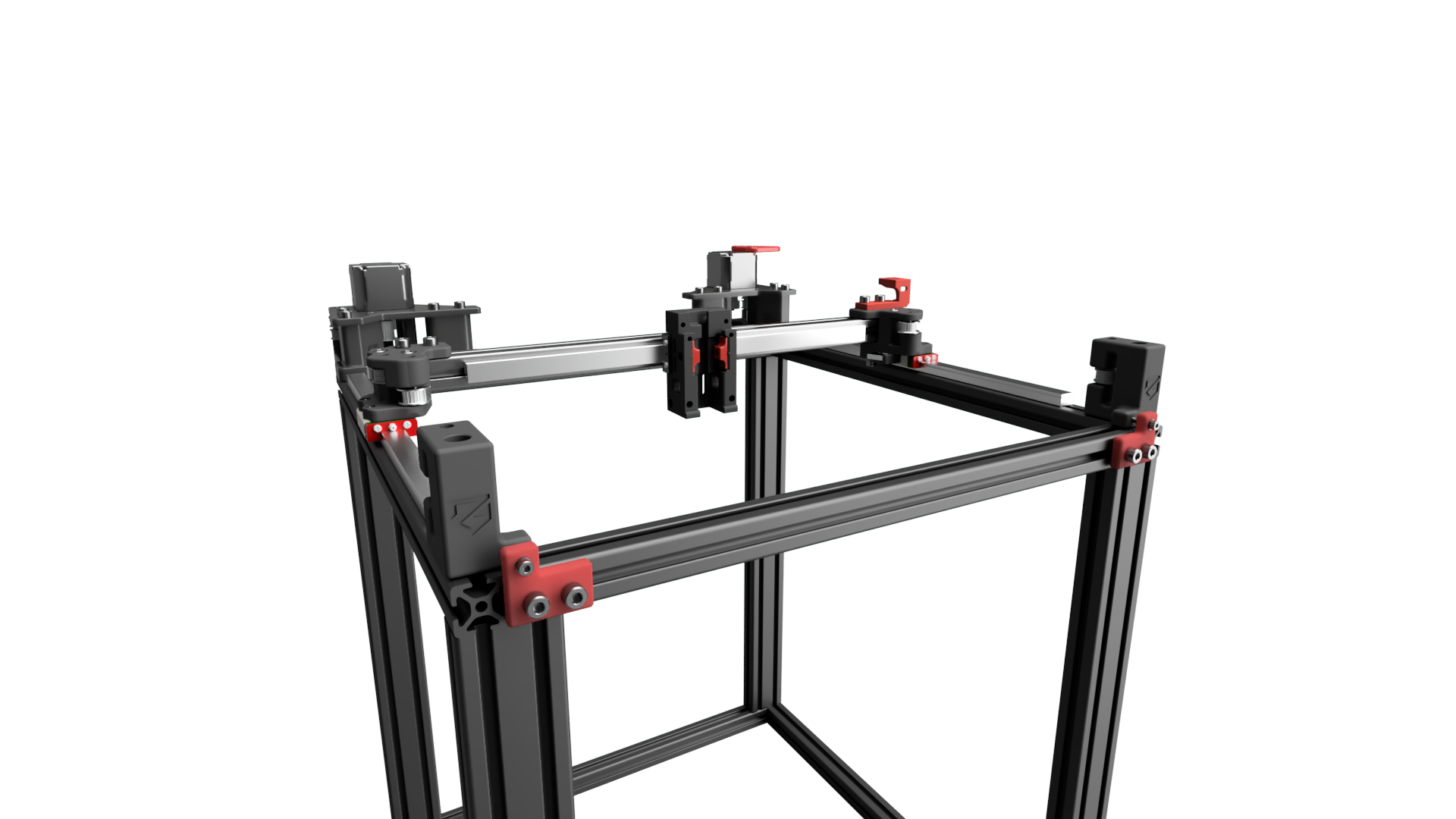
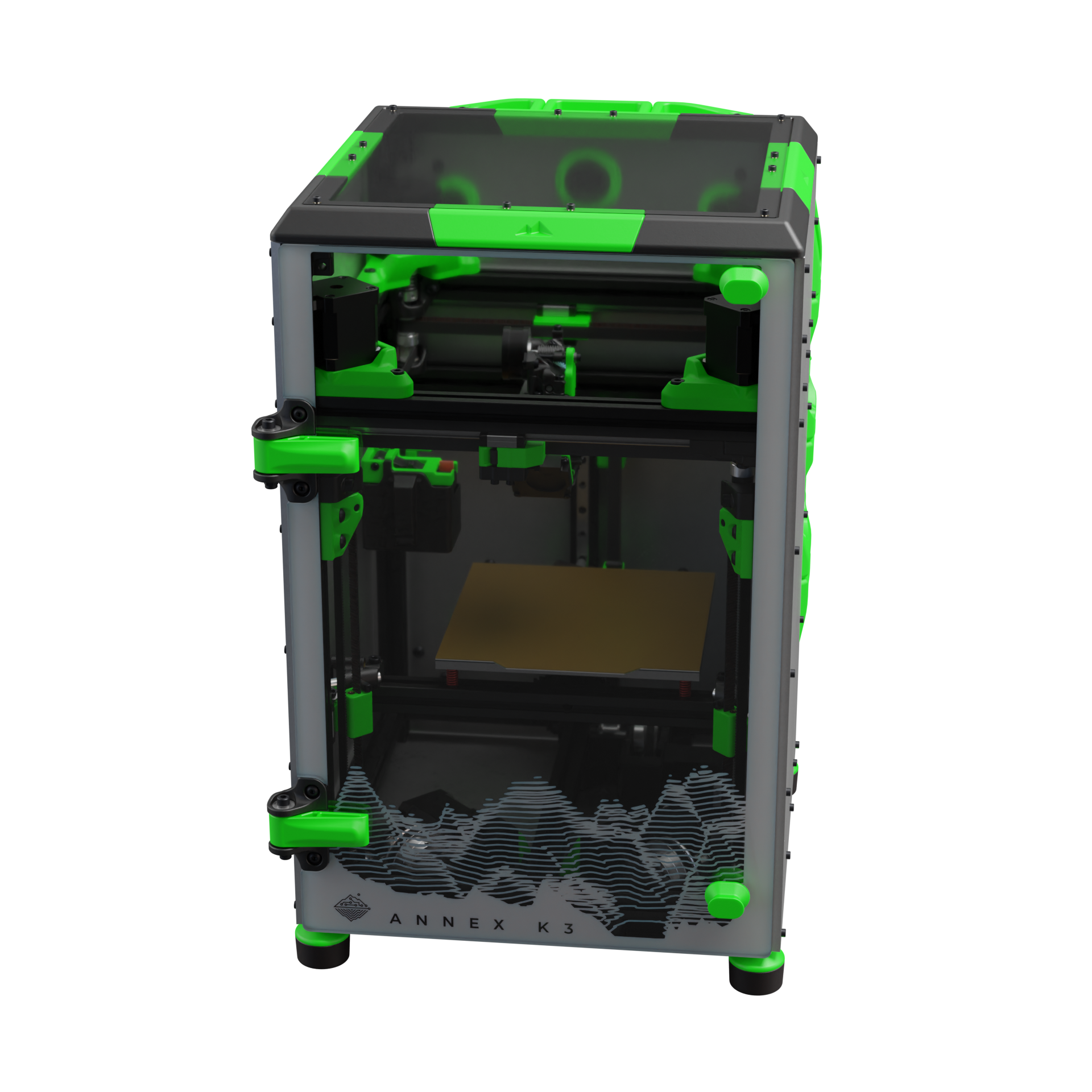
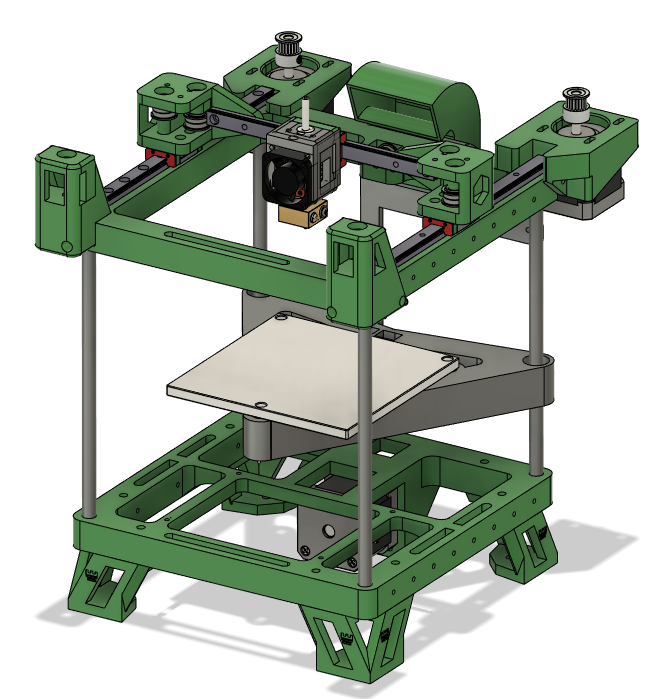
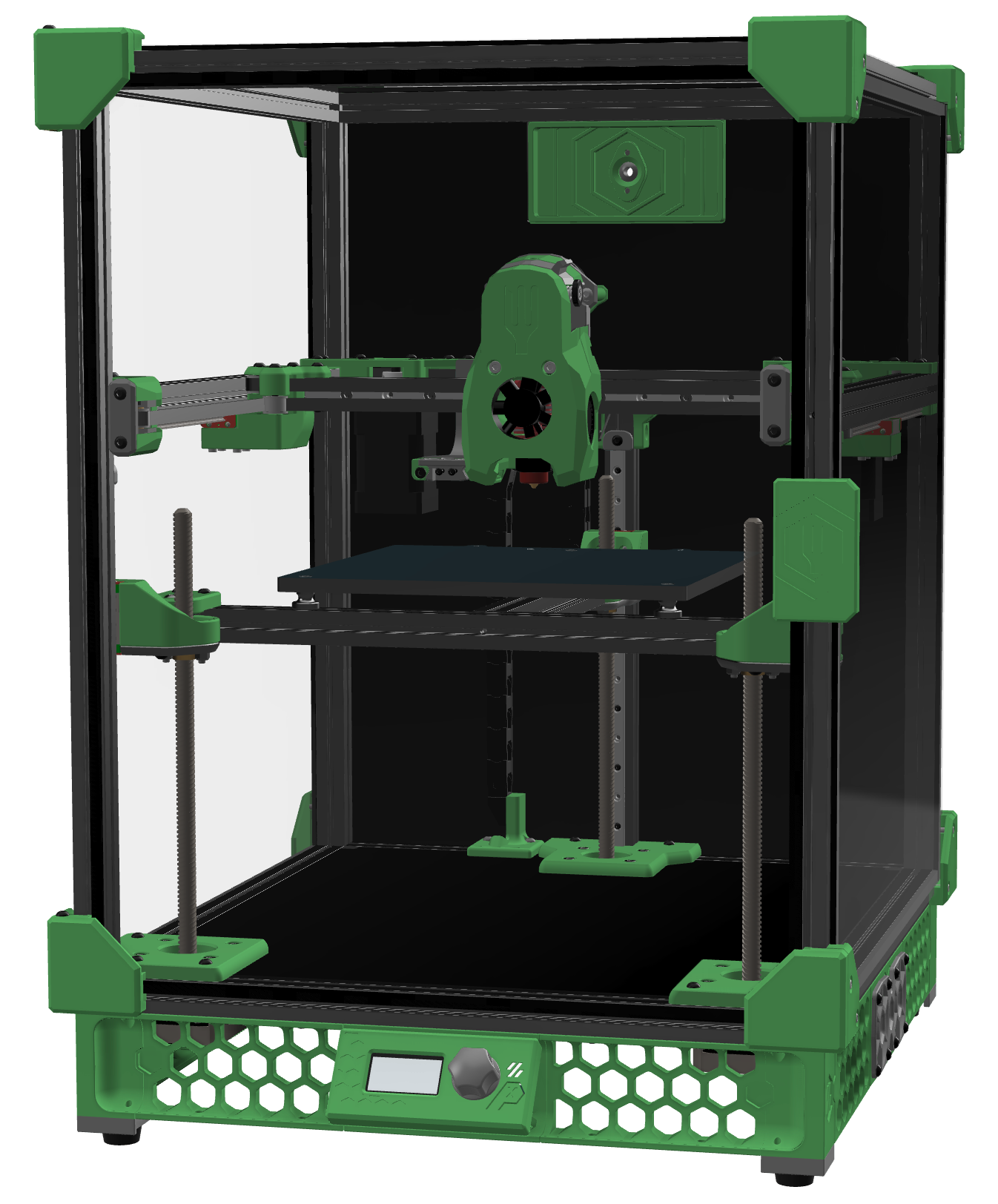
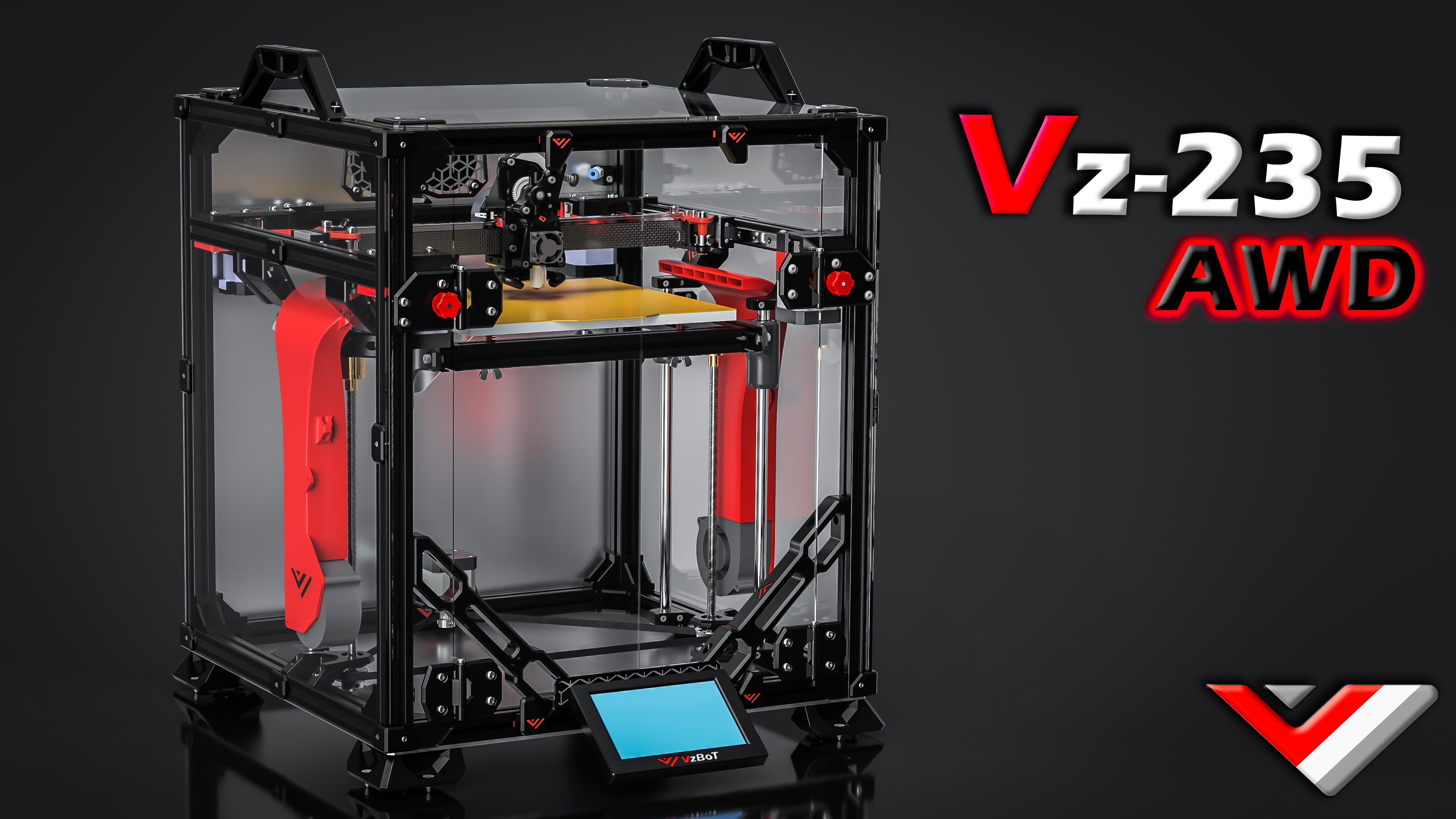
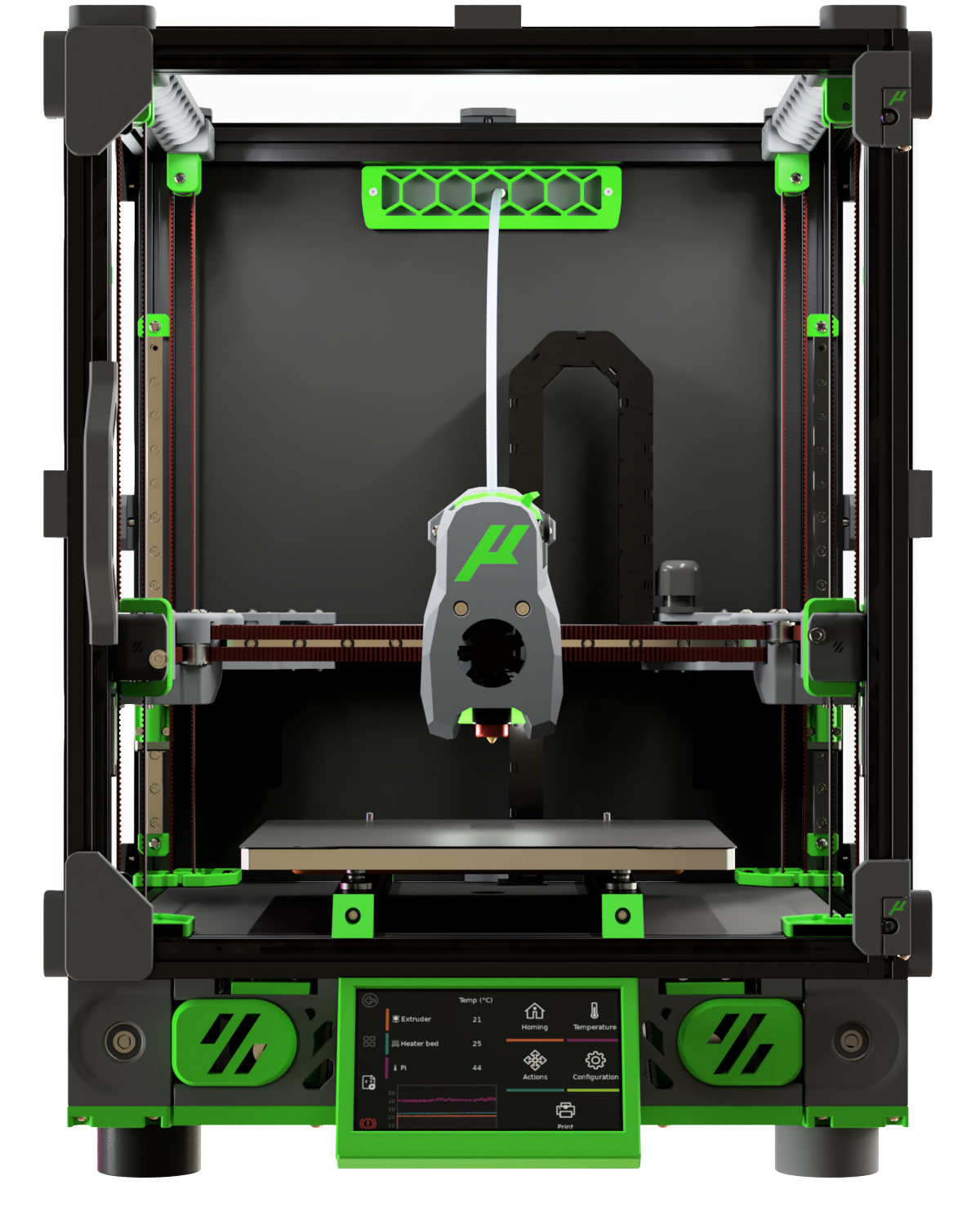
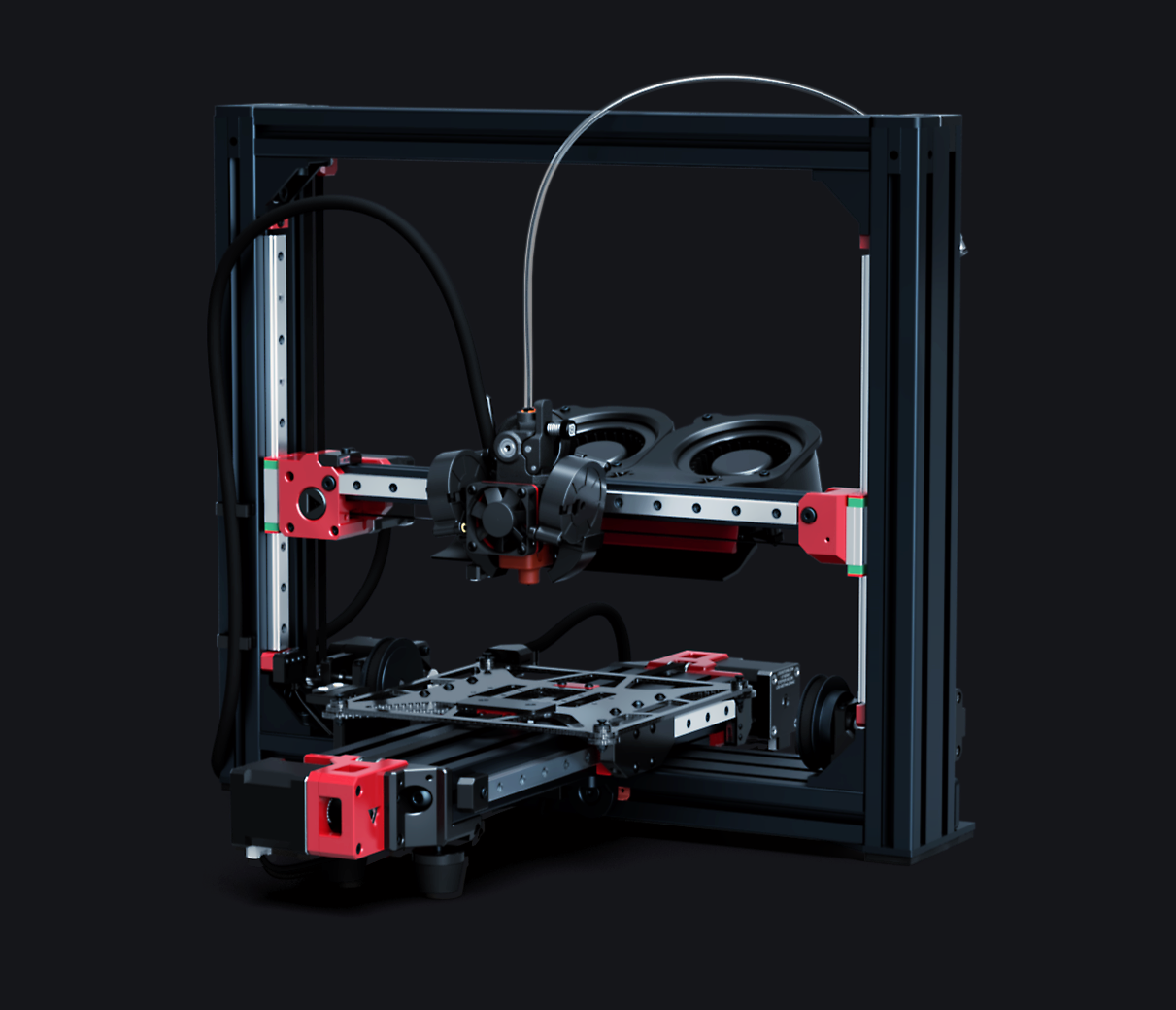
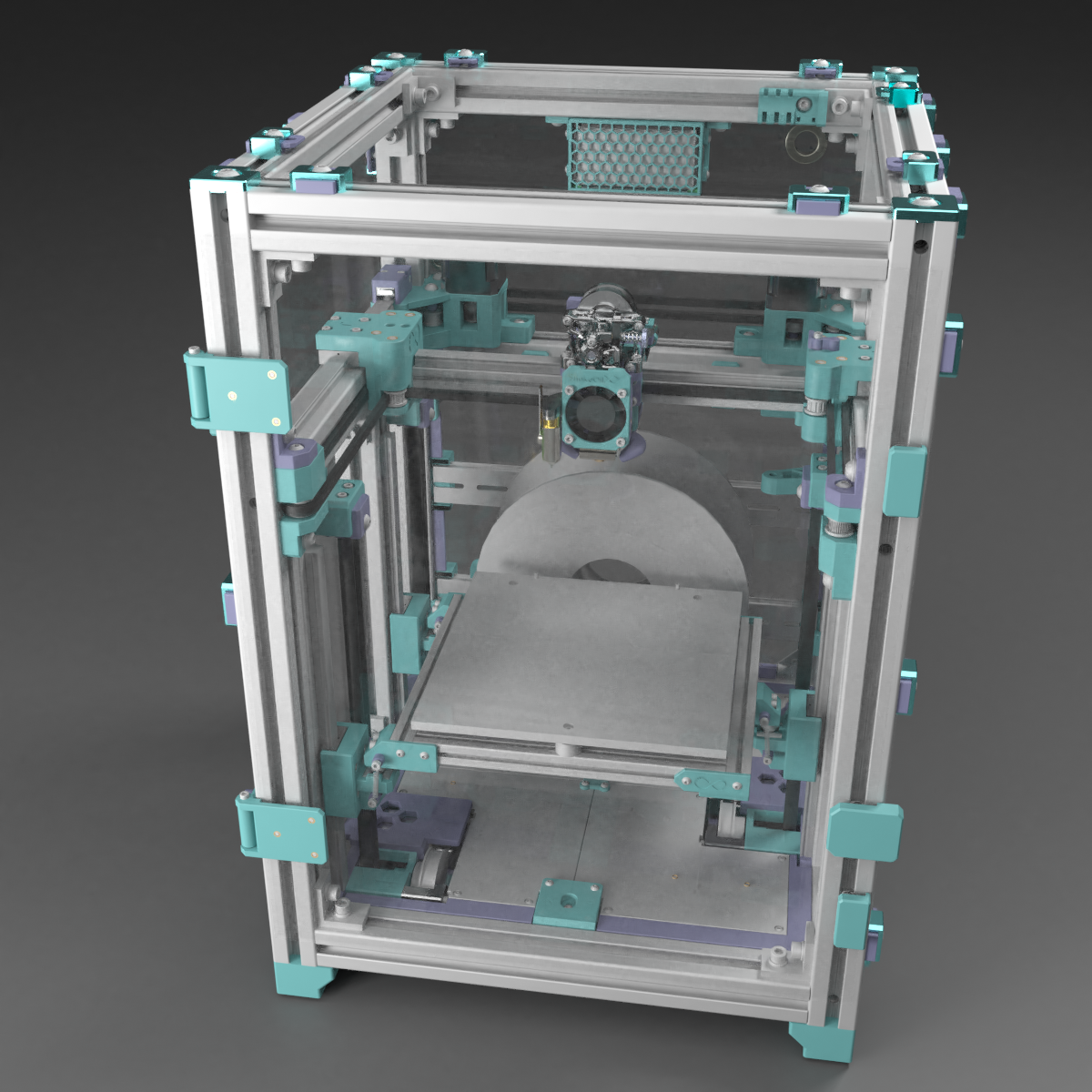
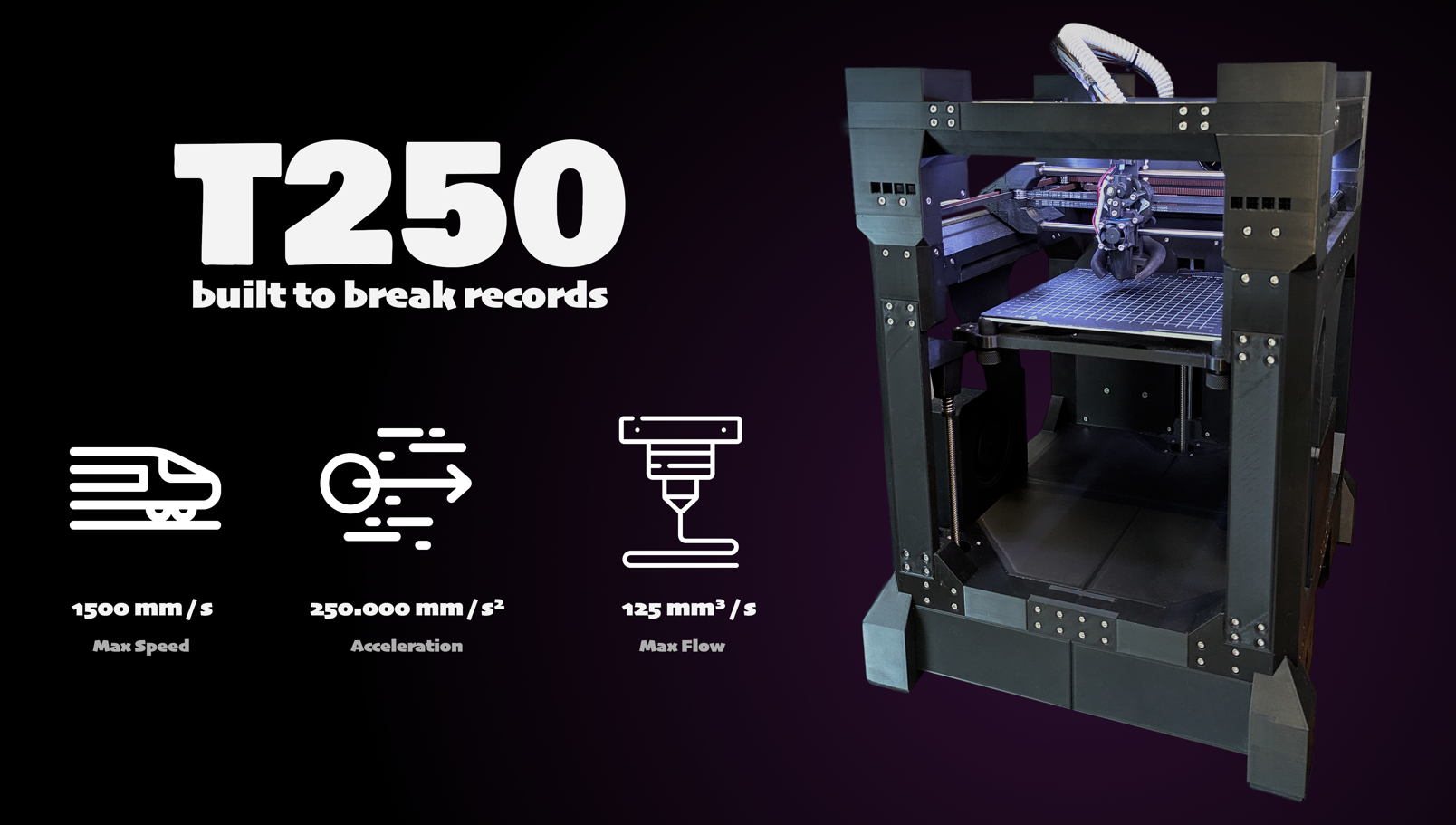
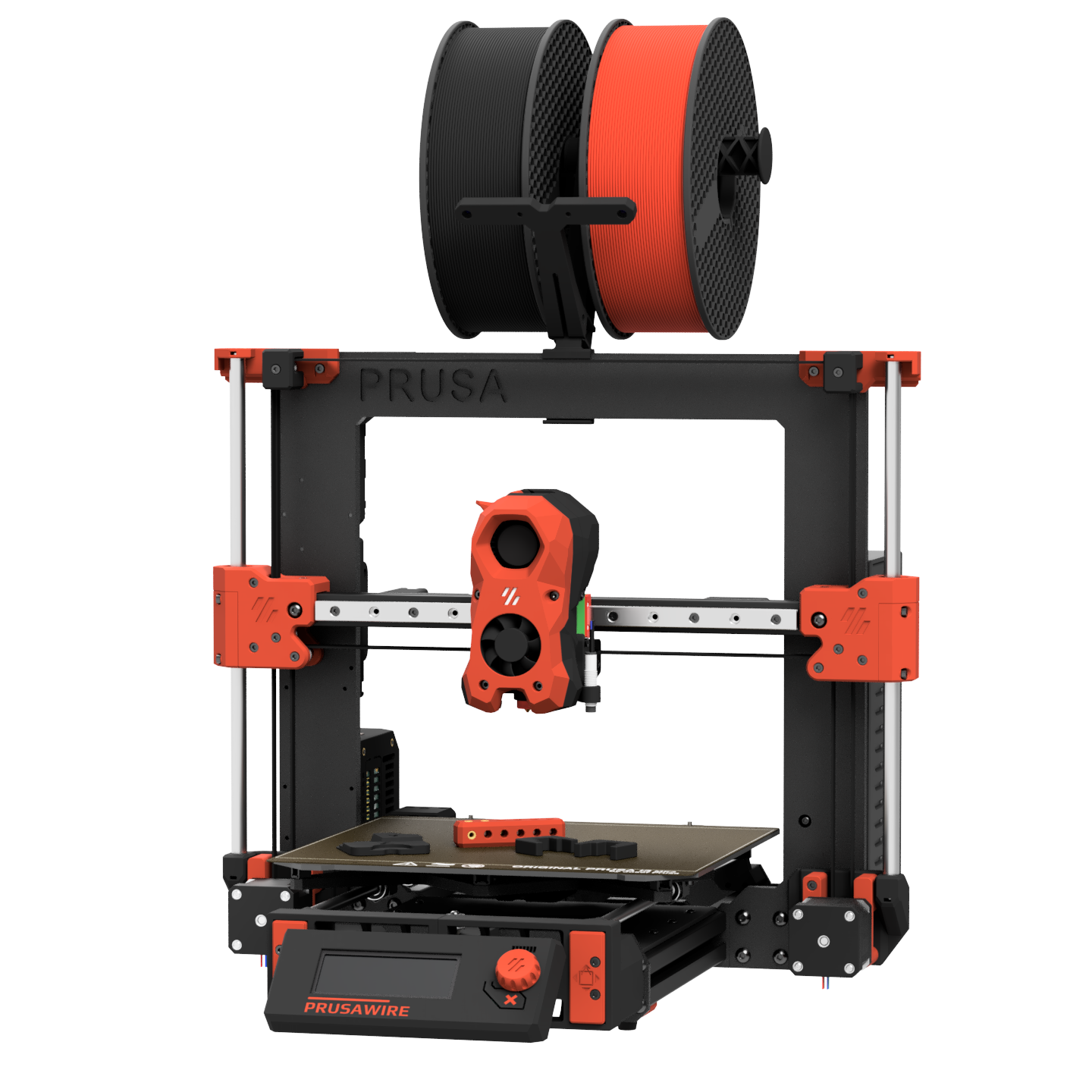
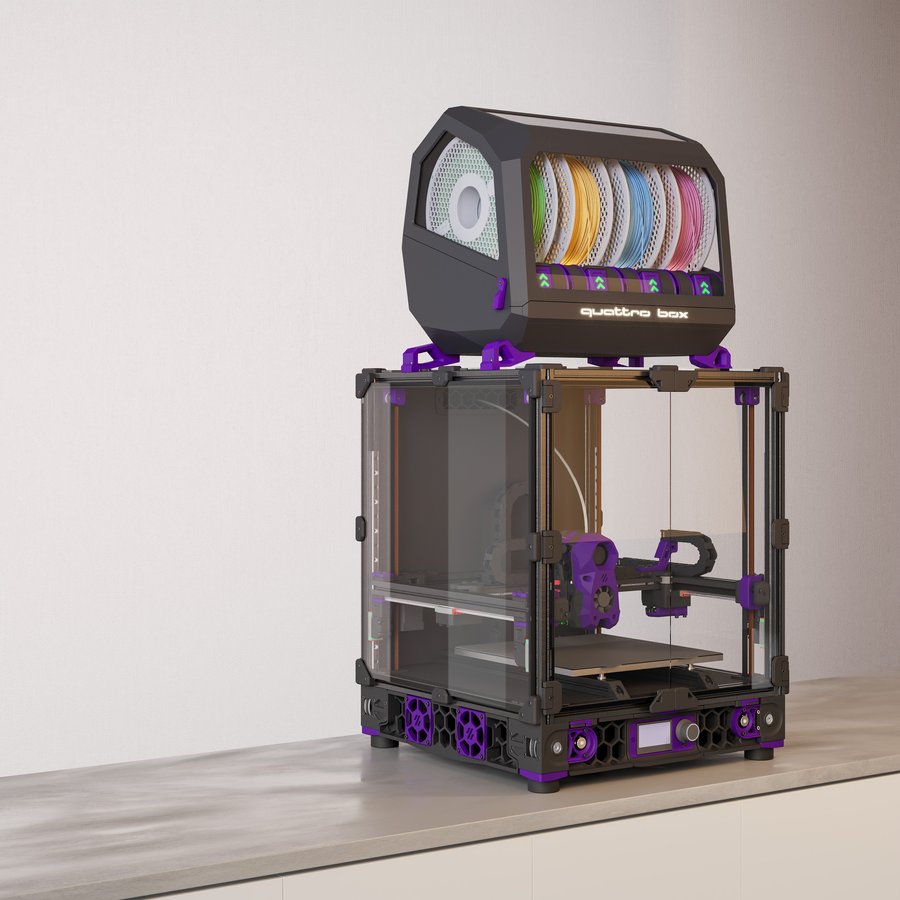
Open-source, self-sourced, and community-built printers — click any card for details and BOM access. For commercial/pre-assembled printers see .
Printers / Off-the-shelf
Off-the-shelf printers
Commercial, pre-built, and semi-kit printers — click any card for specs, use cases, pros/cons, and how they compare to DIY builds.
📋 = Has BOM in Configurator
Printers / Toolheads
Toolhead guide
Explore toolheads by machine — view pros, cons, and compatibility.
Printers / Multi-material
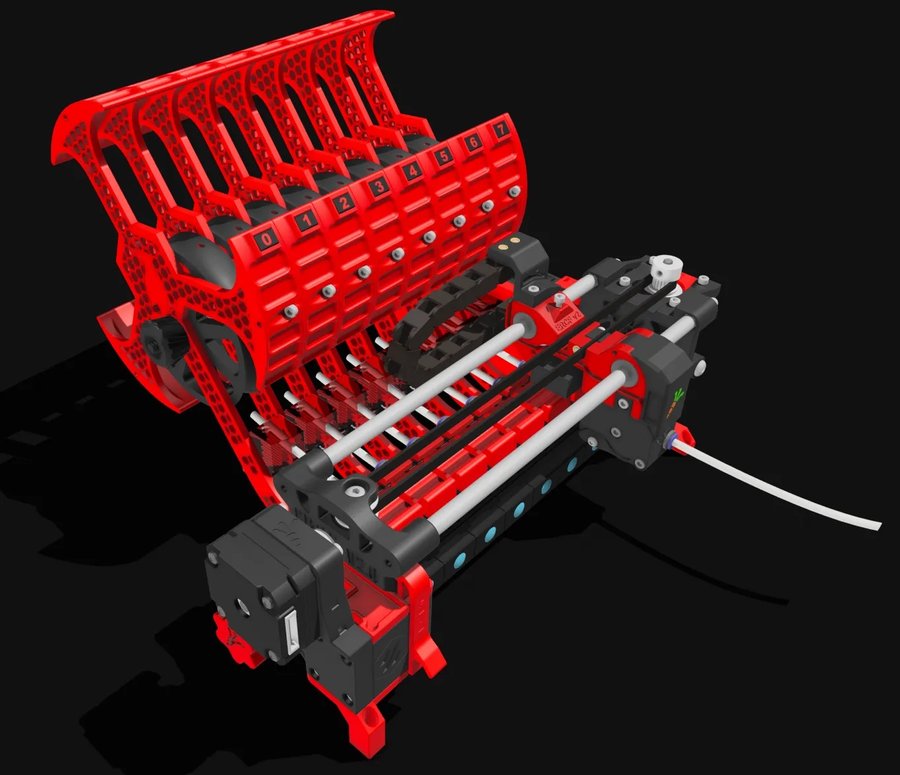
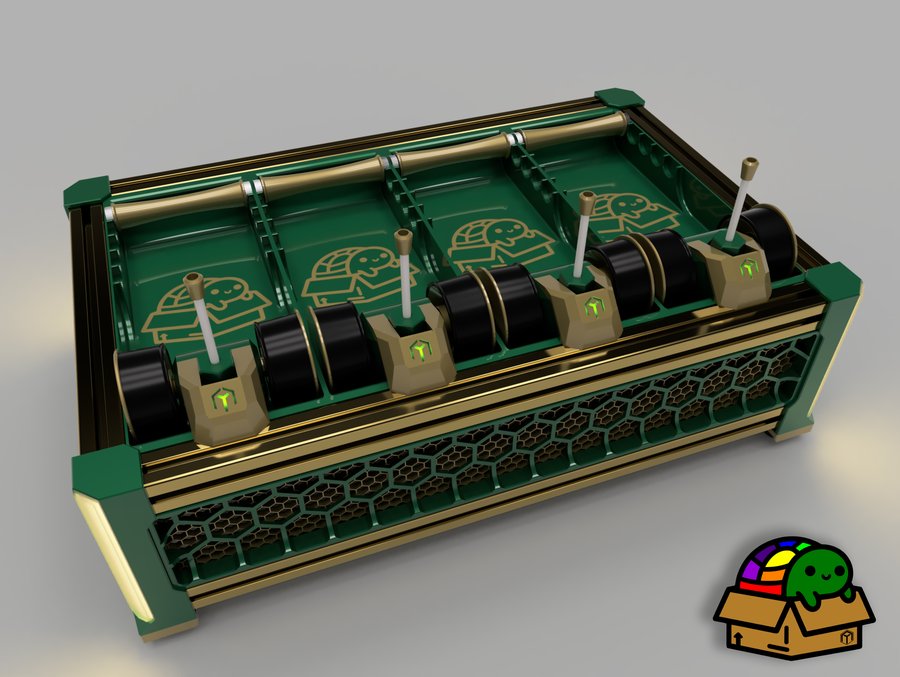
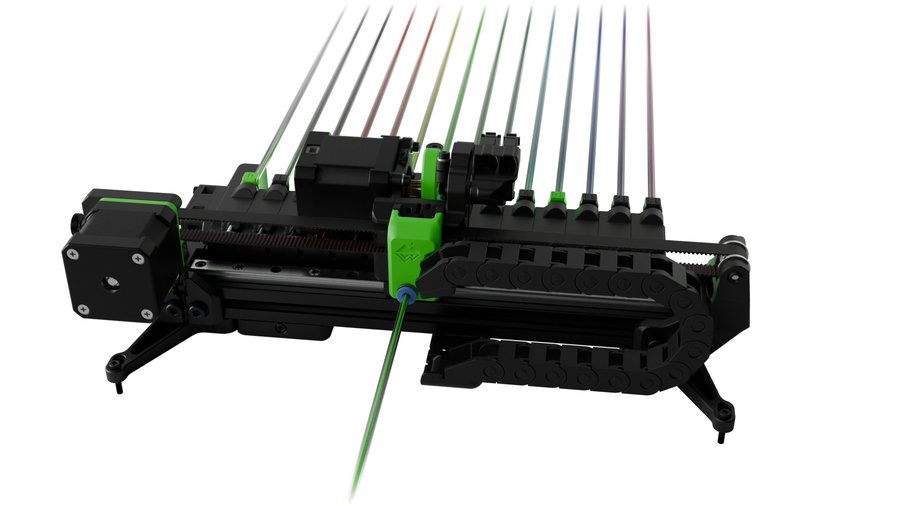
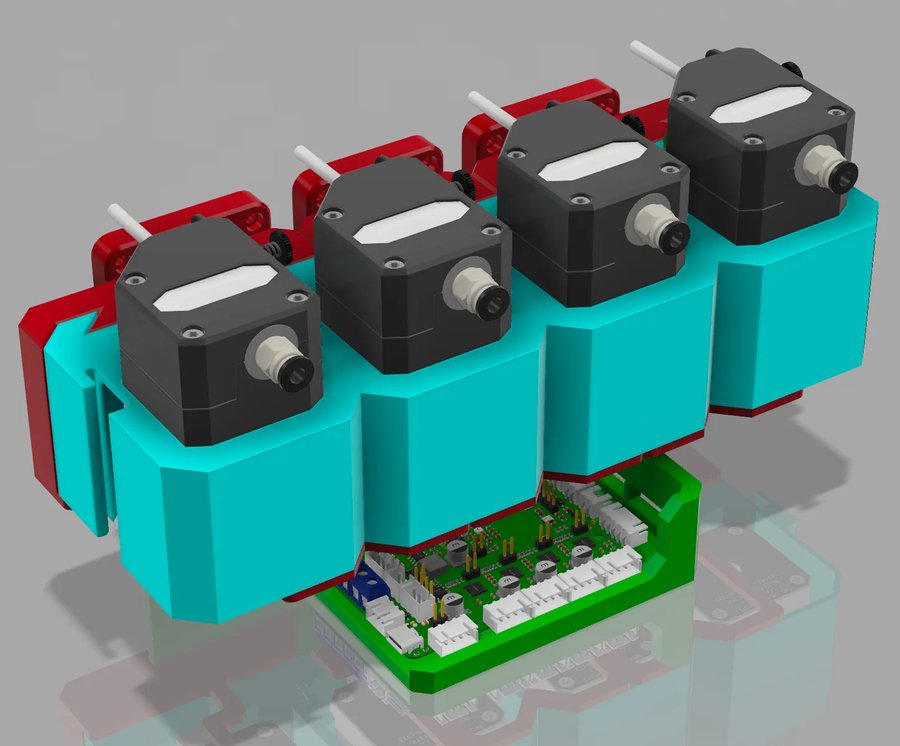
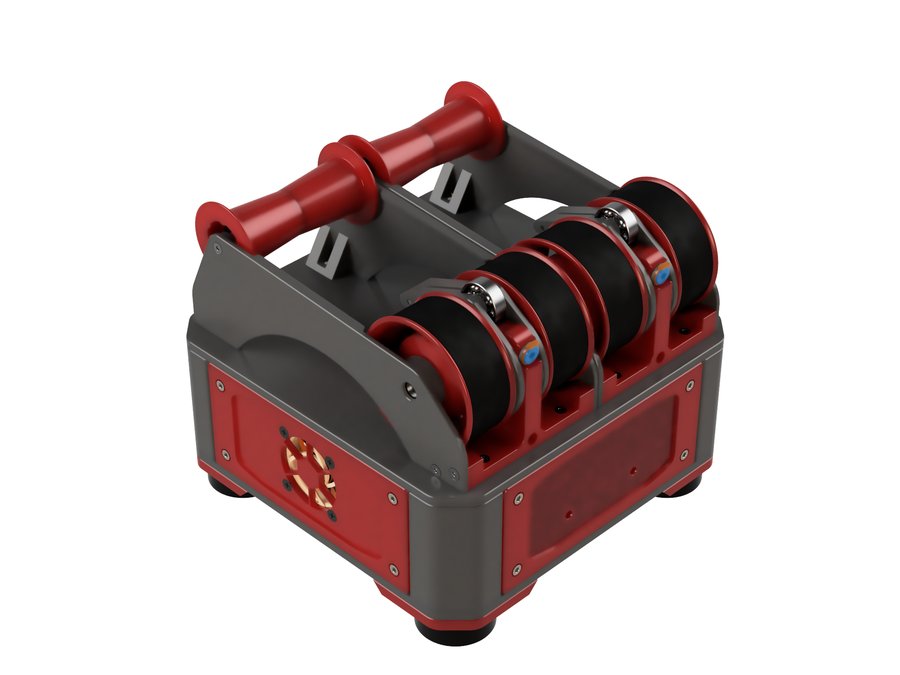
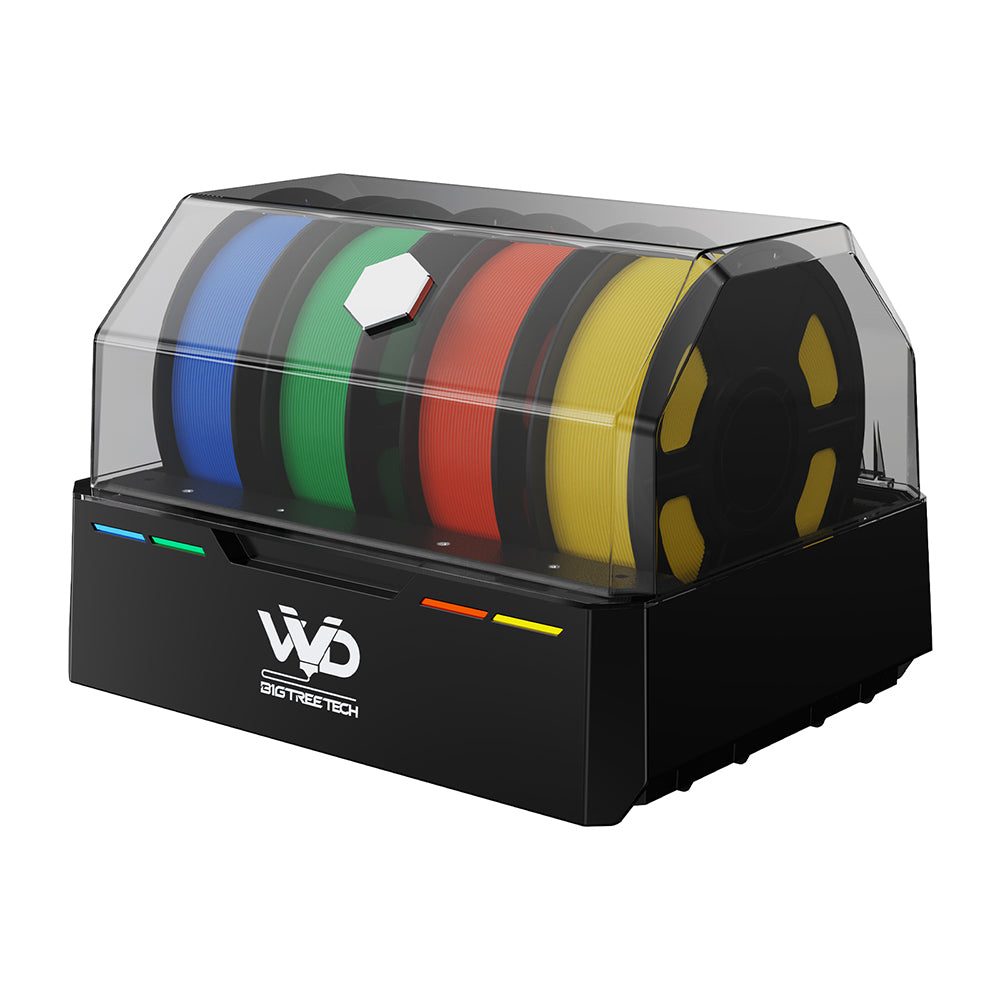
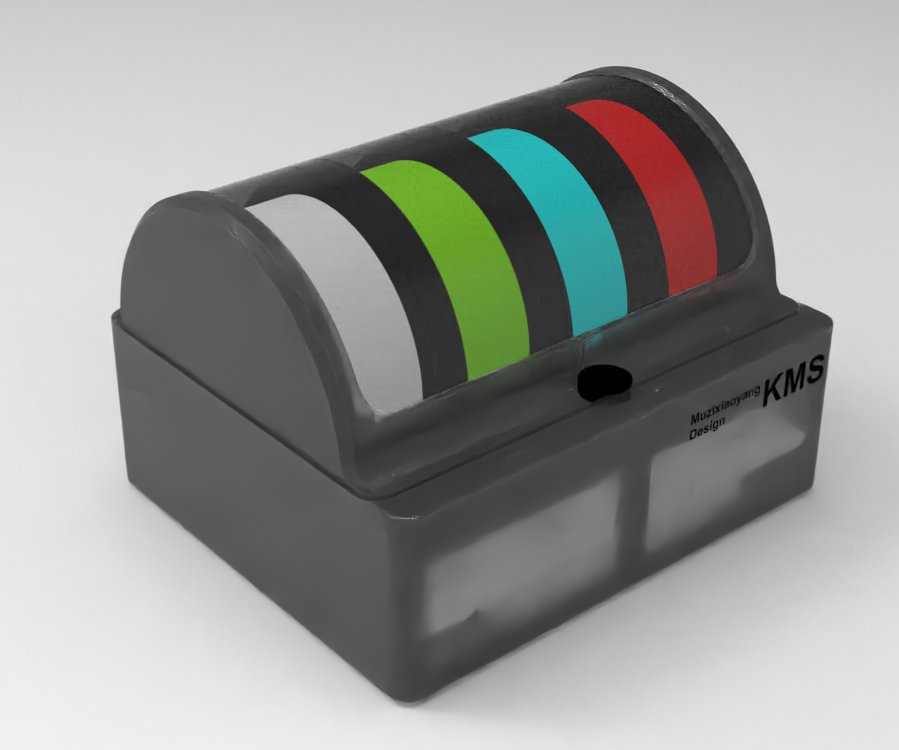
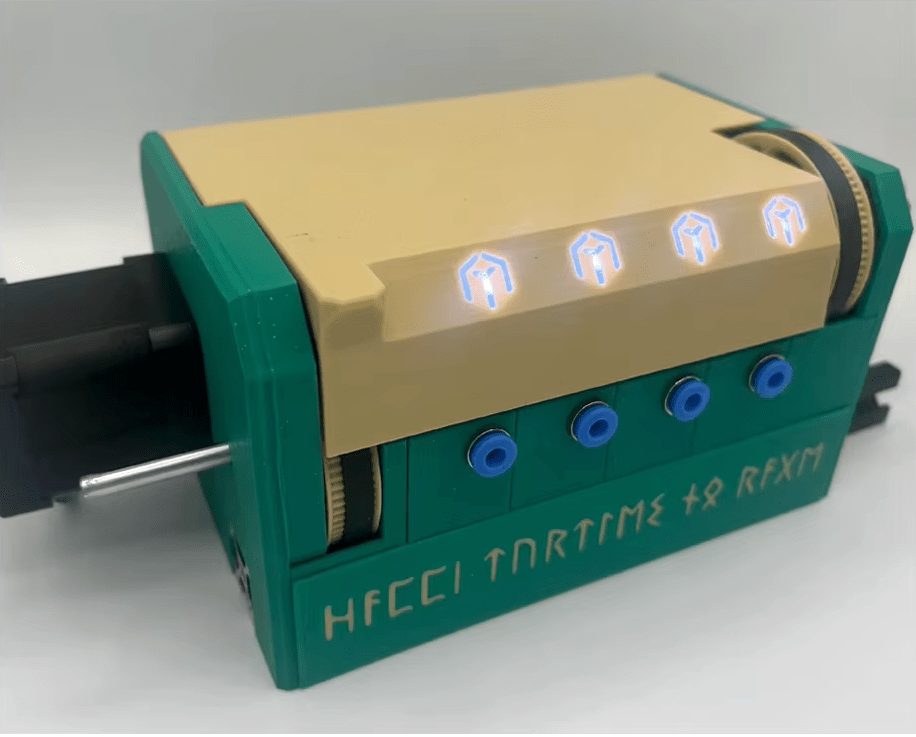
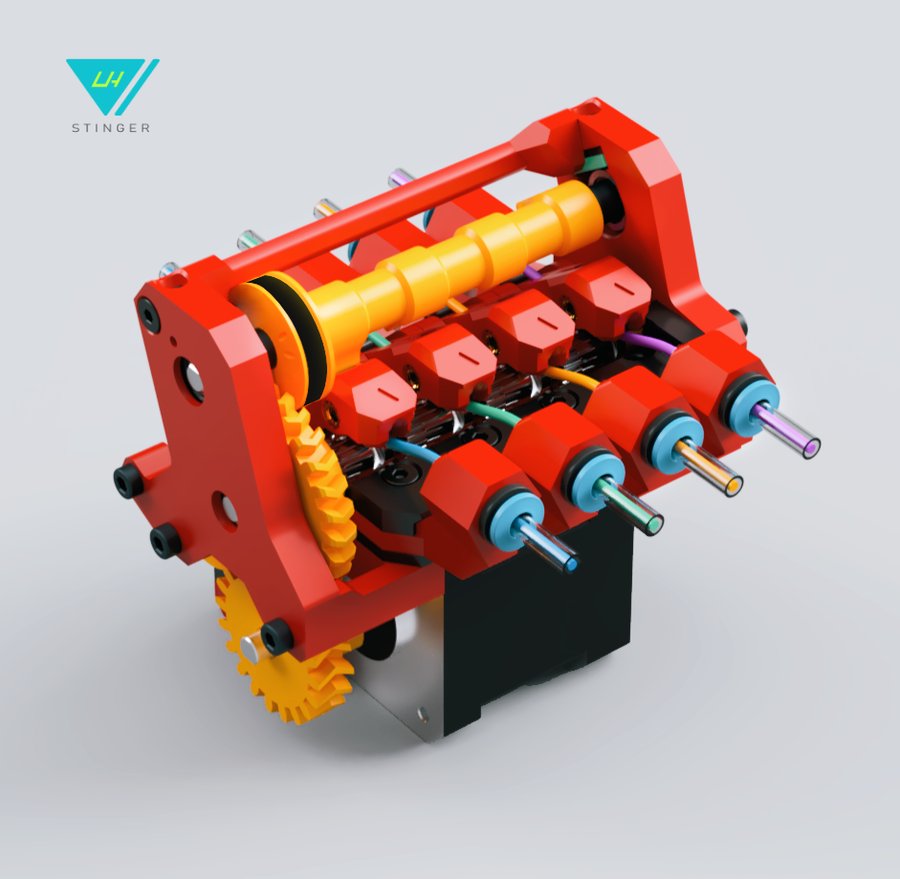
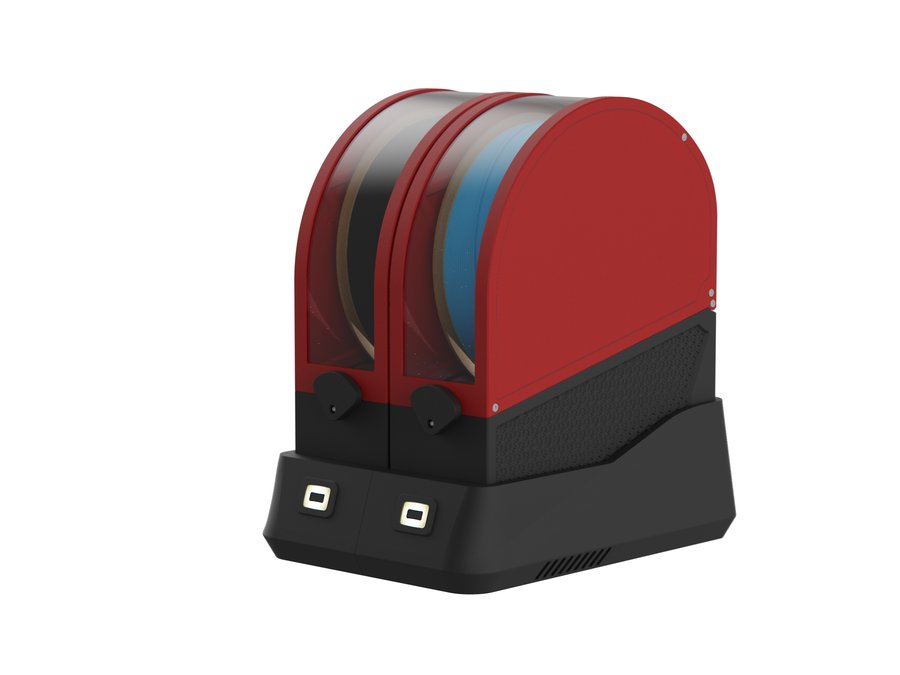
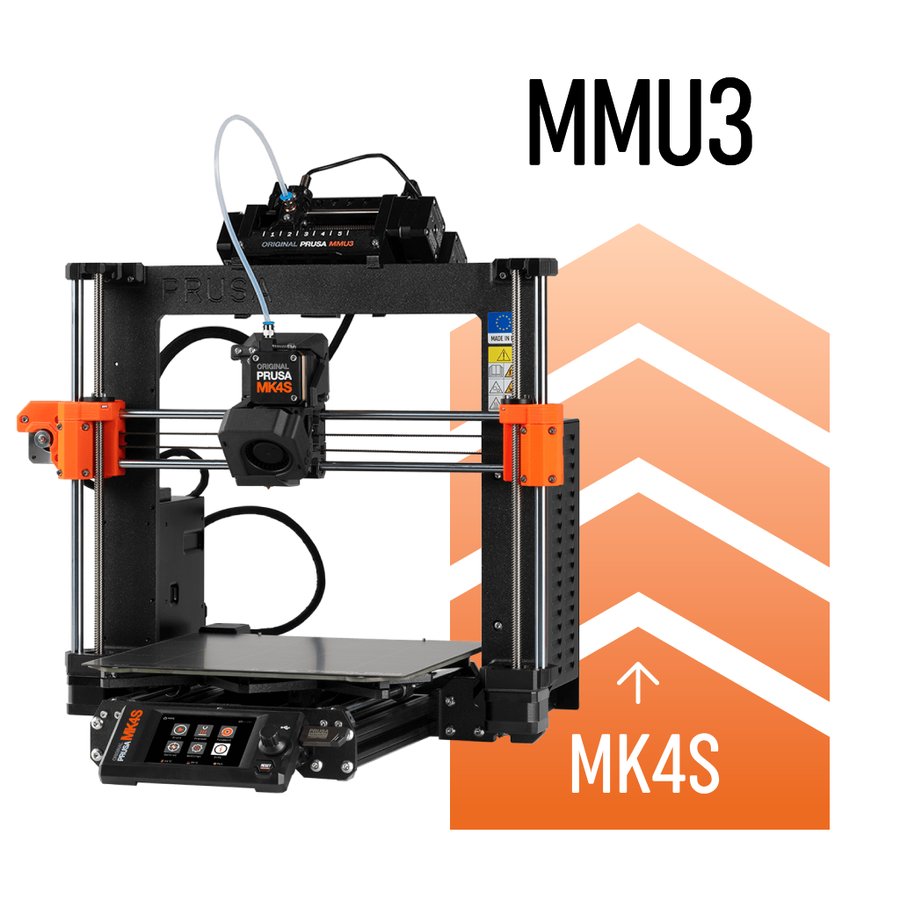
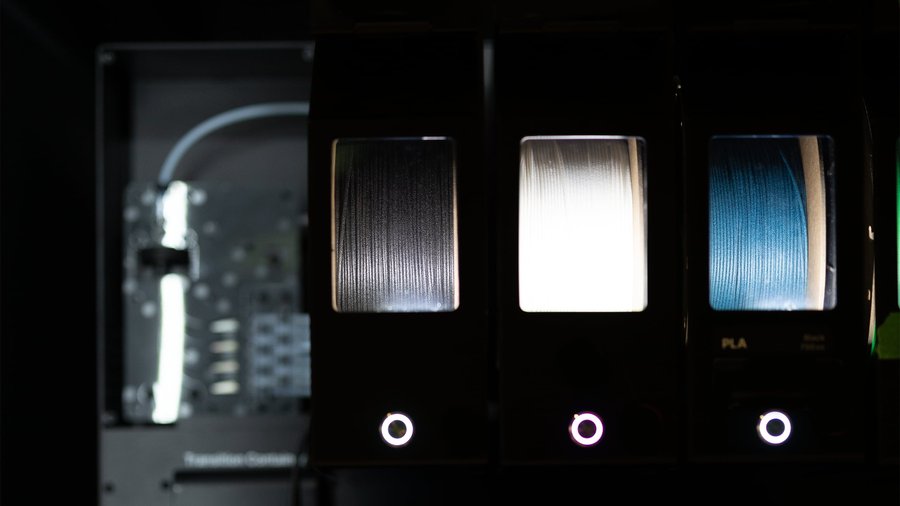
Multi-material units
Compare MMU systems and explore their features.
Materials / Filaments
Filaments & materials
A material-first reference: standard, filled, nylon, flexible, high-performance and specialty filaments — pros, cons, TDS data and when to use each.
Printers / Compare
Compare printers
Put two or three machines side by side on build volume, speed, temperatures and materials. DIY designs and off-the-shelf printers compare in the same table, so you can weigh building against buying.
Electronics
Electronics
Every board, sensor and probe that goes into a Klipper printer — mainboards, host computers, toolhead boards and Z probes, each entry sourced from manufacturer documentation.
Electronics / Mainboards
MCUs & mainboards
Compare mainboard controllers for Klipper printers — stepper slots, CAN bus, processors, and compatibility.
Electronics / Host computers
Single-board computers
Raspberry Pi, Orange Pi, BTT CB1/CB2, and other Klipper host boards — specs, OS downloads, and setup guides.
Electronics / Toolhead boards
Toolhead boards
CAN bus, USB, and passive toolhead boards — EBB, Nitehawk, H36, Hartk, and more.
Electronics / Probing
Probes & bed scanners
Eddy-current scanners, nozzle-contact probes, inductive sensors, and deployable-pin probes for Z homing and bed meshing.
Firmware / Configuration
Klipper configurator
Assign components to MCU pins and generate a starter printer.cfg configuration. Works with stock Klipper and Kalico (a more cutting-edge community fork — configs are largely interchangeable).
Firmware / Slicer
Slicer config
Generate slicer start/end g-code and Klipper PRINT_START / PRINT_END macros for your printer and slicer combination.
These are starting-point snippets
Always review and customize the generated g-code for your specific setup. Verify temperatures, positions, and leveling commands before your first print.
1
Select Slicer
2
Select Printer
3
MMU / Multi-Material
Optional
Adds the tool-change and MMU start/end g-code your filament changer needs, and folds the PRINT_START call into the right place in that sequence.
4
Macro Options
5 min
Soak time for beds below 90°C. Above 90°C, the macro waits for the chamber sensor instead.
5
Select G-code Type
Popular Slicers
Overview of the most popular slicers for Klipper-based 3D printers.
OrcaSlicer
O
Fork of BambuStudio / PrusaSlicer with advanced Klipper integration, built-in calibration tools, and multi-color support. The most popular slicer in the Klipper community.
•Built-in flow, pressure advance, and retraction calibration
•Native Klipper macro parameter passing
•Multi-color / MMU painting support
recommendedklipperopen-sourcecalibration
PrusaSlicer
P
Mature, well-documented slicer from Prusa Research. Excellent default profiles and wide community support. The foundation that OrcaSlicer and SuperSlicer are built on.
•Excellent documentation and tutorials
•Large library of community profiles
•Organic supports and paint-on supports
popularstableklipperopen-source
Cura (UltiMaker)
C
One of the most widely used slicers. Plugin-based architecture supports Klipper via community extensions. Start g-code uses {setting_name} replacement tokens rather than the PrusaSlicer-family [placeholder] syntax.
•Massive library of community plugins
•Tree supports and extensive support settings
•Arachne perimeter generator
popularplugin-basedfree
SuperSlicer
S
Fork of PrusaSlicer with additional features for power users. Development has slowed significantly — most users have migrated to OrcaSlicer.
Bambu Lab official slicer, forked from PrusaSlicer. Can be used with Klipper printers via third-party network plugins, but primarily targets Bambu Lab hardware.
•Multi-color painting with AMS support
•Timelapse integration
•Similar placeholder syntax to OrcaSlicer/PrusaSlicer
multi-colorfree
Slic3r
S
The original open-source slicer that PrusaSlicer was forked from. Legacy software — most users should prefer PrusaSlicer or OrcaSlicer for Klipper use.
•The original open-source slicer
•Lightweight and fast
•No release since 1.3.0 (May 2018)
legacylightweightopen-source
Extrusion / Extruders
Extruders
Complete guide to all extruders — Clockwork 2, Galileo 2, Orbiter, Sherpa, BMG, and more. Printed and commercial options.
Extrusion / Hotends
Hotends
Complete guide to all hotends on the market — flow rates, max temps, and compatibility.
Reference / Documentation
Manuals & documentation
Build guides, firmware configuration, and reference docs.
Reference / Changelog
What's new
Running changelog of new printers, products, features and data verification passes.
Reference / Sourcing
Trusted sellers
Community-vetted vendors for printer parts, electronics, and filament.
Site / About
About
What this site is, how to use it, and who built it.
Site / Contact
Contact
Get in touch — suggestions, bug reports, and community feedback welcome.